01
708.9K/mo
A prompt library and management layer for ChatGPT and other AI models
AI Prompt GeneratorEditorial score: 4.1Freemium, Paid26% direct

708.9K/mo
A prompt library and management layer for ChatGPT and other AI models
Freemium, Paid

A free Chrome side panel that pairs multi-level bookmarking and saved prompts with RAG search and a WatsonX assistant for IBM Cloud work.

This is our editors' assessment out of 5, not an average of user ratings. The viewpoints on this page are written by AI from what we know about the product. They are not customer reviews.
According to OpenAITools.app telemetry verified on 2026-11-11, S.M.A.R.T (chromewebstore.google.com) is an AI platform indexed under AI Assistant generating 0 monthly visits with a month-over-month traffic delta of +0 (0.0%). Its primary geographic market is Global (— traffic share), and it operates on a Free pricing model. Top competing alternatives by monthly volume include AIPRM (708.87K visits/mo), AI Toolbox (290.14K visits/mo), mymind (221.82K visits/mo).
Handy side panel for keeping IBM docs and prompts in one place.
A bit niche if you don't work with IBM Cloud daily.
Clean interface, bookmarks and RAG lookup work smoothly.
Extension occasionally takes a second to load the side panel.
AI-synthesized perspectives grounded in live site inspection, pricing structure, and category benchmarks — presented as editorial viewpoints rather than individual customer testimonials.
Save and organise cloud-service pages, code snippets and highlighted text into nested groups instead of one flat bookmark list.
Store the prompts you reuse so precise, well-worded questions are one click away rather than retyped each time.
Retrieval-augmented generation pulls relevant IBM resources and documentation into context so answers come from source material.
Ask for explanations, suggestions and clarifications inside the extension panel without switching away from your work.
Limit browsing to IBM-related or cloud pages to reduce distraction, and sync bookmarks, documents and prompt history across devices.
S.M.A.R.T (shown in the Chrome Web Store as "S.M.A.R.T") is a browser extension that gathers a handful of everyday research-and-productivity chores into a single side panel. Rather than juggling bookmarks, notes, open documentation tabs and a separate AI chat window, you can capture pages and code snippets, save the prompts you reuse, and ask questions against IBM-sourced material without leaving the tab you're on.
The extension leans on three ideas that work together. Multi-level bookmarking lets you organise saved content beyond a flat list, so cloud-service pages, code snippets and highlighted passages can be grouped by project or topic. A stored prompt library keeps your best-worded requests on hand so you don't retype them. On top of that sits retrieval-augmented generation (RAG): instead of answering from the model's memory alone, the assistant pulls relevant IBM documentation and resources into context, which tends to produce answers grounded in the vendor's own material. A contextual assistant powered by WatsonX AI answers inside the extension interface, and a focus mode restricts browsing to IBM-related or cloud-service pages to cut down on distraction.
Cloud storage integration keeps bookmarks, documents and prompt history available across devices, so the setup follows you rather than living on one machine. The listing was originally built around the IBM TechXchange event and remains a niche tool for developers, researchers and power users working in the IBM Cloud ecosystem. It is a free extension; there is no paid tier advertised on the store listing. Because it is published by an individual developer rather than by IBM, treat it as an independent utility and review its permissions before installing.
Bookmark service pages and code snippets in nested groups while using RAG lookup to answer API questions from IBM documentation.
Ask the assistant for clarifications and let retrieval pull the relevant IBM sources instead of opening a dozen tabs.
Turn on focus mode to restrict browsing to cloud and IBM pages, then save the prompts and notes you want to review later.
Keep a personal library of prompts and have it follow you across devices through cloud storage integration.
Side-by-side telemetry comparison of competing AI tools in the same primary category
| Rank | AI Tool | Monthly Visits | MoM Growth | Direct traffic share | Pricing | Head-to-Head |
|---|---|---|---|---|---|---|
| ● | S.M.A.R.T | 0 | — | — | Free | Current |
| 1 | AIPRM | 708.87K | -6.9% | 26% direct | Freemium, Paid | vs AIPRM |
| 2 | AI Toolbox | 290.14K | +16.9% | 32% direct | Freemium | vs AI Toolbox |
| 3 | mymind | 221.82K | -1% | 75% direct | Free Trial, Paid | vs mymind |
| 4 | Sider | 2.64M | -10.6% | 64% direct | Freemium | vs Sider |
| 5 | Monica | 4.51M | -11.3% | 55% direct | Freemium | vs Monica |
| 6 | HARPA AI | 537.46K | +99.3% | 76% direct | Freemium | vs HARPA AI |
A prompt library and management layer for ChatGPT and other AI models
A prompt library and management layer for ChatGPT and other AI models
Organize, search and export your AI chats across ChatGPT, Gemini, Claude and Grok
Organize, search and export your AI chats across ChatGPT, Gemini, Claude and Grok

A private, visual AI space to save and remember anything — no folders, no tagging
A private, visual AI space to save and remember anything — no folders, no tagging
AI sidebar and browser agent for reading, writing and research
AI sidebar and browser agent for reading, writing and research

All-in-one AI assistant across web, browser, desktop and mobile
All-in-one AI assistant across web, browser, desktop and mobile
One browser agent that combines every major AI model with web automation

One AI assistant that plugs ChatGPT, Claude and Gemini into every tab
One AI assistant that plugs ChatGPT, Claude and Gemini into every tab

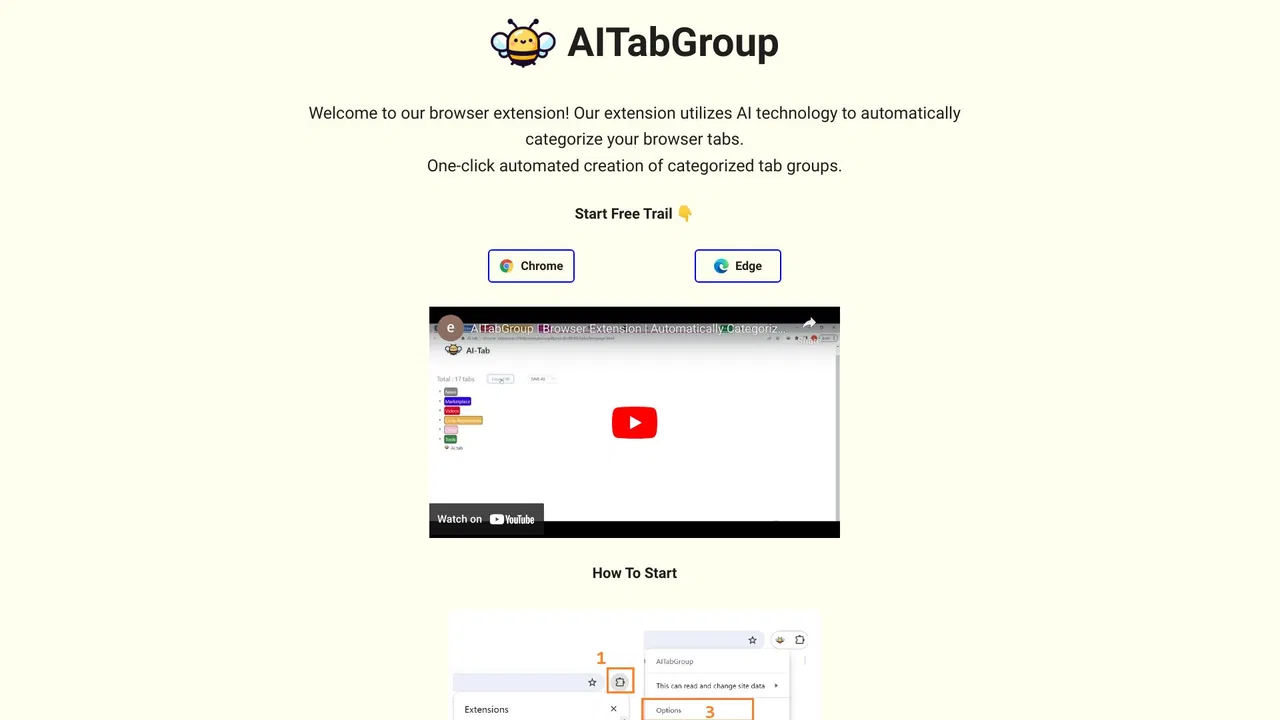
Group your chaotic browser tabs automatically with AI
Group your chaotic browser tabs automatically with AI

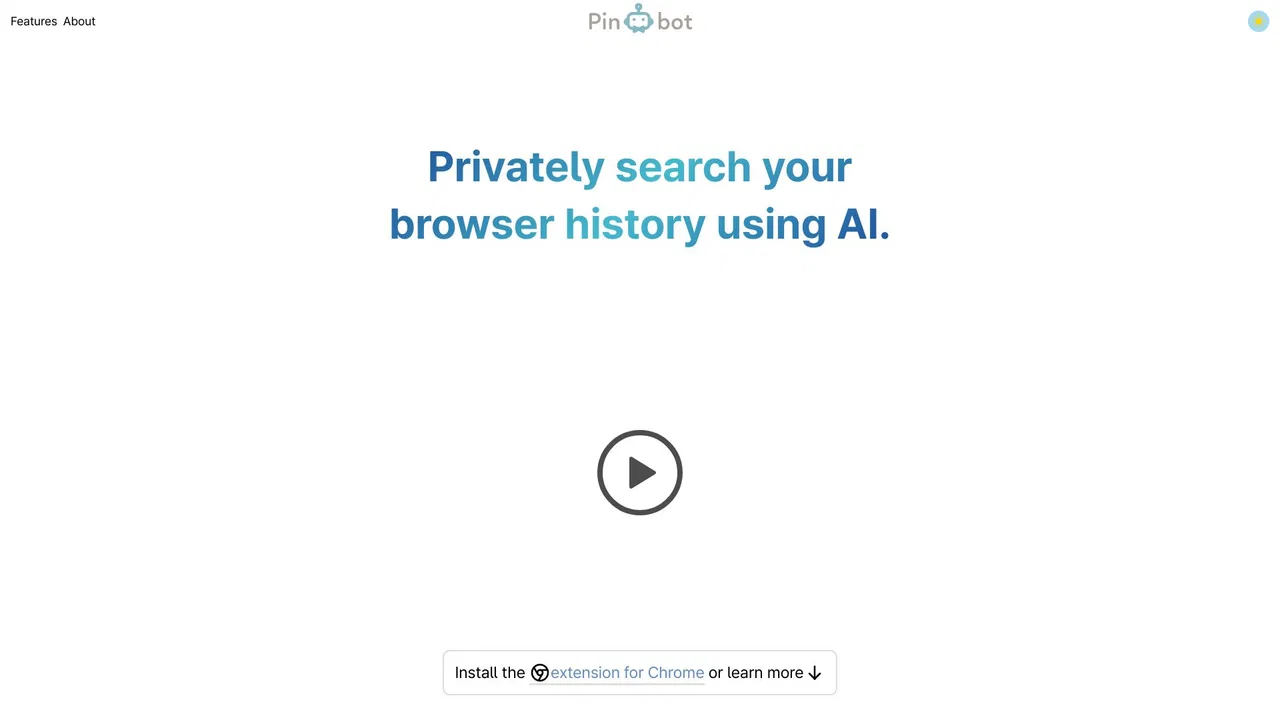
A privacy-first AI bookmark manager for Chrome
A privacy-first AI bookmark manager for Chrome
Summarize, bookmark and write with AI right in your browser
Summarize, bookmark and write with AI right in your browser

Stop paying for AI tokens your tools already have
Stop paying for AI tokens your tools already have

A prompt enhancer that restructures rough ideas into clear, effective prompts in one click
A prompt enhancer that restructures rough ideas into clear, effective prompts in one click