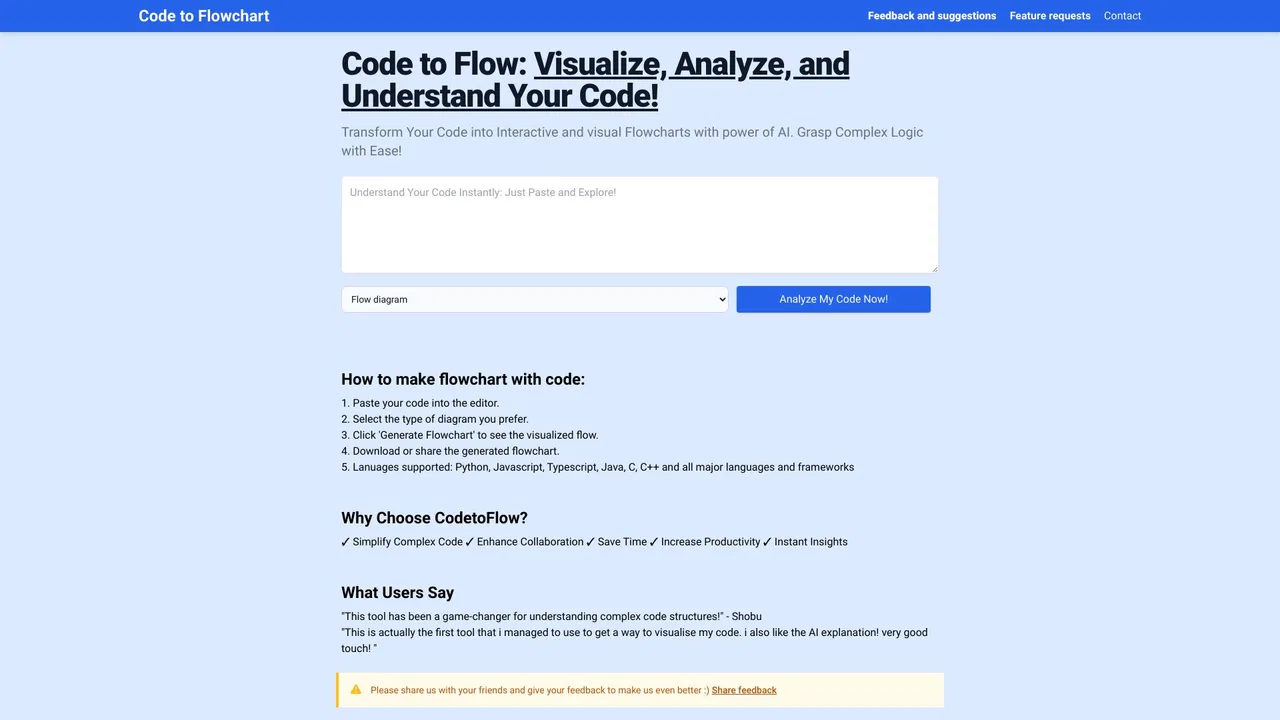
SpecialistTurn any code snippet into an interactive flowchart you can actually read

Visualize Salesforce flows and explain them with GPT

This is our editors' assessment out of 5, not an average of user ratings. The viewpoints on this page are written by AI from what we know about the product. They are not customer reviews.
According to OpenAITools.app telemetry verified on 2026-11-11, Salesforce Flow Extension (chromewebstore.google.com) is an AI platform indexed under AI Workflow generating 0 monthly visits with a month-over-month traffic delta of +0 (0.0%). Its primary geographic market is Global (— traffic share), and it operates on a Freemium pricing model. Top competing alternatives by monthly volume include Code to Flow (12.42K visits/mo), Fellou AI Browser (31.01K visits/mo), Activepieces (258.55K visits/mo).
Absolute lifesaver for decoding messy Salesforce flows.
Saves hours.
Tooltips make inspecting complex routing logic so much faster.
Must-have.
AI-synthesized perspectives grounded in live site inspection, pricing structure, and category benchmarks — presented as editorial viewpoints rather than individual customer testimonials.
Hover any element in a Salesforce flow to see contextual detail without leaving the canvas or opening another tab.
The View Definition button renders the entire flow as a table with a short explanation, making large flows skimmable.
Send questions about a flow to OpenAI, Anthropic or Google models and get a plain-language summary or answer.
Communicates only with Salesforce and the chosen AI provider; the developer states no personal or sensitive user data is handled.
Source code is published on GitHub so teams can review exactly what the extension does before deploying it.
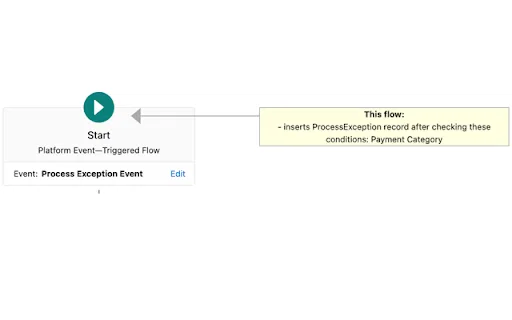
Salesforce Flow is powerful but hard to read. Even experienced admins often open a flow, click an element, and still cannot immediately say what it does or where it feeds data. This extension was built to shorten that loop: it detects that a Salesforce page is open, calls the Salesforce tooling API for the flow metadata, and then overlays a tooltip on every element in the canvas so the relevant detail is one hover away.
A 'View Definition' button opens a frame containing the entire flow definition as a table, along with a short explanation, and offers buttons to submit follow-up questions about the flow to an AI provider such as OpenAI, Anthropic or Google. That turns a tangle of decision elements and assignments into something a new team member or a reviewing architect can actually reason about.
Privacy is handled narrowly by design. The extension only talks to Salesforce and to the configured AI provider to render information on screen; the developer states that it does not handle personal or sensitive user data and that nothing else is sent to any other server. The source code is published on GitHub, and the extension is free to install — you supply your own model API key, so any AI usage costs flow through your own provider account.

When you take over an org, use tooltips and the definition table to grasp what existing automations do before changing them.
Use AI summaries as a starting point for written documentation of the automations you deliver.
Read the structure of a flow before modifying it, reducing the risk of breaking downstream automation.
Ask an AI model to explain complex flows in plain language instead of reverse-engineering every decision branch.
Side-by-side telemetry comparison of competing AI tools in the same primary category
| Rank | AI Tool | Monthly Visits | MoM Growth | Direct traffic share | Pricing | Head-to-Head |
|---|---|---|---|---|---|---|
| ● | Salesforce Flow Extension | 0 | — | — | Freemium | Current |
| 1 | Code to Flow | 12.42K | +1.9% | 33% direct | Freemium | vs Code to Flow |
| 2 | Fellou AI Browser | 31.01K | -13.8% | 30% direct | Free Trial, Contact for Pricing | vs Fellou AI Browser |
| 3 | Activepieces | 258.55K | +1.5% | 43% direct | Freemium | vs Activepieces |
| 4 | GoLess Extension Automation | 3.51K | -8.3% | 39% direct | Freemium | vs GoLess Extension Automation |
| 5 | VS Code | 7.4M | -3.8% | 29% direct | Freemium | vs VS Code |
| 6 | Bardeen | 170.28K | -6.7% | 45% direct | Freemium, Free Trial, Paid, Contact for Pricing | vs Bardeen |
SpecialistTurn any code snippet into an interactive flowchart you can actually read

The agentic AI browser that plans, researches and executes web and desktop tasks
Free / Open-sourceOpen-source AI automation that unifies agents, flows and 770+ app integrations
SpecialistNo-code browser automation in a Chrome extension

Free / Open-sourceWrite code with precision, hand bigger jobs to agents, and keep working from anywhere

Agentic web scraping and lead enrichment for go-to-market teams

Free / Open-sourceChain any AI model into a no-code visual workflow

Free / Open-sourceOpen-source data integration engineered for AI agents and analytics

Free AI browser agent that works anywhere you're signed in

SpecialistAI coding agent for VS Code, JetBrains and Visual Studio with bring-your-own-key model freedom

Design, test, and govern APIs — now with AI agents in the loop

Low-code, model-agnostic platform for building AI agents and workflows in 1000+ languages