A private, visual AI space to save and remember anything — no folders, no tagging

Turn the pages you browse into a searchable, AI-powered personal knowledge base.

This is our editors' assessment out of 5, not an average of user ratings. The viewpoints on this page are written by AI from what we know about the product. They are not customer reviews.
According to OpenAITools.app telemetry verified on 2026-11-11, Sankofa (chromewebstore.google.com) is an AI platform indexed under AI Browsers generating 0 monthly visits with a month-over-month traffic delta of +0 (0.0%). Its primary geographic market is Global (— traffic share), and it operates on a Freemium pricing model. Top competing alternatives by monthly volume include mymind (221.82K visits/mo), Sigma AI Browser (240.78K visits/mo), Kome AI (174.91K visits/mo).
Finally my browsing history actually becomes useful knowledge.
Vectara corpus setup is a bit nerdy but worth it.
Finding that one article from months ago took seconds.
Incredible semantic search for past tabs.
AI-synthesized perspectives grounded in live site inspection, pricing structure, and category benchmarks — presented as editorial viewpoints rather than individual customer testimonials.
Ask ChatGPT-style questions and get answers grounded in the pages you actually read, using Vectara's generative search.
The extension has seen the content of pages you visited, then lets you search those pages by topic instead of by URL.
Point Sankofa at your current page and find other pages in your indexed history that cover similar topics.
Index a page on demand, index only selected text, or let Sankofa automatically index pages after a set delay.
Connect your own free Vectara account and create a corpus, so all indexed data is stored under your control.
Sankofa is a Chrome extension published by Vectara, the company behind a generative-AI search API. Its premise is simple: your browser forgets almost everything, so Sankofa quietly remembers the content of the sites you visit and makes that content searchable again. To do that it indexes page text into a corpus inside your own Vectara account.
Setup is a one-time process. You sign up for a free Vectara account, create a corpus, and enter the relevant details into Sankofa. From then on you can index a single page on demand, index just a block of text, or instruct the extension to automatically index every page you visit after a delay you choose. Because the corpus is yours, you keep control over what gets stored.
Once content is indexed, Sankofa turns your history into a small personal knowledge base. You can ask questions in a ChatGPT-like chat and receive answers built from the pages you have read, search for pages on a topic rather than by exact title, or surface pages similar to the one you are currently on. It is especially handy for research sessions where you read dozens of tabs and later need to recall a specific fact.
Because it depends on your own Vectara corpus, the useful capacity and speed follow your Vectara plan, and the extension itself is free. It is listed as version 0.0.2 with a February 2024 update, and the store reports web-history and website-content permissions, so it is best suited to users who are comfortable routing page text through a third-party indexing service.

Index the sources you read during a project, then ask questions later and get answers drawn from those exact pages.
Let Sankofa auto-index pages as you browse, then search by topic to find the article you half-remember.
Navigate to a page that fits your interest and ask Sankofa for similar pages you previously visited.
Save only the passages that matter into your corpus and query them as a lightweight second brain.
Side-by-side telemetry comparison of competing AI tools in the same primary category
| Rank | AI Tool | Monthly Visits | MoM Growth | Direct traffic share | Pricing | Head-to-Head |
|---|---|---|---|---|---|---|
| ● | Sankofa | 0 | — | — | Freemium | Current |
| 1 | mymind | 221.82K | -1% | 75% direct | Free Trial, Paid | vs mymind |
| 2 | Sigma AI Browser | 240.78K | -47.1% | 25% direct | Free | vs Sigma AI Browser |
| 3 | Kome AI | 174.91K | -6.5% | 30% direct | Freemium | vs Kome AI |
| 4 | Fellou AI Browser | 31.01K | -13.8% | 30% direct | Free Trial, Contact for Pricing | vs Fellou AI Browser |
| 5 | NativeMind | 2.21K | -54.1% | 39% direct | Free | vs NativeMind |
| 6 | HARPA AI | 537.46K | +99.3% | 76% direct | Freemium | vs HARPA AI |

A private, visual AI space to save and remember anything — no folders, no tagging

A private Chromium browser with a built-in AI agent and offline LLM
Summarize, bookmark and write with AI right in your browser

The agentic AI browser that plans, researches and executes web and desktop tasks
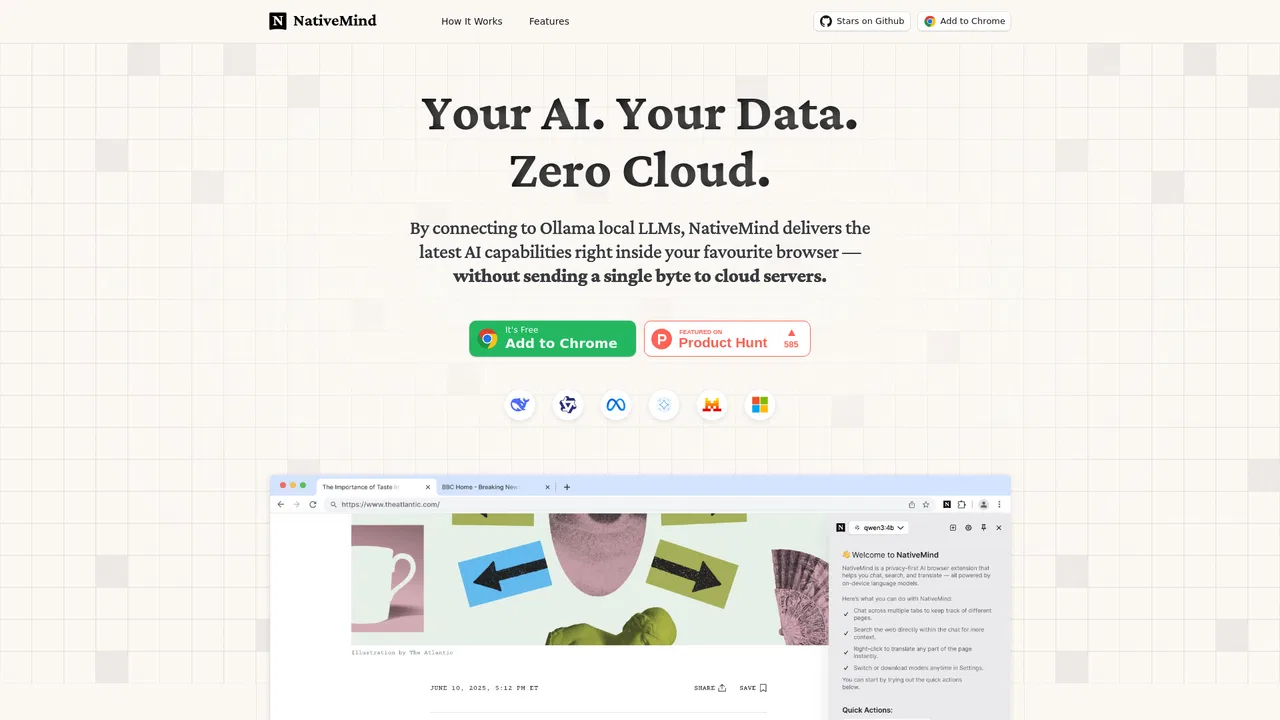
Free / Open-sourceA private, on-device AI assistant that runs local LLMs right inside your browser
One browser agent that combines every major AI model with web automation
Highlight the web, learn in public, and build your AI clone

A Mac browser built for focus, with an AI companion called Airis

Find any page you've visited or bookmarked by describing it, not its URL

A privacy-first AI bookmark manager for Chrome

Free AI browser agent that works anywhere you're signed in
An AI coworker that works inside your own browser