01
2.6M/mo
AI sidebar and browser agent for reading, writing and research
AI AssistantEditorial score: 4.5Freemium64% direct

2.6M/mo
AI sidebar and browser agent for reading, writing and research
Freemium

Run AI on the exact text you select — without exposing your whole page
This is our editors' assessment out of 5, not an average of user ratings. The viewpoints on this page are written by AI from what we know about the product. They are not customer reviews.
According to OpenAITools.app telemetry verified on 2026-11-11, SecureGenie AI (chromewebstore.google.com) is an AI platform indexed under AI Assistant generating 0 monthly visits with a month-over-month traffic delta of +0 (0.0%). Its primary geographic market is Global (— traffic share), and it operates on a Paid, Free pricing model. Top competing alternatives by monthly volume include Sider (2.64M visits/mo), Torq AI (1.1K visits/mo), Monica (4.51M visits/mo).
Finally an AI extension that doesn't read every single page I open.
Highlighting text and using custom prompts in the side panel is so smooth.
Absolute privacy lifesaver for research.
Takes a sec to get used to the side panel workflow.
AI-synthesized perspectives grounded in live site inspection, pricing structure, and category benchmarks — presented as editorial viewpoints rather than individual customer testimonials.
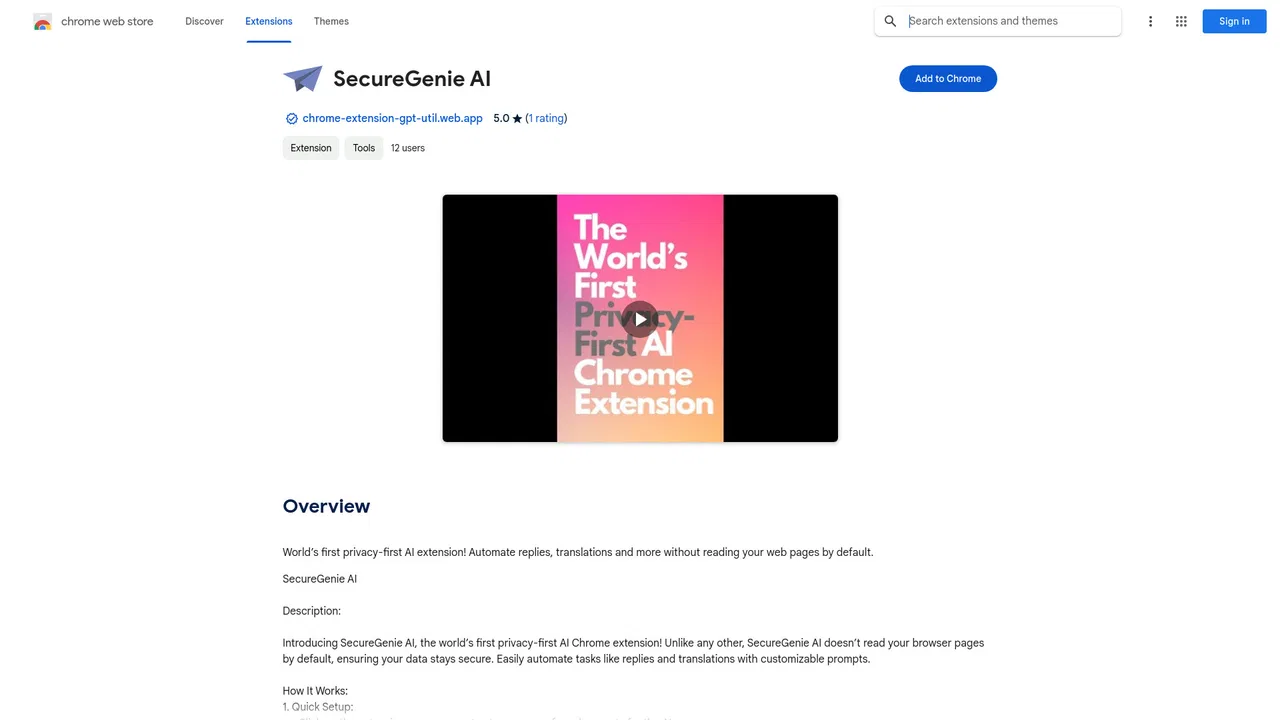
The extension does not hand your full browsing session to an AI by default. Only the text you deliberately select is submitted, keeping the rest of the page private.
You save your own prompt library once, then run any prompt against highlighted text with a right-click, so repetitive tasks stay one gesture away.
Draft LinkedIn replies, translate passages, summarize long articles, or polish an email — all without leaving the tab you are reading.
Results stream into a side panel that sits beside the page, so you can compare the AI output with the original content instead of switching apps.
SecureGenie AI positions itself as the first 'privacy-first' AI Chrome extension. The core idea is simple: most AI browser helpers want to read the whole page to be helpful, whereas SecureGenie AI stays passive until you select something. You highlight the text you care about, open the context menu, and choose 'Ask AI' alongside one of your predefined prompts. The response is rendered in the extension's side panel while the page itself stays where it is.
The extension leans on saved prompts rather than one-off instructions, so the real value builds up over time. Example flows from the developer include replying to a recruiter on LinkedIn, translating a passage into another language, politely declining a meeting, summarizing a long article, drafting a follow-up email, or turning notes into a task list. Because prompts are reusable, a few keystrokes replace a repeated manual prompting routine.
The listing states that the extension is built with Google's Gemini models. It is a lightweight, early-stage tool — version 1.0.0, a few dozen users and a single rating at the time of review — so it is best suited to individuals who want quick AI text help in the browser with a strong emphasis on not exposing their pages by default.
Set a prompt like 'decline politely' or 'say I am not job hunting', select the message, and paste a finished reply without leaving the inbox or feed.
Highlight a paragraph on any site and apply a 'translate to X' prompt, then read the translation in the side panel next to the source text.
Turn long articles, reports or threads into a short brief by selecting the text and running a summary prompt.
Create templates for follow-ups, polite declines or outreach that you can apply to any relevant selection in seconds.
Side-by-side telemetry comparison of competing AI tools in the same primary category
| Rank | AI Tool | Monthly Visits | MoM Growth | Direct traffic share | Pricing | Head-to-Head |
|---|---|---|---|---|---|---|
| ● | SecureGenie AI | 0 | — | — | Paid, Free | Current |
| 1 | Sider | 2.64M | -10.6% | 64% direct | Freemium | vs Sider |
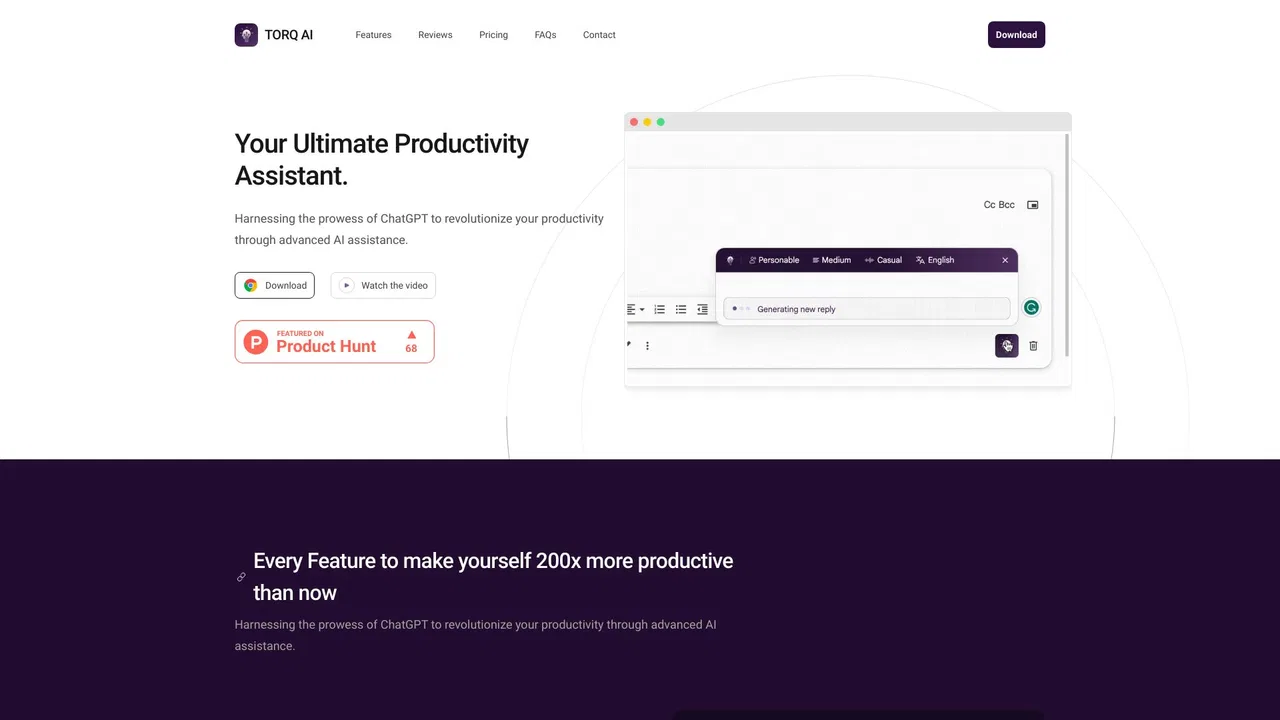
| 2 | Torq AI | 1.1K | -19.2% | 39% direct | Free | vs Torq AI |
| 3 | Monica | 4.51M | -11.3% | 55% direct | Freemium | vs Monica |
| 4 | Merlin AI | 1.38M | +13.1% | 50% direct | Freemium | vs Merlin AI |
| 5 | HARPA AI | 537.46K | +99.3% | 76% direct | Freemium | vs HARPA AI |
| 6 | Texts.com | 44.79K | -29.2% | 40% direct | Freemium | vs Texts.com |
AI sidebar and browser agent for reading, writing and research
AI sidebar and browser agent for reading, writing and research
A free Chrome extension for one-click email drafting, text analysis, and AI-assisted browsing
A free Chrome extension for one-click email drafting, text analysis, and AI-assisted browsing

All-in-one AI assistant across web, browser, desktop and mobile
All-in-one AI assistant across web, browser, desktop and mobile
One-click AI assistant for browsing, writing and research
One-click AI assistant for browsing, writing and research
One browser agent that combines every major AI model with web automation

One inbox for every messenger, with AI summaries, drafts and translation
Summarize, bookmark and write with AI right in your browser
Summarize, bookmark and write with AI right in your browser

A low-cost AI assistant that lives in your browser tab
A low-cost AI assistant that lives in your browser tab
SpecialistFree bilingual browser extension that translates any page with the AI engine you choose
SpecialistFree bilingual browser extension that translates any page with the AI engine you choose

A paid, ad-free search engine that answers to its users
A paid, ad-free search engine that answers to its users
Free / Open-sourceA private, on-device AI assistant that runs local LLMs right inside your browser
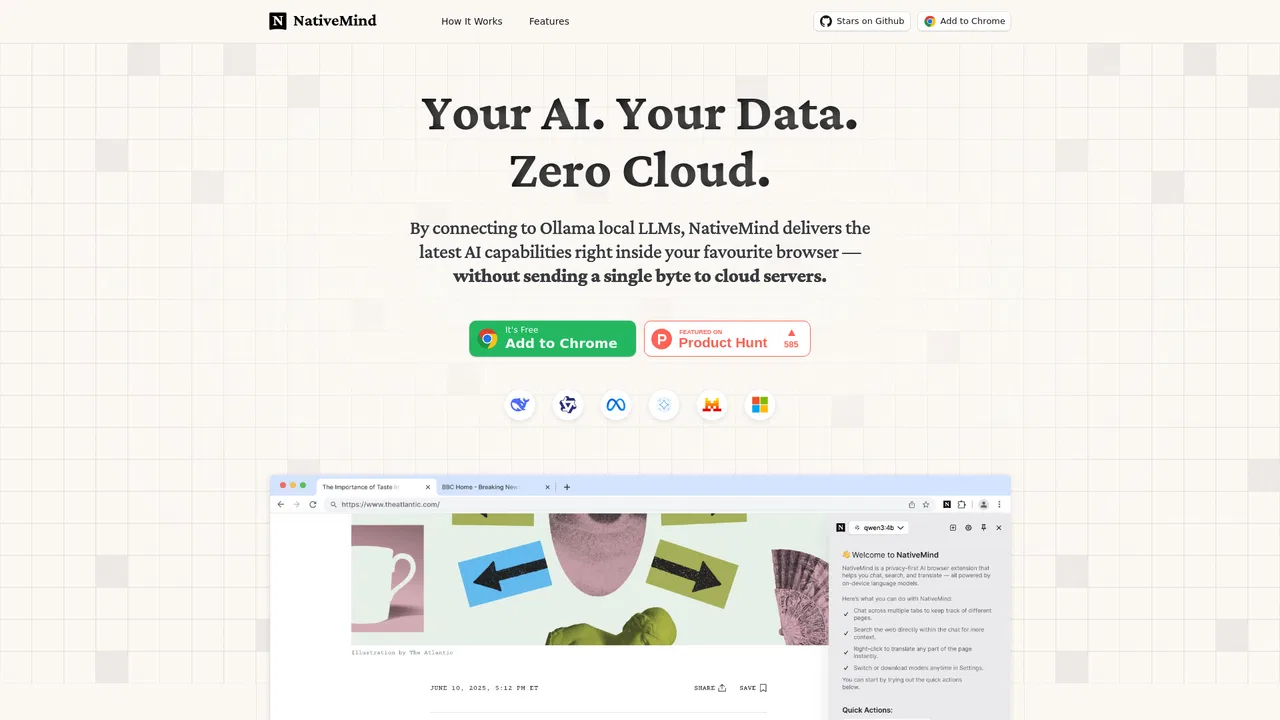
Free / Open-sourceA private, on-device AI assistant that runs local LLMs right inside your browser

AI SEO writing assistant inside WordPress that writes content built to rank and get cited
AI SEO writing assistant inside WordPress that writes content built to rank and get cited