Turn any webpage, PDF, Doc or ebook into natural-sounding speech in 60+ languages

Hear any selected text read aloud with your own Azure Speech voices

This is our editors' assessment out of 5, not an average of user ratings. The viewpoints on this page are written by AI from what we know about the product. They are not customer reviews.
According to OpenAITools.app telemetry verified on 2026-11-11, Speak based on Azure Speech (chromewebstore.google.com) is an AI platform indexed under AI Text-to-Speech generating 0 monthly visits with a month-over-month traffic delta of +0 (0.0%). Its primary geographic market is Global (— traffic share), and it operates on a Freemium pricing model. Top competing alternatives by monthly volume include Voice Out (39.68K visits/mo), CastReader (56K visits/mo), GPT Reader & Transcriber (30K visits/mo).
Bringing your own Azure key means no hidden markup, though setup takes a minute.
Clean minimal extension.
Works as advertised for reading selected snippets.
A bit nerdy to configure, but solid quality.
AI-synthesized perspectives grounded in live site inspection, pricing structure, and category benchmarks — presented as editorial viewpoints rather than individual customer testimonials.
Enter your own Azure Speech Service credentials and the extension handles authentication, so you stay in control of quota and billing.
The listing documents roughly 45 locales across English variants, Mandarin, Cantonese, Arabic, Hindi, Japanese, Korean, European and Southeast Asian languages.
Highlight a sentence or paragraph on nearly any website and trigger playback from the extension icon without leaving the page.
Caption behaviour is powered by Chrome's own Live Caption capability, so subtitles stay in sync with what is being spoken.
The developer declares no data collection, no selling to third parties and no use beyond the extension's core reading function.
Speak based on Azure Speech is a small, focused Chrome extension for people who already use Microsoft's Azure Speech Service and want a browser-level reading shortcut. Once you paste your Azure Speech API key into the extension options, you can highlight text on almost any page and have it spoken back in a natural neural voice.
Because the synthesis happens on Azure rather than inside the browser, the voice quality and language coverage mirror whatever your Azure Speech resource offers. The extension's listing documents around 45 locales, ranging from US, UK, Australian and Indian English to Mandarin, Cantonese, Arabic, Hindi, Japanese, Korean, Portuguese, Vietnamese and many European languages.
It also leans on Chrome's built-in Live Caption ability for caption handling, and the developer states that no user data is collected or sold. It is a thin client, not a full reading suite: there is no article-mode, no PDF, no built-in voice library of its own. If you have an Azure Speech resource — even the free tier, which the listing notes covers roughly 0.5 million characters per month — it is a cheap, private way to add text-to-speech to your browser.
Highlight text in your target language and hear it rendered with native-sounding Azure neural voices across dozens of regional variants.
Turn long articles, documentation or messages into audio so screen-heavy reading becomes listening.
If you already hold an Azure Speech resource, this is a zero-extra-cost way to bring that quota into your daily browsing.
Start playback and keep working; selected text is spoken while you move on to another task.
Side-by-side telemetry comparison of competing AI tools in the same primary category
| Rank | AI Tool | Monthly Visits | MoM Growth | Direct traffic share | Pricing | Head-to-Head |
|---|---|---|---|---|---|---|
| ● | Speak based on Azure Speech | 0 | — | — | Freemium | Current |
| 1 | Voice Out | 39.68K | -27.1% | 71% direct | Freemium | vs Voice Out |
| 2 | CastReader | 56K | +9.8% | 35% direct | Freemium | vs CastReader |
| 3 | GPT Reader & Transcriber | 30K | -16% | 76% direct | Free | vs GPT Reader & Transcriber |
| 4 | TTSMaker | 1.16M | +6.8% | 44% direct | Freemium | vs TTSMaker |
| 5 | Liso | 2.39K | +52.4% | 31% direct | Freemium, Free Trial | vs Liso |
| 6 | Speechify | 5.46M | +0.5% | 52% direct | Freemium | vs Speechify |

Turn any webpage, PDF, Doc or ebook into natural-sounding speech in 60+ languages

Read aloud webpages, PDFs, Kindle books and AI answers with synced highlighting

Free ChatGPT-style text-to-speech and speech-to-text in your browser
Free online text-to-speech with hundreds of AI voices across more than 100 languages

Turn anything you read on the web into audio you can listen to anywhere
Text to speech and voice AI across every device
Listen to anything. Beautifully.

Free browser text-to-speech with natural neural voices

Read any selected web text aloud with OpenAI's natural voices

Hear OpenAI's text-to-speech voices in your browser, no setup required

Free AI text-to-speech across 140+ languages with instant MP3 downloads
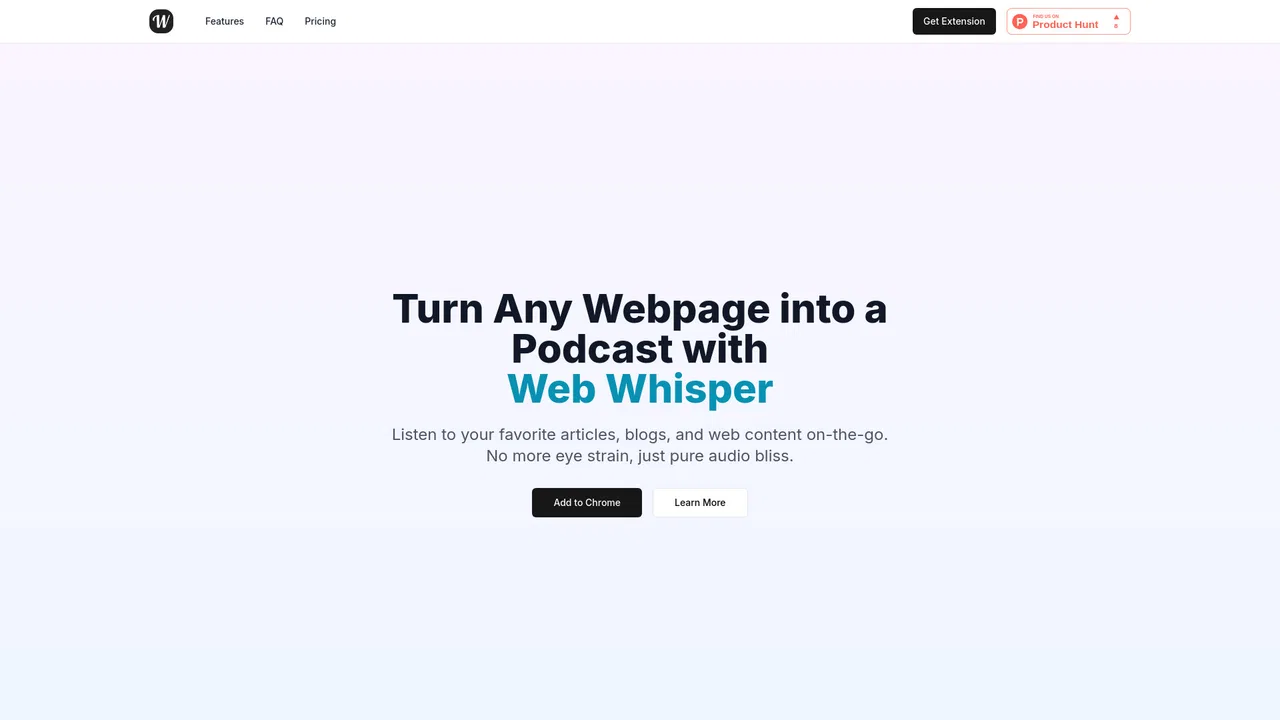
Listen to any web page like a podcast