Learn languages from Netflix, YouTube, and real-world texts with dual subtitles and AI

A free Chrome extension that automates language exercises, audio playback, and vocabulary saving

This is our editors' assessment out of 5, not an average of user ratings. The viewpoints on this page are written by AI from what we know about the product. They are not customer reviews.
According to OpenAITools.app telemetry verified on 2026-11-11, Tool LoR (chromewebstore.google.com) is an AI platform indexed under AI Homework Helper generating 0 monthly visits with a month-over-month traffic delta of +0 (0.0%). Its primary geographic market is Global (— traffic share), and it operates on a Freemium, Free pricing model. Top competing alternatives by monthly volume include Language Reactor (1.88M visits/mo), Trancy (438.75K visits/mo), Ddict (32.15K visits/mo).
Speeds through those repetitive online language drills so fast. Lifesaver for homework.
Auto-playing audio cards is such a smart touch.
Simple and does the job.
Nice plugin.
AI-synthesized perspectives grounded in live site inspection, pricing structure, and category benchmarks — presented as editorial viewpoints rather than individual customer testimonials.
Inserts the missing word into fill-in-the-blank sentences so you can move through exercises faster.
Plays the audio attached to flashcard-style questions automatically, without a manual click each time.
Detects when a question is finished and moves to the next exercise for you.
Keeps a record of the new words you meet during exercises so you can review them again later.
Lets you change how long the tool waits before advancing, so you can control the pace of a study session.
Tool LoR is a compact browser add-on aimed at learners who grind through web-based language exercises — the kind where you complete fill-in-the-blank sentences, listen to audio prompts, and click through one question after another. Instead of repeating every manual step, the extension takes over the repetitive parts: it inserts the missing word, auto-plays the audio card attached to a question, and automatically moves to the next item once the current exercise is marked complete. Along the way it can store the new vocabulary it encounters so you can revisit it later, and an adjustable timer lets you control the pace at which exercises advance.
The extension is distributed only through the Chrome Web Store and is built by an individual developer (Trần Thành), so it has a small, focused user base and a narrowly scoped feature set rather than the polish of a commercial edtech suite. It ships in Vietnamese and is clearly designed for learners studying on specific web platforms where exercises are served one screen at a time. Because it is free and independently maintained, the experience is best treated as a convenience layer on top of your existing coursework, not as a replacement for actual study.
If you use it, review what permissions it requests and how it handles page content; the developer's listing states it reads website content to detect exercises but does not sell data or use it for unrelated purposes. As with any unofficial study aid, always follow your course or institution's rules about automated assistance.

Run through repetitive fill-in-the-blank and listening drills quickly while keeping a log of the vocabulary you encounter.
Let the extension collect new words as you work, then revisit the saved list for spaced review.
Have audio cards play automatically so you can concentrate on listening rather than clicking play repeatedly.
Side-by-side telemetry comparison of competing AI tools in the same primary category
| Rank | AI Tool | Monthly Visits | MoM Growth | Direct traffic share | Pricing | Head-to-Head |
|---|---|---|---|---|---|---|
| ● | Tool LoR | 0 | — | — | Freemium, Free | Current |
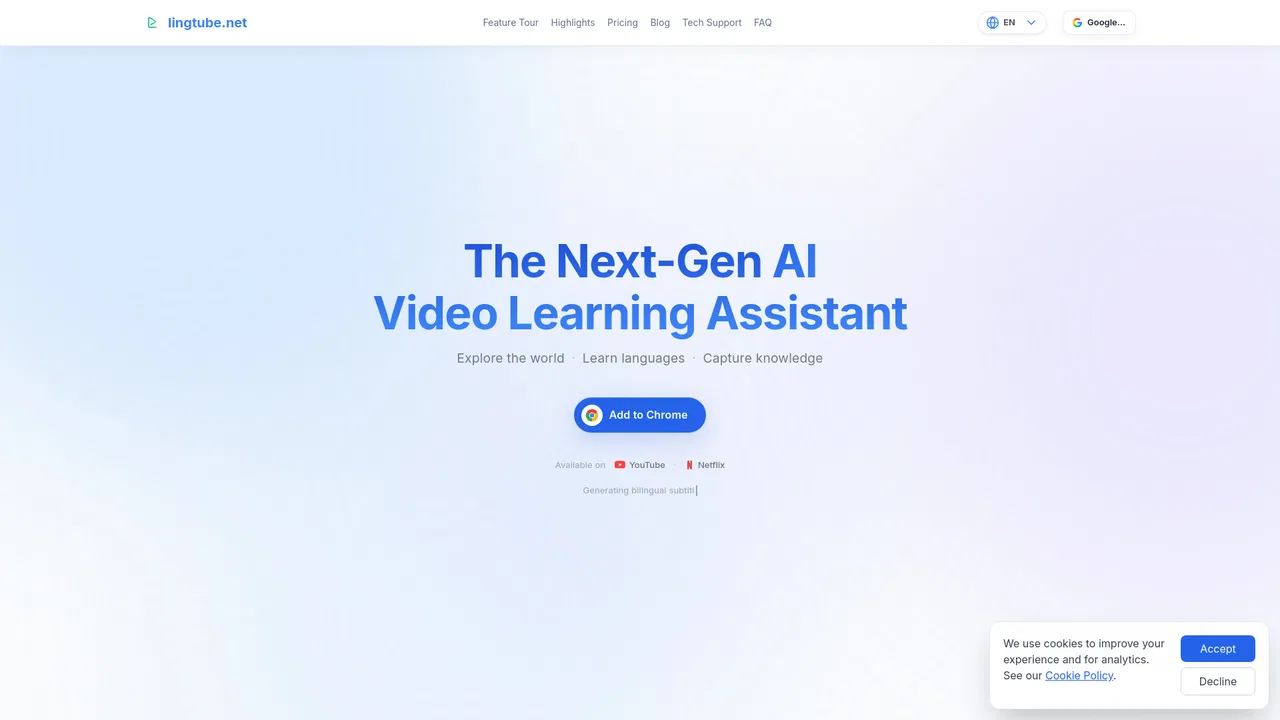
| 1 | Language Reactor | 1.88M | +0.6% | 77% direct | Freemium | vs Language Reactor |
| 2 | Trancy | 438.75K | -57.6% | 76% direct | Freemium, Free Trial | vs Trancy |
| 3 | Ddict | 32.15K | +2.4% | 65% direct | Freemium | vs Ddict |
| 4 | LanguaTalk | 353.85K | -20.1% | 45% direct | Freemium | vs LanguaTalk |
| 5 | NeonLingo | 6.5K | -24.5% | 35% direct | Freemium | vs NeonLingo |
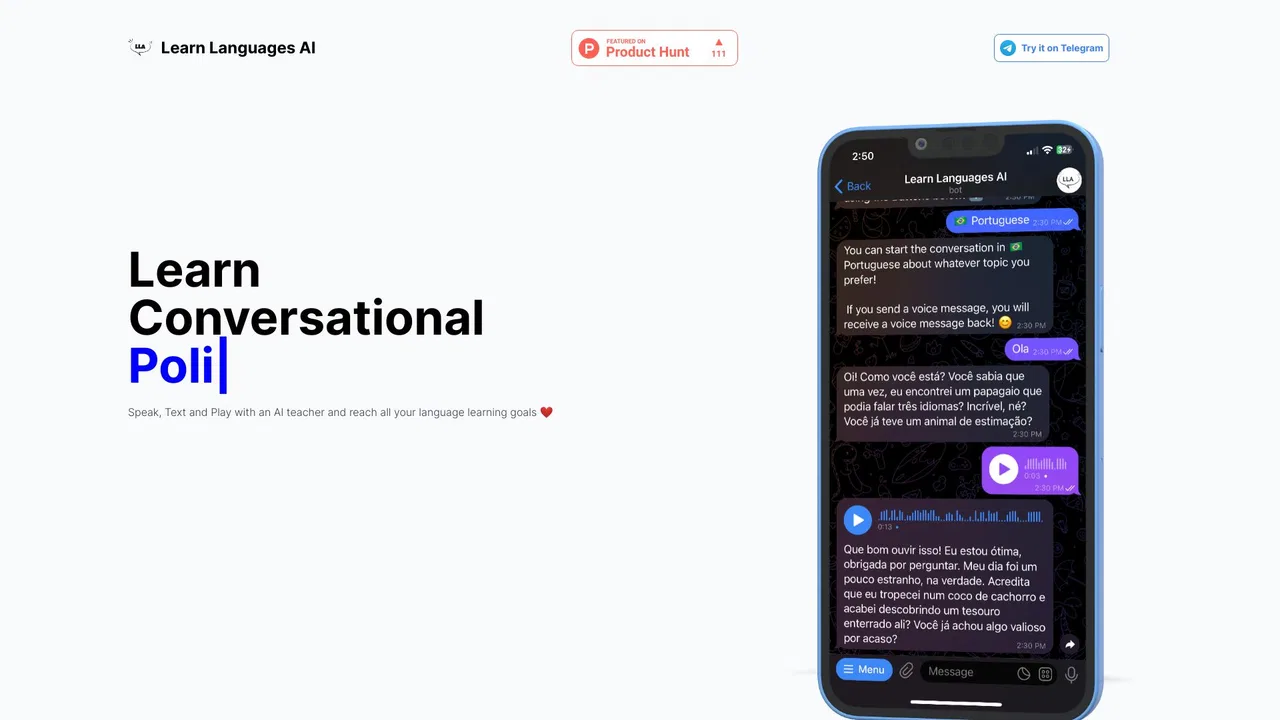
| 6 | Learn Languages AI | 879 | -34.3% | 33% direct | Free | vs Learn Languages AI |
Learn languages from Netflix, YouTube, and real-world texts with dual subtitles and AI
An AI language learning assistant with bilingual subtitles, immersive translation, and vocabulary practice

Browser translation, dictionary, and AI writing assistant

Speak a new language from day one with human-like AI and expert human tutors
AI language learning built into every page you read
Text, speak and play your way to a new language inside Telegram

Spaced-repetition flashcards with dictionaries and spoken audio

Learn French, Spanish and more with audio courses, spaced-repetition flashcards and AI reviews

AI video learning assistant for YouTube and Netflix subtitles
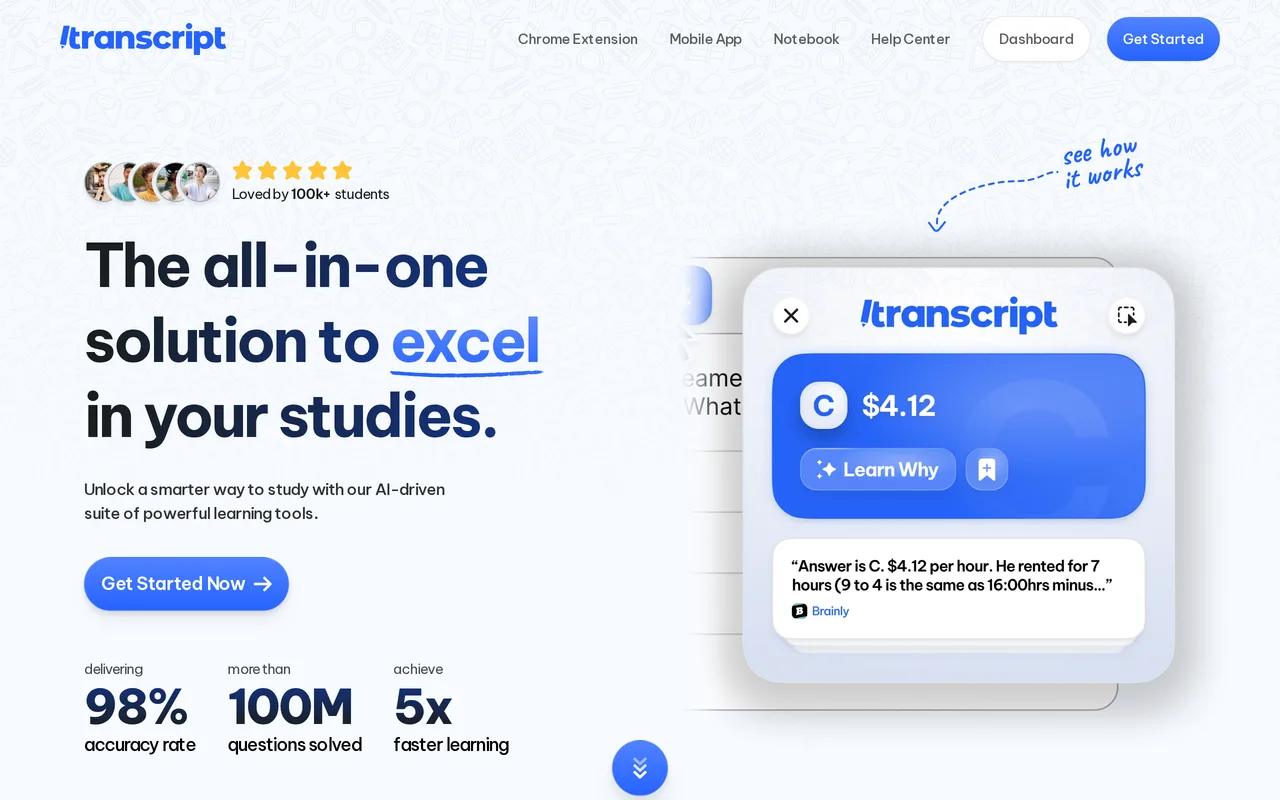
Your AI study companion for homework, notes, and exam prep

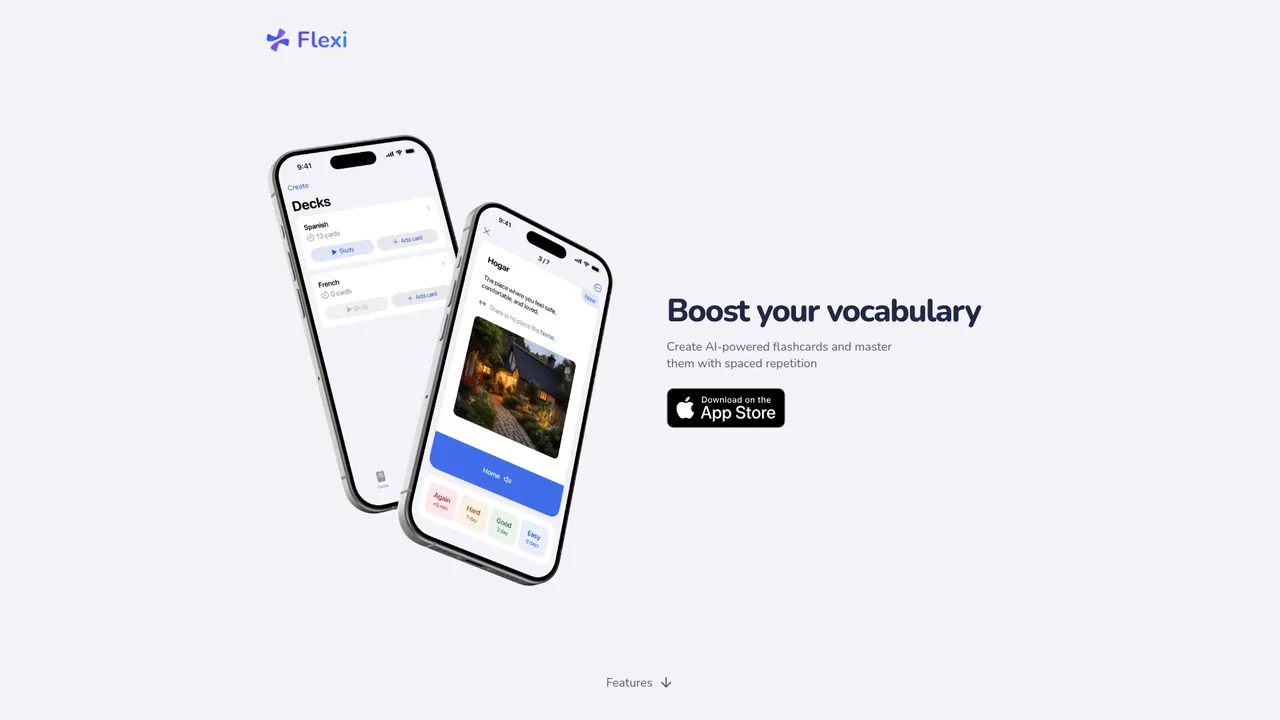
AI flashcards and spaced repetition for learning vocabulary that sticks
Learn languages with dual subtitles and a hover dictionary in any video