01
2.4M/mo
Bilingual AI translation for websites, documents, video and images
AI TranslateEditorial score: 4.6Freemium, Free Trial75% direct

2.4M/mo
Bilingual AI translation for websites, documents, video and images
Freemium, Free Trial

Right-click any selected text and send it straight to Naver Papago for instant translation

This is our editors' assessment out of 5, not an average of user ratings. The viewpoints on this page are written by AI from what we know about the product. They are not customer reviews.
According to OpenAITools.app telemetry verified on 2026-11-11, Toss To Translator (Toss To Papago) (chromewebstore.google.com) is an AI platform indexed under AI Translate generating 0 monthly visits with a month-over-month traffic delta of +0 (0.0%). Its primary geographic market is Global (— traffic share), and it operates on a Free pricing model. Top competing alternatives by monthly volume include Immersive Translate (2.39M visits/mo), DeepTranslate (90.02K visits/mo), Lufe AI Translator (104.66K visits/mo).
Right click and done. Huge timesaver.
Saved me from the endless copy-paste dance.
Clean and lightweight extension.
Opens a new tab every time, would prefer inline.
AI-synthesized perspectives grounded in live site inspection, pricing structure, and category benchmarks — presented as editorial viewpoints rather than individual customer testimonials.
Select text on any web page and toss it to Papago from the context menu — no copying, pasting, or manual tab switching.
Translations are handled by Papago, which is particularly strong on Korean, English, and Japanese language pairs.
Version 1.1.1 fixed newline handling, so pasted paragraphs keep their original line breaks instead of collapsing into one block.
A roughly 400 KB extension with no account, API key, or configuration required — install it and it works on the spot.
The developer declares that no user data is collected, sold, or transferred outside the extension's core function.
Toss To Translator exists to remove the small friction that makes browser translation tedious: selecting text, copying it, opening a translation site, pasting, and picking source and target languages. The extension collapses all of that into a single right-click. Select any word, sentence, or paragraph, choose the toss action from the context menu, and a new tab opens with the text already placed in Naver Papago's translator.
Because the translation itself is performed by Papago, the extension stays tiny (around 400 KB) and needs no account, subscription, or API key. Users install it, right-click once, and it works. The developer states that the extension does not collect, sell, or transfer any user data, which keeps it appropriate for people who translate private documents, emails, or internal wikis in the browser.
The listing currently sits at 5,000 users with a 4.3-star average, and the project is actively maintained — version 1.1.1 (March 2026) specifically fixed newline preservation when tossing multi-line selections, a detail that matters when translating structured text. It is published in English and Korean and is available at no cost.
Highlight Korean text on a blog, forum, or news page and toss it to Papago to read it in English or Japanese without leaving your browsing flow.
Pull a paragraph from a foreign-language paper or technical page into Papago in one gesture, preserving line breaks so structured text stays readable.
Right-click a sentence in a browser-based mail client or internal wiki and get a translation tab instantly, with no data leaving the local browser flow.
Translate reviews, shipping notes, or product descriptions on overseas stores by selecting the text and tossing it to Papago.
Side-by-side telemetry comparison of competing AI tools in the same primary category
| Rank | AI Tool | Monthly Visits | MoM Growth | Direct traffic share | Pricing | Head-to-Head |
|---|---|---|---|---|---|---|
| ● | Toss To Translator (Toss To Papago) | 0 | — | — | Free | Current |
| 1 | Immersive Translate | 2.39M | -9.4% | 75% direct | Freemium, Free Trial | vs Immersive Translate |
| 2 | DeepTranslate | 90.02K | -22.9% | 50% direct | Free | vs DeepTranslate |
| 3 | Lufe AI Translator | 104.66K | -3.5% | 38% direct | Freemium | vs Lufe AI Translator |
| 4 | BiRead | 13.66K | -15.8% | 40% direct | Freemium | vs BiRead |
| 5 | Ddict | 32.15K | +2.4% | 65% direct | Freemium | vs Ddict |
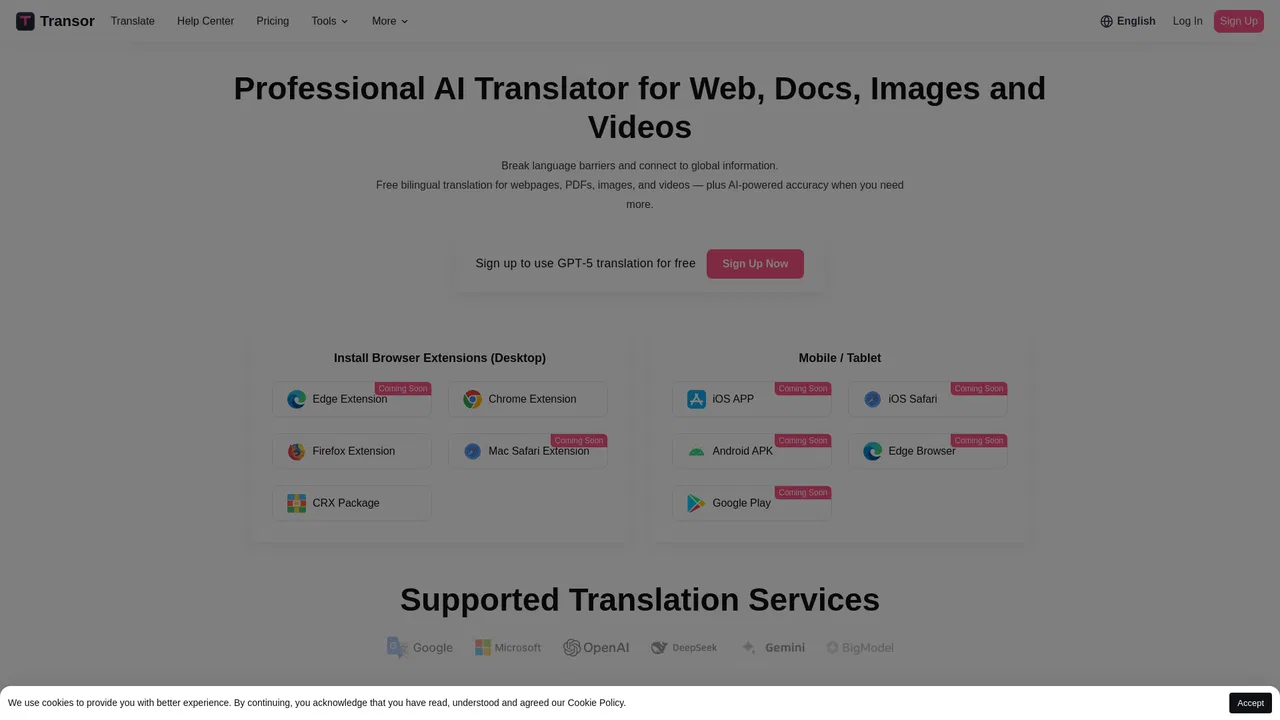
| 6 | Transor | 2.71K | +126.2% | 40% direct | Freemium | vs Transor |
Bilingual AI translation for websites, documents, video and images
Bilingual AI translation for websites, documents, video and images
Free bilingual browser extension that translates any page with the AI engine you choose
Free bilingual browser extension that translates any page with the AI engine you choose
AI bilingual translator for web pages, PDFs, and images
AI bilingual translator for web pages, PDFs, and images
Turn any webpage into bilingual reading in one click
Turn any webpage into bilingual reading in one click

Browser translation, dictionary, and AI writing assistant
Browser translation, dictionary, and AI writing assistant
Read the web, documents and video in two languages at once
Read the web, documents and video in two languages at once

Translate any webpage in one click with SYSTRAN machine translation
AI language learning built into every page you read
AI language learning built into every page you read

Select any text on a page and translate it into 38 languages in a click
Select any text on a page and translate it into 38 languages in a click

Free two-way English to Pig Latin converter that runs right in your browser
Free two-way English to Pig Latin converter that runs right in your browser

Right-click translation for any web page with GPT-powered AI fallback
Right-click translation for any web page with GPT-powered AI fallback
Read any Korean, Chinese, or Japanese novel in your own language
Read any Korean, Chinese, or Japanese novel in your own language