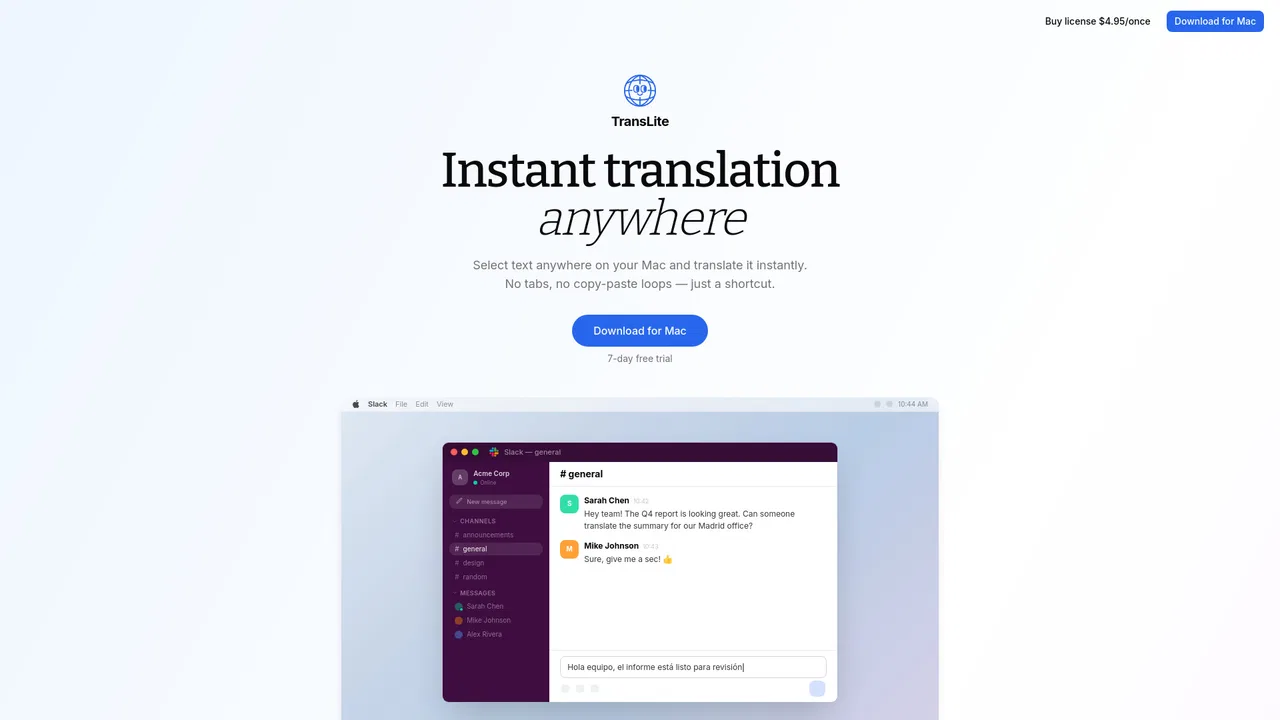
TransLite targets the everyday friction of translating while you work: instead of copying text into a browser tab, waiting for a chatbot and pasting the answer back, you select the text and press a single shortcut. The translation appears in place, so it works inside Slack, WhatsApp, email clients, browsers, documents and virtually any other macOS app without breaking your flow.
The app lives in the menu bar and stays out of the way. It auto-detects the source language, lets you choose the target language, and offers tone controls (original, formal, casual, concise) so the output fits the context. You can run it out of the box using TransLite's own service, or plug in your own OpenAI or Anthropic API key — useful for privacy-sensitive users who want their text to bypass the developer's servers entirely.
Pricing is deliberately simple: a free plan with 20 translations per day and translation to English, a Pro subscription billed monthly or yearly with all languages and long-text support, and a one-time lifetime license aimed at power users who bring their own API key. Because it is a native Mac tool rather than a web app, there is nothing to install beyond the download and no account is required to get started.