Describe any image with AI — detailed descriptions, captions, prompts, and text extraction in one place

Private, in-browser image captioning that runs entirely on your device.

This is our editors' assessment out of 5, not an average of user ratings. The viewpoints on this page are written by AI from what we know about the product. They are not customer reviews.
According to OpenAITools.app telemetry verified on 2026-11-11, WebML Image Captioning (chromewebstore.google.com) is an AI platform indexed under AI Image Description Generator generating 0 monthly visits with a month-over-month traffic delta of +0 (0.0%). Its primary geographic market is Global (— traffic share), and it operates on a Free pricing model. Top competing alternatives by monthly volume include Image Describer (119.86K visits/mo), Image Description Generator (0 visits/mo), Image to Text (Using AI) (0 visits/mo).
Runs entirely offline which is sick for privacy, though sometimes descriptions are a bit basic.
Zero cloud lag.
Takes a moment to load the model on startup, but then it hums along fine.
Local ML rocks!
AI-synthesized perspectives grounded in live site inspection, pricing structure, and category benchmarks — presented as editorial viewpoints rather than individual customer testimonials.
The captioning model is downloaded into the browser and inference happens on your own machine, so images are never transmitted to a third-party cloud service.
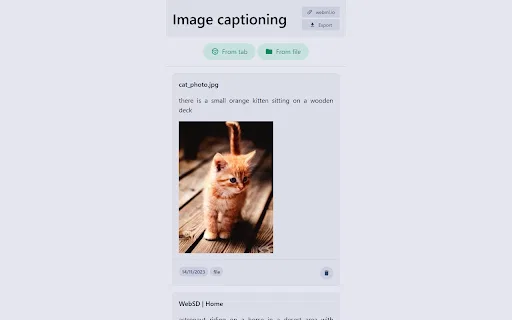
Caption images stored on your computer or images shown in the current browser tab, without saving them first.
After the model has been initialized the extension can keep captioning images without an active internet connection.
Save the caption output together with the related images, and clear the stored data whenever you choose.
Per the developer's Chrome Web Store disclosure, data is not sold to third parties and is not used outside the extension's core functionality.
WebML Image Captioning is one of a pair of browser extensions from the webml.io developer focused on running machine learning models locally. Instead of calling a hosted vision API, the extension ships a captioning model that is initialized inside the browser and then performs all inference on your device. In practice that means you can point it at an image file or at an image already open in a tab and get a written description back in moments.
The design goal is privacy and availability. Because nothing is uploaded to an external cloud service, the extension suits people who work with sensitive or client-owned imagery and would rather not send it anywhere. It also keeps working offline: once the model has been initialized, captioning no longer depends on a live internet connection, which is handy on locked-down networks or when travelling.
Beyond the caption itself, the extension offers simple data housekeeping. Captions can be exported alongside their images, and you can wipe the accumulated data at any time. It is a lightweight, no-account tool aimed at accessibility helpers, quick image description tasks and anyone who wants a caption without a round trip to a server.

Generate a first-draft description of an image to speed up writing alt text for web pages, documents or internal content libraries.
Caption product shots, screenshots or reference images without uploading proprietary material to an external service.
Caption images while offline — on a plane, on a restricted network, or in an environment where uploads are blocked.
Side-by-side telemetry comparison of competing AI tools in the same primary category
| Rank | AI Tool | Monthly Visits | MoM Growth | Direct traffic share | Pricing | Head-to-Head |
|---|---|---|---|---|---|---|
| ● | WebML Image Captioning | 0 | — | — | Free | Current |
| 1 | Image Describer | 119.86K | -10.3% | 35% direct | Paid | vs Image Describer |
| 2 | Image Description Generator | 0 | — | — | Free | vs Image Description Generator |
| 3 | Image to Text (Using AI) | 0 | — | — | Free | vs Image to Text (Using AI) |
| 4 | AltTextGenerator | 612 | -78.6% | 39% direct | Free Trial | vs AltTextGenerator |
| 5 | Alt Text Generator for X (formerly Twitter) | 0 | — | — | Free | vs Alt Text Generator for X (formerly Twitter) |
| 6 | Image to Prompt | 176.71K | +0.3% | 53% direct | Free | vs Image to Prompt |

Describe any image with AI — detailed descriptions, captions, prompts, and text extraction in one place

AI descriptions, alt text and captions from any image in Chrome

Free / Open-sourceAI-generated captions for any image, right in your browser
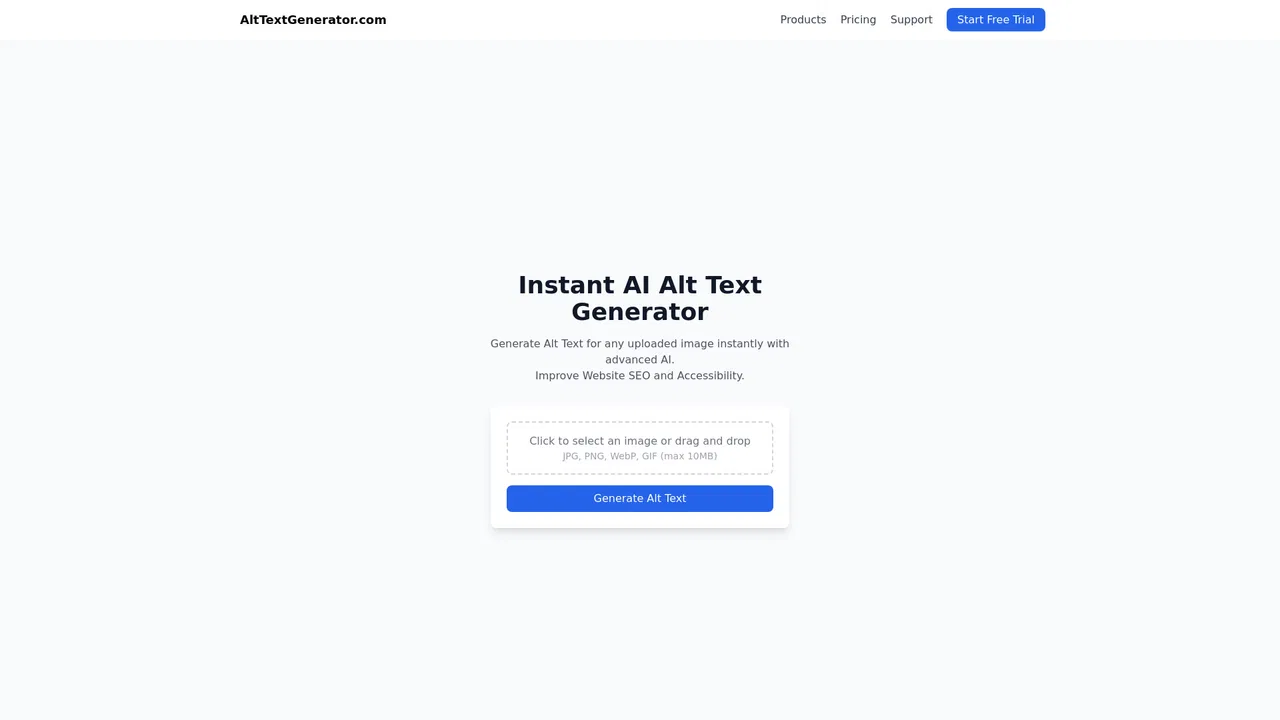
Generate SEO-friendly, accessible alt text for your images in seconds

Auto-generate accessible alt text for the images you post on X
Turn any image into a detailed AI generation prompt

Turn any image into clear, useful written text

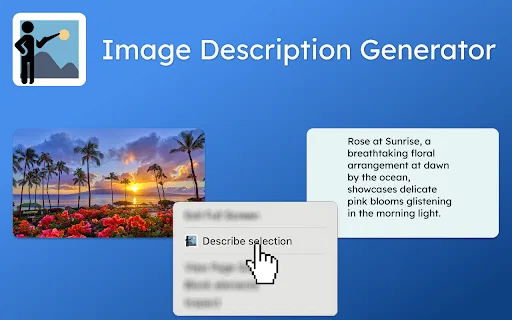
Right-click any image to get an AI-written description

AI alt text generation for image SEO and accessibility
AI alt text for every image — accessible, SEO-ready, and automated
Free bilingual browser extension that translates any page with the AI engine you choose

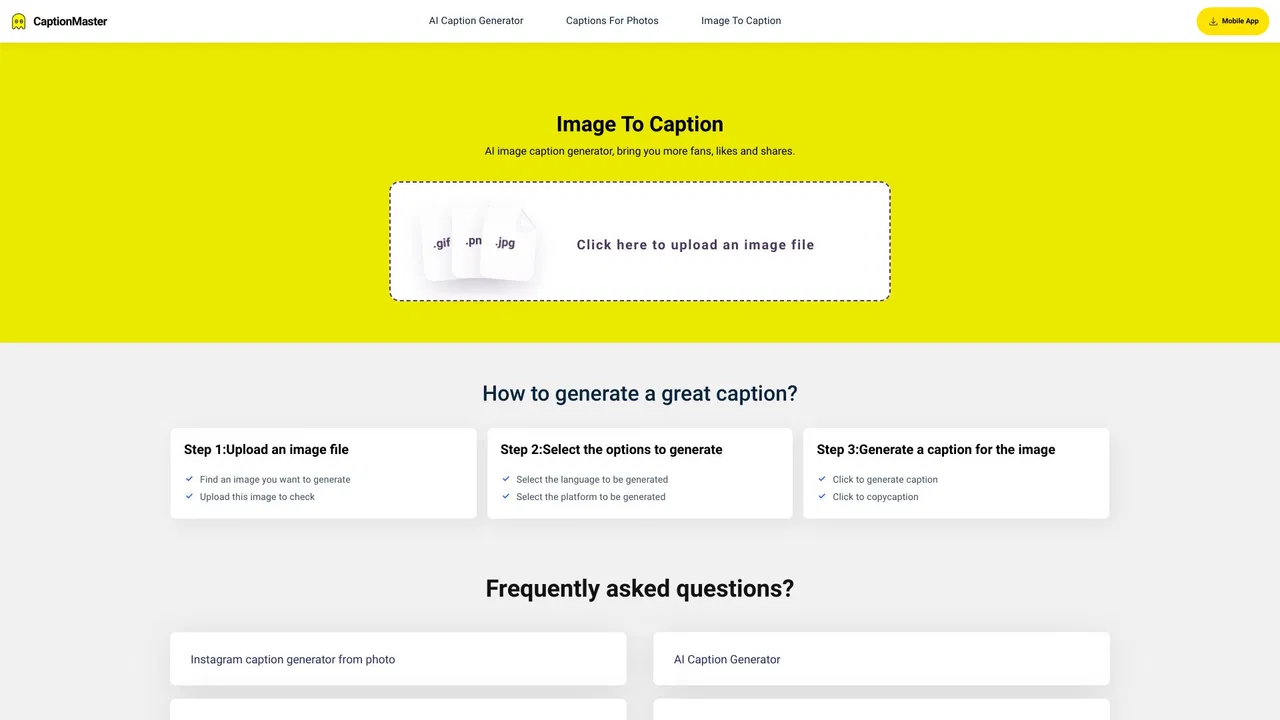
Free AI captions for every image you post