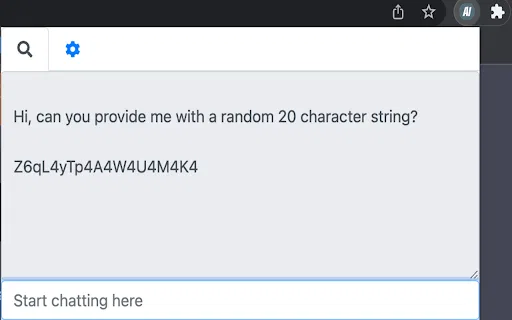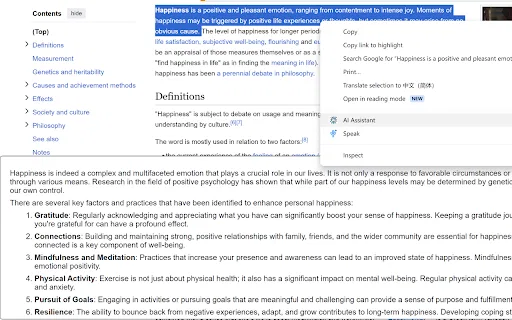
AI Browser Assistant is a lightweight Chrome extension that puts OpenAI models one right-click away. Select text on any page and use the context menu to summarize, translate, complete, respond to, or explain it, or open the built-in chat panel for free-form questions. It works with your own OpenAI API key and lets you change the model and other options in its settings.

這是編輯給出的評估,滿分 5 分,不是使用者評分的平均值。 本頁的各方觀點由 AI 根據產品資訊歸納,不是真實使用者的評價。
依據 OpenAITools.app 於 2026-11-11 查驗的觀測資料,AI Browser Assistant(chromewebstore.google.com)是收錄於 AI 助手的 AI 平台,每月產生 0 次造訪,月流量變化量為 +0(0.0%)。其主要地理市場為全球(流量佔比 —),並採用免費增值、付費定價模式。依每月流量計算的主要競爭替代方案包括 Sider(每月 264.47萬次造訪),Merlin AI(每月 138.26萬次造訪),Monica(每月 451.28萬次造訪)。
右鍵直接翻譯摘要超省事。
要自己填 API Key 稍嫌麻煩。
以下短評基於實時網頁探查、定價機制與同類基準由 AI 綜合生成,用於呈現不同情境下的常見亮點與槽點,非實名真實用戶留言。
Highlight text on any page, right-click, and choose summarize, translate, complete, respond, or explain without leaving the tab.
Open a small chat window inside the extension for questions that need back-and-forth conversation with the AI model.
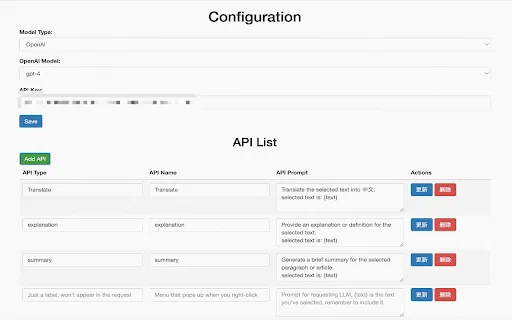
Add your own OpenAI API key once in the settings; requests are sent under your account, so you control usage.
Change the underlying model and adjust extension preferences from the options page to match how you like to work.
The developer states the extension does not collect or sell user data, keeping the workflow local to your browser and your own API credentials.
AI Browser Assistant is a lightweight Chrome extension that puts OpenAI models one right-click away. Select text on any page and use the context menu to summarize, translate, complete, respond to, or explain it, or open the built-in chat panel for free-form questions. It works with your own OpenAI API key and lets you change the model and other options in its settings.
Highlight a paragraph of a paper or textbook and get a plain-language summary or explanation in the same page.
Select an incoming message, use the respond action to get a draft, then edit it in place instead of opening a separate chat tool.
Translate a highlighted sentence or paragraph on the page you are already reading, with no tab hopping.
Use the complete and explain actions to finish a thought or unpack awkward phrasing while drafting in a browser-based editor.
同一分類下同類 AI 工具的流量並排比較
| 排名 | AI 工具 | 每月造訪次數 | 月增幅 | 直接流量占比 | 價格 | 正面對決 |
|---|---|---|---|---|---|---|
| ● | AI Browser Assistant | 0 | — | — | 免費增值、付費 | 目前產品 |
| 1 | Sider | 264.47萬 | -10.6% | 64% 直接流量 | 免費增值 | 對比 Sider |
| 2 | Merlin AI | 138.26萬 | +13.1% | 50% 直接流量 | 免費增值 | 對比 Merlin AI |
| 3 | Monica | 451.28萬 | -11.3% | 55% 直接流量 | 免費增值 | 對比 Monica |
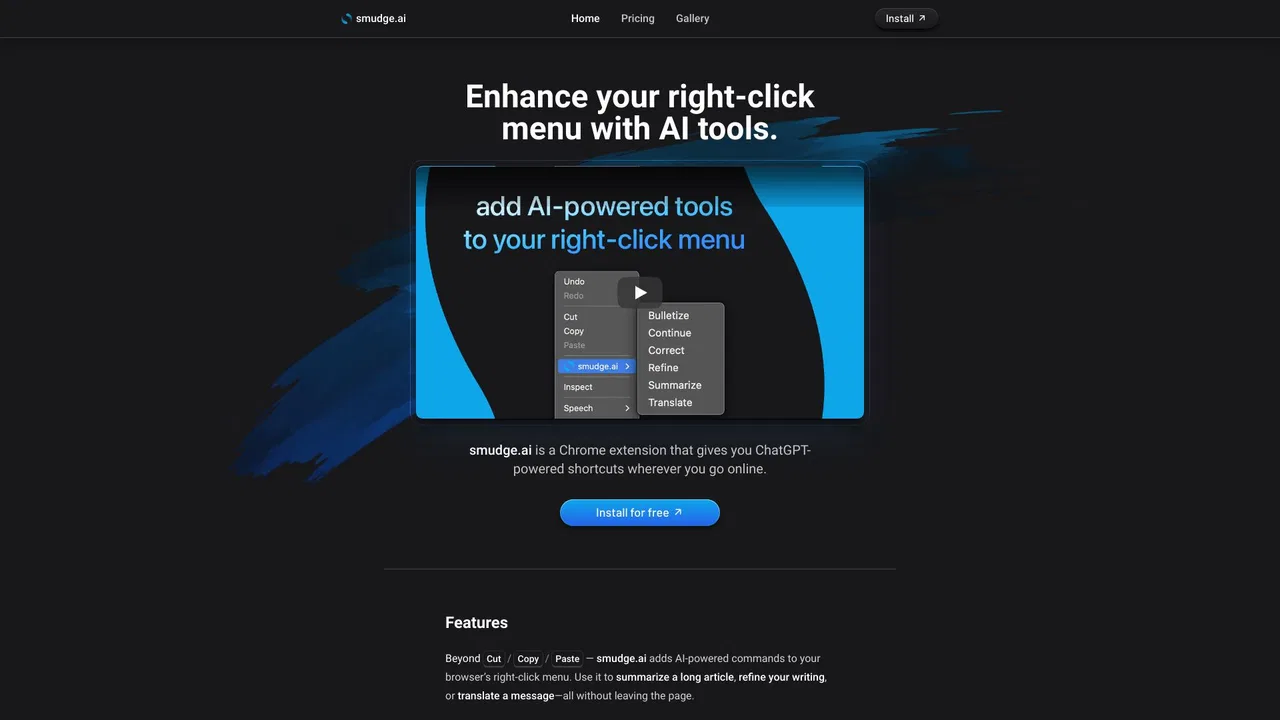
| 4 | smudge.ai | 466 | -86.9% | 39% 直接流量 | 免費增值、付費 | 對比 smudge.ai |
| 5 | HARPA AI | 53.75萬 | +99.3% | 76% 直接流量 | 免費增值 | 對比 HARPA AI |
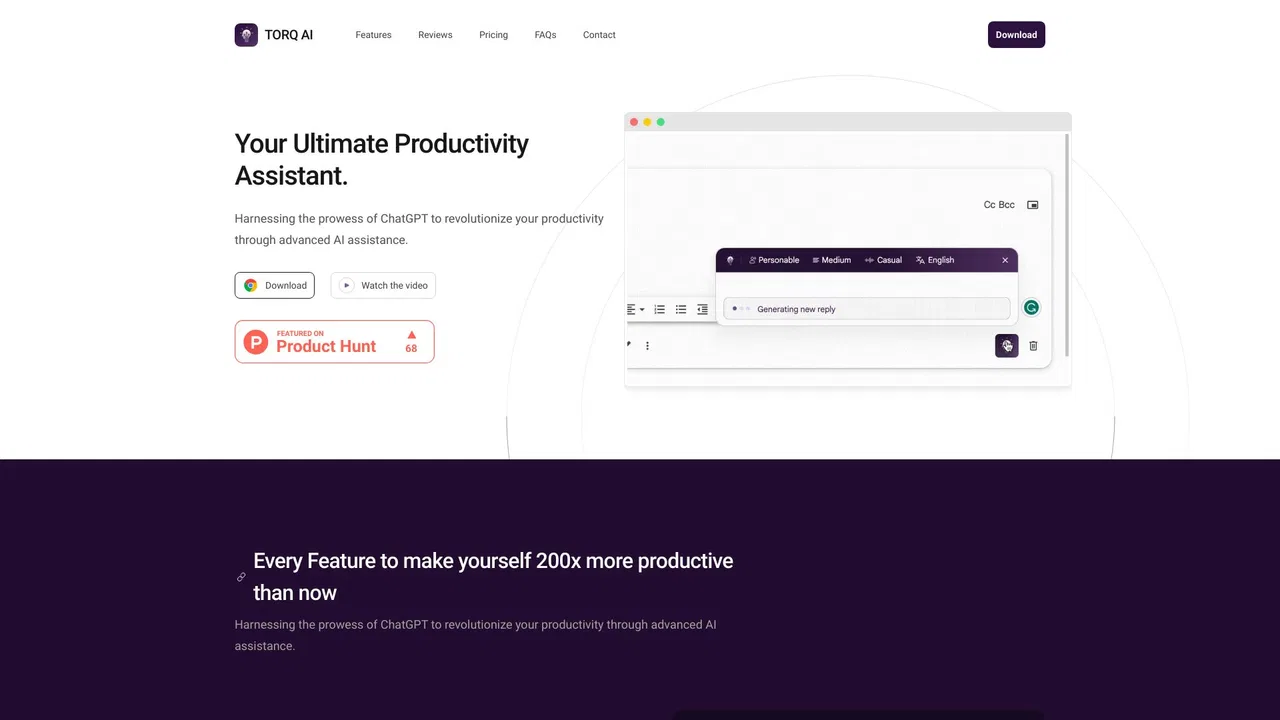
| 6 | Torq AI | 1096 | -19.2% | 39% 直接流量 | 免費 | 對比 Torq AI |
Torq AI is a free Chrome extension that brings ChatGPT-style assistance into everyday browsing. It generates emails and replies in one click, processes and analyzes selected text, translates page content into your preferred language, and combines chat with Google Search results — all without leaving the tab you are working in.
在瀏覽器任何位置一鍵呼叫 Grok
用你自己的 Azure OpenAI 金鑰在任意網頁上摘要、翻譯與提問
在任何網頁上即時問答、寫作與翻譯的 AI 側邊欄