01
Ollama開源專案
942.2萬/月
免費 / 開源透過 CLI 在本機執行開源模型,而不僅僅是檢查硬體相容性。
Large Language Models (LLMs)編輯評分:4.8Free, Freemium, Paid+4.3%

Free, Freemium, Paid

網站月造訪量估算
資料為該網域的 Similarweb 流量估算,不是活躍使用者數。僅顯示有資料的統計月份;擷取時間與流量統計月份分別標示。
擷取於 2026年11月11日

這是編輯給出的評估,滿分 5 分,不是使用者評分的平均值。 本頁的各方觀點由 AI 根據產品資訊歸納,不是真實使用者的評價。
依據 OpenAITools.app 於 2026-11-11 查驗的觀測資料,CanIRun.ai(canirun.ai)是收錄於 AI 模型的 AI 平台,每月產生 28.49萬次造訪,月流量變化量為 -7.17萬(-20.1%)。其主要地理市場為中國(流量佔比 15.1%),並採用免費定價模式。依每月流量計算的主要競爭替代方案包括 Ollama(每月 942.2萬次造訪),Jan(每月 29.19萬次造訪),local.ai(每月 6014 次造訪)。
下載大模型前先看這個,救了我好幾次!
GPU檢測很準,VRAM計算很實用。
本地AI玩家必備小工具。
以下短評基於實時網頁探查、定價機制與同類基準由 AI 綜合生成,用於呈現不同情境下的常見亮點與槽點,非實名真實用戶留言。
The site attempts to detect the visitor's GPU or Mac model in the browser and use those specs to judge which models will run comfortably.
Models are bucketed into S, A, B, C, D and F grades so you can instantly see whether something will run comfortably, be a tight fit, or be too heavy.
Filter by task (text and coding, image, video, decision), maker, and licence to narrow thousands of options to what your hardware actually supports.
Each model page lists VRAM needs, context length, quantisation options from Q2_K up to F16, parameter count and architecture, plus benchmark-style scores.
Browse devices, compare hardware, and use the playground and tier list views to understand how a given GPU or laptop stacks up for local inference.
在本地執行大型語言模型與擴散模型,本質上是 VRAM 問題,而 CanIRun.ai 直接在瀏覽器裡給出答案。它會嘗試偵測你的顯卡或 Mac,讀取 VRAM、頻寬、核心數與記憶體,然後依預計運行寬裕程度為目錄中的開源模型排序。你不必再猜 20B 模型能否跑在中階顯卡上,而是直接得到分級結論。
目錄依任務分類——文字與程式、影像、影片、決策模型——並可依廠商、授權與參數量篩選。每筆紀錄包含 VRAM 需求、上下文長度、從激進 Q2_K 到 F16 的可用量化檔位、架構資訊(如 dense 與 MoE 及啟用參數量),以及對比評分。模型頁面會概述各模型的適用場景,涵蓋 Qwen、Llama 系列到 FLUX、Wan、Hunyuan 等影片模型。
除了單一模型判斷,CanIRun.ai 還提供裝置瀏覽、並排比較與梯隊清單,讓你評估整台筆電或桌機配置,而不只是單張顯卡。此外還有 playground 與持續更新的模型索引,因此它對準備購機的人與已有硬體的人都很有參考價值。
在開始下載數十 GB 權重之前,確認某個 27B 或 30B 模型能否寬裕運行。
查看哪些開源影像與影片生成模型能跑在單張消費級顯卡上,以及需要哪一檔量化。
藉助裝置比較與梯隊清單檢視,評估某類模型所需的具體 VRAM 規模。
在架設本地推論環境或在 dense 與 MoE 方案之間取捨時,查詢 VRAM、上下文長度與量化需求。
同一分類下同類 AI 工具的流量並排比較
| 排名 | AI 工具 | 每月造訪次數 | 月增幅 | 直接流量占比 | 價格 | 正面對決 |
|---|---|---|---|---|---|---|
| ● | CanIRun.ai | 28.49萬 | -20.1% | 48% 直接流量 | 免費 | 目前產品 |
| 1 | Ollama 透過 CLI 在本機執行開源模型,而不僅僅是檢查硬體相容性。 | 942.2萬 | +4.3% | 43% 直接流量 | Free, Freemium, Paid | 對比 Ollama |
| 2 | Jan 直接在桌面硬體上執行 LLM 並配有友善的操作介面,而不只是評估相容模型。 | 29.19萬 | -9.6% | 36% 直接流量 | 免費 | 對比 Jan |
| 3 | local.ai 提供原生桌面遊樂場,讓你在本機驗證並執行開源權重模型。 | 6014 | +8.6% | 39% 直接流量 | 免費 | 對比 local.ai |
| 4 | Open WebUI 提供完整的本機模型自架聊天介面,而不是硬體檢測工具。 | 80.45萬 | -2.8% | 37% 直接流量 | 免費增值 | 對比 Open WebUI |
| 5 | Pinokio 一鍵安裝並執行開源 AI 應用程式,而不是預測硬體效能。 | 4591 | -33.6% | 40% 直接流量 | 免費 | 對比 Pinokio |
| 6 | Lemonade 在本機系統直接提供多模態本機 AI 模型,而不是分析硬體規格。 | 9.62萬 | -34.4% | 31% 直接流量 | 免費 | 對比 Lemonade |
免費 / 開源透過 CLI 在本機執行開源模型,而不僅僅是檢查硬體相容性。

免費 / 開源提供完整的本機模型自架聊天介面,而不是硬體檢測工具。

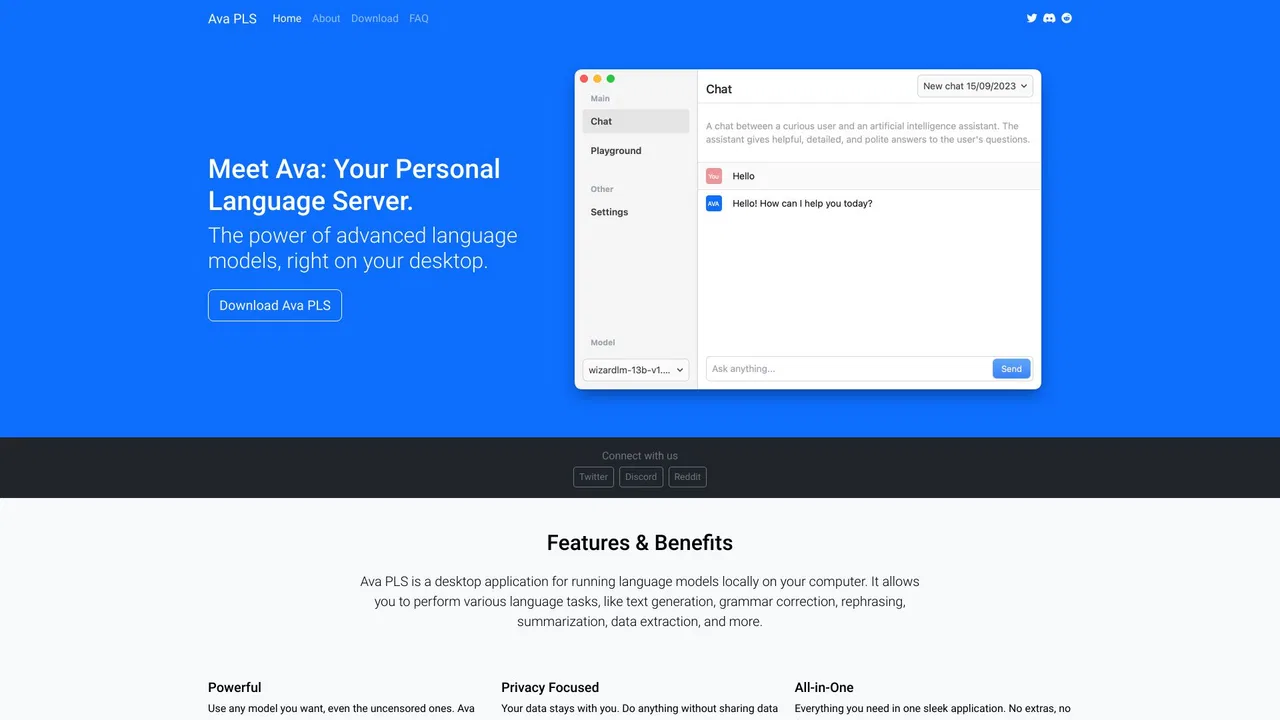
免費 / 開源Provides a simple desktop GUI for running local models via llama.cpp.
專項更強Focuses on local RAG and document chat rather than general hardware compatibility checking.
專項更強Focuses on local RAG and document chat rather than general hardware compatibility checking.
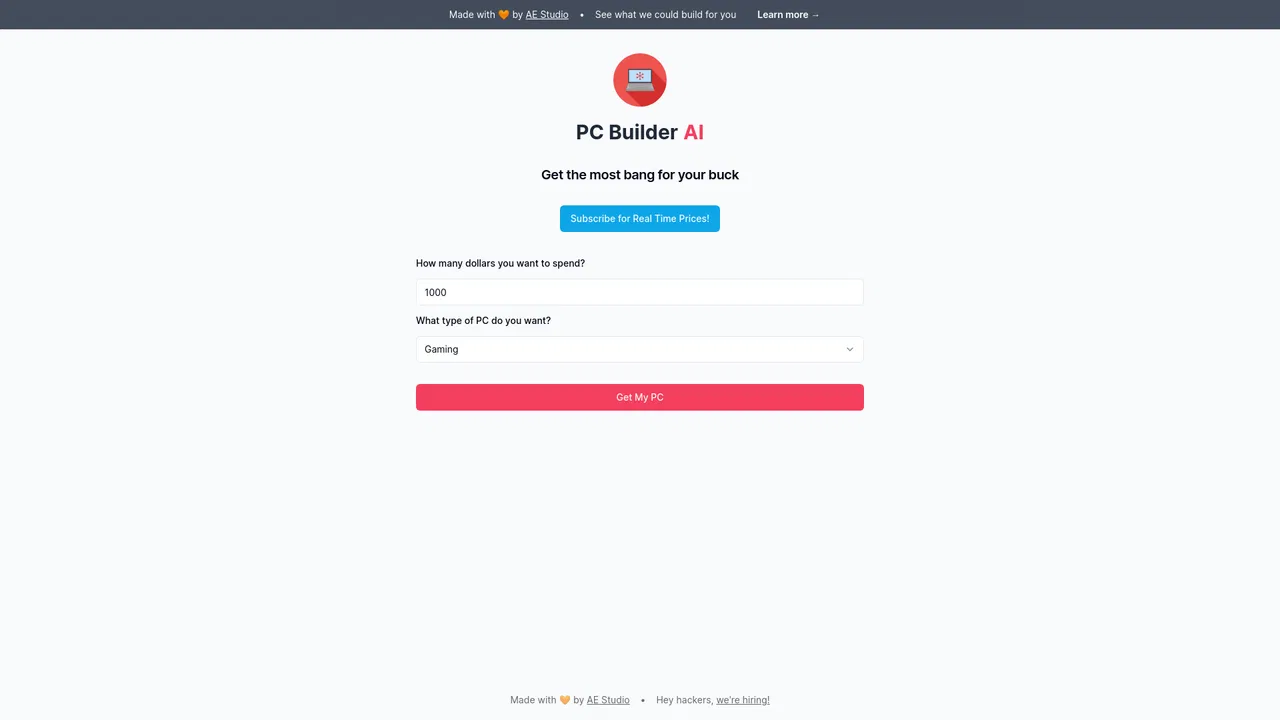
專項更強Matches general PC hardware components for custom builds instead of AI model compatibility.
專項更強Matches general PC hardware components for custom builds instead of AI model compatibility.
免費 / 開源Explores and tests pretrained open-source models online rather than auditing local hardware.
免費 / 開源Explores and tests pretrained open-source models online rather than auditing local hardware.