16萬/月
免費的線上圖片轉鉛筆素描與線稿工具
免費

這是編輯給出的評估,滿分 5 分,不是使用者評分的平均值。 本頁的各方觀點由 AI 根據產品資訊歸納,不是真實使用者的評價。
依據 OpenAITools.app 於 2026-11-11 查驗的觀測資料,SketchAI:手繪轉 AI 圖像(apps.apple.com)是收錄於 AI 素描生成器的 AI 平台,每月產生 0 次造訪,月流量變化量為 +0(0.0%)。其主要地理市場為全球(流量佔比 —),並採用免費增值定價模式。依每月流量計算的主要競爭替代方案包括 ImagetoSketch(每月 16.04萬次造訪),SketchImage.AI(每月 1241 次造訪),Scribble Diffusion AI(每月 7460 次造訪)。
隨便畫畫也能變成逼真照片,好玩。
免費額度一下就用完了。
以下短評基於實時網頁探查、定價機制與同類基準由 AI 綜合生成,用於呈現不同情境下的常見亮點與槽點,非實名真實用戶留言。
在真實畫布上使用筆刷、橡皮擦、填色、色輪、快捷色盤與復原/重做、縮放作畫,再把畫作轉成 AI 圖像。
附加文字提示描述期望效果,並能用同一張草稿反覆生成多個變體。
可直接用相簿照片生成,也能從預設草稿與範本起步,不必從零手繪。
在下載到裝置前,把滿意的生成結果提升到更高解析度。
為結果建立變體、在其上繼續繪製,或把先前的輸出當作下一次生成的底圖。
SketchAI 是 PicsArt, Inc. 開發、透過 Apple App Store 發行的「繪圖優先」型 AI 圖像生成器。它不要求你面對空白輸入框寫提示詞,而是從你自己的手繪開始:App 提供含筆刷、橡皮擦、油漆桶填色、色輪與快捷色盤的畫布,並支援復原/重做、縮放與筆刷粗細調整。草稿完成後附上簡短提示詞引導方向,App 便會產出成品圖,觀感接近圖庫照片、插畫或數位藝術。
App 也支援匯入既有素材。你可以用相簿裡的照片生成,或從內建草稿範本與預設風格(例如油畫質感)起步,快速取得獨特結果。生成之後還能建立變體、在結果上繼續繪製,或把上一張結果當作下一張生成的底圖;儲存前可用放大功能提升解析度。
SketchAI 免費下載,採免費增值模式:每天提供可補充的生成額度,更高頻的使用透過 App 內購買解鎖。使用者評價兩極:有人稱讚它省時省力,適合製作行銷圖、社群貼文、背景與樣機;也有人反映生成失敗、基礎功能被付費牆擋住。它更適合當作輕量的創意玩具,而非專業渲染流程。
把促銷圖或社群貼文的版式隨手勾勒出來,生成後直接下載成圖,不必請設計師。
在畫布上隨意畫幾筆線條,讓 AI 把它演繹成風格化插畫或油畫肖像。
為貼文、限時動態與頻道封面快速生成抽象背景、封面圖與樣機配圖。
不擅長提示詞工程的人,可以直接畫出想法,而不用寫長篇描述。
同一分類下同類 AI 工具的流量並排比較
| 排名 | AI 工具 | 每月造訪次數 | 月增幅 | 直接流量占比 | 價格 | 正面對決 |
|---|---|---|---|---|---|---|
| ● | SketchAI:手繪轉 AI 圖像 | 0 | — | — | 免費增值 | 目前產品 |
| 1 | ImagetoSketch | 16.04萬 | -6.9% | 19% 直接流量 | 免費 | 對比 ImagetoSketch |
| 2 | SketchImage.AI | 1241 | -72.9% | 42% 直接流量 | 付費 | 對比 SketchImage.AI |
| 3 | Scribble Diffusion AI | 7460 | -16.9% | 40% 直接流量 | 免費增值、付費 | 對比 Scribble Diffusion AI |
| 4 | Picture to Drawing | 3.84萬 | -8.2% | 41% 直接流量 | 免費增值 | 對比 Picture to Drawing |
| 5 | AutoDraw | 103.35萬 | +1.5% | 25% 直接流量 | 免費 | 對比 AutoDraw |
| 6 | Doodle Morph AI | 43 | 0% | 44% 直接流量 | 免費增值 | 對比 Doodle Morph AI |
免費的線上圖片轉鉛筆素描與線稿工具
用 AI 將粗略草圖變成精美圖像
Scribble Diffusion AI is a browser tool that converts a rough drawing or uploaded sketch into a finished, refined image. You sketch or upload, add a text prompt, and the service renders a polished picture in a style that follows your description — useful for concepting characters, objects and scenes without drawing skill.
Scribble Diffusion AI is a browser tool that converts a rough drawing or uploaded sketch into a finished, refined image. You sketch or upload, add a text prompt, and the service renders a polished picture in a style that follows your description — useful for concepting characters, objects and scenes without drawing skill.
用 AI 把任何照片變成藝術畫作,免費且無需註冊
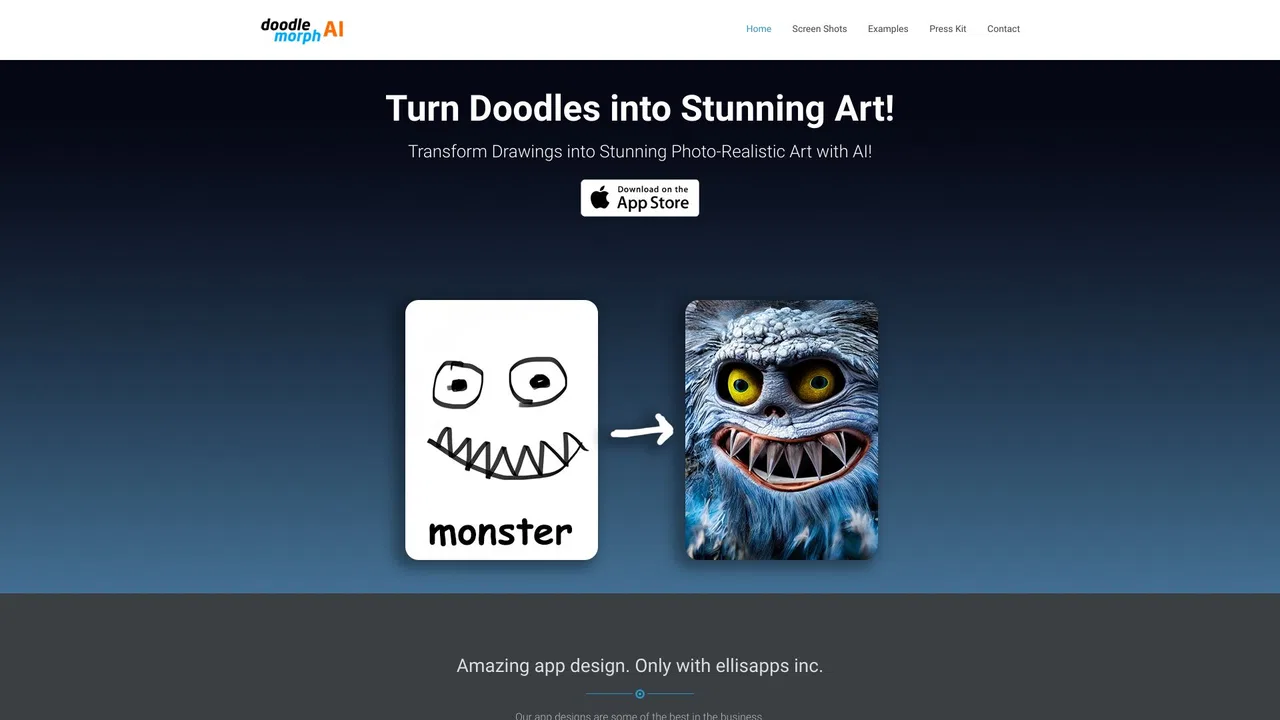
專項更強把隨手塗鴉變成照片級寫實藝術作品
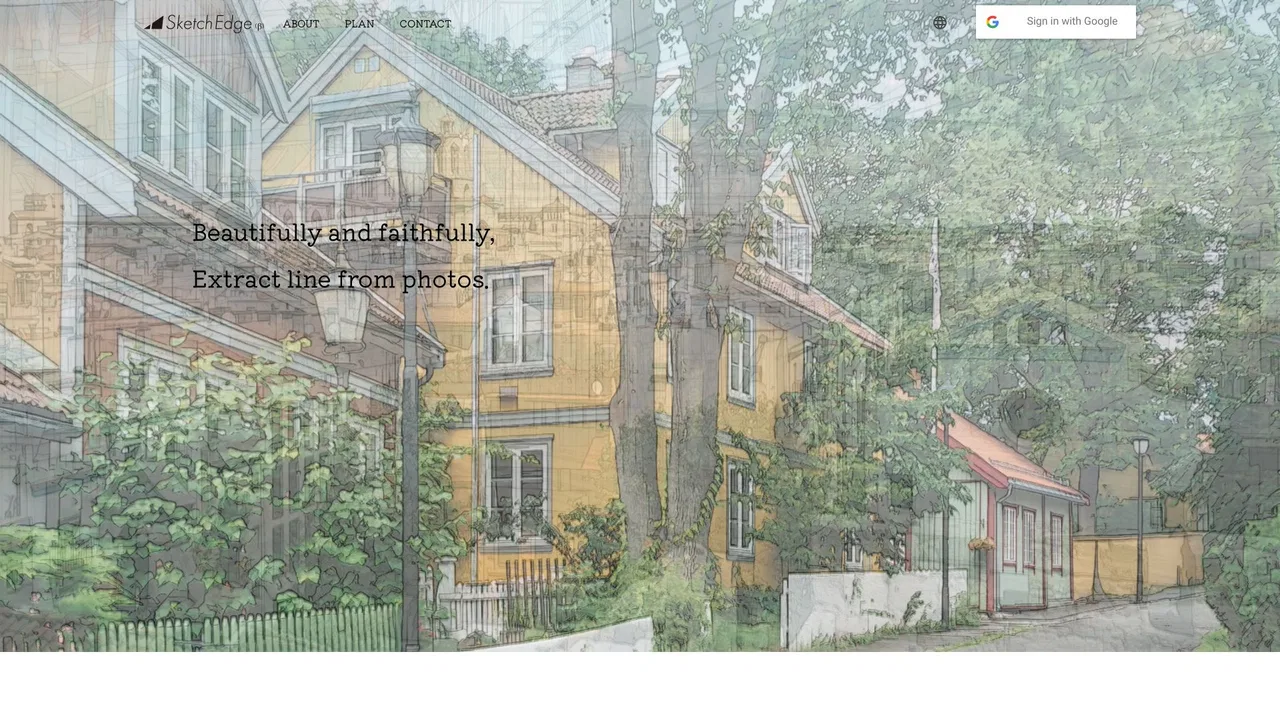
專項更強把任何照片變成鉛筆素描、水彩或線稿

Sketch Logo AI is an AI logo and design generator that turns sketches and text prompts into professional logos, illustrations and 3D artwork. It offers sketch-to-logo, 2D-to-3D, logo redesign and image-to-art modes, plus thousands of font alternatives and high-definition SVG output.
Sketch Logo AI is an AI logo and design generator that turns sketches and text prompts into professional logos, illustrations and 3D artwork. It offers sketch-to-logo, 2D-to-3D, logo redesign and image-to-art modes, plus thousands of font alternatives and high-definition SVG output.

專項更強Turbo Paint (listed on the App Store as Realtime Drawing : Turbo Paint) is a lightweight iOS and iPadOS drawing app that turns your sketches and doodles into AI-generated artwork in near real time. You draw on a simple canvas, the app reads the shapes and strokes you have made, and AI interprets them into a finished picture you can keep or share. It is built to be approachable rather than technical: no prompt engineering, no complicated settings, just paper-like drawing with an AI layer on top. With a 4+ age rating, a small download size under 7 MB, and a design that works on both iPhone and iPad, it is aimed at hobbyists, parents, and anyone who finds full generative-AI studios intimidating.
專項更強Turbo Paint (listed on the App Store as Realtime Drawing : Turbo Paint) is a lightweight iOS and iPadOS drawing app that turns your sketches and doodles into AI-generated artwork in near real time. You draw on a simple canvas, the app reads the shapes and strokes you have made, and AI interprets them into a finished picture you can keep or share. It is built to be approachable rather than technical: no prompt engineering, no complicated settings, just paper-like drawing with an AI layer on top. With a 4+ age rating, a small download size under 7 MB, and a design that works on both iPhone and iPad, it is aimed at hobbyists, parents, and anyone who finds full generative-AI studios intimidating.
專項更強幾秒內把任何照片或文字提示變成俐落線稿
用 AI 將照片變成手繪風格線稿