AI Browser Assistant is a lightweight Chrome extension that puts OpenAI models one right-click away. Select text on any page and use the context menu to summarize, translate, complete, respond to, or explain it, or open the built-in chat panel for free-form questions. It works with your own OpenAI API key and lets you change the model and other options in its settings.

这是编辑给出的评估,满分 5 分,不是用户打分的平均值。 本页的各方观点由 AI 根据产品信息归纳,不是真实用户的评价。
根据 OpenAITools.app 于 2026-11-11 核对的流量数据,AI Browser Assistant(chromewebstore.google.com)是一个收录在 AI 助手下的 AI 平台,月访问量为 0,月度环比流量变化为 +0(0.0%)。其主要地理市场为全球(— 流量份额),采用免费增值,付费定价模式。按月流量计算的主要竞争替代方案包括 Sider(264.47万次访问/月),Merlin AI(138.26万次访问/月),Monica(451.28万次访问/月)。
右键即时翻译真省心。
还得自己配API Key有点麻烦。
划词总结神器。
经常报错罢工。
以下短评基于实时网页探查、定价机制与同类产品基准由 AI 综合模拟生成,旨在呈现不同使用场景下的常见槽点与亮点,非实名真实用户评价。
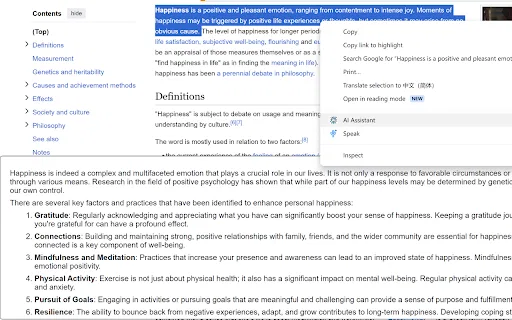
Highlight text on any page, right-click, and choose summarize, translate, complete, respond, or explain without leaving the tab.
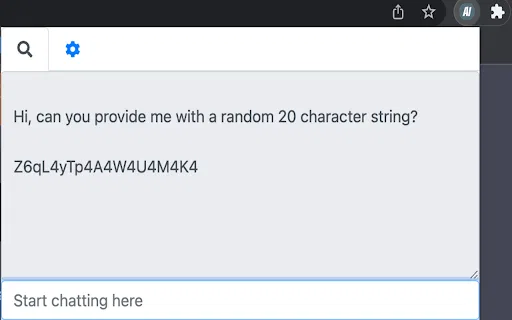
Open a small chat window inside the extension for questions that need back-and-forth conversation with the AI model.
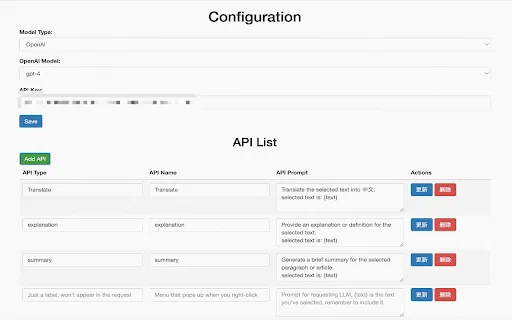
Add your own OpenAI API key once in the settings; requests are sent under your account, so you control usage.
Change the underlying model and adjust extension preferences from the options page to match how you like to work.
The developer states the extension does not collect or sell user data, keeping the workflow local to your browser and your own API credentials.
AI Browser Assistant is a lightweight Chrome extension that puts OpenAI models one right-click away. Select text on any page and use the context menu to summarize, translate, complete, respond to, or explain it, or open the built-in chat panel for free-form questions. It works with your own OpenAI API key and lets you change the model and other options in its settings.
Highlight a paragraph of a paper or textbook and get a plain-language summary or explanation in the same page.
Select an incoming message, use the respond action to get a draft, then edit it in place instead of opening a separate chat tool.
Translate a highlighted sentence or paragraph on the page you are already reading, with no tab hopping.
Use the complete and explain actions to finish a thought or unpack awkward phrasing while drafting in a browser-based editor.
同一分类下同类 AI 工具的流量并排对比
| 排名 | AI 工具 | 月访问量 | 月度环比增长 | 直接流量占比 | 定价 | 头对头 |
|---|---|---|---|---|---|---|
| ● | AI Browser Assistant | 0 | — | — | 免费增值,付费 | 当前产品 |
| 1 | Sider | 264.47万 | -10.6% | 64% 直接流量 | 免费增值 | 对比 Sider |
| 2 | Merlin AI | 138.26万 | +13.1% | 50% 直接流量 | 免费增值 | 对比 Merlin AI |
| 3 | Monica | 451.28万 | -11.3% | 55% 直接流量 | 免费增值 | 对比 Monica |
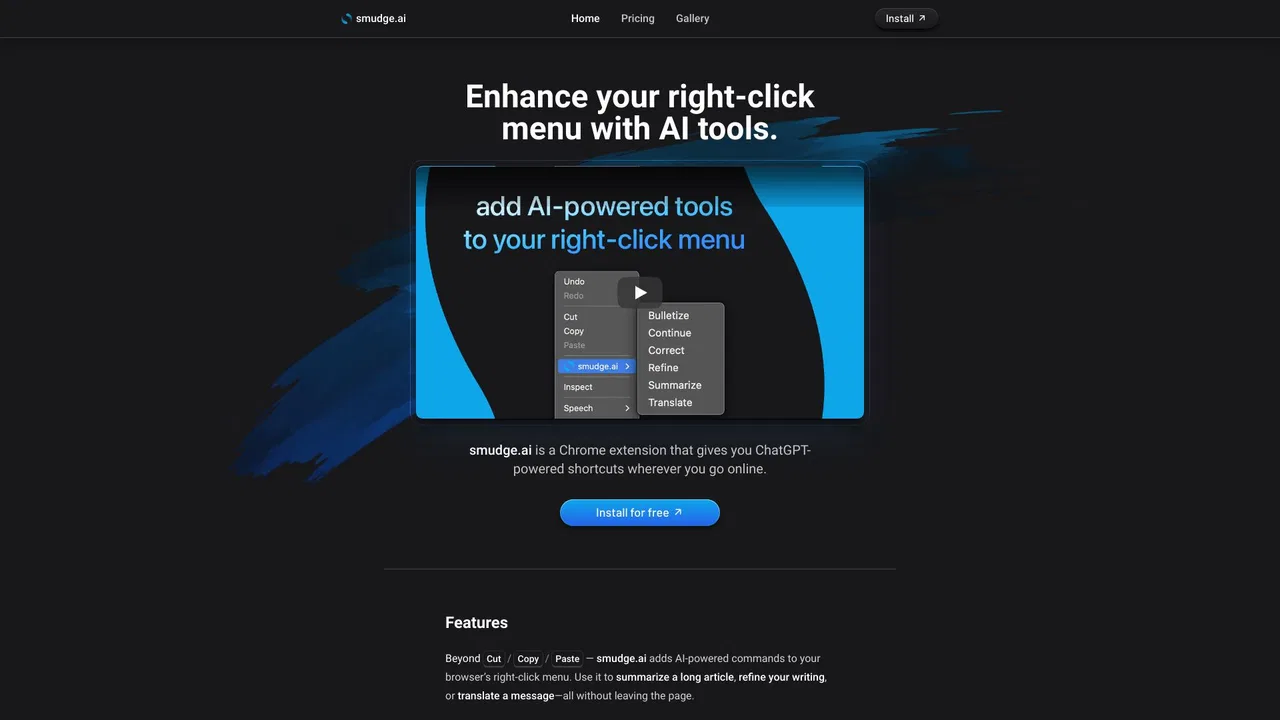
| 4 | smudge.ai | 466 | -86.9% | 39% 直接流量 | 免费增值,付费 | 对比 smudge.ai |
| 5 | HARPA AI | 53.75万 | +99.3% | 76% 直接流量 | 免费增值 | 对比 HARPA AI |
| 6 | Torq AI | 1096 | -19.2% | 39% 直接流量 | 免费 | 对比 Torq AI |
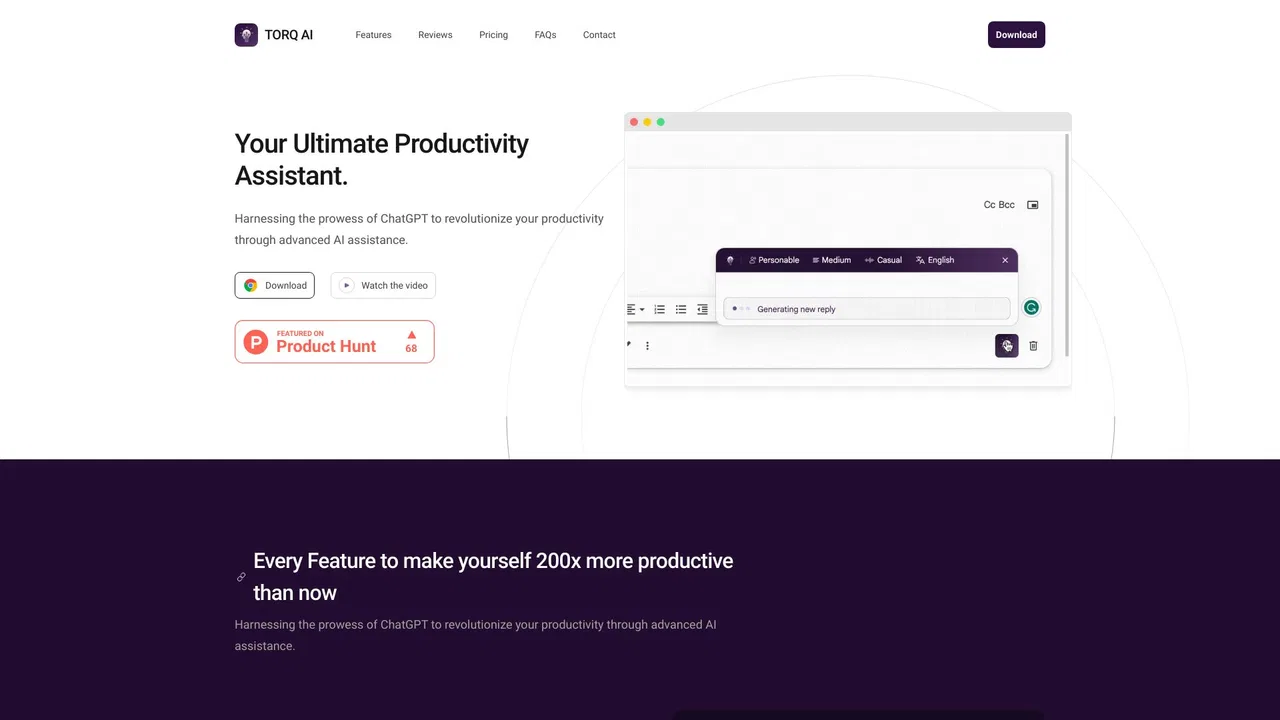
Torq AI is a free Chrome extension that brings ChatGPT-style assistance into everyday browsing. It generates emails and replies in one click, processes and analyzes selected text, translates page content into your preferred language, and combines chat with Google Search results — all without leaving the tab you are working in.
在浏览器任意位置一键调用 Grok
用你自己的 Azure OpenAI 密钥在任意网页上总结、翻译与提问
Kome is a browser extension that combines an AI summarizer, a bookmark manager and AI writing shortcuts in one sidebar. Summarize articles, YouTube videos, PDFs and webpages in a click, save anything you find, then turn your saved library into emails, tweets and blog drafts.
在任意网页上即时问答、写作与翻译的 AI 侧边栏