
免费增值,免费试用
加载中…
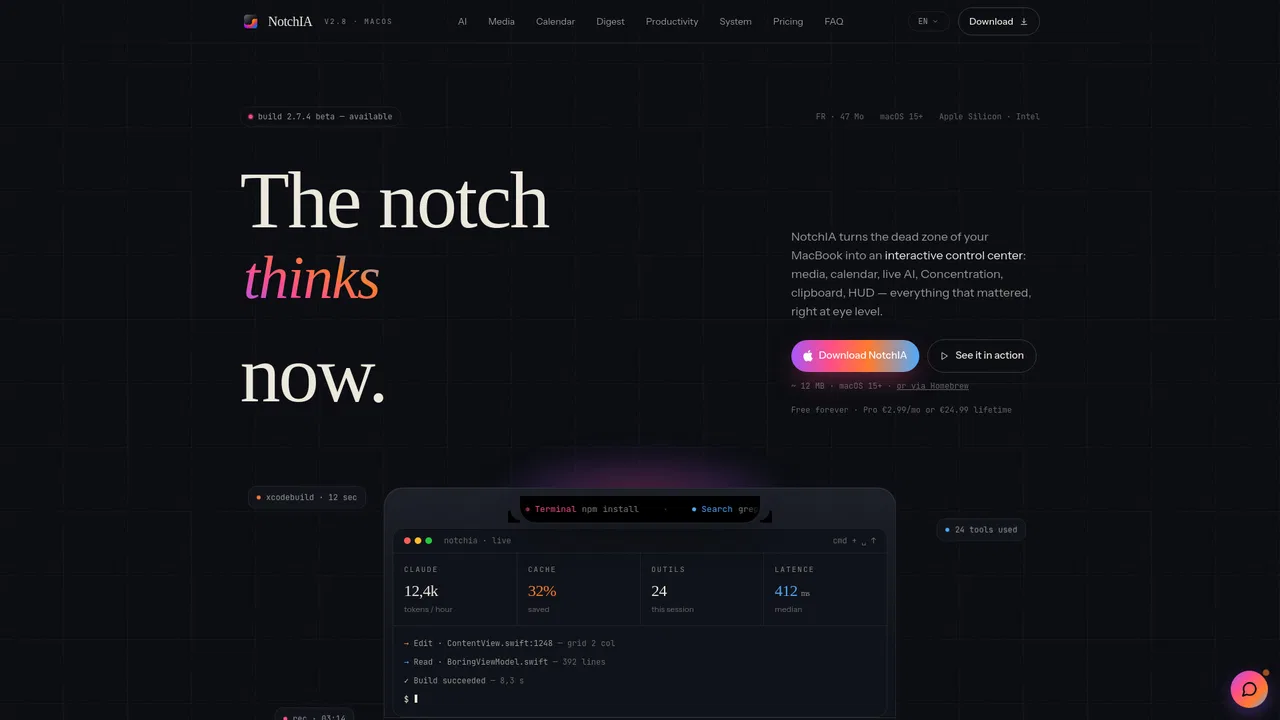
NotchIA turns the MacBook notch into a functional control center for macOS. It adds an AI assistant, a now-playing panel with media controls, a calendar, clipboard and file-shelf utilities, plus a digest view — all docked in the notch area of the display.
网站月访问量估算
数据为该域名的 Similarweb 流量估算,不是活跃用户数。仅展示有数据的统计月份;采集时间与流量统计月份分别标注。
采集于 2026年11月11日
这是编辑给出的评估,满分 5 分,不是用户打分的平均值。 本页的各方观点由 AI 根据产品信息归纳,不是真实用户的评价。
根据 OpenAITools.app 于 2026-11-11 核对的流量数据,NotchIA(notchia.app)是一个收录在 AI Productivity Tools 下的 AI 平台,月访问量为 1627,月度环比流量变化为 -1158(-41.6%)。其主要地理市场为印度(82.4% 流量份额),采用免费增值定价模式。按月流量计算的主要竞争替代方案包括 Raycast(71.06万次访问/月),SigmaOS Airis(Alpha)(9.09万次访问/月),RewriteBar(2.63万次访问/月)。
刘海屏终于有点用了,集成了剪贴板和AI助手真香!
一直开着聊天功能稍微有点耗电。
把控制中心塞进刘海里,脑洞大开。
响应速度飞快。
以下短评基于实时网页探查、定价机制与同类产品基准由 AI 综合模拟生成,旨在呈现不同使用场景下的常见槽点与亮点,非实名真实用户评价。
Built-in AI assistant powered by Gemini Flash, with an on-page live chat that answers instantly and keeps privacy in mind.
Media controls and a now-playing panel surface playback directly in the notch area.
Quick access to your calendar and upcoming events without switching apps.
Clipboard history and a file shelf keep recent items within reach for fast drag-and-drop workflows.
A digest view and other utilities act as a lightweight HUD replacement for everyday system tasks.
NotchIA turns the MacBook notch into a functional control center for macOS. It adds an AI assistant, a now-playing panel with media controls, a calendar, clipboard and file-shelf utilities, plus a digest view — all docked in the notch area of the display.
Ask the notch AI quick questions or summarize/translate on the fly without leaving your current app.
Control playback and see what's playing from the notch while working in other apps.
Keep recent clipboard items and files in a shelf for fast reuse during writing or design work.
Glance at upcoming events and your agenda in the notch without opening a full calendar app.
同一分类下同类 AI 工具的流量并排对比
| 排名 | AI 工具 | 月访问量 | 月度环比增长 | 直接流量占比 | 定价 | 头对头 |
|---|---|---|---|---|---|---|
| ● | NotchIA | 1627 | -41.6% | 37% 直接流量 | 免费增值 | 当前产品 |
| 1 | Raycast | 71.06万 | -24.5% | 49% 直接流量 | 免费增值,免费试用 | 对比 Raycast |
| 2 | SigmaOS Airis(Alpha) | 9.09万 | +9.2% | 21% 直接流量 | 免费增值 | 对比 SigmaOS Airis(Alpha) |
| 3 | RewriteBar | 2.63万 | +6% | 33% 直接流量 | 免费增值,免费试用,付费 | 对比 RewriteBar |
| 4 | Slashit App | 6008 | -27.1% | 39% 直接流量 | 免费增值 | 对比 Slashit App |
| 5 | BoltAI | 5.17万 | -8.2% | 40% 直接流量 | One-time purchase (perpetual licence with 1 year of updates) | 对比 BoltAI |
| 6 | NapCat | 4224 | -16.8% | 33% 直接流量 | 免费 | 对比 NapCat |
在任何 macOS 应用中可用的 AI 写作助手
写一次,永久复用,就地改写任何草稿

一个原生 Mac 工作区,畅用数百个 AI 模型

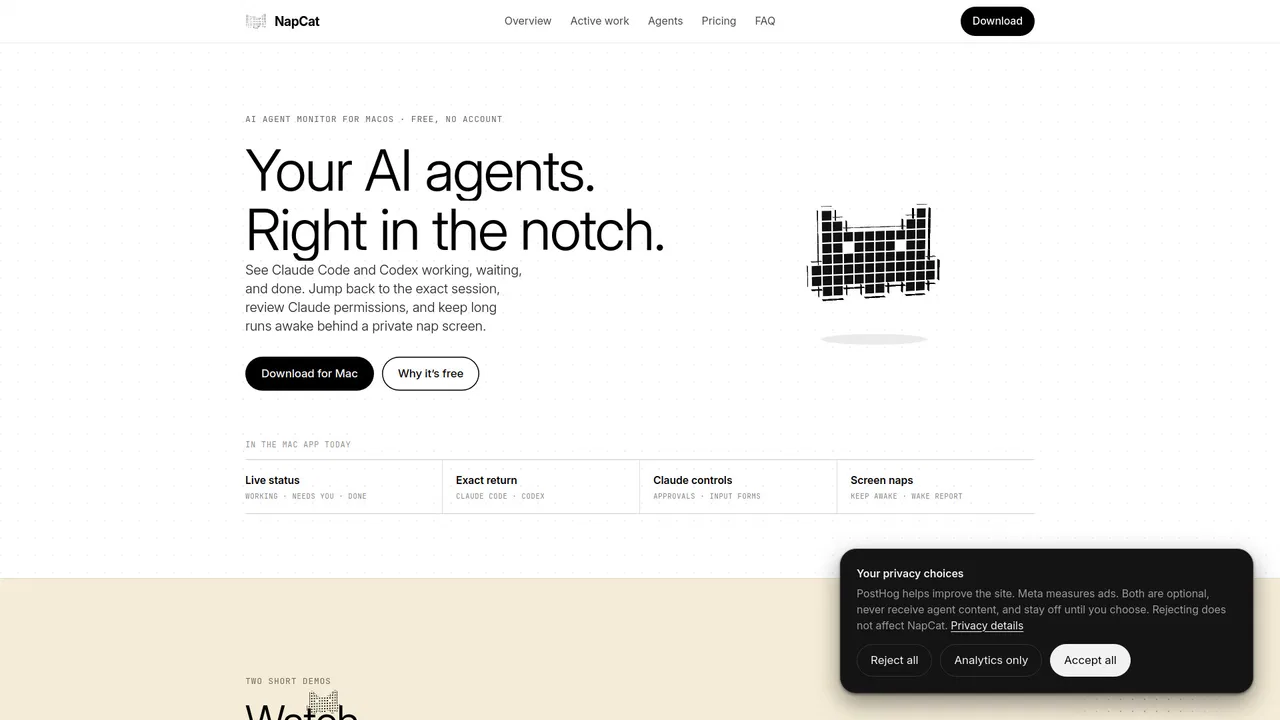
免费 / 开源NapCat is a free macOS utility that lives in the MacBook notch and surfaces what your AI coding agents are doing. It tracks Claude Code and Codex sessions, shows live status, jumps you back to the exact task, previews permission requests, and keeps long runs alive behind a private nap screen.
免费 / 开源NapCat is a free macOS utility that lives in the MacBook notch and surfaces what your AI coding agents are doing. It tracks Claude Code and Codex sessions, shows live status, jumps you back to the exact task, previews permission requests, and keeps long runs alive behind a private nap screen.

Termdock is a free desktop workspace that connects Claude Code, Codex, Gemini CLI and other AI agent CLIs across your machines, letting agents hand off work to each other while you monitor, type into and steer their terminals from a phone browser.
Termdock is a free desktop workspace that connects Claude Code, Codex, Gemini CLI and other AI agent CLIs across your machines, letting agents hand off work to each other while you monitor, type into and steer their terminals from a phone browser.

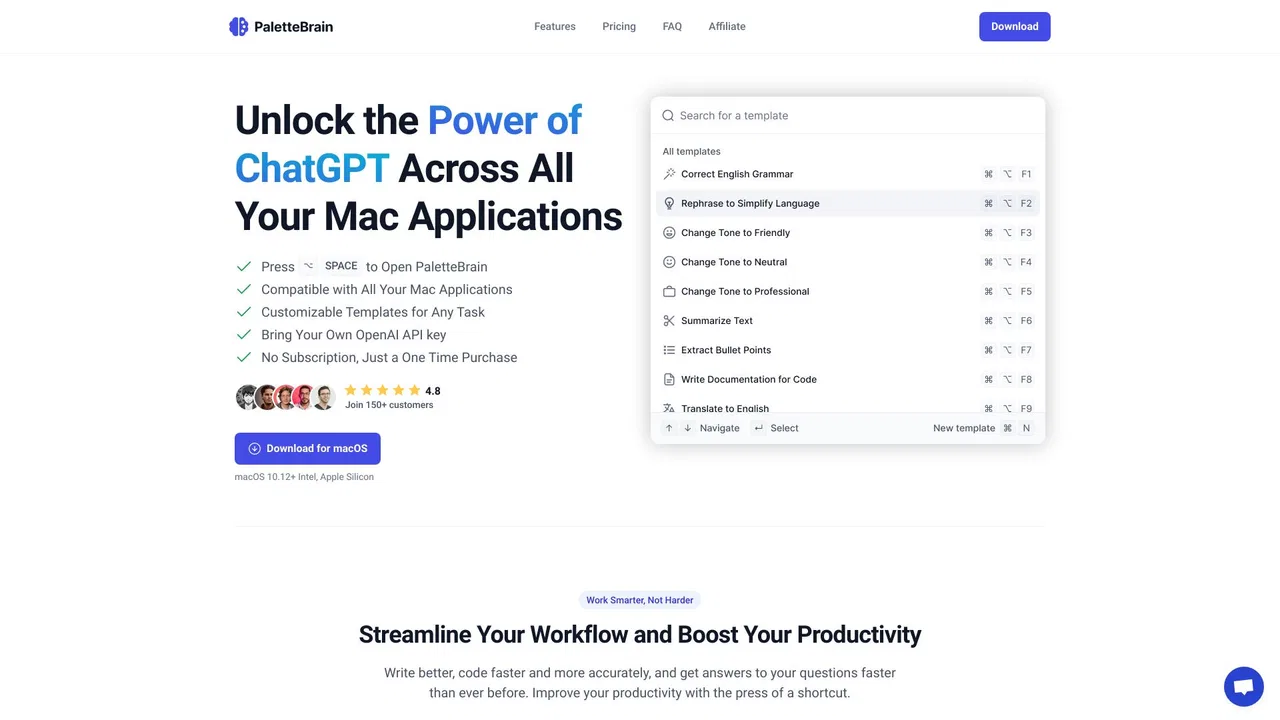
PaletteBrain is a macOS app that puts ChatGPT inside every application on your Mac. Highlight text in any app, press a shortcut, and run AI commands to fix grammar, translate, summarize, rewrite, or run your own custom prompts without switching windows or copy-pasting.
PaletteBrain is a macOS app that puts ChatGPT inside every application on your Mac. Highlight text in any app, press a shortcut, and run AI commands to fix grammar, translate, summarize, rewrite, or run your own custom prompts without switching windows or copy-pasting.