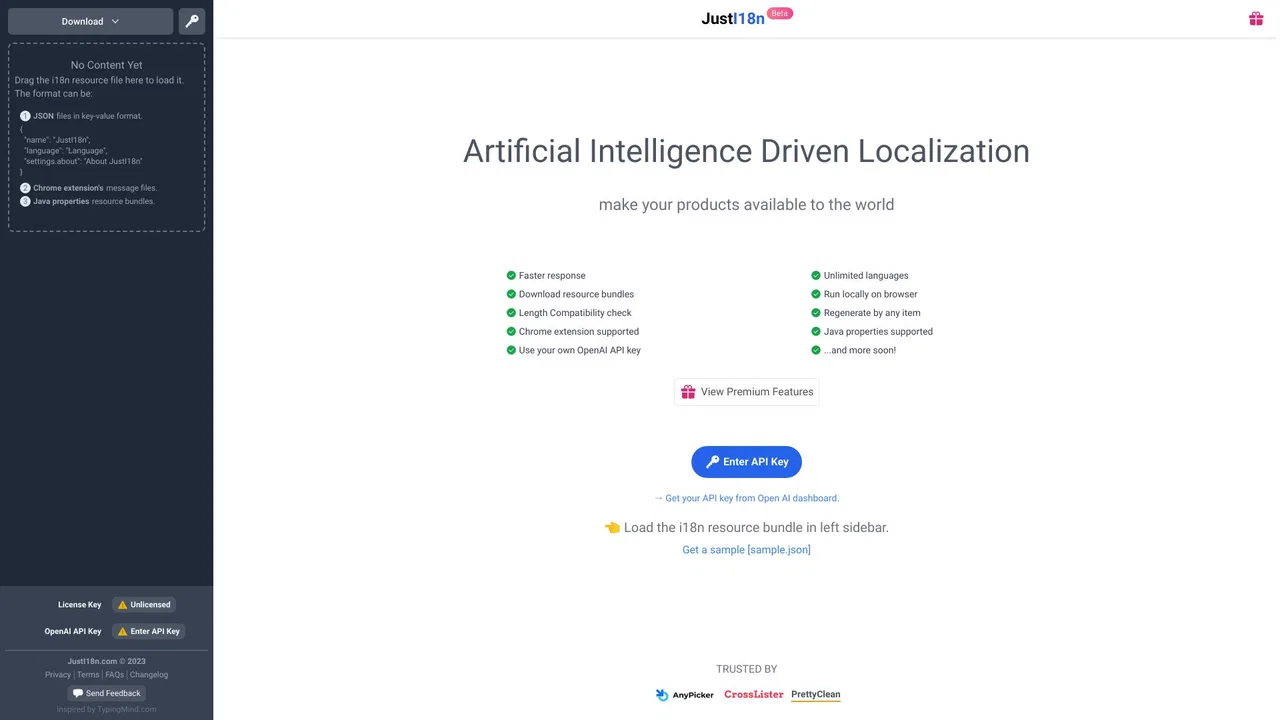
Translate your app's i18n resource bundles with ChatGPT
AI TranslateEditorial score: 4.2
Freemium
Compare AI products across 459 workflows using traffic estimates, features, and alternatives.

“message drafting” · Coding & Development·161 results
Start overTranslate your app's i18n resource bundles with ChatGPT

One-click AI autofill, rewriting, and tone control inside every text box on the web
One-click AI autofill, rewriting, and tone control inside every text box on the web

Turn a product brief into ready-to-use marketing texts and images
Turn a product brief into ready-to-use marketing texts and images
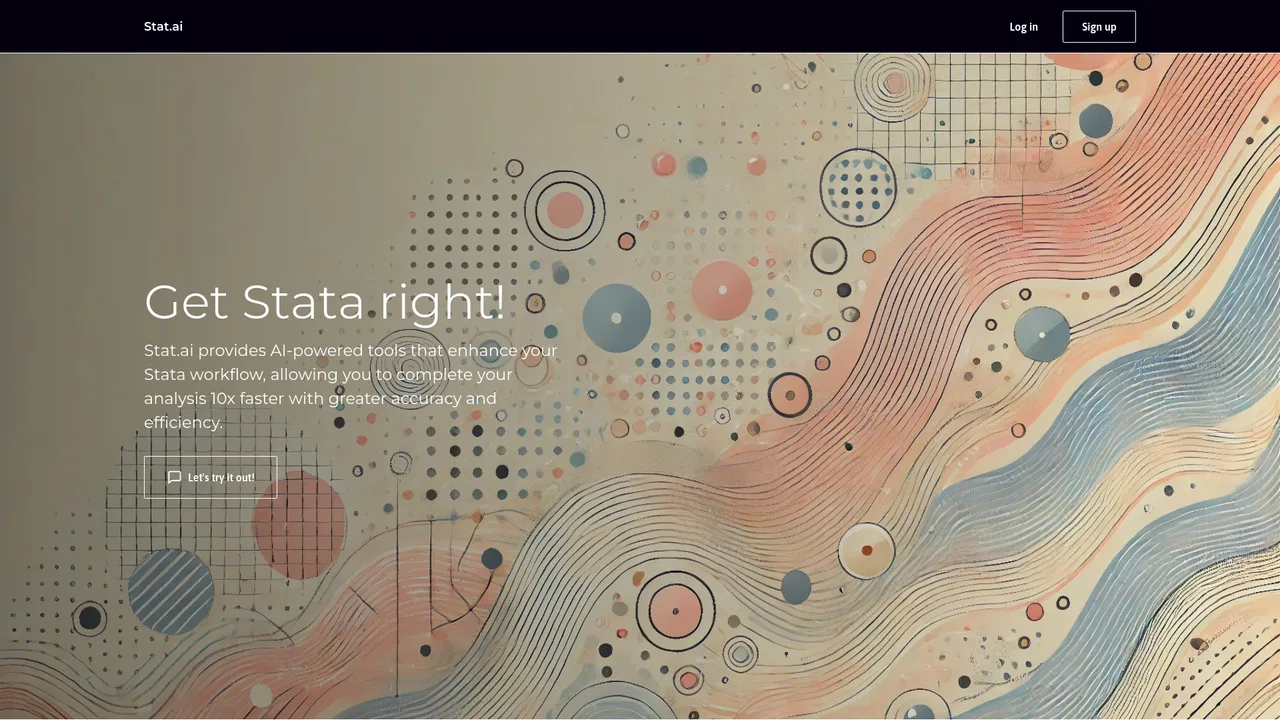
An AI copilot for Stata analysis and econometrics research
An AI copilot for Stata analysis and econometrics research

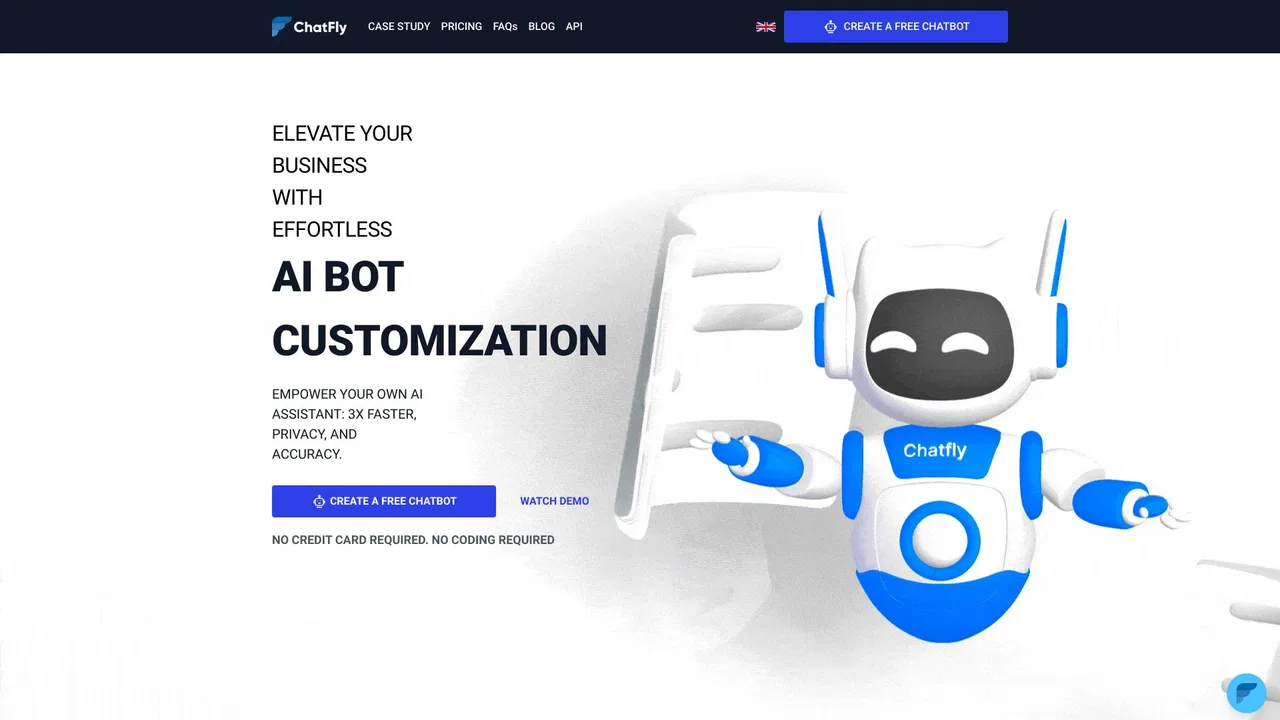
No-code AI chatbots trained on your own business data

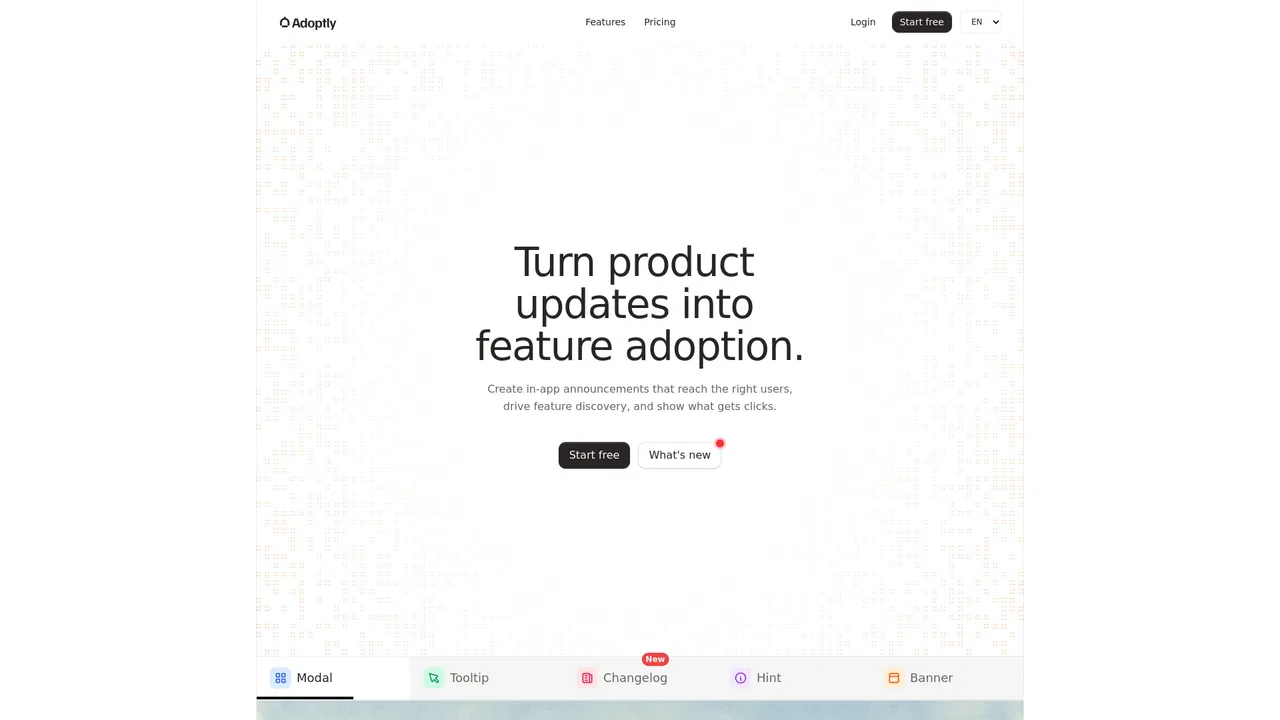
Turn product updates into feature adoption

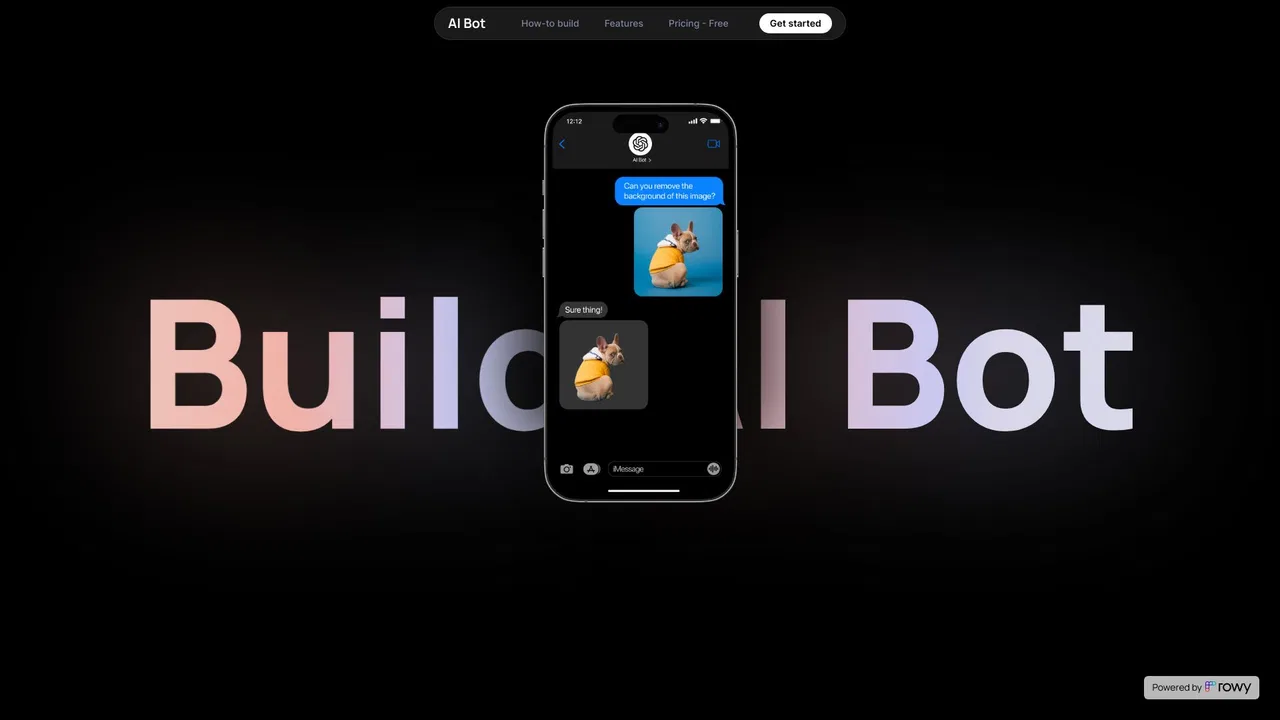
Build AI chatbots on Google Cloud with a low-code visual builder.
Build AI chatbots on Google Cloud with a low-code visual builder.

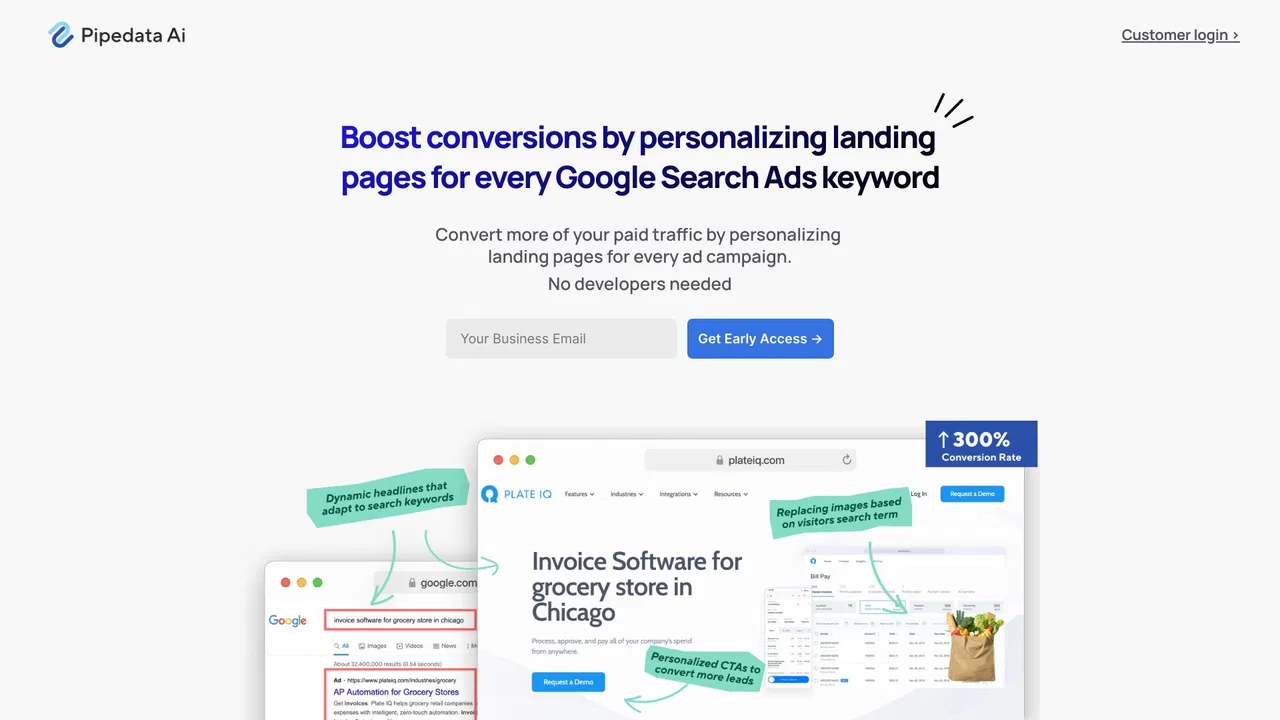
One landing page, personalized for every ad campaign and audience segment.
One landing page, personalized for every ad campaign and audience segment.

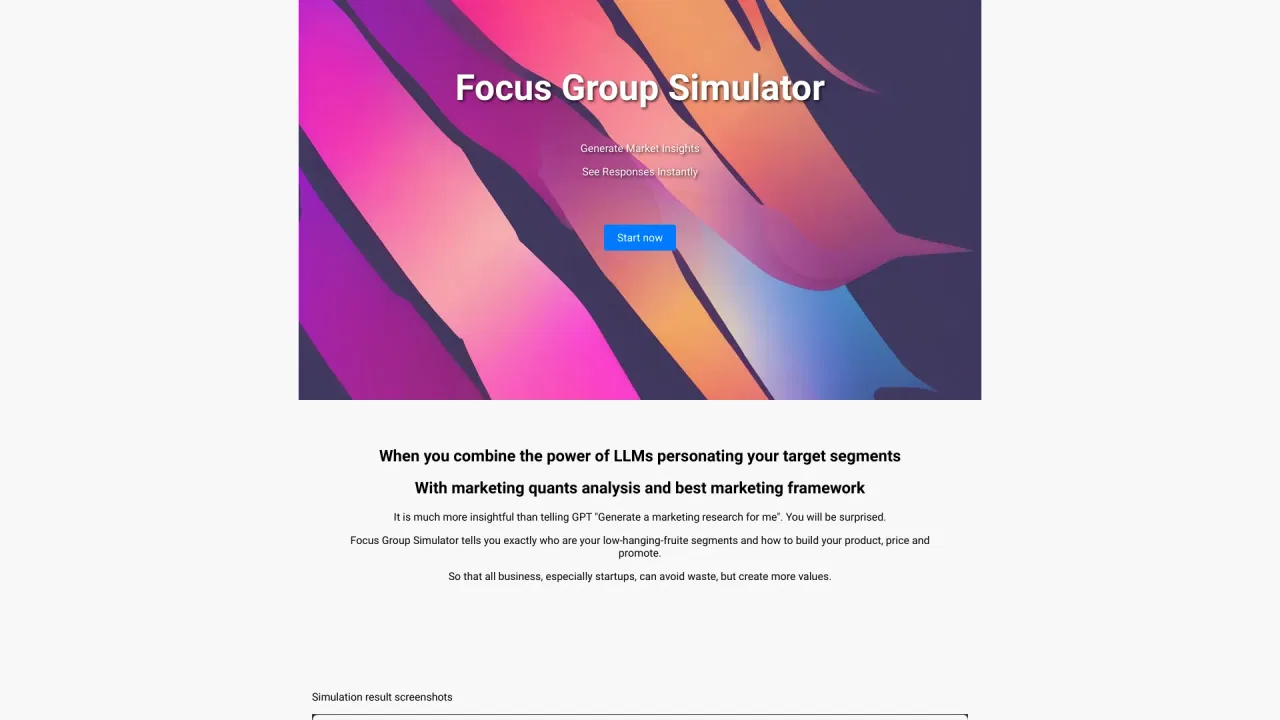
AI-simulated focus groups that deliver market-research insight in minutes instead of weeks.
AI-simulated focus groups that deliver market-research insight in minutes instead of weeks.

An AI SDR that finds leads, personalizes outreach and books meetings for you
An AI SDR that finds leads, personalizes outreach and books meetings for you

Autonomous marketing for e-commerce, in your brand's voice


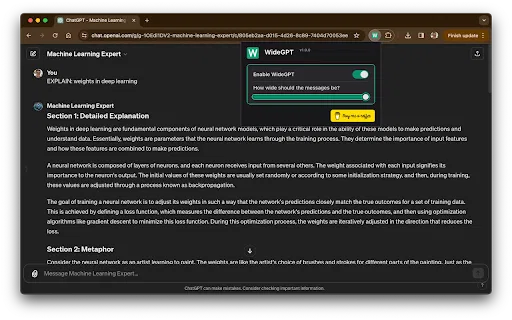
Give ChatGPT your entire screen width, without any setup
Give ChatGPT your entire screen width, without any setup

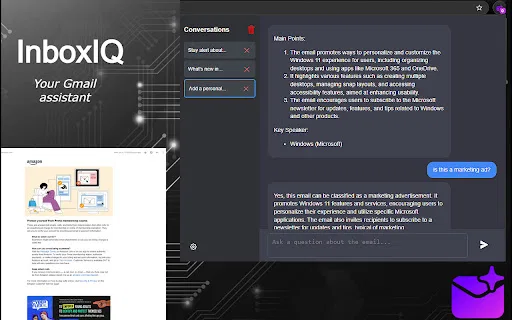
Privacy-first Gmail summaries and Q&A with your own OpenAI key
Privacy-first Gmail summaries and Q&A with your own OpenAI key

Strip the corporate fluff from LinkedIn posts and see what they really say
Strip the corporate fluff from LinkedIn posts and see what they really say

Render images and YouTube videos directly inside ChatGPT and GPT messages
Render images and YouTube videos directly inside ChatGPT and GPT messages

Run your own AI prompts on any text, straight from the right-click menu
Run your own AI prompts on any text, straight from the right-click menu