3.8editor score
Screen recordings with smart auto-zoom that keep viewers focused
AI Video RecordingPaid, Free

Screen recordings with smart auto-zoom that keep viewers focused
AI Video RecordingEditorial score: 3.8
Paid, Free
Compare AI products across 459 workflows using traffic estimates, features, and alternatives.
“macOS”·455 results
Start overScreen recordings with smart auto-zoom that keep viewers focused
Screen recordings with smart auto-zoom that keep viewers focused

An iOS, iPadOS and visionOS client for your local and cloud LLMs

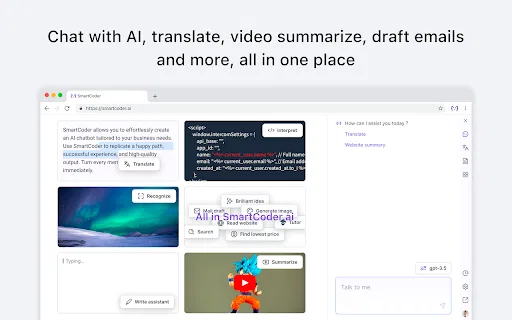
An AI assistant that follows you across every website you open in Chrome
An AI assistant that follows you across every website you open in Chrome

Real-time captions and live translation overlaid on the world around you
Real-time captions and live translation overlaid on the world around you


An AI chatbot that makes mcframe X cloud ERP easy for first-time users
Ready-made guided tours that introduce friends and family to Apple Vision Pro
Ready-made guided tours that introduce friends and family to Apple Vision Pro

Scan a room, design it with AI, and quote the job.

An AI copywriting assistant that lives in your browser, ready to draft, rephrase and simplify on the spot.
An AI copywriting assistant that lives in your browser, ready to draft, rephrase and simplify on the spot.

A sovereign AI operating system for regulated, on-premises environments
A sovereign AI operating system for regulated, on-premises environments

Bot-free AI notetaker that records, transcribes, and summarizes any meeting in your browser tab
Bot-free AI notetaker that records, transcribes, and summarizes any meeting in your browser tab

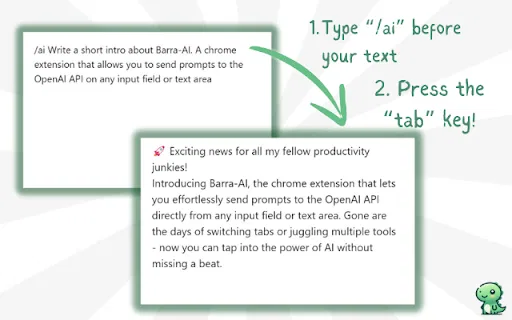
Open ChatGPT from your browser's search bar or a shortcut
Open ChatGPT from your browser's search bar or a shortcut

A Notion-based operating system for building, organizing and monetizing Custom GPTs
A Notion-based operating system for building, organizing and monetizing Custom GPTs


An AI copilot that stays docked in your browser side panel
An AI copilot that stays docked in your browser side panel

An all-in-one AI copilot that lives in a side panel on any tab, summoned with Cmd/Ctrl + R.
An all-in-one AI copilot that lives in a side panel on any tab, summoned with Cmd/Ctrl + R.

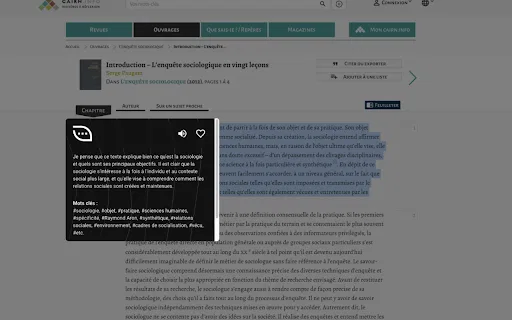
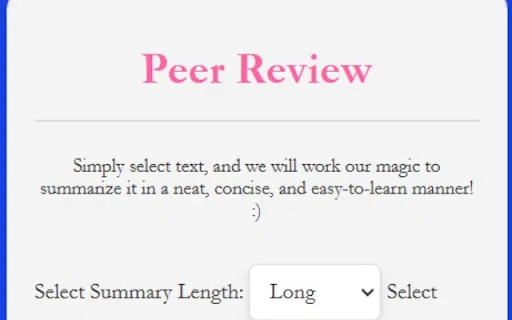
Highlight text and get a summary in one click, powered by Gemini's browser APIs
Highlight text and get a summary in one click, powered by Gemini's browser APIs

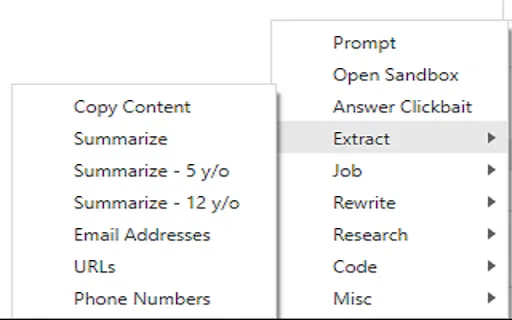
LLM-powered summarizing and rewriting from your right-click menu

Chat with any webpage using your own OpenAI key — free, private, open source
Chat with any webpage using your own OpenAI key — free, private, open source

Record, transcribe and summarize browser sessions in one click
Record, transcribe and summarize browser sessions in one click

Build your own custom AI bot and summon it anywhere in Chrome
Build your own custom AI bot and summon it anywhere in Chrome

AI homework helper that answers from a highlight or a screenshot

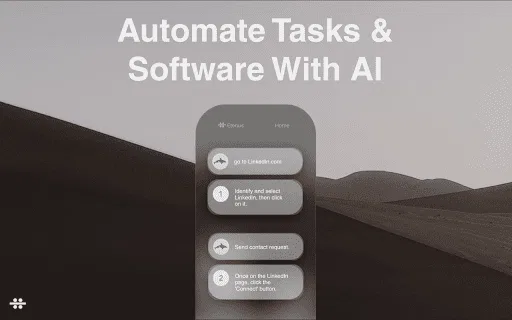
Save a task once, let AI run your browser workflows again and again.
Save a task once, let AI run your browser workflows again and again.