Record, edit and repurpose videos with AI shorts, subtitles and avatar generation

Screen recordings with smart auto-zoom that keep viewers focused

This is our editors' assessment out of 5, not an average of user ratings. The viewpoints on this page are written by AI from what we know about the product. They are not customer reviews.
According to OpenAITools.app telemetry verified on 2026-11-11, Quick Screen - Screen Video Automatic Zoom (chromewebstore.google.com) is an AI platform indexed under AI Video Recording generating 0 monthly visits with a month-over-month traffic delta of +0 (0.0%). Its primary geographic market is Global (— traffic share), and it operates on a Paid, Free pricing model. Top competing alternatives by monthly volume include Vmaker AI (511.78K visits/mo), Motionik (1.2K visits/mo), Tella (272.82K visits/mo).
Saved me hours of cutting screen recordings for my dev logs.
Zoom can be a bit jittery on fast page scrolls.
Clean little extension.
Needs more customization for zoom zones.
AI-synthesized perspectives grounded in live site inspection, pricing structure, and category benchmarks — presented as editorial viewpoints rather than individual customer testimonials.
The extension detects the main activity on screen and zooms toward it on its own, so the key detail stays large and legible in the final recording.
Add zoom elements at any moment during the recording and Quick Screen animates every one of them automatically.
Drag zoom points along the timeline to reposition emphasis; the complex smoothing and transitions are handled for you.
On export, all zoom moves are recalculated so the finished video looks consistent and professional.
Start capture directly from the extension popup in Chrome — no separate recorder app required.
Quick Screen sits in your Chrome toolbar and starts capturing as soon as you click it, so there is no separate recorder application to install or configure. The point of the extension is not just capture but pacing: viewers of tutorials tend to lose attention when the interesting part of the screen is tiny, so the tool looks at where activity is happening and zooms in on it automatically.
When automatic zoom is not the right choice, you can drop zoom points onto the timeline yourself and the extension will animate every transition smoothly. The same applies when exporting — all zoom moves are adjusted so the final video plays back cleanly rather than jumping between states.
Editing is deliberately minimal. You drag zoom points around on a simple timeline and the tool handles the smoothing, interpolation and export adjustments in the background. The extension is small, browser-based and aimed at quick instructional content rather than long-form production.
Record a software walkthrough and let auto-zoom enlarge buttons, menus and forms so viewers can follow every step.
Capture a short demo of a new feature for the team without spending time in a full editing suite.
Explain a process on screen while the recording automatically emphasises the exact region you are describing.
Record a bug reproduction with zoomed highlights that make the faulty UI element obvious to developers.
Side-by-side telemetry comparison of competing AI tools in the same primary category
| Rank | AI Tool | Monthly Visits | MoM Growth | Direct traffic share | Pricing | Head-to-Head |
|---|---|---|---|---|---|---|
| ● | Quick Screen - Screen Video Automatic Zoom | 0 | — | — | Paid, Free | Current |
| 1 | Vmaker AI | 511.78K | +10.5% | 25% direct | Freemium, Paid, Free | vs Vmaker AI |
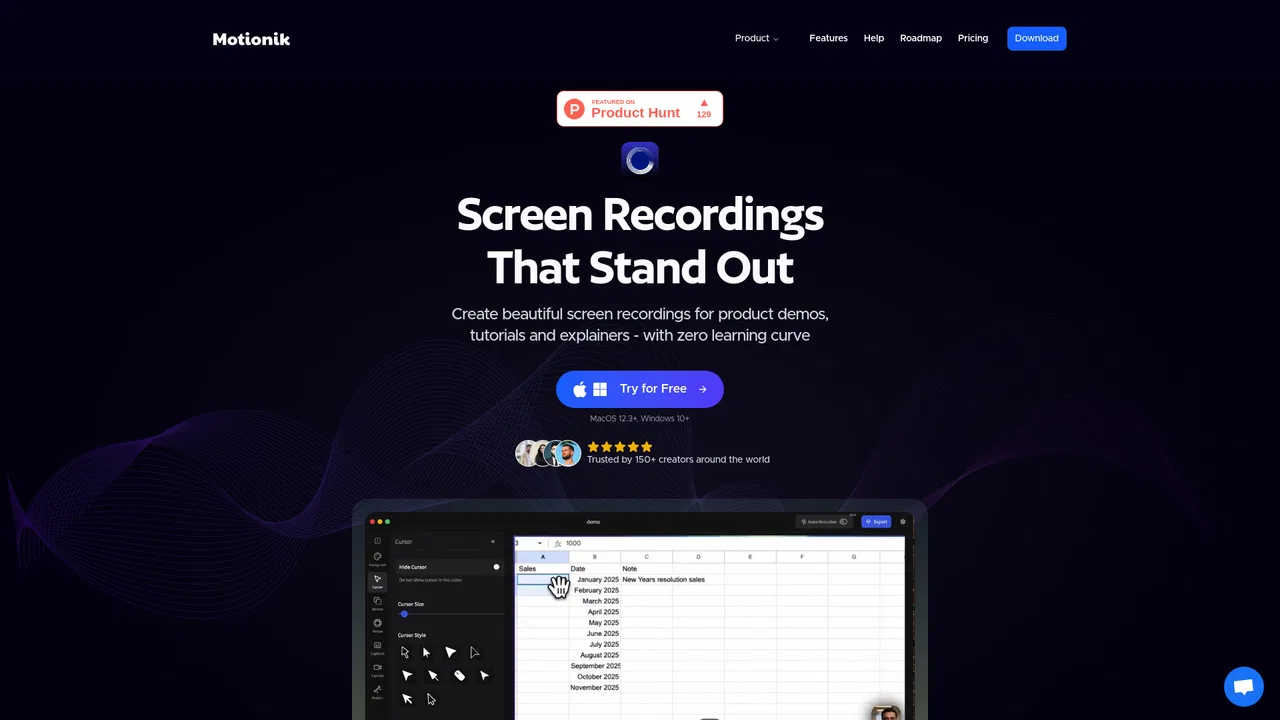
| 2 | Motionik | 1.2K | +0.1% | 39% direct | Freemium, Paid | vs Motionik |
| 3 | Tella | 272.82K | -0.4% | 31% direct | Free Trial, Paid | vs Tella |
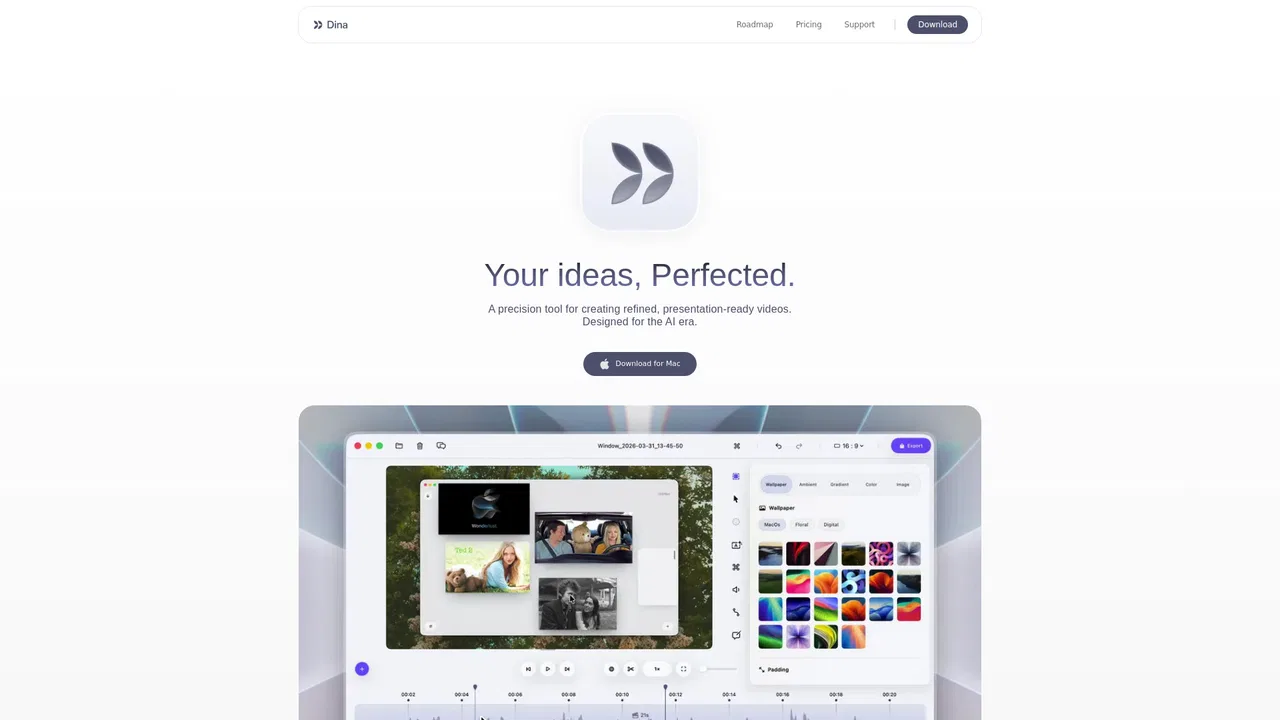
| 4 | Dina | 4.88K | -4% | 40% direct | Paid | vs Dina |
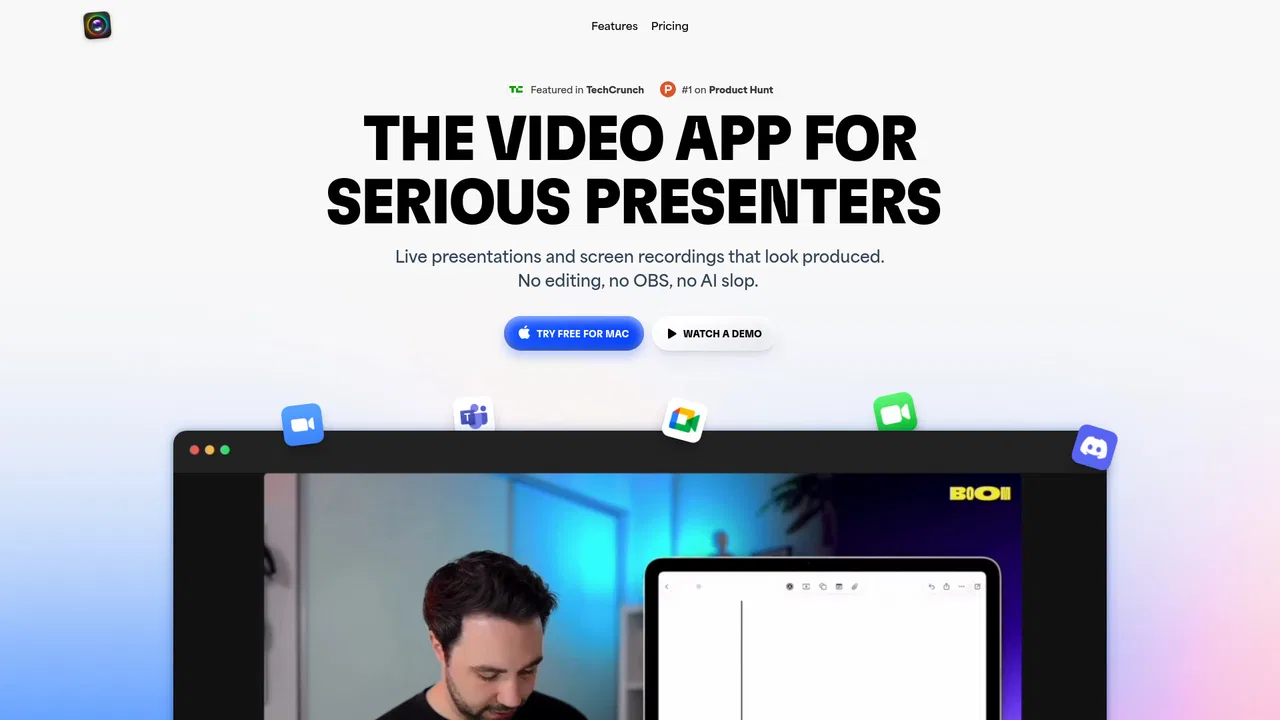
| 5 | Boom | 4.3K | -39.1% | 40% direct | Free Trial, Paid | vs Boom |
| 6 | Trainn | 128.21K | +18.6% | 76% direct | Free Trial, Paid | vs Trainn |

Record, edit and repurpose videos with AI shorts, subtitles and avatar generation

Screen recordings that look professionally edited

Record, edit with AI and share professional videos in minutes.
AI screen recorder and video editor for macOS that polishes every recording automatically

Present and record like a pro on Mac — no editing required

Turn screen recordings into product videos, guides and customer training
Screen recording that writes the documentation for you

AI video, subtitles, transcription, and screen recording in one online toolkit.

AI video editor that turns long videos into 30+ short clips

AI screen recording for Windows and Mac that auto-polishes every click
AI-assisted video editing for beginners and professionals alike
Record your screen, get a polished video automatically