01
36.9K/mo
AI that reads your documents, then names and files them for you
AI FilesEditorial score: 4.2Freemium38% direct

36.9K/mo
AI that reads your documents, then names and files them for you
Freemium

Give your messy files meaningful, AI-generated names
Estimated monthly website visits
Similarweb estimates for this domain, not active users. Only available observation months are shown; collection date is separate from the traffic period.
Collected Nov 11, 2026

This is our editors' assessment out of 5, not an average of user ratings. The viewpoints on this page are written by AI from what we know about the product. They are not customer reviews.
According to OpenAITools.app telemetry verified on 2026-11-11, AI Renamer (airenamer.app) is an AI platform indexed under AI Name Generator generating 5.1K monthly visits with a month-over-month traffic delta of +3.82K (+298.9%). Its primary geographic market is United States (53.2% traffic share), and it operates on a Paid pricing model. Top competing alternatives by monthly volume include Renamer.ai (36.9K visits/mo), Keep It Shot (390 visits/mo), Sortio (30.82K visits/mo).
Renamed 500 messy screenshots in seconds. Absolute lifesaver.
Batch processing is super fast, though I wish it let me tweak prompt templates.
Handled my scanned PDF folder without breaking a sweat.
Finally my photo archive makes sense.
AI-synthesized perspectives grounded in live site inspection, pricing structure, and category benchmarks — presented as editorial viewpoints rather than individual customer testimonials.
Vision and language models inspect what is inside an image or document — subject matter, EXIF hints, page text — and generate a filename that actually describes it.
Drag in a whole folder of screenshots, downloads or scans, review the suggested names side by side, and rename everything with a single action.
Point the app at Ollama or LM Studio and run renaming entirely on your own hardware, so confidential documents and client photos never reach a third-party server.
Add your own naming rules — required prefixes, date formats, casing, preferred language — and the AI will follow them instead of defaulting to generic names.
Every suggestion is shown for approval, and in-progress jobs can be cancelled, so an unlucky model output never silently rewrites your file system.
AI Renamer solves a very specific and very common annoyance: folders full of files named IMG_4821.jpg, Screenshot 2025-03-01 at 14.22.11.png or scan_final_v3.pdf. Instead of guessing, the app sends each file to an AI model that looks at the actual content — the subject of a photo, the title and body text of a document — and proposes a clean, descriptive filename. You review the suggestions, adjust anything you don't like, and apply them in one click.
The desktop app runs on both macOS and Windows and supports two very different operating modes. Cloud Mode is the easiest: buy credits, drop in files, and let the service call hosted AI models (with OpenAI and custom endpoints supported). Local Mode is for privacy-minded users or anyone who works offline — the same app connects to models you run on your own machine through Ollama or LM Studio, so no file ever leaves your computer. A one-time Local Mode package unlocks that path.
Batch handling is where the product earns its place. You can drag in dozens of images and documents at once, preview the proposed names before committing, and mix custom instructions into the process so the AI follows your house naming conventions — date prefixes, language, formatting style — rather than inventing its own. There is also a free tier with signup credits, so you can test whether the model's naming taste matches yours before paying.
Turn directories of DSC_0001.jpg into files that describe the shoot, subject or event, making an archive searchable without a DAM system.
Rename downloaded invoices, contracts and reports by their document content so colleagues can locate the right file by name instead of opening each one.
Use Local Mode with a self-hosted model so legal, medical or client material is catalogued without any data leaving the workstation.
Batch-rename UI captures, annotate research image sets, or standardise file naming across a project with consistent AI-generated labels.
Side-by-side telemetry comparison of competing AI tools in the same primary category
| Rank | AI Tool | Monthly Visits | MoM Growth | Direct traffic share | Pricing | Head-to-Head |
|---|---|---|---|---|---|---|
| ● | AI Renamer | 5.1K | +298.9% | 39% direct | Paid | Current |
| 1 | Renamer.ai | 36.9K | -1.6% | 38% direct | Freemium | vs Renamer.ai |
| 2 | Keep It Shot | 390 | -79.5% | 40% direct | Freemium | vs Keep It Shot |
| 3 | Sortio | 30.82K | -14.8% | 24% direct | Freemium | vs Sortio |
| 4 | nymos | 0 | 0% | — | Free Trial, Paid | vs nymos |
| 5 | Filently | 14.57K | -12.5% | 40% direct | Freemium, Free Trial, Paid | vs Filently |
| 6 | FileNeatAI (FileZen) | 0 | -100% | — | Freemium | vs FileNeatAI (FileZen) |
AI that reads your documents, then names and files them for you
AI that reads your documents, then names and files them for you
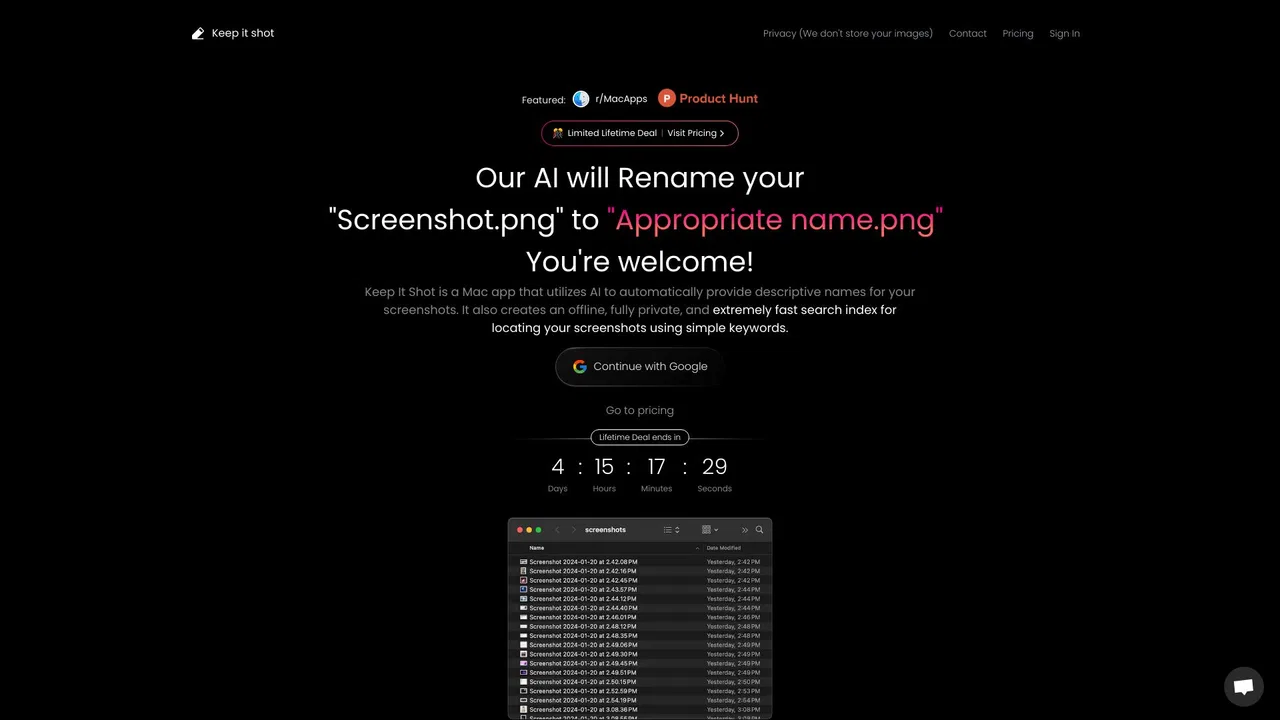
AI-powered renaming and private offline search for your screenshots and media files
AI-powered renaming and private offline search for your screenshots and media files

AI file sorter that renames and files your documents from a plain-English prompt

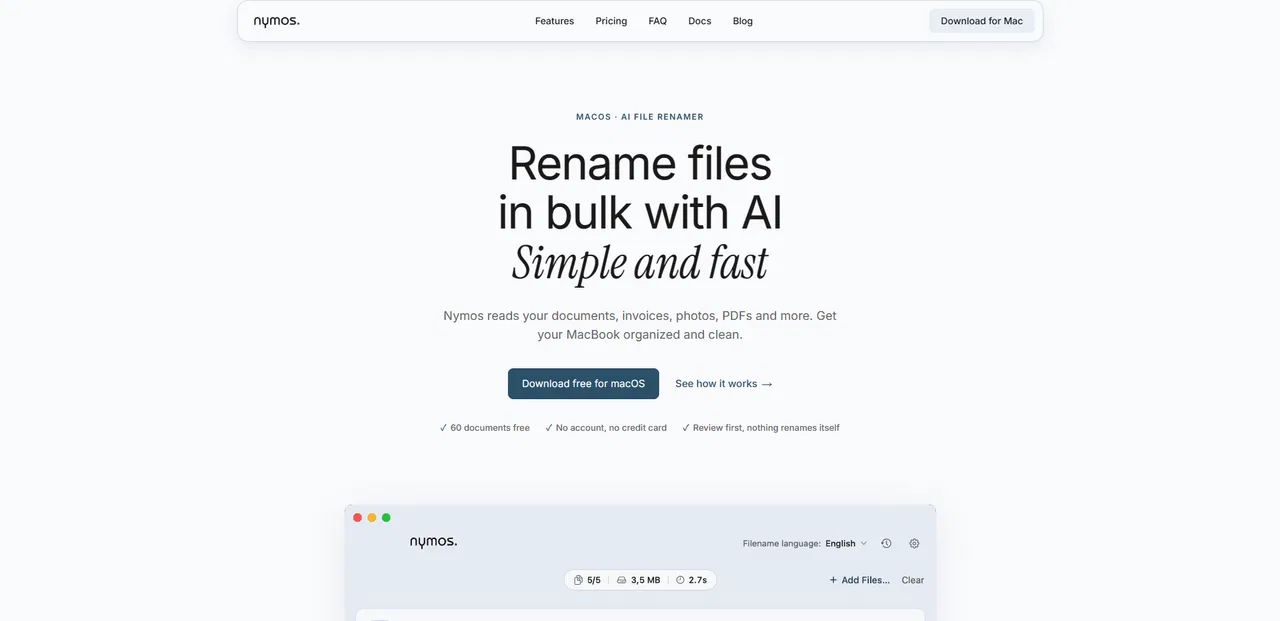
AI file renamer for Mac that names files by what's inside them
AI file renamer for Mac that names files by what's inside them

AI document filing that organizes your Google Drive automatically
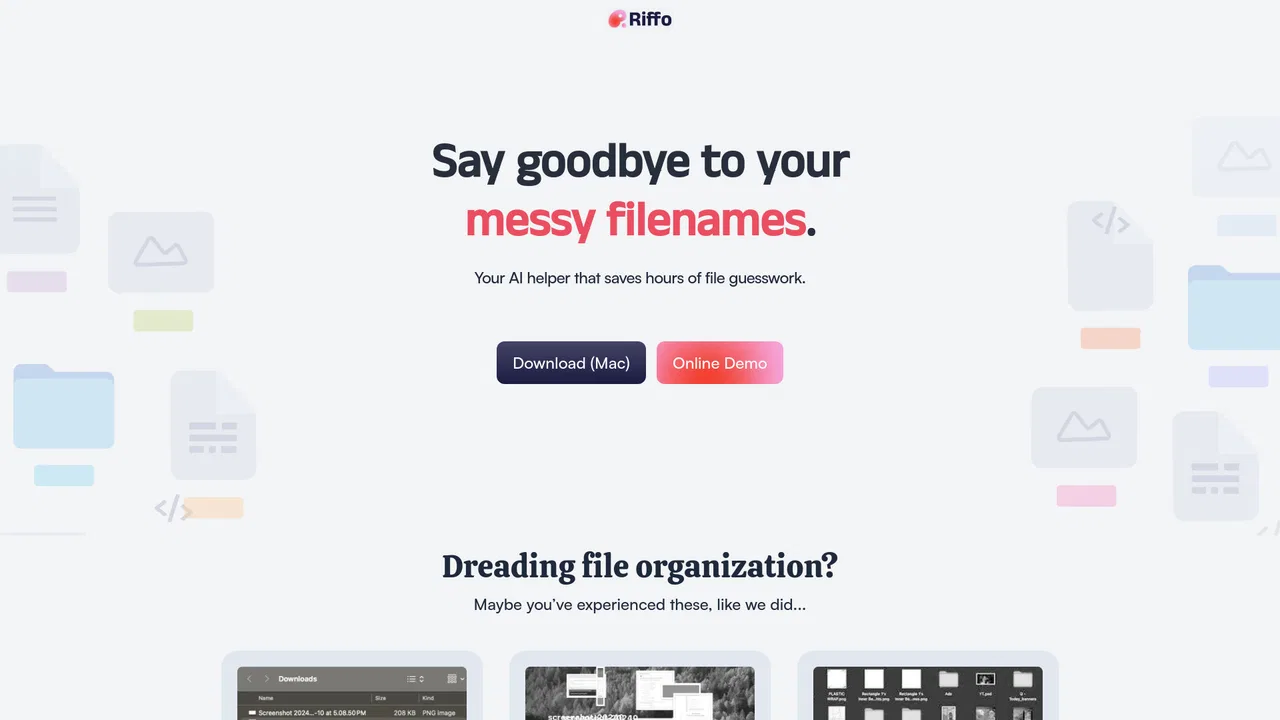
AI file organizer and renamer that sorts folders by content
AI file organizer and renamer that sorts folders by content
Free AI-powered name ideas for characters, brands, pets and more
Free AI-powered name ideas for characters, brands, pets and more

An AI file assistant that organizes and answers questions across your team's documents
An AI file assistant that organizes and answers questions across your team's documents

Turn raw text and files into polished, template-perfect documents
Turn raw text and files into polished, template-perfect documents

Describe any image with AI — detailed descriptions, captions, prompts, and text extraction in one place
Describe any image with AI — detailed descriptions, captions, prompts, and text extraction in one place
SpecialistCombine any files into one AI-ready bundle, right in your browser
SpecialistCombine any files into one AI-ready bundle, right in your browser