01
ChatPDFOfficial
1M/mo
Chat with any PDF, video, or website and get cited answers in seconds
AI PDFEditorial score: 4.2Freemium44% direct

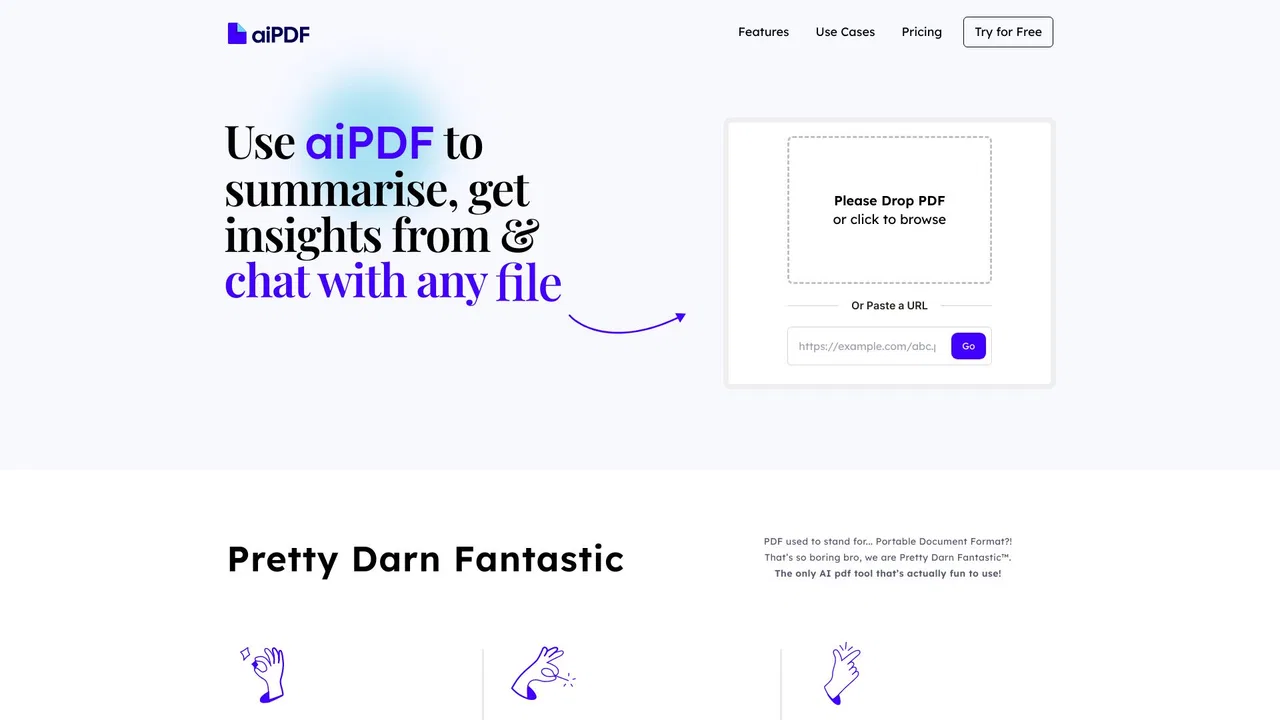
Paste a PDF link, then ask it questions and pull out summaries
This is our editors' assessment out of 5, not an average of user ratings. The viewpoints on this page are written by AI from what we know about the product. They are not customer reviews.
Bard PDF is an unofficial third-party wrapper site using the Bard brand name to capture search traffic.
According to OpenAITools.app telemetry verified on 2026-11-11, Bard PDF (aibardpdf.com) is an AI platform indexed under AI PDF generating 0 monthly visits with a month-over-month traffic delta of +0 (0%). Its primary geographic market is Global (— traffic share), and it operates on a Free pricing model. Top competing alternatives by monthly volume include ChatPDF (1.04M visits/mo), PDF.ai (387.82K visits/mo), aiPDF (3.82K visits/mo).
Total SEO trap using the old Bard name for clickbait.
Just a wrapper site that breaks on large PDFs.
Complete ripoff, don't waste your time here.
Fails to answer basic questions from my document.
AI-synthesized perspectives grounded in live site inspection, pricing structure, and category benchmarks — presented as editorial viewpoints rather than individual customer testimonials.
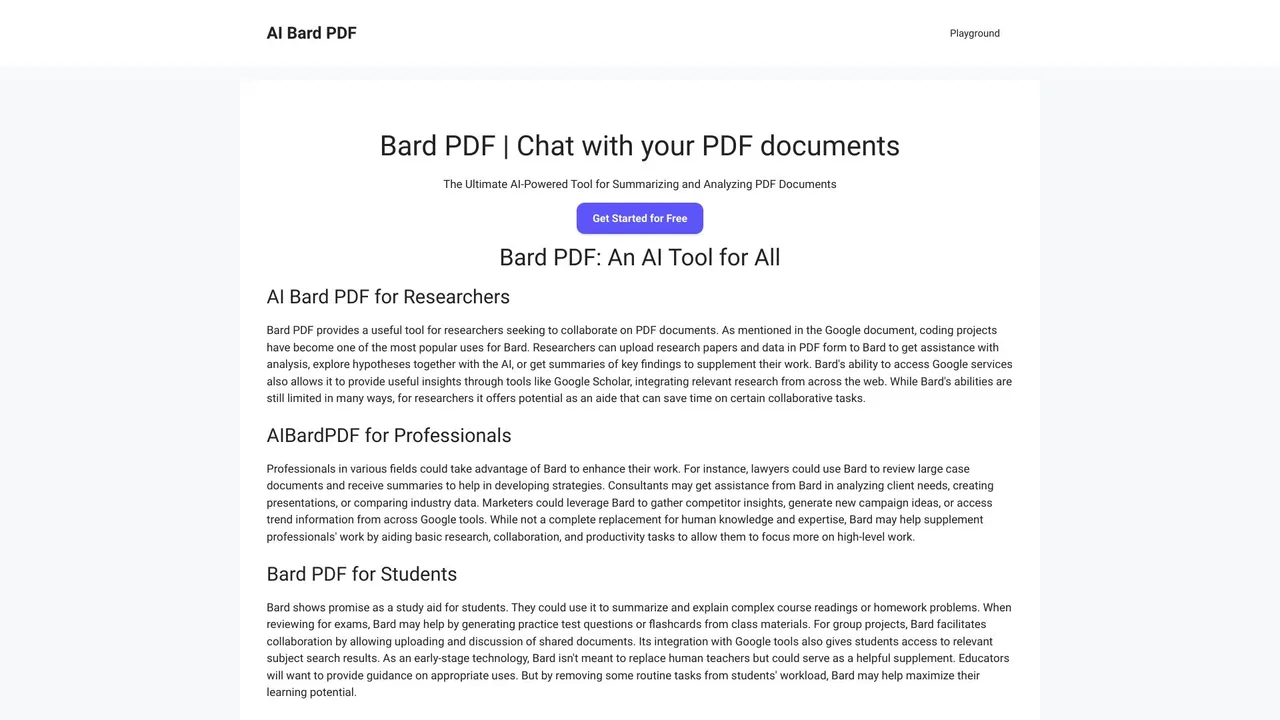
Paste a link to an online PDF and the document is parsed so you can interrogate it in plain language instead of reading it end to end.
Ask for a brief overview or a comprehensive summary with supporting detail, or target one section such as the methodology or the results.
Pull out specific details from a document — tables, figures, data points or quoted passages — rather than the whole text.
The site positions the tool as a research companion, with an integration that points you toward Google Scholar for related papers.
The interface can be switched among 24 languages including English, Chinese, Japanese, Korean, Spanish, Portuguese, German, French and Vietnamese.
Bard PDF is a free web tool built around a single, narrow idea: instead of downloading a PDF and scrolling through it, you give the platform a link to the file and then hold a conversation with it. You can ask for a summary at whatever length suits you, target a specific section like the methodology or the conclusions, or request particular pieces of data such as a table or a figure. The site frames the main benefits as faster comprehension of long documents, less time spent searching for one detail, and a way to study complex texts.
On the practical side, the flow is short. You open the Playground, paste the public URL of the PDF you want to work with, and the document is processed and ready for questions. From there you can keep asking follow-ups — asking it to elaborate on a method, compare findings with other work, or assess the strengths of an argument — and the site encourages providing feedback on the answers to guide its continued development. Summary requests can be tuned by describing the length you want or by naming the section you care about.
Two things are worth being straight about. First, this is an independent third-party platform, not an official Google product, even though it brands itself with the Bard name — Google's Bard has since been renamed Gemini, and aibardpdf.com is not operated by Google. Second, the site's own documentation notes that it works with one PDF at a time and that annotating and highlighting inside the platform are future plans rather than current features. It also carries links to unrelated image-generation tools in its footer, so the platform appears to be one of several experiments run by the same operator.
Paste the URL of an assigned paper or chapter, ask for a summary of the key points, then drill into sections you found confusing.
Get the methodology, findings and conclusions of a study summarised before deciding whether to read the whole thing, and use the Scholar link to find related work.
Ask directly for the figure, table or data point you need instead of scrolling through a hundred-page PDF.
Switch among 24 interface languages, including Chinese, Japanese, Korean, Spanish, Portuguese, German, French and Vietnamese.
Side-by-side telemetry comparison of competing AI tools in the same primary category
| Rank | AI Tool | Monthly Visits | MoM Growth | Direct traffic share | Pricing | Head-to-Head |
|---|---|---|---|---|---|---|
| ● | Bard PDF | 0 | 0% | — | Free | Current |
| 1 | ChatPDF | 1.04M | -3.7% | 44% direct | Freemium | vs ChatPDF |
| 2 | PDF.ai | 387.82K | -5.5% | 33% direct | Freemium, Free Trial | vs PDF.ai |
| 3 | aiPDF | 3.82K | -26.2% | 39% direct | Freemium | vs aiPDF |
| 4 | PDF Summarizer | 5.62K | -11.9% | 39% direct | Freemium | vs PDF Summarizer |
| 5 | AskYourPDF | 127.73K | +14.1% | 51% direct | Freemium | vs AskYourPDF |
| 6 | UPDF AI | 1.05M | -7.2% | 19% direct | Freemium, Free Trial, Paid | vs UPDF AI |
Chat with any PDF, video, or website and get cited answers in seconds
Chat with any PDF and get cited answers instantly
Chat with PDFs, books, websites, YouTube videos and podcasts

Turn long PDFs into summaries, key points, and answers
Turn long PDFs into summaries, key points, and answers
Chat with any PDF and add an AI chatbot trained on your own content
Chat with any PDF and add an AI chatbot trained on your own content
Cross-platform PDF editing with GPT-powered AI for reading, translating, and signing documents
Chat with your documents and get answers you can verify
Chat with your documents and get answers you can verify
A free, AI-powered PDF editor for every device

AI chat with your PDF documents
AI chat with your PDF documents

Free AI-powered PDF editor, converter and reader for every device
Free AI-powered PDF editor, converter and reader for every device

Chat with your PDFs — summaries, citations and multi-document search in seconds
Chat with your PDFs — summaries, citations and multi-document search in seconds

AI research platform for reading, understanding and writing scientific papers
AI research platform for reading, understanding and writing scientific papers