01
32.2K/mo
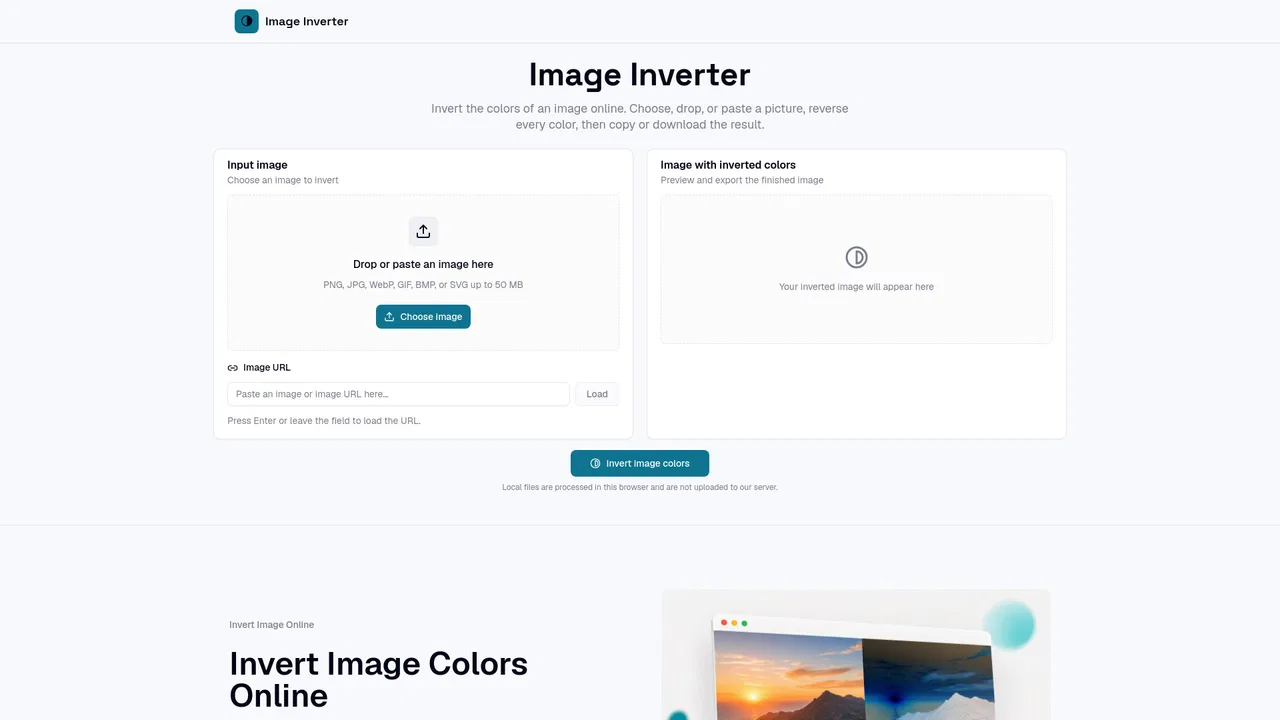
Invert photo colors and create negatives instantly in your browser
OtherEditorial score: 4.1Free20% direct

32.2K/mo
Invert photo colors and create negatives instantly in your browser
Free
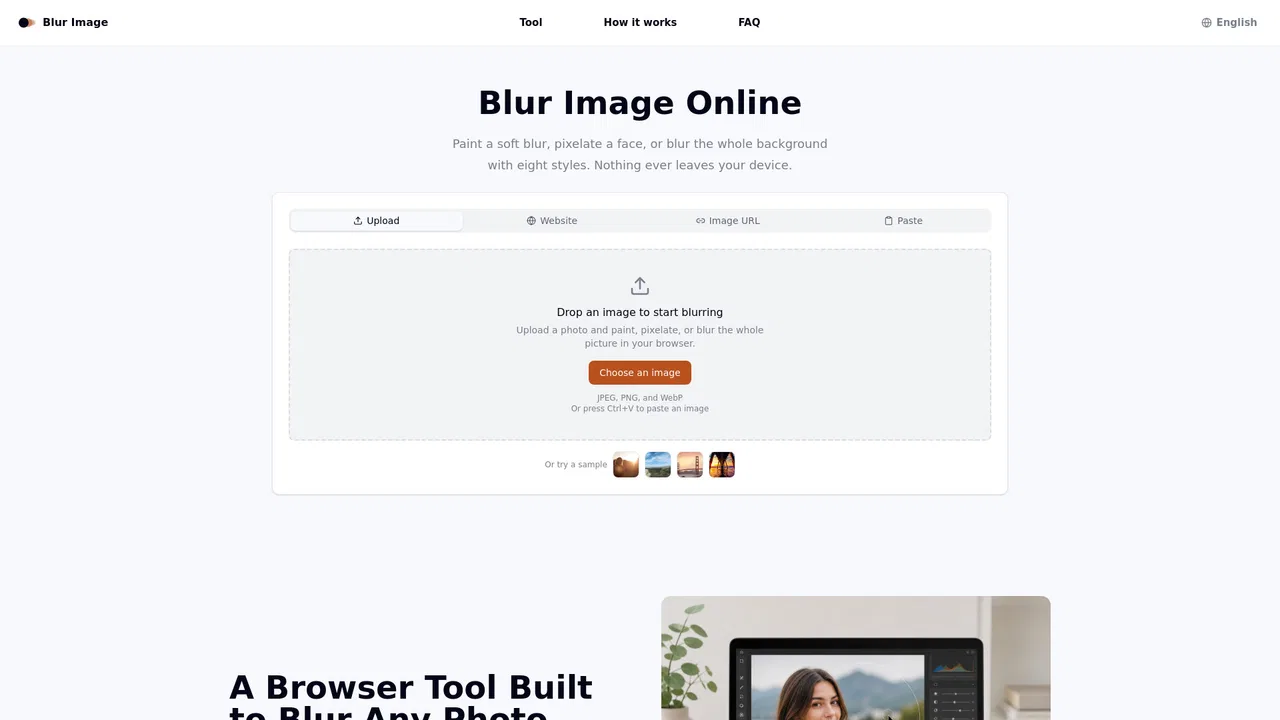
Blur, pixelate, and redact photos right in your browser — nothing gets uploaded.
This is our editors' assessment out of 5, not an average of user ratings. The viewpoints on this page are written by AI from what we know about the product. They are not customer reviews.
According to OpenAITools.app telemetry verified on 2026-11-11, Blur Image (blurimage.io) is an AI platform indexed under Other generating 0 monthly visits with a month-over-month traffic delta of +0 (0%). Its primary geographic market is Global (— traffic share), and it operates on a Free pricing model. Top competing alternatives by monthly volume include Image Inverter (32.18K visits/mo), Imagvio AI (22.61K visits/mo), Avif to JPG (12.68K visits/mo).
Client-side canvas blur means screenshots never touch some random server.
Brush controls are snappy and export as WebP is super clean.
No watermark and zero signup bullshit. Absolute lifesaver.
Wish it had batch processing for multiple screenshots at once.
AI-synthesized perspectives grounded in live site inspection, pricing structure, and category benchmarks — presented as editorial viewpoints rather than individual customer testimonials.
Switch between Gaussian, stack, soften, motion, radial, pixelate, and noise blurs without leaving the editor, so you can match the effect to the shot.
Paint the blur only where you need it, with adjustable brush size and strength for precise control over edges and fine details.
Flip the invert switch to blur the background while the subject stays sharp, creating a portrait-style depth effect in a single step.
All processing happens as local canvas code in your browser; images are never uploaded to a server, keeping sensitive content private.
Download the finished image in the format that fits your workflow, including PNG for transparency and WebP for lightweight web use.
Blur Image is a no-install, no-account web app built for one job: hiding parts of a picture. You drop in a photo, choose one of eight blur engines — Gaussian, motion, radial, pixelate, noise, stack, soften and more — and then either paint the exact area you want hidden with an adjustable brush or apply the effect to the whole shot in a single click. An invert switch flips the brush so you can blur the background while keeping your subject sharp, which mimics a shallow-depth-of-field portrait look without touching camera settings.
Everything runs as canvas code directly in your tab. That means your image is never uploaded to a server, so private material like ID photos, screenshots of invoices or dashcam clips stays on your machine the entire time. There is no account, no watermark, and no processing queue to wait in, and previews of a new blur style appear almost instantly even on large photos.
Exports are available as PNG (for transparency), JPG (for smaller files) and WebP (for the web). The tool targets a wide range of everyday redaction and privacy tasks — real estate agents hiding signage, support teams masking account numbers in tickets, parents masking a child's face, and teachers removing answer keys from worksheet photos — and it works on both desktop and mobile browsers.
Blur for-sale signs, house numbers, or a neighbor's window before a property photo goes public, so the listing highlights the home instead of surrounding details.
Paint over account numbers, names, or internal IDs in a screenshot in seconds before pasting it into a shared ticket or chat thread.
Soften a busy background so the product or person in the shot becomes the clear focal point for posts and thumbnails.
Blur a child's face before sharing a photo outside the family group, or hide the answer key on a worksheet image before sending it to students.
Side-by-side telemetry comparison of competing AI tools in the same primary category
| Rank | AI Tool | Monthly Visits | MoM Growth | Direct traffic share | Pricing | Head-to-Head |
|---|---|---|---|---|---|---|
| ● | Blur Image | 0 | 0% | — | Free | Current |
| 1 | Image Inverter | 32.18K | -3.7% | 20% direct | Free | vs Image Inverter |
| 2 | Imagvio AI | 22.61K | -20.3% | 4% direct | Freemium | vs Imagvio AI |
| 3 | Avif to JPG | 12.68K | -1.7% | 28% direct | Free | vs Avif to JPG |
| 4 | ImageInverter | 2.09K | -44% | 31% direct | Free | vs ImageInverter |
| 5 | Circle Crop Image | 110 | -52.2% | 41% direct | Free | vs Circle Crop Image |
| 6 | Photo AI Studio | 148.63K | +10% | 23% direct | Paid | vs Photo AI Studio |
Invert photo colors and create negatives instantly in your browser
Invert photo colors and create negatives instantly in your browser
Edit any photo with a prompt and keep faces unchanged
Edit any photo with a prompt and keep faces unchanged
Batch-convert AVIF to JPG, PNG, or WebP entirely inside your browser — no uploads, no signup.
Batch-convert AVIF to JPG, PNG, or WebP entirely inside your browser — no uploads, no signup.
SpecialistFlip every color in a picture to its exact opposite, right in your browser
SpecialistFlip every color in a picture to its exact opposite, right in your browser

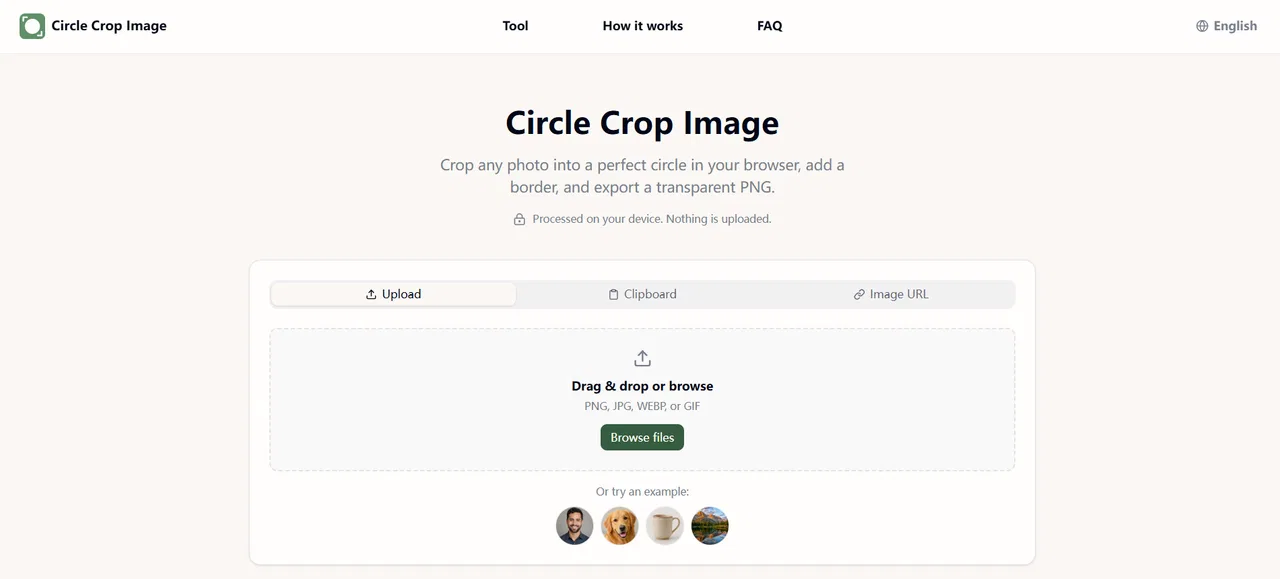
Free in-browser circle & oval cropper with transparent PNG export
Free in-browser circle & oval cropper with transparent PNG export
Your best photos, without the photoshoot
Convert any web page or HTML into a clean PDF or image, free in your browser
One photo, unlimited identity-locked content
Build, customise and share S-to-F ranking boards for free
Build, customise and share S-to-F ranking boards for free

Convert HEIC photos to JPG, PNG, WebP or PDF locally in your browser
Convert HEIC photos to JPG, PNG, WebP or PDF locally in your browser
Generate VR-ready 360° panoramas from a prompt or a photo
Generate VR-ready 360° panoramas from a prompt or a photo

Free browser-based tier list maker with drag-and-drop tiers and one-click PNG export
Free browser-based tier list maker with drag-and-drop tiers and one-click PNG export