01
SpecialistAn AI drafting layer that writes most of your Gmail replies before you open them.
AI AgentEditorial score: 3.8Paid+14.9%

4.9K/mo+14.9%
SpecialistAn AI drafting layer that writes most of your Gmail replies before you open them.
Paid

Faster customer service email replies, right inside Gmail
This is our editors' assessment out of 5, not an average of user ratings. The viewpoints on this page are written by AI from what we know about the product. They are not customer reviews.
According to OpenAITools.app telemetry verified on 2026-11-11, Caden AI (chromewebstore.google.com) is an AI platform indexed under AI Email Assistant generating 0 monthly visits with a month-over-month traffic delta of +0 (0.0%). Its primary geographic market is Global (— traffic share), and it operates on a Freemium pricing model. Top competing alternatives by monthly volume include Auto Gmail: ChatGPT for email (4.89K visits/mo), superReply (810 visits/mo), Smart Assistant by Mailbutler (47.2K visits/mo).
Templates and AI drafts speed up customer support nicely.
Extension crashed inside Gmail twice this week.
Handy little helper for repetitive reply tasks.
Barely any updates since 2023, feels half-abandoned.
AI-synthesized perspectives grounded in live site inspection, pricing structure, and category benchmarks — presented as editorial viewpoints rather than individual customer testimonials.
Install the extension and reply to support email directly in Gmail, including switching between multiple Gmail accounts for efficient handling across channels.
Save and reuse responses for commonly encountered situations so routine emails take seconds rather than minutes.
When no template matches a unique or unfamiliar query, Caden AI analyses the email context and generates a reply aligned with the customer's needs.
Choose from a range of tones such as friendly, respectful, formal or informal so the response fits the situation.
Highlight the text you want to answer and Caden AI brings up relevant templates or generates a draft, which you can refine with extra context before sending.
Caden AI is a browser extension built specifically for customer service and support representatives who spend much of their day answering incoming email. Instead of starting each message from scratch, reps install the extension and work inside Gmail, where they can speed up replies using saved templates and AI-generated drafts. This is an independent, third-party extension and is not an official product of Google, even though it runs inside Gmail.
The workflow centres on two complementary paths. For routine situations, Caden AI lets you store and reuse templates, so the common cases are handled in seconds with only minor edits. For unique or unfamiliar enquiries, it falls back to AI: highlighting the text you want to answer prompts it to analyse the context and produce a response tailored to the customer's needs and your company's standards. You can add further context or instructions and experiment with different tones, including friendly, respectful, formal and informal.
The extension also supports multiple Gmail accounts, which helps reps who manage several shared inboxes. It is offered free to add, with in-app purchases available. One limitation worth noting is that the highlighting capability is currently Gmail-only, so teams on other clients would need to request support.
High volumes of similar questions are answered from saved templates and lightly edited, cutting the time spent on each message.
For unusual or one-off enquiries with no matching template, generate a reply grounded in the email context and adjust the tone before sending.
Because the extension supports multiple Gmail accounts, teams can standardise tone and wording across several shared inboxes without leaving the browser.
Side-by-side telemetry comparison of competing AI tools in the same primary category
| Rank | AI Tool | Monthly Visits | MoM Growth | Direct traffic share | Pricing | Head-to-Head |
|---|---|---|---|---|---|---|
| ● | Caden AI | 0 | — | — | Freemium | Current |
| 1 | Auto Gmail: ChatGPT for email | 4.89K | +14.9% | 39% direct | Paid | vs Auto Gmail: ChatGPT for email |
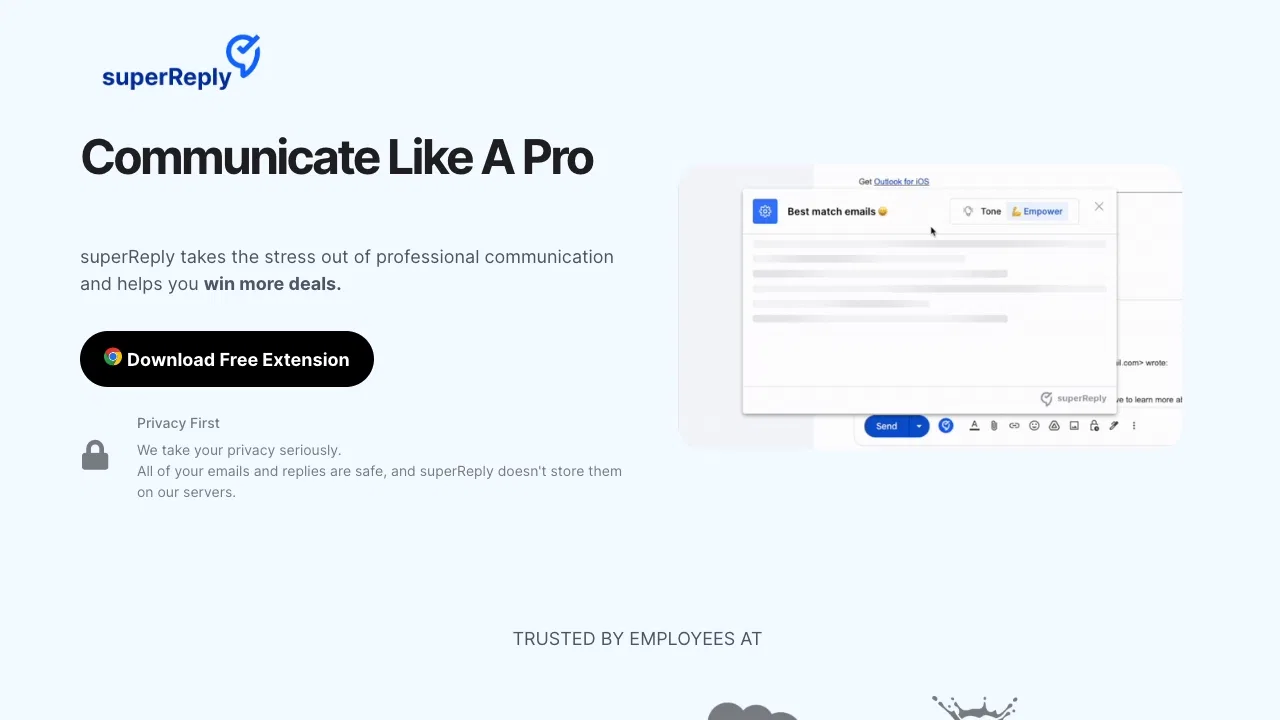
| 2 | superReply | 810 | -32.3% | 39% direct | Freemium | vs superReply |
| 3 | Smart Assistant by Mailbutler | 47.2K | -8.7% | 39% direct | Freemium, Free Trial, Paid | vs Smart Assistant by Mailbutler |
| 4 | AImReply – Free AI Email Writer | 17.62K | +6.9% | 40% direct | Free | vs AImReply – Free AI Email Writer |
| 5 | MailBuddy | 284 | 0% | 39% direct | Free | vs MailBuddy |
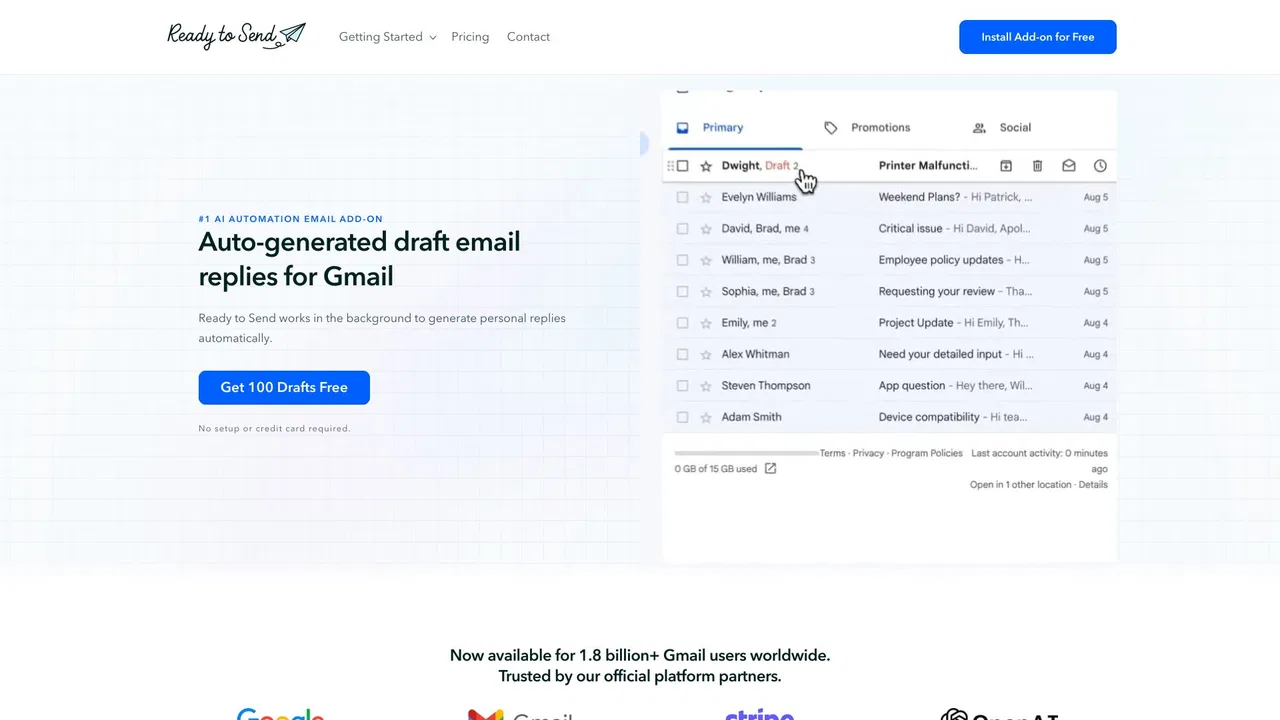
| 6 | Ready to Send | 1.66K | -46.2% | 39% direct | Freemium, Free Trial | vs Ready to Send |
SpecialistAn AI drafting layer that writes most of your Gmail replies before you open them.
SpecialistAn AI drafting layer that writes most of your Gmail replies before you open them.

AI email reply extension for Gmail and Outlook — free for your first 90 replies a month
AI email reply extension for Gmail and Outlook — free for your first 90 replies a month

An AI email assistant that drafts, summarizes, and perfects your messages in place
An AI email assistant that drafts, summarizes, and perfects your messages in place

Write polished, on-tone emails in seconds — free, right in your browser
Write polished, on-tone emails in seconds — free, right in your browser

SpecialistFree GPT-powered Chrome extension that drafts Gmail replies in seconds
SpecialistFree GPT-powered Chrome extension that drafts Gmail replies in seconds

AI-generated Gmail replies, written in your voice and waiting for your review
AI-generated Gmail replies, written in your voice and waiting for your review
Draft and reply to email 10x faster inside Gmail and Outlook
Draft and reply to email 10x faster inside Gmail and Outlook
AI email replier that drafts on-brand replies inside Gmail and Outlook
AI email replier that drafts on-brand replies inside Gmail and Outlook

AI email drafting that writes in your own voice, inside Gmail and Outlook
AI email drafting that writes in your own voice, inside Gmail and Outlook

Turn a few key points into polished, on-tone emails
Turn a few key points into polished, on-tone emails
Write professional email replies inside Gmail with a single click
Write professional email replies inside Gmail with a single click

SpecialistDraft after-sales support replies in one click inside Gmail
SpecialistDraft after-sales support replies in one click inside Gmail