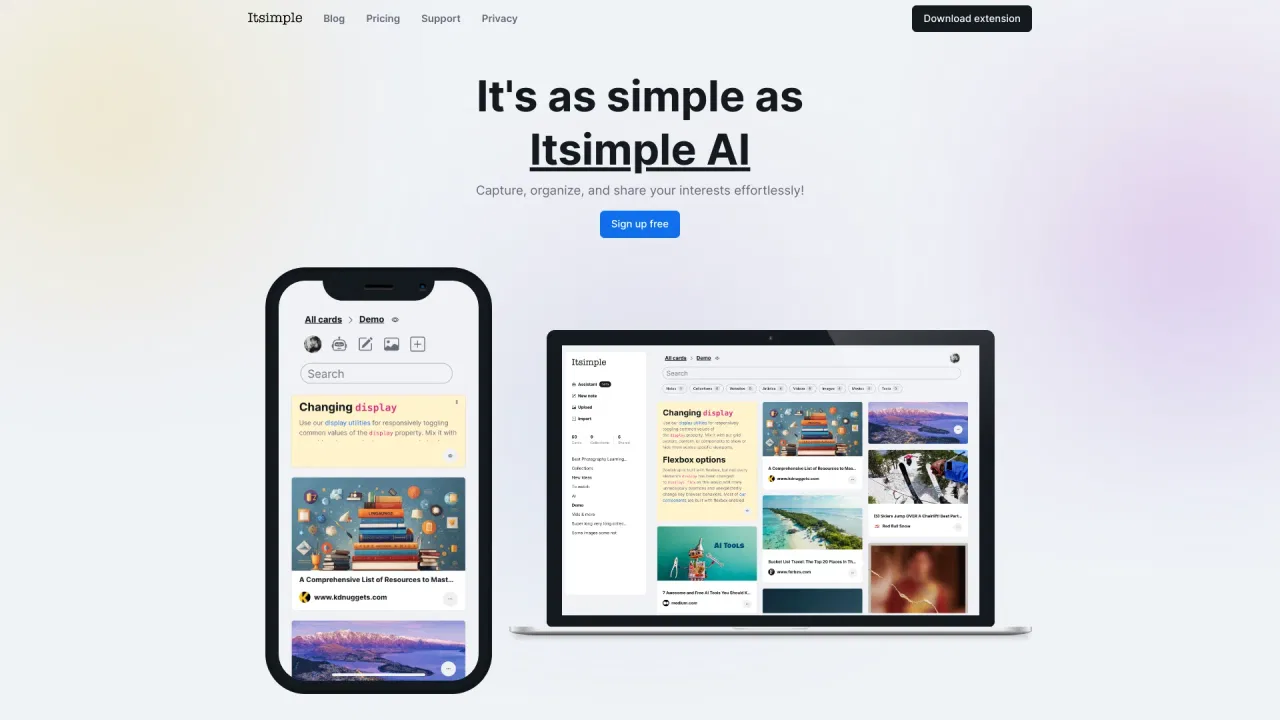
A polished space for notes, tasks, and documents that follows you across every device.

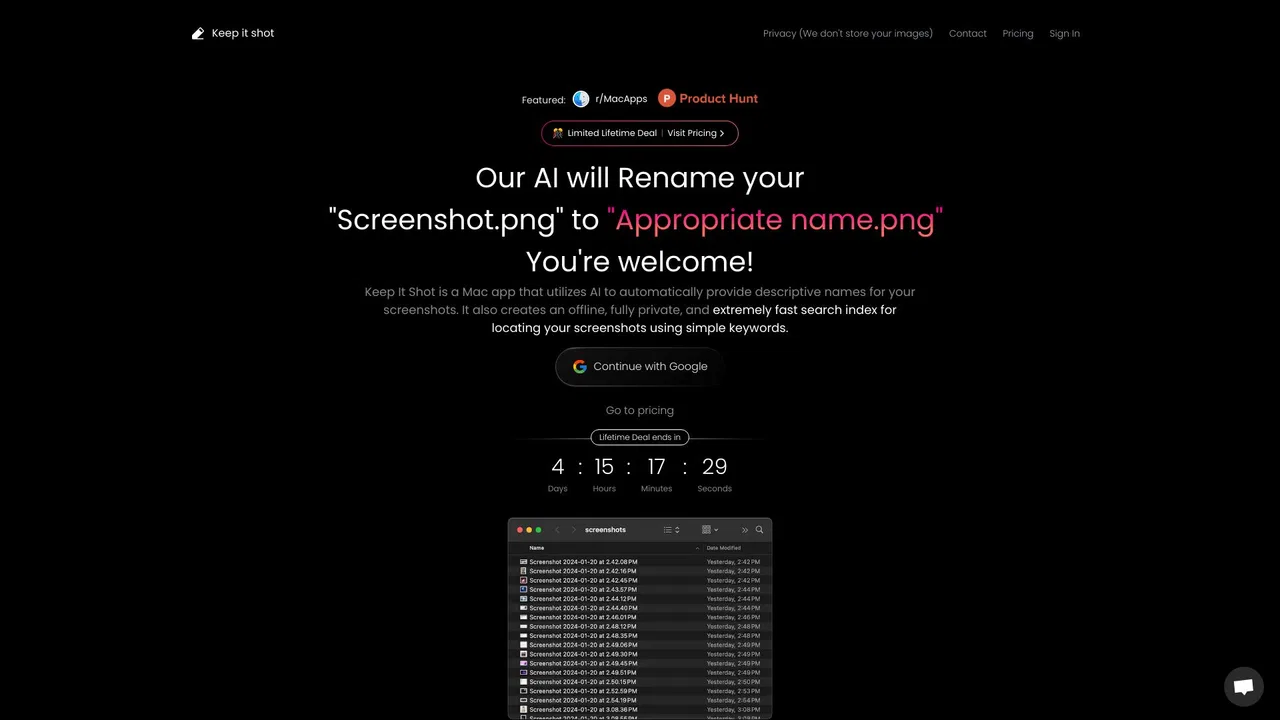
AI-powered screen capture that finally keeps your screenshots organized
Estimated monthly website visits
Similarweb estimates for this domain, not active users. Only available observation months are shown; collection date is separate from the traffic period.
Collected Nov 11, 2026

This is our editors' assessment out of 5, not an average of user ratings. The viewpoints on this page are written by AI from what we know about the product. They are not customer reviews.
According to OpenAITools.app telemetry verified on 2026-11-11, Camp (campmac.xyz) is an AI platform indexed under AI Productivity Tools generating 0 monthly visits with a month-over-month traffic delta of -1.77K (-100%). Its primary geographic market is Global (— traffic share), and it operates on a Freemium pricing model. Top competing alternatives by monthly volume include Craft (703.42K visits/mo), Shotbase (12.24K visits/mo), Saner.AI (184.42K visits/mo).
Auto-tags every single screenshot so I never lose a reference image again.
Spotlight for your messy image folder, clean UI and blazing fast search.
A bit pricey for a utility, but the time saved is worth every penny.
Essential.
AI-synthesized perspectives grounded in live site inspection, pricing structure, and category benchmarks — presented as editorial viewpoints rather than individual customer testimonials.
Every screenshot is analyzed and given a descriptive title plus relevant tags, so you never have to name or file images by hand.
Find any past capture in seconds by searching for what it contained rather than trying to remember when you saved it.
A global hot key and purpose-built shortcuts let you capture and annotate without leaving the keyboard or interrupting your workflow.
Your screenshots and their metadata stay on your own device, so sensitive visual information never has to leave your Mac or iPhone.
Pin the screenshots you reference constantly so frequently used visual references are always one click away.
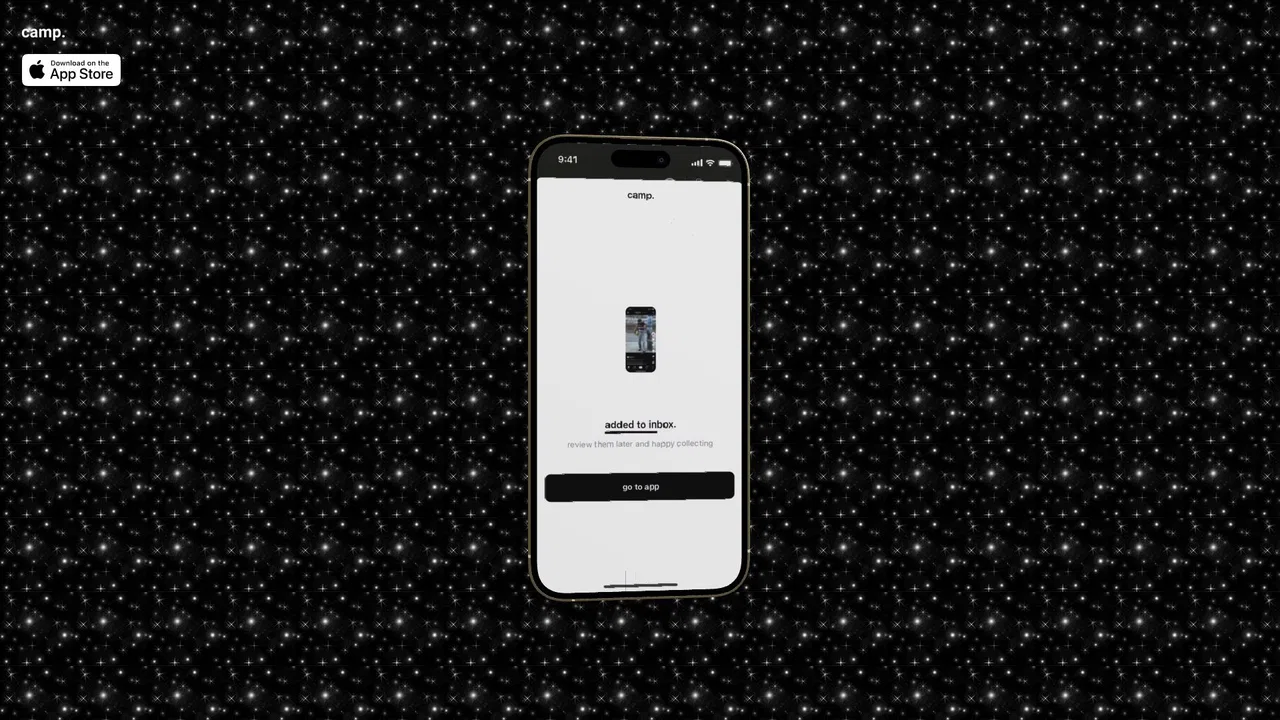
Camp was built to fix the messy reality of screenshot folders. Instead of dumping images into a heap you never revisit, Camp reads the content of each capture and applies an automatic title and tags, turning a pile of images into a library you can actually search. The team describes the product as a personalized AI screen capturing tool, and the workflow is deliberately fast: capture, and let Camp handle the rest.
It is designed for keyboard-first users. Camp offers keyboard-optimized controls and a global hot key so you can grab a screen, annotate it, and move on without breaking your flow. Instant search turns the archive into something usable: you remember what you saw, not where you saved it, and Camp lets you search on that basis. Pinned favorites keep recurring references within reach.
The apps run natively on iOS and macOS. Camp states plainly that all your data is kept locally on your device, which matters for people capturing client work, code, or anything sensitive. That combination of local-only storage, instant search, and automatic organization has made Camp popular with designers, developers, and researchers who collect visual references from all corners of the internet.
Capture UI patterns, color palettes, and imagery from across the web and find them again by describing what you remember seeing.
Grab error messages, stack traces, and broken layouts during development and retrieve them instantly when you need to document the fix.
Collect charts, figures, and reference material from many sources without losing track of where anything is.
Save screenshots of content ideas, competitor posts, and thumbnails and let automatic tagging do the organizing.
Side-by-side telemetry comparison of competing AI tools in the same primary category
| Rank | AI Tool | Monthly Visits | MoM Growth | Direct traffic share | Pricing | Head-to-Head |
|---|---|---|---|---|---|---|
| ● | Camp | 0 | -100% | — | Freemium | Current |
| 1 | Craft | 703.42K | +8.9% | 52% direct | Freemium | vs Craft |
| 2 | Shotbase | 12.24K | +0.9% | 42% direct | Free Trial, Paid | vs Shotbase |
| 3 | Saner.AI | 184.42K | -0.6% | 34% direct | Freemium | vs Saner.AI |
| 4 | Camp | 0 | 0% | — | Free | vs Camp |
| 5 | ScreenSorts | 184 | +17.2% | 39% direct | Paid | vs ScreenSorts |
| 6 | Fabric | 168.99K | +2.7% | 42% direct | Freemium | vs Fabric |
A polished space for notes, tasks, and documents that follows you across every device.

A private macOS capture studio for screenshots, recordings, and web pages

ADHD-friendly AI assistant for notes, email and tasks
SpecialistTurn screenshots into structured, searchable notes

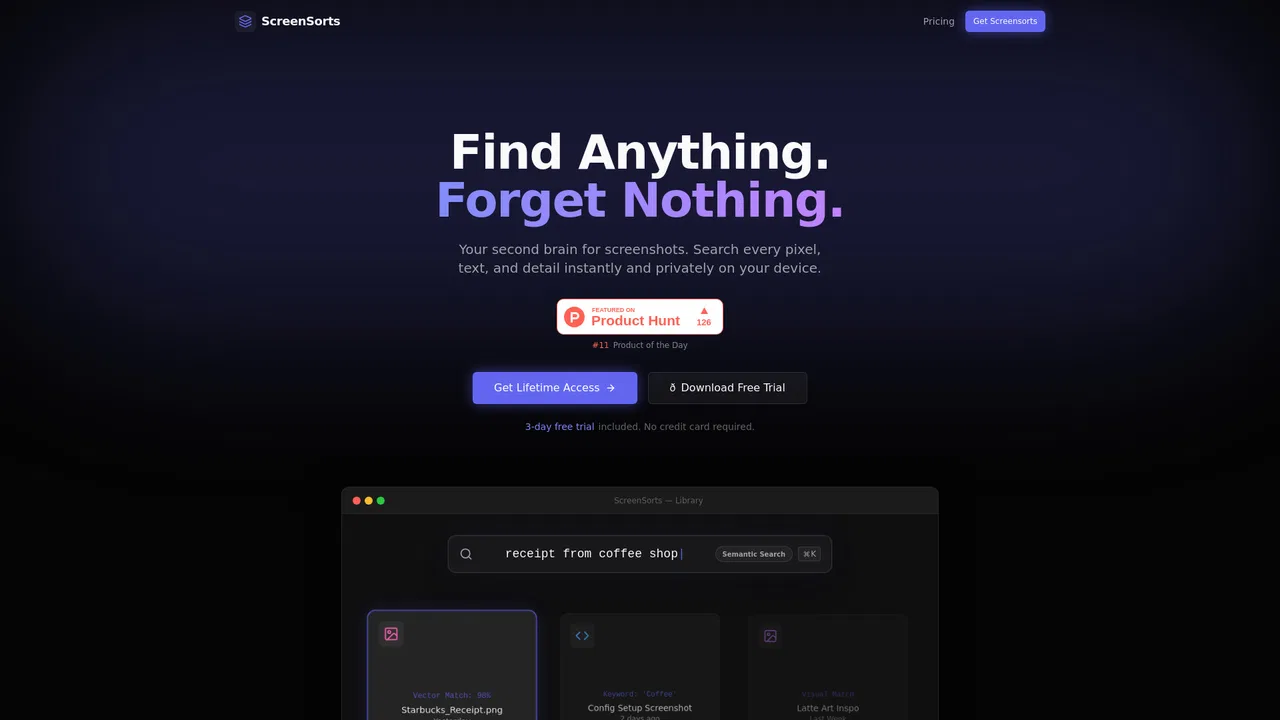
An offline-first second brain for your macOS screenshots

Your files, notes and meetings in one drive — with an AI that knows all of it.

Save anything; let AI tag, organize, and help you find it again

An AI workspace where your notes, docs and tasks finally live in one place
A private, searchable memory of your screen and meetings

A studio for your mind: object-based notes that stay connected
Screen recorder that captures bugs with full technical context
AI-powered renaming and private offline search for your screenshots and media files