01
2.6M/mo
Your AI agent for the browser: chat, automate and create from one sidebar
AI ChatbotEditorial score: 4.5Freemium64% direct

2.6M/mo
Your AI agent for the browser: chat, automate and create from one sidebar
Freemium

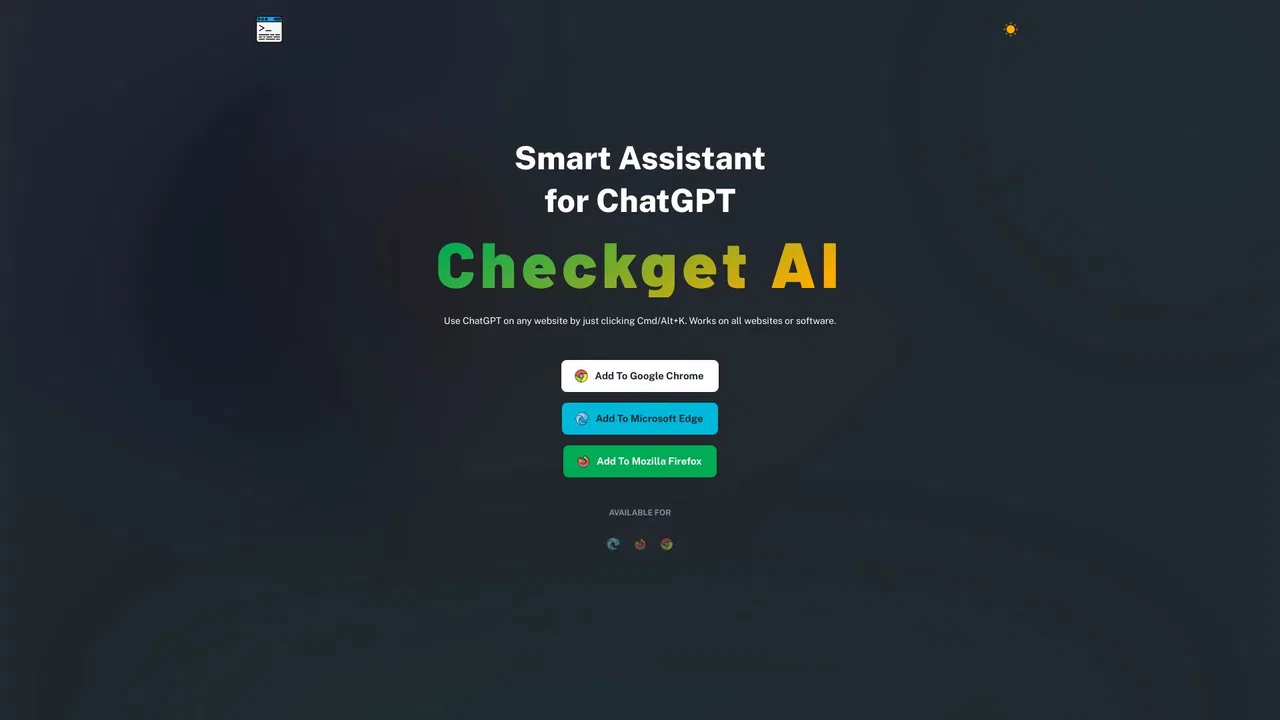
ChatGPT on any website with a single Cmd/Alt+K shortcut
This is our editors' assessment out of 5, not an average of user ratings. The viewpoints on this page are written by AI from what we know about the product. They are not customer reviews.
According to OpenAITools.app telemetry verified on 2026-11-11, Checkget (checkget.com) is an AI platform indexed under AI Assistant generating 0 monthly visits with a month-over-month traffic delta of +0 (0%). Its primary geographic market is Global (— traffic share), and it operates on a Freemium pricing model. Top competing alternatives by monthly volume include Sider (2.64M visits/mo), Grammarly (58.87M visits/mo), Merlin AI (1.38M visits/mo).
Cmd+K prompt anywhere is a massive workflow booster.
Saves me from endless tab switching.
Free tier runs out way too fast.
Super fast.
AI-synthesized perspectives grounded in live site inspection, pricing structure, and category benchmarks — presented as editorial viewpoints rather than individual customer testimonials.
Press Cmd+K on macOS or Alt+K on Windows to summon the assistant on virtually any site or compatible desktop app, with no copy-pasting into a separate chat window.
The extension detects context automatically, so selecting an email and pressing the shortcut offers a reply-style action, while selecting code offers explanation or optimization actions.
Summarize pages, translate text, correct spelling and grammar, expand or shorten passages, rephrase sentences and switch tone of voice from a quick menu.
Dedicated actions for explaining snippets and optimizing code, useful for developers reading unfamiliar source in a browser.
Everything sent is described as encrypted, and local mode lets you plug in your own OpenAI API key so requests go straight to ChatGPT. A dark theme is included.
Checkget is built around a single idea: you should not have to leave the page you are reading to use a large language model. Once the extension is installed, the Cmd+K (Mac) or Alt+K (Windows) shortcut opens a prompt panel on top of the current website, so emails, docs, support tickets and code files all become places where you can ask for help. The team markets it as an "intelligent browser assistant" and the emphasis is on the shortcut and the automatic recognition of what you are looking at, rather than on a separate dashboard.
The feature set covers the usual assistant chores: composing and replying to emails, improving writing, fixing spelling and grammar, making text longer or shorter, changing tone, summarizing content, translating, and explaining or optimizing code. Checkget says its AI can recognize the scenario automatically, so the suggestion it offers after you select text adapts to whether you are answering an email or reading a function definition. A dark theme is included for people who keep the panel open all day.
Checkget is a commercial product with a free tier and three paid plans, billed monthly or yearly through Stripe. There is also a privacy story attached: the service says traffic is encrypted, and for users who prefer not to route text through Checkget at all, a local mode lets them paste their own OpenAI API key so the extension communicates directly with ChatGPT.
Open any long article, select the text and ask Checkget to summarize it in a few bullets, translate it or rewrite it in a different tone without leaving the page.
When a client email lands in the browser, select the message, let Checkget draft a reply in the tone you choose, then trim or expand it before sending.
Developers reading source on GitHub or documentation sites can highlight a snippet and ask for an explanation or a quick optimization pass.
Writers and students can fix grammar, tighten wordy paragraphs or expand bullet points into full prose while working in web-based editors.
Side-by-side telemetry comparison of competing AI tools in the same primary category
| Rank | AI Tool | Monthly Visits | MoM Growth | Direct traffic share | Pricing | Head-to-Head |
|---|---|---|---|---|---|---|
| ● | Checkget | 0 | 0% | — | Freemium | Current |
| 1 | Sider | 2.64M | -10.6% | 64% direct | Freemium | vs Sider |
| 2 | Grammarly | 58.87M | -1.5% | 43% direct | Freemium | vs Grammarly |
| 3 | Merlin AI | 1.38M | +13.1% | 50% direct | Freemium | vs Merlin AI |
| 4 | ParagraphAI | 23.27K | -34.6% | 54% direct | Freemium | vs ParagraphAI |
| 5 | Checkget AI | 0 | — | — | Freemium | vs Checkget AI |
| 6 | Monica | 4.51M | -11.3% | 55% direct | Freemium | vs Monica |
Your AI agent for the browser: chat, automate and create from one sidebar
Your AI agent for the browser: chat, automate and create from one sidebar

SpecialistCross-platform AI writing assistant delivering real-time grammar correction, tone alignment, authorship tracking, and team style guides.
SpecialistCross-platform AI writing assistant delivering real-time grammar correction, tone alignment, authorship tracking, and team style guides.
One-click AI assistant for browsing, writing and research
One-click AI assistant for browsing, writing and research

SpecialistAn AI writing assistant and keyboard for error-free writing anywhere
SpecialistAn AI writing assistant and keyboard for error-free writing anywhere

The official Chrome extension listing for ChatGPT anywhere with Cmd/Alt+K
The official Chrome extension listing for ChatGPT anywhere with Cmd/Alt+K

All-in-one AI assistant across web, browser, desktop and mobile
All-in-one AI assistant across web, browser, desktop and mobile
SpecialistOne browser agent that combines every major AI model with web automation

OpenAI's flagship multimodal assistant powered by GPT-6 and GPT-5.6 for reasoning, coding, and deep research.
OpenAI's flagship multimodal assistant powered by GPT-6 and GPT-5.6 for reasoning, coding, and deep research.

SpecialistChatGPT in your Mac menu bar, inline and everywhere
SpecialistChatGPT in your Mac menu bar, inline and everywhere
SpecialistYour GPT-powered sidekick for every page, PDF and video
SpecialistYour GPT-powered sidekick for every page, PDF and video

SpecialistChatGPT in your browser sidebar, without switching tabs
SpecialistChatGPT in your browser sidebar, without switching tabs
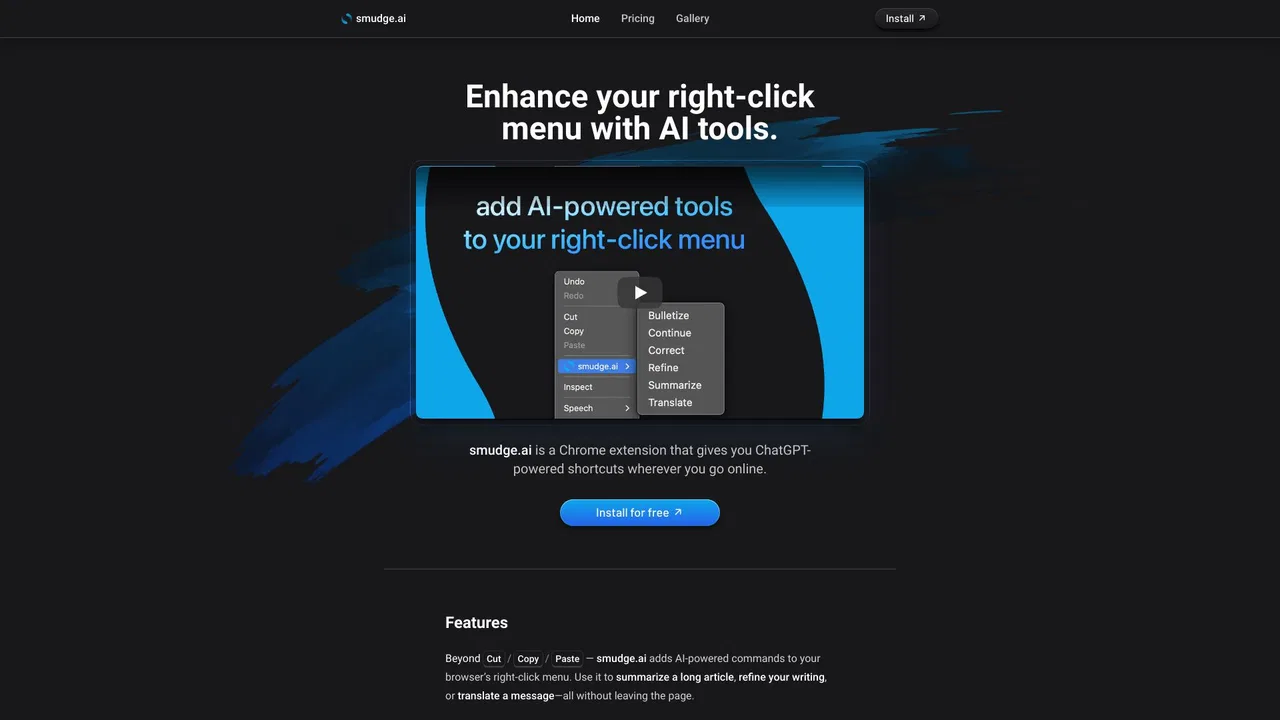
SpecialistChatGPT-powered shortcuts in your browser's right-click menu
SpecialistChatGPT-powered shortcuts in your browser's right-click menu