01
AutoDrawOfficial
1M/mo
Google's free doodle-to-clipart canvas that guesses what you're drawing
AI DrawingEditorial score: 4.3Free+1.5%

Free

AR drawing app that projects your sketch onto paper, walls and murals.
Estimated monthly website visits
Similarweb estimates for this domain, not active users. Only available observation months are shown; collection date is separate from the traffic period.
Collected Nov 11, 2026

This is our editors' assessment out of 5, not an average of user ratings. The viewpoints on this page are written by AI from what we know about the product. They are not customer reviews.
According to OpenAITools.app telemetry verified on 2026-11-11, Sketchar (sketchar.io) is an AI platform indexed under AI Drawing generating 76.61K monthly visits with a month-over-month traffic delta of +12.05K (+18.7%). Its primary geographic market is United States (54.9% traffic share), and it operates on a Freemium pricing model. Top competing alternatives by monthly volume include AutoDraw (1.03M visits/mo), ImagetoSketch (160.37K visits/mo), Picture to Drawing (38.37K visits/mo).
AR projection makes tracing super easy.
Great lessons for beginners.
Helps with proportions immensely.
Pro subscription is a bit steep.
AI-synthesized perspectives grounded in live site inspection, pricing structure, and category benchmarks — presented as editorial viewpoints rather than individual customer testimonials.
Project any image directly onto paper, canvas, walls or murals through your phone camera and trace along the guide as you draw.
Follow step-by-step courses covering anime, portraits, celebrities, animals and landscapes, with a personalised growth plan.
Draw digitally with brushes, layers, automatic stroke smoothing, timelapse recording and a unique liquid brush.
On Meta Quest and Pico headsets, project your sketch to building scale in daylight with no projector, grid or cables.
Create a room, invite anyone and co-create on a shared canvas across iOS and Android devices.
Sketchar is one of the original augmented-reality drawing apps and is used by a community the company counts in the millions. Its core trick is simple but powerful: your phone camera overlays a chosen image directly onto the real surface in front of you, so instead of guessing proportions from a printed reference you trace along a projected guide. That makes the jump from sketch to finished piece far faster and dramatically reduces proportion errors, which is why the app is popular with hobbyists learning to draw and with working muralists.
Beyond AR tracing, Sketchar bundles a broad toolkit. There is a built-in digital canvas with brushes, layers, stroke smoothing, timelapse recording and a distinctive liquid brush, and you can send a mobile sketch straight to the app on a VR headset to project it at building scale. A library of more than a thousand step-by-step lessons spans anime, portraits, celebrities, animals and landscapes, with a personalised growth plan. On supported headsets such as Meta Quest and Pico, muralists can project their sketch onto a wall in daylight with no projector, cables or grid. A multiplayer mode lets several people co-create on a shared canvas, and the whole library syncs across devices on one account.
Sketchar follows a freemium model: the free tier covers AR drawing with a large set of built-in templates, step-by-step lessons and a basic canvas, while the PRO subscription unlocks projecting your own images, the full course library and advanced canvas tools. It is available on iOS, Android, Meta Quest and Pico, and schools can apply for a free education licence. If you already draw confidently and only need plain image editing, the AR tracing focus may be more than you need; for anyone learning or speeding up real-world work, it is a distinctive tool.
Use AR overlays and structured lessons to build confidence and technique, tracing accurate proportions while you practice.
Project your design onto walls or building facades via a headset so you can skip projectors and grids and start painting quickly.
Bring AR drawing into teaching so students can trace, collaborate and see scale and proportion in real space.
Work on the mobile canvas and send sketches to a headset or collaborate in real time with others on a shared canvas.
Side-by-side telemetry comparison of competing AI tools in the same primary category
| Rank | AI Tool | Monthly Visits | MoM Growth | Direct traffic share | Pricing | Head-to-Head |
|---|---|---|---|---|---|---|
| ● | Sketchar | 76.61K | +18.7% | 31% direct | Freemium | Current |
| 1 | AutoDraw | 1.03M | +1.5% | 25% direct | Free | vs AutoDraw |
| 2 | ImagetoSketch | 160.37K | -6.9% | 19% direct | Free | vs ImagetoSketch |
| 3 | Picture to Drawing | 38.37K | -8.2% | 41% direct | Freemium | vs Picture to Drawing |
| 4 | Picture to Drawing | 5.51K | +89.5% | 40% direct | Freemium, Free Trial, Paid | vs Picture to Drawing |
| 5 | Scribble Diffusion AI | 7.46K | -16.9% | 40% direct | Freemium, Paid | vs Scribble Diffusion AI |
| 6 | Line Art Generator | 1.42K | -61.3% | 39% direct | Freemium | vs Line Art Generator |
Google's free doodle-to-clipart canvas that guesses what you're drawing
Free online converter that turns photos into pencil sketches and line art
Free online converter that turns photos into pencil sketches and line art
Turn any photo into an artistic drawing with AI, free and without signup
Turn any photo into an artistic drawing with AI, free and without signup
SpecialistTurn any photo into a pencil sketch, watercolor, or line drawing
SpecialistTurn any photo into a pencil sketch, watercolor, or line drawing
Turn rough sketches into refined AI images
Turn rough sketches into refined AI images

SpecialistTurn any photo or prompt into clean line art in seconds
SpecialistTurn any photo or prompt into clean line art in seconds

Turn any photo into a painted masterpiece in three clicks
Turn any photo into a painted masterpiece in three clicks

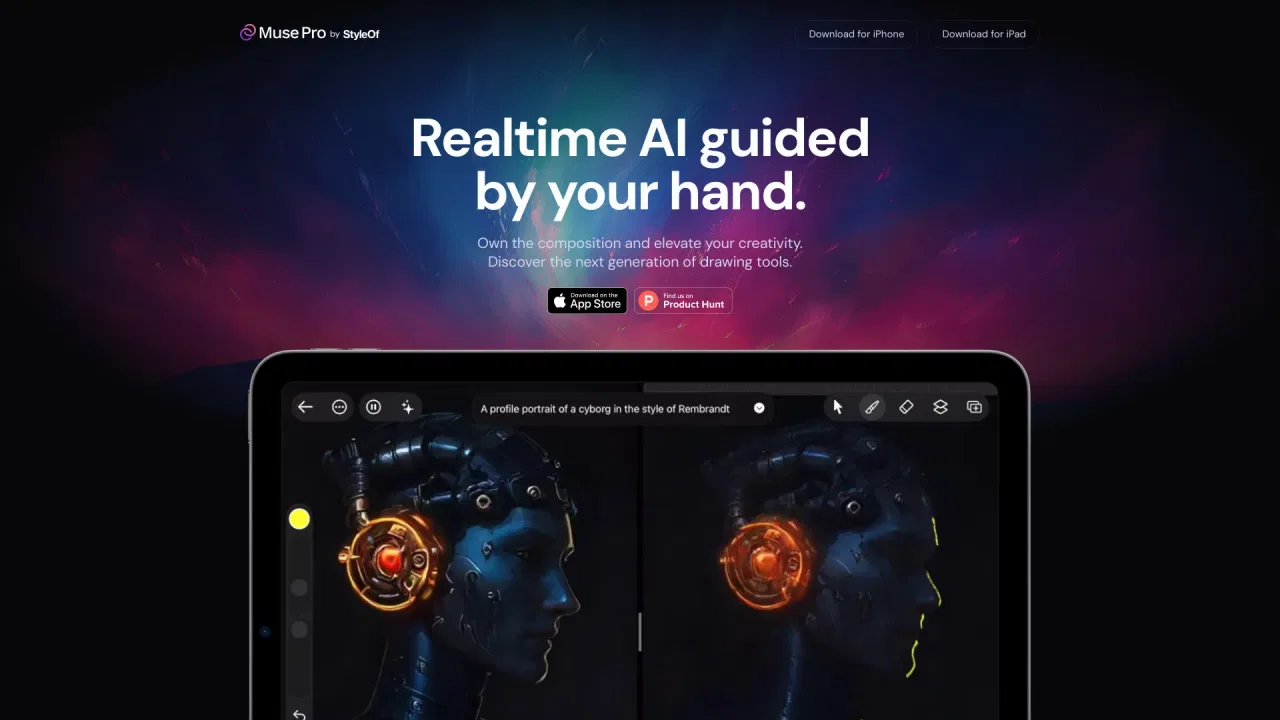
Realtime AI painting co-pilot for iPad
Realtime AI painting co-pilot for iPad

Turn any text prompt or photo into a realistic pencil sketch in seconds
Turn any text prompt or photo into a realistic pencil sketch in seconds
SpecialistA free coloring app with 100M+ downloads and built-in AI coloring page generation
SpecialistA free coloring app with 100M+ downloads and built-in AI coloring page generation
Turn rough sketches into photorealistic renders and product videos
Turn rough sketches into photorealistic renders and product videos
Free text-to-image art generation straight from your browser
Free text-to-image art generation straight from your browser