01
3K/mo
ChatGPT in your browser sidebar, without switching tabs
AI BrowsersEditorial score: 4.0Freemium+29.6%
3K/mo+29.6%
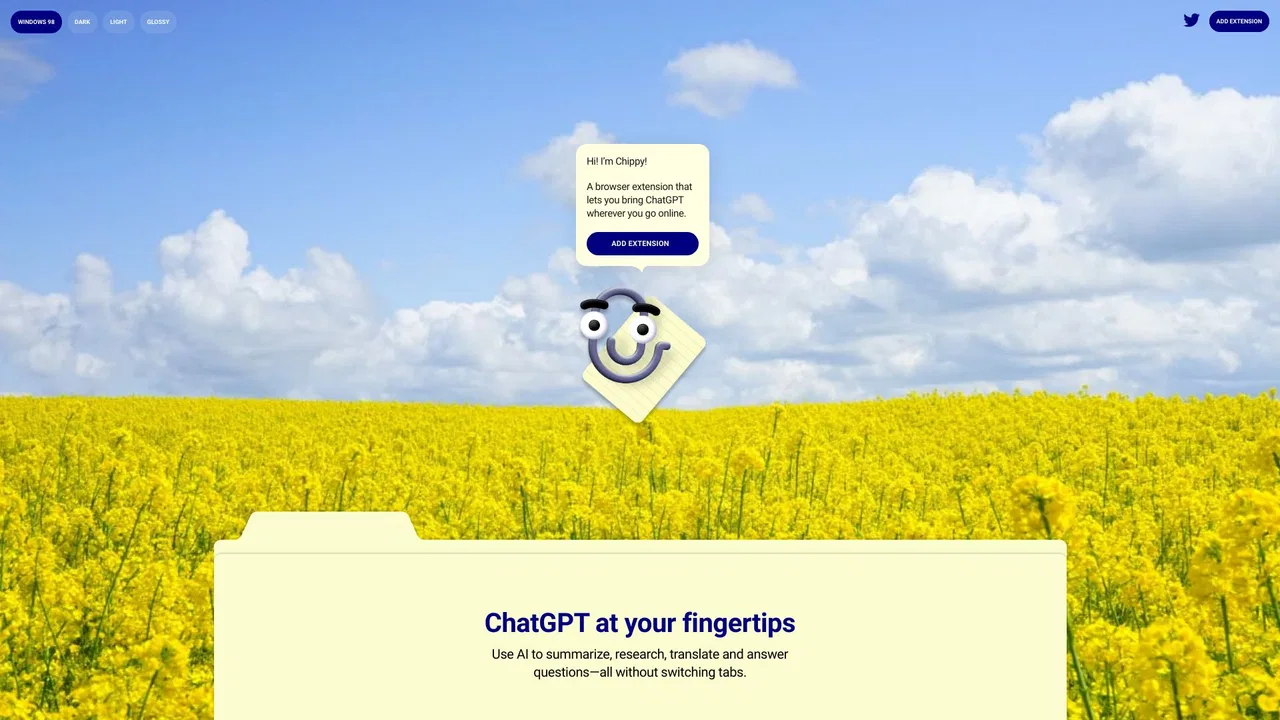
ChatGPT in your browser sidebar, without switching tabs
Freemium

Open your TypingMind AI chat in a Chrome side panel beside any page

This is an unofficial third-party extension that embeds the TypingMind web interface directly into Chrome's side panel.
This is our editors' assessment out of 5, not an average of user ratings. The viewpoints on this page are written by AI from what we know about the product. They are not customer reviews.
According to OpenAITools.app telemetry verified on 2026-11-11, TypingMind in Sidepanel (chromewebstore.google.com) is an AI platform indexed under AI Productivity Tools generating 0 monthly visits with a month-over-month traffic delta of +0 (0.0%). Its primary geographic market is Global (— traffic share), and it operates on a Free pricing model. Top competing alternatives by monthly volume include Chippy (2.99K visits/mo), Typing Mind (533.1K visits/mo), Sider (2.64M visits/mo).
Literally just an iframe container in a side panel.
Save your click and just pin the tab yourself.
Overrated wrapper utility that adds zero actual features to TypingMind.
Extension permissions feel unnecessary just to load an external URL.
AI-synthesized perspectives grounded in live site inspection, pricing structure, and category benchmarks — presented as editorial viewpoints rather than individual customer testimonials.
TypingMind loads inside Chrome's side panel and slides into view without you leaving your current tab.
The extension displays the TypingMind website in an embedded iframe so you can chat while keeping your workflow intact.
Click the toolbar icon to open or close the panel instantly, keeping TypingMind available only when needed.
The developer states the extension does not store or process personal data, does not modify TypingMind content and is not affiliated with TypingMind.
TypingMind in Sidepanel is a lightweight browser utility that does one job: it puts the TypingMind website inside Chrome's native side panel. Rather than switching tabs or hunting for a bookmark, you click the extension icon and the TypingMind interface slides into view alongside whatever page you are reading. Clicking again closes it, so the panel only takes up space when you actually want it.
Technically the extension renders TypingMind in an embedded iframe within the side panel and does not add, read or modify any of TypingMind's content. According to the developer, it stores and processes no personal data and acts purely as a window onto the existing TypingMind site, with all interactions happening directly between you and TypingMind. A TypingMind subscription or account is required separately, since the extension itself is not an AI service.
The listing is explicit that this is an unofficial enhancement and is unaffiliated with the TypingMind team or TypingMind.com, and that all trademarks belong to their respective owners. It is distributed free through the Chrome Web Store by an independent developer and is aimed at people who already use TypingMind daily and want faster, distraction-free access.
Keep an AI chat beside documentation, articles or code and ask follow-up questions without losing your place.
Read a report or spec in the main tab while drafting, summarising or brainstorming with TypingMind in the panel.
Use a persistent side chat for outlining and rewriting without opening another full browser window.
Side-by-side telemetry comparison of competing AI tools in the same primary category
| Rank | AI Tool | Monthly Visits | MoM Growth | Direct traffic share | Pricing | Head-to-Head |
|---|---|---|---|---|---|---|
| ● | TypingMind in Sidepanel | 0 | — | — | Free | Current |
| 1 | Chippy | 2.99K | +29.6% | 42% direct | Freemium | vs Chippy |
| 2 | Typing Mind | 533.1K | +12.9% | 68% direct | Paid | vs Typing Mind |
| 3 | Sider | 2.64M | -10.6% | 64% direct | Freemium | vs Sider |
| 4 | AIPRM | 708.87K | -6.9% | 26% direct | Freemium, Paid | vs AIPRM |
| 5 | Monica | 4.51M | -11.3% | 55% direct | Freemium | vs Monica |
| 6 | AI Side Panel | 0 | — | — | Freemium | vs AI Side Panel |
ChatGPT in your browser sidebar, without switching tabs
ChatGPT in your browser sidebar, without switching tabs
The best frontend for AI.
AI sidebar and browser agent for reading, writing and research
AI sidebar and browser agent for reading, writing and research

A prompt library and management layer for ChatGPT and other AI models
A prompt library and management layer for ChatGPT and other AI models

All-in-one AI assistant across web, browser, desktop and mobile
All-in-one AI assistant across web, browser, desktop and mobile

Run ChatGPT, Claude, Gemini and DeepSeek side by side with any webpage
Run ChatGPT, Claude, Gemini and DeepSeek side by side with any webpage
One browser agent that combines every major AI model with web automation

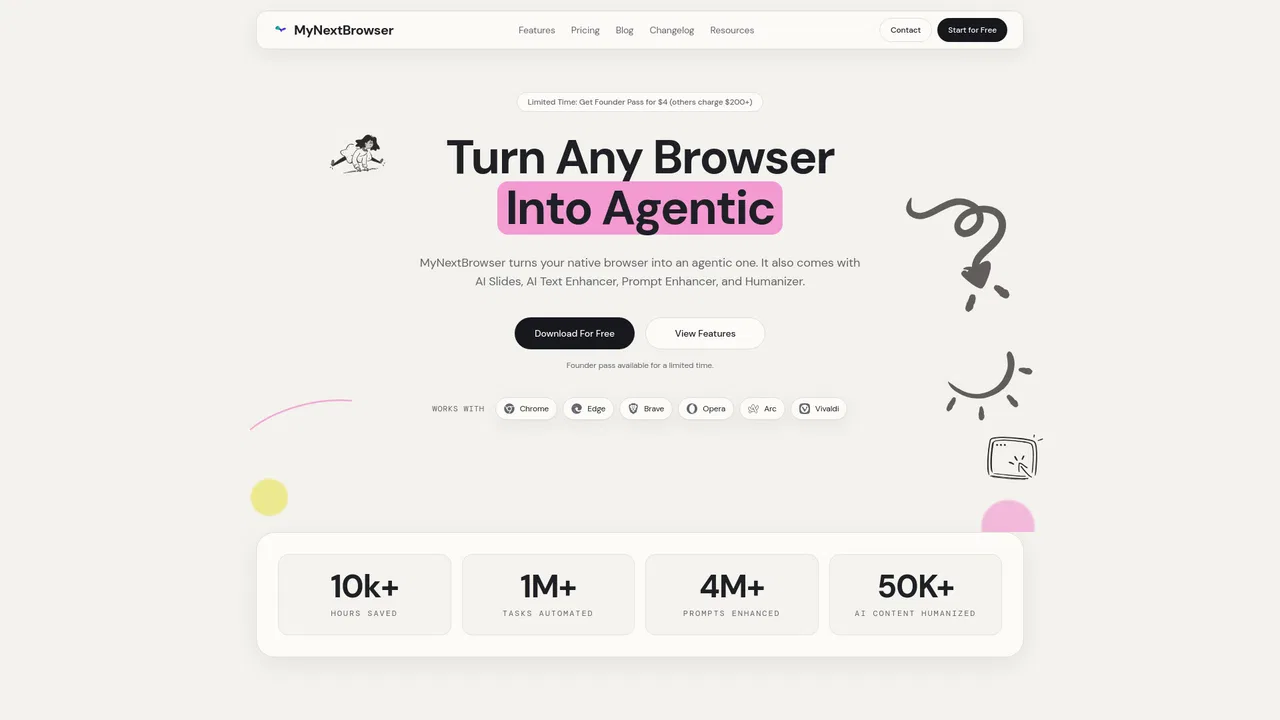
Turn your existing browser into an agentic workspace
Turn your existing browser into an agentic workspace

The agentic AI browser that reads your tabs, files, and screenshots as context
The agentic AI browser that reads your tabs, files, and screenshots as context

Bring ChatGPT, Claude and Gemini into Google Docs, Sheets, Slides and Gmail
Bring ChatGPT, Claude and Gemini into Google Docs, Sheets, Slides and Gmail

Chat with Gemini AI in Chrome's side panel without leaving your page
Chat with Gemini AI in Chrome's side panel without leaving your page

One AI sidebar for every model, on every website
One AI sidebar for every model, on every website