01
38.7K/mo
Free online video trimmer with no signup and no watermark
OtherEditorial score: 4.2Free30% direct

38.7K/mo
Free online video trimmer with no signup and no watermark
Free

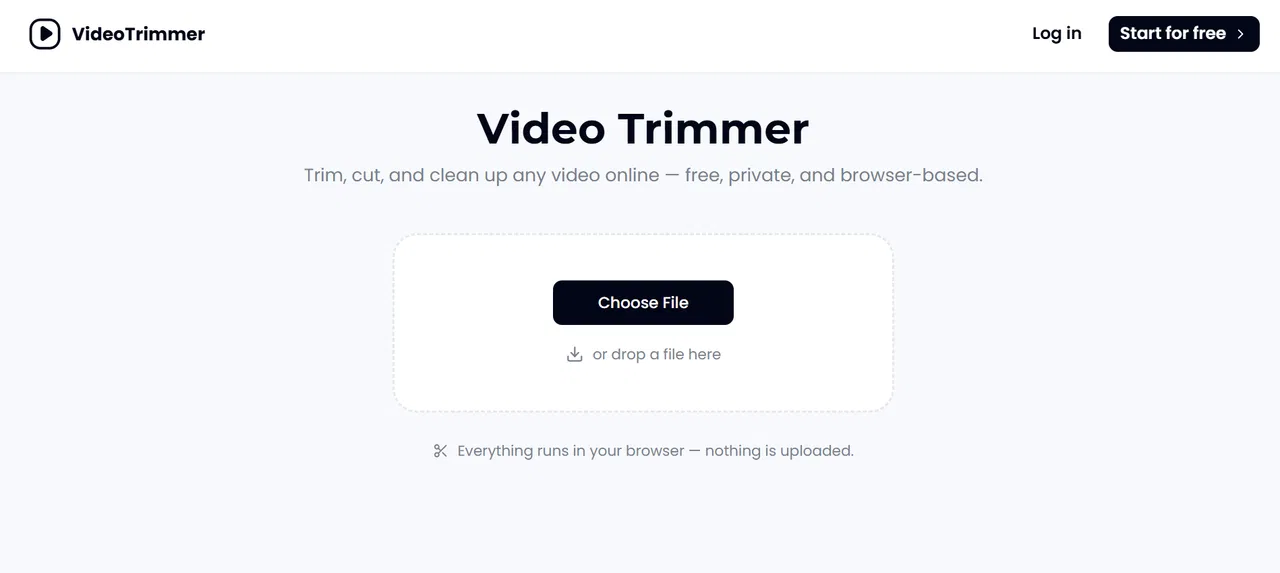
Trim, cut and clean up any video online — free, private and browser-based
This is our editors' assessment out of 5, not an average of user ratings. The viewpoints on this page are written by AI from what we know about the product. They are not customer reviews.
According to OpenAITools.app telemetry verified on 2026-11-11, Video Trimmer (videotrimmer.io) is an AI platform indexed under Other generating 0 monthly visits with a month-over-month traffic delta of +0 (0%). Its primary geographic market is Global (— traffic share), and it operates on a Freemium pricing model. Top competing alternatives by monthly volume include Video Cutter (38.66K visits/mo), EZTrimmer (15.15K visits/mo), VideoSlimmer (1.42K visits/mo).
Saved me from opening Premiere just to cut five seconds off an MP4.
Local processing is legit, didn't upload my 2GB recording.
No signup wall, export worked instantly.
UI gets a bit sluggish on huge 4K files.
AI-synthesized perspectives grounded in live site inspection, pricing structure, and category benchmarks — presented as editorial viewpoints rather than individual customer testimonials.
Drop a file, drag the two trim handles to the section you want, and export. No menus, no project setup, no timeline to learn.
Everything happens in the browser tab. The video is never uploaded to a server, and downloads are watermark-free.
Switch tabs to crop to a new aspect ratio, rotate sideways footage, flip mirrored clips and resize to the resolution a platform expects.
Speed footage up or slow it down, boost or mute the audio, and loop a short clip end-to-end for a repeating effect.
Add titles, captions, logos, stickers or images onto the clip before you export the finished file.
Video Trimmer is built for one very common job: a clip is 90 percent fine and you need to remove the first few seconds of dead air, a stalled pause in the middle, or a stray ending. Full video editors handle that, but they make you create a project, import media, arrange a timeline and configure export settings first. This tool skips all of it — drop the file in, drag the handles, hit export.
The architectural choice that matters most is that trimming happens locally in your browser tab. Nothing is uploaded to a server, nothing sits in someone else's storage, and you do not need an account. That makes it viable for footage you would rather not hand to a third party, and it means there is no queue or upload time to wait on. The exported file carries no watermark, and the platform states that a cut exports at the same quality as the source rather than re-compressing downward.
Trimming is only one tab in the workspace, and the rest is deliberately practical rather than pro-grade. You can crop to a different aspect ratio, rotate footage shot sideways, flip a mirrored clip, resize to whatever resolution a platform expects, speed footage up or slow it down, mute or boost audio, loop a short clip, and overlay text, captions, logos or stickers. Social media managers, teachers, product marketers and support teams all describe the same pattern — quick cuts and light edits that would otherwise mean opening heavyweight software for a two-minute task. It works on any modern browser and on phones as well as desktops.
Record product walkthroughs and screen recordings, then remove dead air and irrelevant sections in seconds before sharing with customers.
Cut lecture recordings down to the minutes students actually need, then loop a demo clip for repeated viewing.
Cut and resize one clip for multiple platforms — vertical for Shorts and Reels, square or landscape for feeds — without opening a full editor.
Trim clips, add titles or captions and export watermark-free footage using only a browser, with no software to install or apps to get approved.
Side-by-side telemetry comparison of competing AI tools in the same primary category
| Rank | AI Tool | Monthly Visits | MoM Growth | Direct traffic share | Pricing | Head-to-Head |
|---|---|---|---|---|---|---|
| ● | Video Trimmer | 0 | 0% | — | Freemium | Current |
| 1 | Video Cutter | 38.66K | -2.7% | 30% direct | Free | vs Video Cutter |
| 2 | EZTrimmer | 15.15K | -50.4% | 40% direct | Free | vs EZTrimmer |
| 3 | VideoSlimmer | 1.42K | -6.3% | 35% direct | Free | vs VideoSlimmer |
| 4 | Malloy Studio | 79.75K | -18.2% | 36% direct | Freemium | vs Malloy Studio |
| 5 | TubeRepeat | 3.86K | +2.3% | 31% direct | Free | vs TubeRepeat |
| 6 | Screentell | 3.06K | -7.2% | 40% direct | Freemium | vs Screentell |
Free online video trimmer with no signup and no watermark
Free online video trimmer with no signup and no watermark

Cut and trim videos online free — no signup, no ads, no watermark
SpecialistCompress, trim and resize videos in your browser — no upload, no account, no cost
SpecialistCompress, trim and resize videos in your browser — no upload, no account, no cost

AI motion graphics generator for video creators
AI motion graphics generator for video creators

Loop any YouTube video with A-B precision — free, no signup, no extension
Loop any YouTube video with A-B precision — free, no signup, no extension

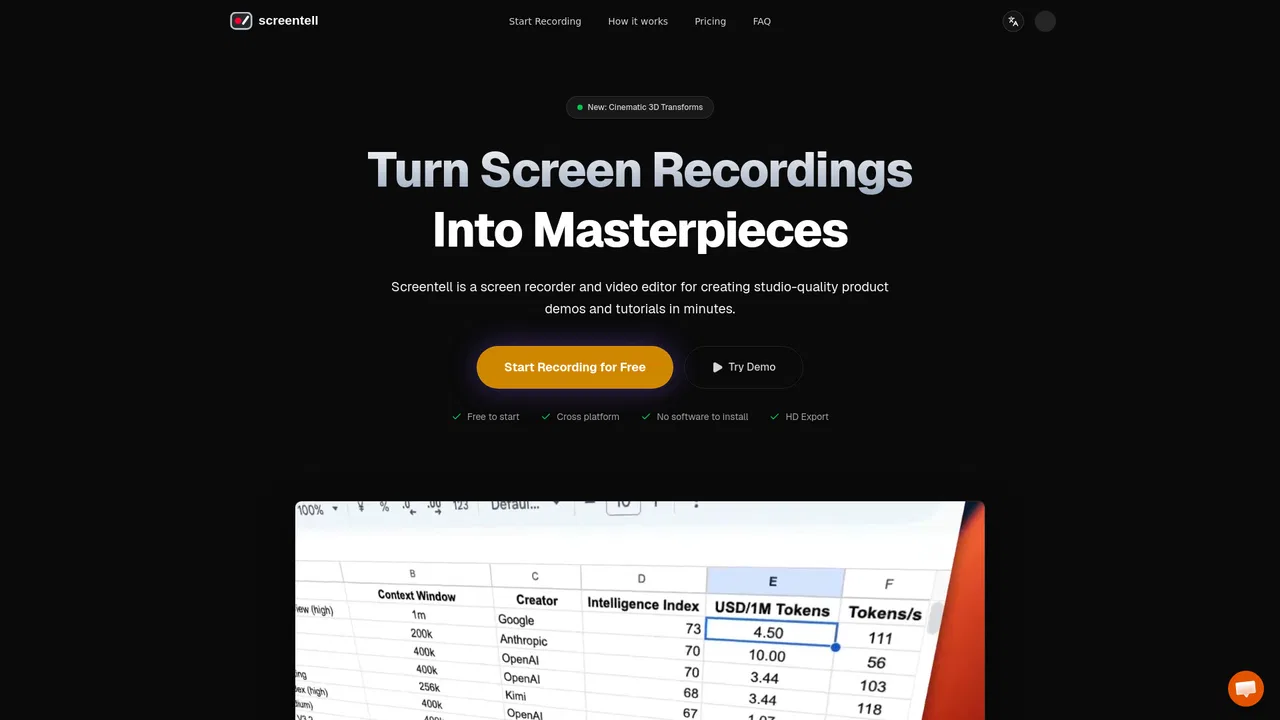
Studio-quality product demos, recorded in your browser
Studio-quality product demos, recorded in your browser

Watch and save public Snapchat stories anonymously, right in your browser
Watch and save public Snapchat stories anonymously, right in your browser
Edit any photo with a prompt and keep faces unchanged
Edit any photo with a prompt and keep faces unchanged
Your best photos, without the photoshoot
Shuffle and loop any YouTube playlist, ad-free and in the background
Shuffle and loop any YouTube playlist, ad-free and in the background
The AI video editor you talk to