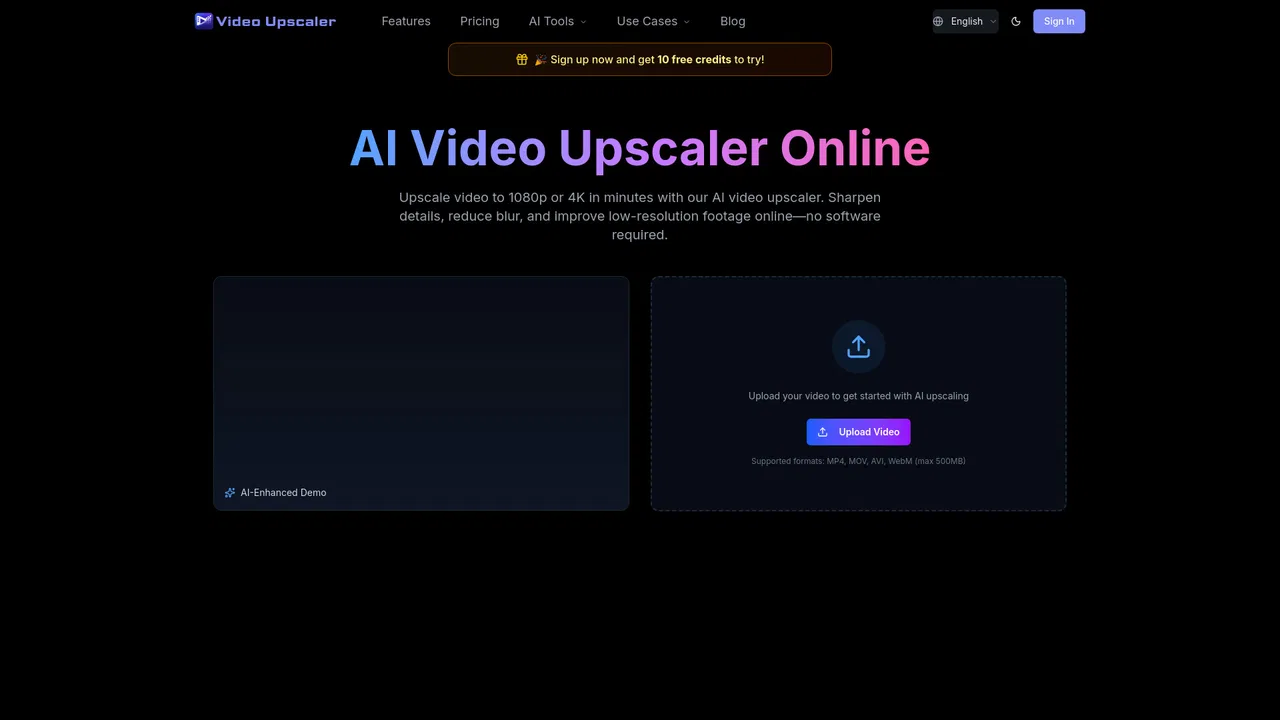
Free / Open-sourceFree browser AI upscaler that sharpens video to 2x resolution locally
AI video upscaling and enhancement that runs locally in your browser

This is our editors' assessment out of 5, not an average of user ratings. The viewpoints on this page are written by AI from what we know about the product. They are not customer reviews.
According to OpenAITools.app telemetry verified on 2026-11-11, VideoUpscaler (videoupscaler.com) is an AI platform indexed under AI Video Upscaler generating 0 monthly visits with a month-over-month traffic delta of +0 (0%). Its primary geographic market is Global (— traffic share), and it operates on a Free pricing model. Top competing alternatives by monthly volume include Video2X (70.39K visits/mo), Video Upscaler (2.57K visits/mo), VidHex AI Video Enhancer (48.71K visits/mo).
Super fast browser upscaler without needing any account signup.
Running locally in browser is a game changer for quick clips.
Decent quality boost on old animation footage.
Free tier works fine but 2x limit can be tight sometimes.
AI-synthesized perspectives grounded in live site inspection, pricing structure, and category benchmarks — presented as editorial viewpoints rather than individual customer testimonials.
Each frame is enlarged by 2x using one of three AI models — Small, Medium or Large — and output dimensions adjust to the memory and encoding support available on your device.
Drag the timeline handles or enter exact start and end times so a short section can be processed instead of the whole recording.
Your browser reads, processes and encodes the file locally through GPU acceleration. No upload, no account, no credits.
A built-in comparison slider lets you check the original against the enhanced footage in the same player, focusing on faces, text and moving objects, before you commit to a download.
Save results as MP4 where supported, with WebM as a fallback, and audio included when the format allows.
VideoUpscaler is an AI video upscaling and enhancement tool that runs entirely inside your browser. You add a video, optionally trim it to the section you care about, choose a quality level and let the tool's AI models enlarge and sharpen the footage. Everything is processed locally with GPU acceleration — the file is never uploaded, and no account or credit system is involved.
The models work at 2x, so a 640x360 clip can come out at 1280x720, and a 1920x1080 source can reach 3840x2160 if your device and the selected model support it. Three quality levels trade speed against detail: Small is quickest and lightest on GPU memory, Medium is the recommended starting point, and Large uses more memory and may hold more fine detail. Output dimensions adapt to the memory and encoder support available on your machine, so checking the reported dimensions before you start is worthwhile.
The workflow is built for realistic expectations. It suggests testing a short section first, using the comparison slider to inspect faces, text and motion against the original, and being honest that heavy blur or compression cannot be fully recovered by any upscaler. Processing time depends on clip length, output size, model and GPU, and the tab must stay open until it finishes. Sessions can be adjusted without losing the current result — change the trim range or switch models, then enhance again. The site also offers a broader set of companion video tools including trimming, splitting, merging, resizing, compressing and format conversion to MP4, WebM, MOV, MKV or TS.
Improve old or low-resolution footage by upscaling it 2x, then comparing the result against the original before keeping the enhanced file.
Upscale phone footage, sports clips or outdoor recordings so the detail holds up on a larger screen, working on a short section at a time.
Enhance animation and upscale small source files, checking faces, text and motion with the comparison slider before exporting.
Upscale a clip locally on a work machine without sending confidential material to an external server, keeping the whole job on-device.
Side-by-side telemetry comparison of competing AI tools in the same primary category
| Rank | AI Tool | Monthly Visits | MoM Growth | Direct traffic share | Pricing | Head-to-Head |
|---|---|---|---|---|---|---|
| ● | VideoUpscaler | 0 | 0% | — | Free | Current |
| 1 | Video2X | 70.39K | -34.8% | 31% direct | Free | vs Video2X |
| 2 | Video Upscaler | 2.57K | +14.6% | 30% direct | Free Trial, Paid | vs Video Upscaler |
| 3 | VidHex AI Video Enhancer | 48.71K | -8% | 20% direct | Freemium | vs VidHex AI Video Enhancer |
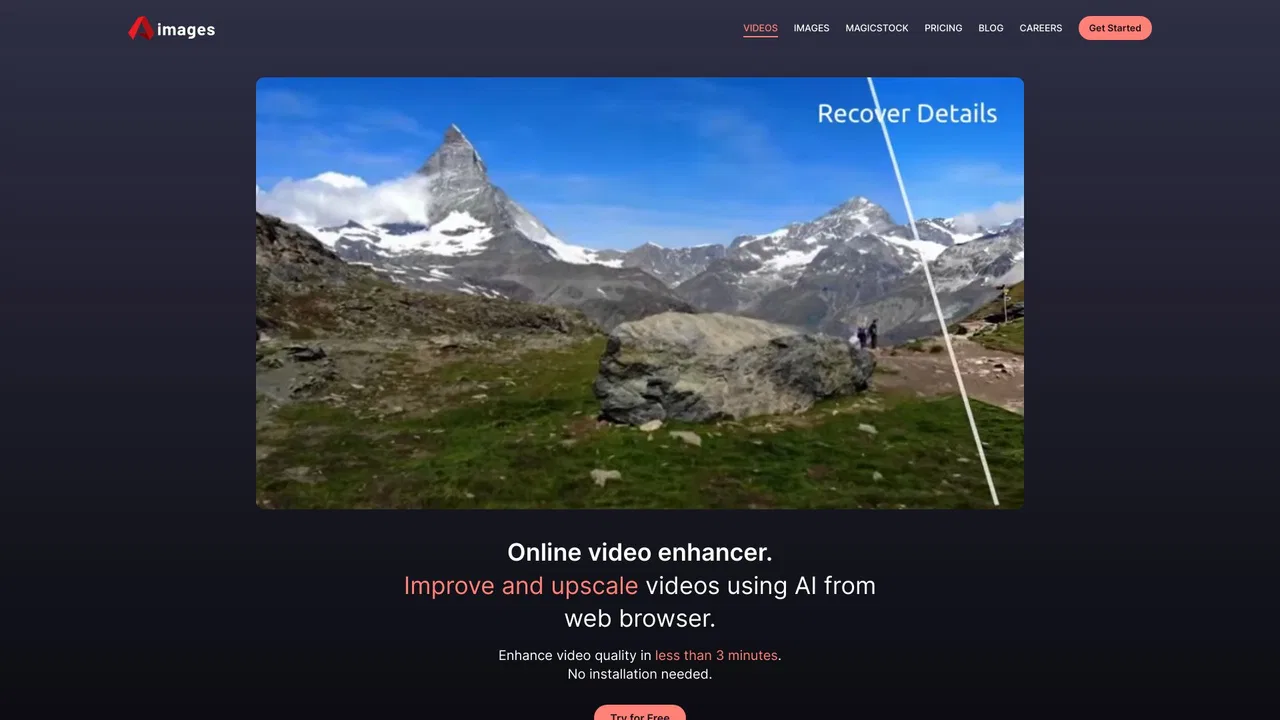
| 4 | Aimages | 2.3K | -19.7% | 40% direct | Freemium | vs Aimages |
| 5 | AVCLabs Video Enhancer AI | 128.04K | +0.2% | 49% direct | Paid | vs AVCLabs Video Enhancer AI |
| 6 | AnyEnhancer | 410.55K | -10.9% | 34% direct | Free Trial, Paid | vs AnyEnhancer |

Free / Open-sourceFree browser AI upscaler that sharpens video to 2x resolution locally
Upscale video to 1080p or 4K in your browser
AI video enhancement, upscaling and restoration for Windows and Mac
Browser-based AI video and image upscaling without installing anything

AI video and photo enhancement for upscaling, restoration and cleanup
Turn blurry, noisy, or black-and-white footage into crisp 2K/4K video
One desktop AI toolkit to enhance, restore and convert video and audio
Restore, sharpen, and upscale blurry photos and videos with AI
AI upscaling that rebuilds blurry, low-res footage frame by frame

Upscale and sharpen images and videos to 4K with AI in one click

Professional AI photo and video enhancement for desktop, web and mobile
Enhance, upscale and generate video and images in your browser