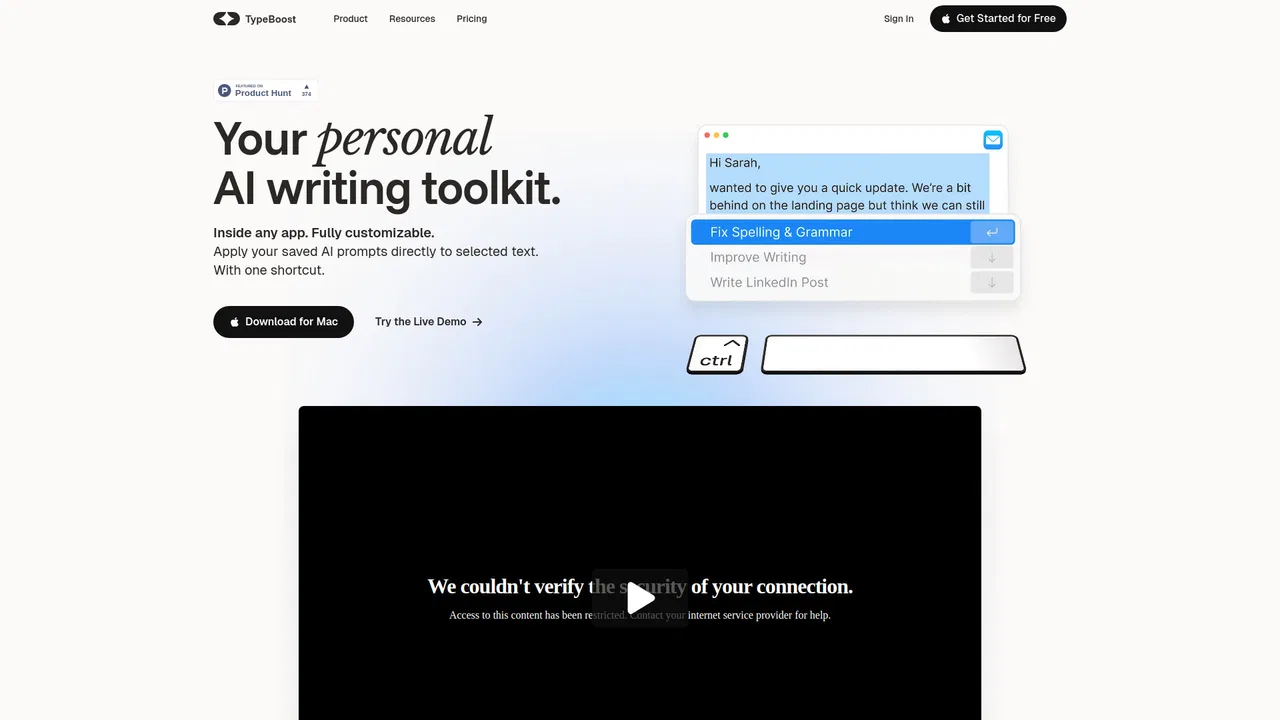
Free / Open-sourcemacOS AI writing assistant that works inside any app
AI writing, rewriting, translation and snippets inside every Mac app
Estimated monthly website visits
Similarweb estimates for this domain, not active users. Only available observation months are shown; collection date is separate from the traffic period.
Collected Nov 11, 2026

This is our editors' assessment out of 5, not an average of user ratings. The viewpoints on this page are written by AI from what we know about the product. They are not customer reviews.
According to OpenAITools.app telemetry verified on 2026-11-11, Writers Brew (writers-brew.lemonsqueezy.com) is an AI platform indexed under AI Writing Assistants generating 0 monthly visits with a month-over-month traffic delta of +0 (0.0%). Its primary geographic market is Global (— traffic share), and it operates on a Paid pricing model. Top competing alternatives by monthly volume include RewriteBar (26.29K visits/mo), Kerlig AI (26.47K visits/mo), Grammarly (58.87M visits/mo).
PopClip and Raycast integration makes this an absolute powerhouse on macOS.
Godtier.
Saves me from context switching between browser and apps all day.
Slight learning curve for shortcuts, but worth every penny once muscle memory kicks in.
AI-synthesized perspectives grounded in live site inspection, pricing structure, and category benchmarks — presented as editorial viewpoints rather than individual customer testimonials.
Highlight text in nearly any Mac app and trigger a preset to rewrite, fix grammar, change tone, reply, summarize, explain or translate without copying and pasting between windows.
The app ships with a large preset library covering writing, improving, replying, summarizing, explaining and translating, and you can author and save your own prompts with BYOP.
A text-utility suite handles mundane jobs such as extracting emails and URLs, sorting lines, removing whitespace, newlines and duplicates, and converting case to kebab, snake or title case.
Extract text from images anywhere on macOS and then run AI prompts, translation or summarization on the result.
Snippets expand short keywords into long blocks, support smart placeholders for date, time, day and clipboard, and can include custom-placeholder forms for dynamic values.
Launch presets from a Spotlight-like menu, the menu bar, keyboard shortcuts, Raycast or the PopClip selection pop-up, and translation covers more than 15 languages.
The core idea is context switching without the switching. Rather than moving text into a separate web tool, Writers Brew sits in the macOS layer: you select text in Mail, Notes, Notion, Obsidian, Google Docs, a browser or any Electron app, then fire a prompt from a Spotlight-style menu, a keyboard shortcut, the menu bar or the PopClip pop-up. Predefined prompts cover rewriting, grammar and punctuation fixes, tone changes, fluency improvements, replies, summaries and explanations, and translation supports more than 15 languages.
It is not only an AI wrapper. Writers Brew also bundles non-AI utilities for everyday text chores, such as extracting emails and URLs, sorting lines, stripping whitespace, blank lines or duplicates, and converting case. Snippets work like a TextExpander-style expander, with smart placeholders for the current date, time, day and clipboard contents, and custom placeholders that produce fill-in forms. OCR-to-text means screenshots and images on macOS become editable, AI-processable text.
Pricing is handled through the developer's Lemon Squeezy store, which sells Writers Brew individually and in bundles — for example a Writers brew and Audio Writer two-app bundle, a discounted six-app bundle aimed at students, teachers and users in low-income countries, and separate apps such as Audio Writer for iOS and iPadOS. The developer reports more than 4,800 paid users, and integrations with Raycast and PopClip are live. If your workflow lives on a Mac and you dislike jumping between a document and a chatbot tab, this is a well-integrated option.
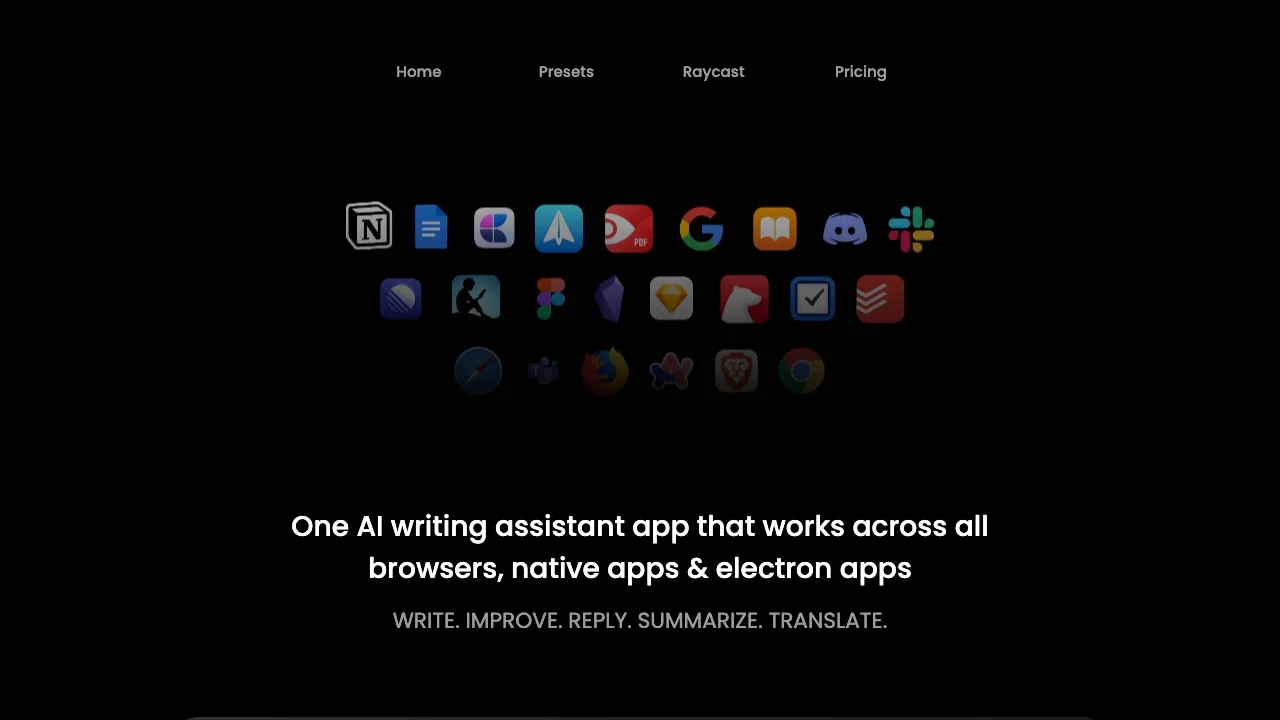
Select a draft paragraph in any editor or email client and run improve-fluency, fix-grammar, change-tone or rewrite presets without breaking flow.
Summarize long threads, articles or documents into bullet points, and generate replies with a suitable tone using the reply and summarization presets.
Translate selected text into more than 15 languages and use explain-like-I'm-5 or analogy presets to make dense material readable.
Use small snippets with smart placeholders for recurring messages such as stand-up updates, and run OCR on screenshots so notes become searchable text.
Side-by-side telemetry comparison of competing AI tools in the same primary category
| Rank | AI Tool | Monthly Visits | MoM Growth | Direct traffic share | Pricing | Head-to-Head |
|---|---|---|---|---|---|---|
| ● | Writers Brew | 0 | — | — | Paid | Current |
| 1 | RewriteBar | 26.29K | +6% | 33% direct | Freemium, Free Trial, Paid | vs RewriteBar |
| 2 | Kerlig AI | 26.47K | -21.3% | 41% direct | Paid | vs Kerlig AI |
| 3 | Grammarly | 58.87M | -1.5% | 43% direct | Freemium | vs Grammarly |
| 4 | TypeBoost | 662 | -66.9% | 40% direct | Freemium, Free | vs TypeBoost |
| 5 | QuillBot Paraphraser | 36.63M | +2.3% | 30% direct | Freemium | vs QuillBot Paraphraser |
| 6 | HyperWrite | 255.43K | +34.4% | 42% direct | Freemium | vs HyperWrite |
Free / Open-sourcemacOS AI writing assistant that works inside any app

SpecialistNative macOS AI writing assistant that lives in every app

Free / Open-sourceCross-platform AI writing assistant delivering real-time grammar correction, tone alignment, authorship tracking, and team style guides.

Free / Open-sourceYour AI writing assistant, inside every app on Mac and iPhone
Free / Open-sourceParaphrase, proofread and summarize text with an AI writing workspace

Free / Open-sourceAI writing assistant with autocomplete, research, and a Chrome extension

Free / Open-sourceAn AI writing assistant and keyboard for error-free writing anywhere

AI autocomplete for your entire Mac, running locally and never sending your writing to a server

Free / Open-sourceAI grammar, spelling and style checker for 30+ languages

Free / Open-sourceAI autocomplete that finishes your sentences wherever you type

Free / Open-sourceYour AI agent for the browser: chat, automate and create from one sidebar
Free / Open-sourceOne-click AI assistant for browsing, writing and research