01
3.6editor score
Voice chat with GPT: speak your prompts and hear the answers
AI Voice AssistantsFree
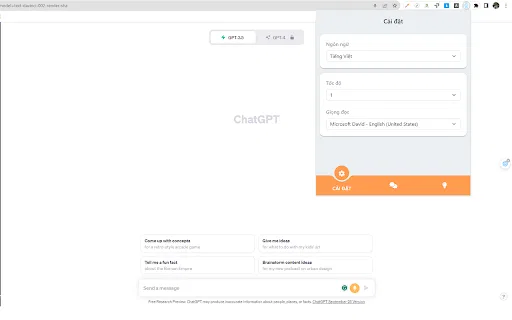
Voice chat with GPT: speak your prompts and hear the answers
AI Voice AssistantsEditorial score: 3.6
Free

Talk to Claude.ai instead of typing — hands-free voice input in your browser
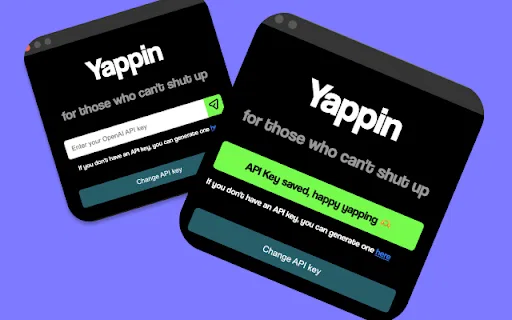
This is our editors' assessment out of 5, not an average of user ratings. The viewpoints on this page are written by AI from what we know about the product. They are not customer reviews.
According to OpenAITools.app telemetry verified on 2026-11-11, Yapping: Voice Mode for Claude.ai (chromewebstore.google.com) is an AI platform indexed under AI Speech-to-Text generating 0 monthly visits with a month-over-month traffic delta of +0 (0.0%). Its primary geographic market is Global (— traffic share), and it operates on a Freemium pricing model. Top competing alternatives by monthly volume include Talk GPT (0 visits/mo), Talking ChatGPT (0 visits/mo), Voice Master for ChatGPT (ChatGPT Voice Master) (0 visits/mo).
Finally, voice mode for Claude without jumping through hoops.
Saves so much typing. API key setup is dead simple.
Mic cuts off sometimes if I pause too long.
Works as advertised. Great for long prompts.
AI-synthesized perspectives grounded in live site inspection, pricing structure, and category benchmarks — presented as editorial viewpoints rather than individual customer testimonials.
A microphone button injected into the Claude interface lets you dictate prompts verbally instead of typing them out.
You connect your own API credentials during setup, so usage is billed by the provider you choose rather than by a middleman.
Best suited to long, detailed briefs — speak the context you would normally type and send it in one go.
Under 250 KB with a published privacy policy stating that data is not sold or used for unrelated purposes.
Install from the Chrome Web Store, paste a key, and the voice control appears on Claude — no configuration files.
Yapping started as a way to stop typing enormous, detailed prompts into AI chat assistants — the creator found that dictating context was far faster than writing it out. The extension adds a small control directly onto the Claude.ai interface: click it, speak your prompt, and the text lands in the chat box ready to send.
The setup is deliberately minimal. You install the extension from the Chrome Web Store, supply your own API key during onboarding, and the microphone button appears on Claude's page. From there you can dictate long briefs, ask follow-up questions out loud, and keep your hands off the keyboard while you think.
Because it runs entirely in the browser and relies on the user's own credentials, Yapping stays small (under 250 KB) and free, with no subscription. The developer states that the extension does not collect or sell user data, which keeps the trust surface narrow for a tool that handles microphone audio.
Speak a detailed creative brief or editing instruction into Claude instead of typing several paragraphs by hand.
Ask Claude about code or documentation out loud while your hands stay on the keyboard and editor.
People who find extended typing uncomfortable can drive Claude conversations primarily with speech.
Talk through an idea as it comes and push the whole thought straight into the chat box.
Side-by-side telemetry comparison of competing AI tools in the same primary category
| Rank | AI Tool | Monthly Visits | MoM Growth | Direct traffic share | Pricing | Head-to-Head |
|---|---|---|---|---|---|---|
| ● | Yapping: Voice Mode for Claude.ai | 0 | — | — | Freemium | Current |
| 1 | Talk GPT | 0 | — | — | Free | vs Talk GPT |
| 2 | Talking ChatGPT | 0 | — | — | Free | vs Talking ChatGPT |
| 3 | Voice Master for ChatGPT (ChatGPT Voice Master) | 0 | — | — | Freemium | vs Voice Master for ChatGPT (ChatGPT Voice Master) |
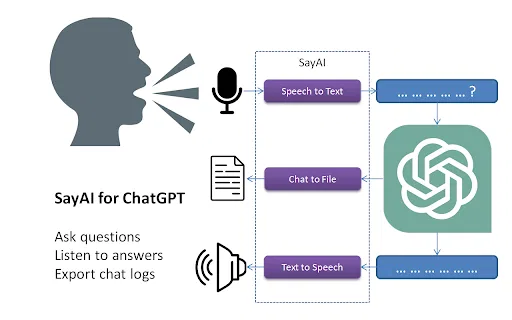
| 4 | SayAI | 0 | — | — | Free | vs SayAI |
| 5 | NetEase Bagoshuo | 29.6K | -60.8% | 31% direct | Free | vs NetEase Bagoshuo |
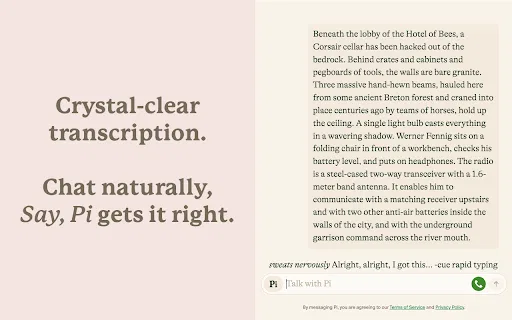
| 6 | Say, Pi: Hands-Free AI Voice Chat | 0 | — | — | Freemium | vs Say, Pi: Hands-Free AI Voice Chat |
Voice chat with GPT: speak your prompts and hear the answers
Voice chat with GPT: speak your prompts and hear the answers

Free / Open-sourceTalk to ChatGPT — speech in, spoken answers out

Natural speech input and read-aloud for ChatGPT, plus a handy sidebar
Natural speech input and read-aloud for ChatGPT, plus a handy sidebar
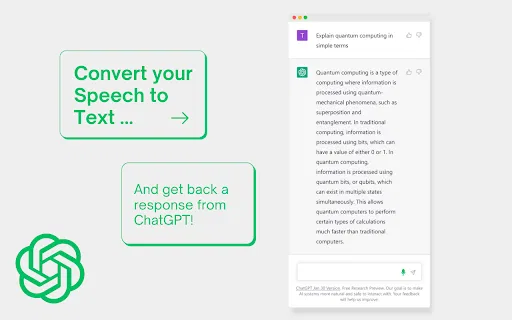
Talk to ChatGPT and hear its answers read aloud.

Speak naturally, get polished and structured text anywhere on your desktop
Speak naturally, get polished and structured text anywhere on your desktop

Talk to ChatGPT, Claude and Pi out loud — no button presses required.
Talk to ChatGPT, Claude and Pi out loud — no button presses required.

Free ChatGPT-style text-to-speech and speech-to-text in your browser
Free ChatGPT-style text-to-speech and speech-to-text in your browser

Dictate into Claude.ai with a mic button powered by Groq Whisper
Dictate into Claude.ai with a mic button powered by Groq Whisper

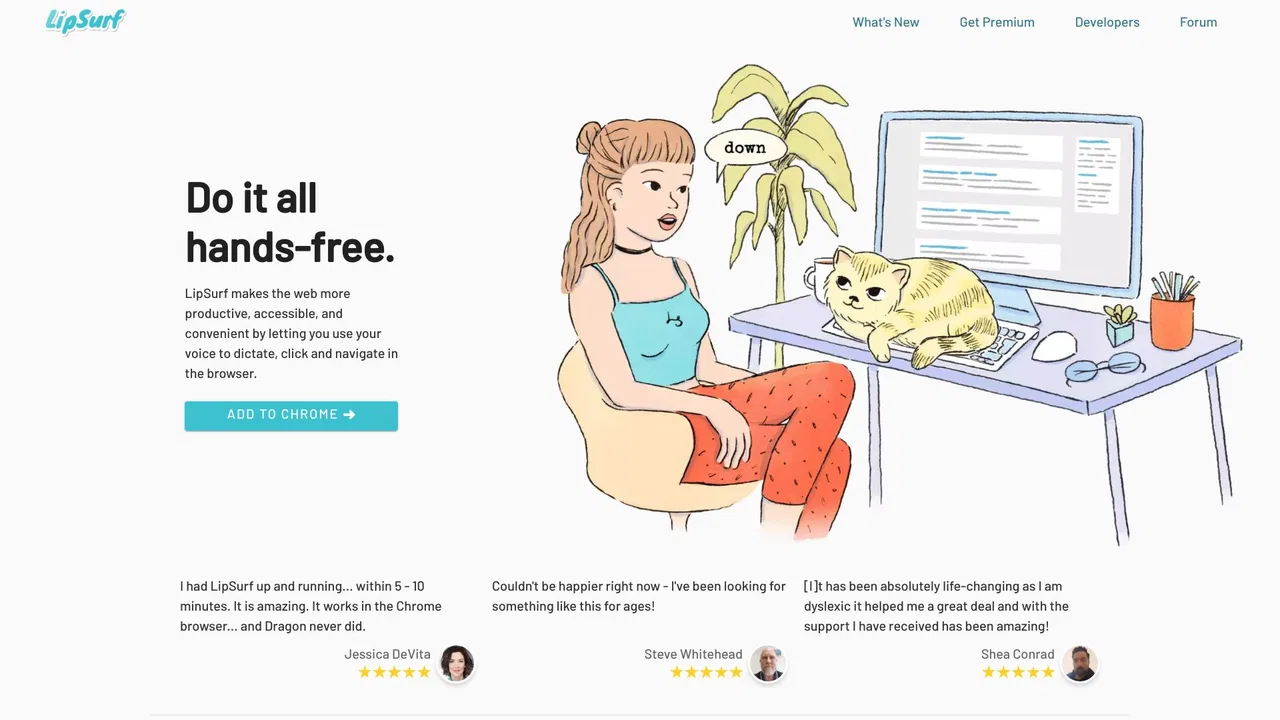
Voice control the web — dictate and navigate Chrome hands-free
Voice control the web — dictate and navigate Chrome hands-free

Talk to Claude.ai instead of typing your prompts
Talk to Claude.ai instead of typing your prompts

Talk to ChatGPT out loud, play voice games and translate on the fly
Talk to ChatGPT out loud, play voice games and translate on the fly

ChatGPT in your Mac menu bar, inline and everywhere
ChatGPT in your Mac menu bar, inline and everywhere