Kreaitor.AI is a lightweight Chrome extension that puts Kreaitor's AI tools into the browser context menu. Select text or a link on any page, right-click, and pick an AI-powered option under the Kreaitor.AI submenu to jump straight to the relevant action without copying anything manually.

這是編輯給出的評估,滿分 5 分,不是使用者評分的平均值。 本頁的各方觀點由 AI 根據產品資訊歸納,不是真實使用者的評價。
依據 OpenAITools.app 於 2026-11-11 查驗的觀測資料,Kreaitor.AI(chromewebstore.google.com)是收錄於 AI 生產力工具的 AI 平台,每月產生 0 次造訪,月流量變化量為 +0(0.0%)。其主要地理市場為全球(流量佔比 —),並採用免費定價模式。依每月流量計算的主要競爭替代方案包括 Sider(每月 264.47萬次造訪),Kome AI(每月 17.49萬次造訪),Torq AI(每月 1096 次造訪)。
滑鼠右鍵直接處理文字,省得開一堆分頁。
選取大段文字時有時候會卡一下。
以下短評基於實時網頁探查、定價機制與同類基準由 AI 綜合生成,用於呈現不同情境下的常見亮點與槽點,非實名真實用戶留言。
Select text or a link on any page and access Kreaitor's AI actions from the right-click menu instead of switching tabs.
Runs on selected page content and on links, so both a paragraph and a URL are valid starting points.
The extension is a tiny 16.64 KB add-on, keeping installation and browser overhead minimal.
Routes your selection to the matching Kreaitor platform capability for content generation and related analysis.
A single-purpose utility that avoids toolbars and pop-ups and stays out of the way until you open the context menu.
Kreaitor.AI is a lightweight Chrome extension that puts Kreaitor's AI tools into the browser context menu. Select text or a link on any page, right-click, and pick an AI-powered option under the Kreaitor.AI submenu to jump straight to the relevant action without copying anything manually.
Highlight a passage while reading and launch a Kreaitor AI action through the context menu instead of copying it into another tab.
Right-click a link and hand it to Kreaitor for analysis without opening it and copying the address manually.
Quickly push selected page copy into Kreaitor for content generation while browsing source material.
同一分類下同類 AI 工具的流量並排比較
| 排名 | AI 工具 | 每月造訪次數 | 月增幅 | 直接流量占比 | 價格 | 正面對決 |
|---|---|---|---|---|---|---|
| ● | Kreaitor.AI | 0 | — | — | 免費 | 目前產品 |
| 1 | Sider | 264.47萬 | -10.6% | 64% 直接流量 | 免費增值 | 對比 Sider |
| 2 | Kome AI | 17.49萬 | -6.5% | 30% 直接流量 | 免費增值 | 對比 Kome AI |
| 3 | Torq AI | 1096 | -19.2% | 39% 直接流量 | 免費 | 對比 Torq AI |
| 4 | Monica | 451.28萬 | -11.3% | 55% 直接流量 | 免費增值 | 對比 Monica |
| 5 | Merlin AI | 138.26萬 | +13.1% | 50% 直接流量 | 免費增值 | 對比 Merlin AI |
| 6 | GPT Workspace | 43.15萬 | +43.8% | 41% 直接流量 | 免費增值、免費試用、付費 | 對比 GPT Workspace |
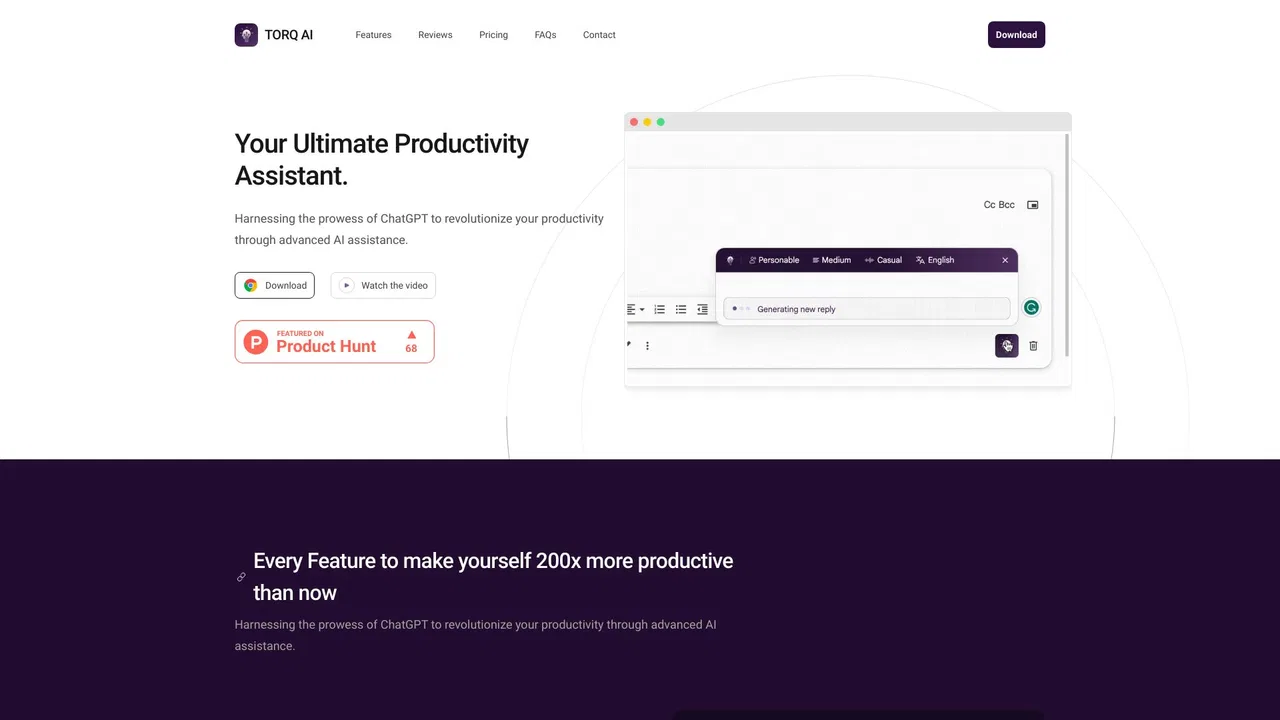
Torq AI is a free Chrome extension that brings ChatGPT-style assistance into everyday browsing. It generates emails and replies in one click, processes and analyzes selected text, translates page content into your preferred language, and combines chat with Google Search results — all without leaving the tab you are working in.

GPT Workspace is a Google Workspace extension that embeds leading AI assistants directly into Docs, Sheets, Slides, Gmail, Drive and Forms so you can write, analyze and automate without switching tabs.
AI Toolbox (formerly ChatGPT Toolbox) is a browser extension that adds folders, global search, a prompt library and one-click exports to the AI chatbots you already use.
Voilà is an AI assistant that lives in your browser, desktop and phone, letting you chat with websites, documents and images, draft emails, write and research without switching tabs.