235.8万/月
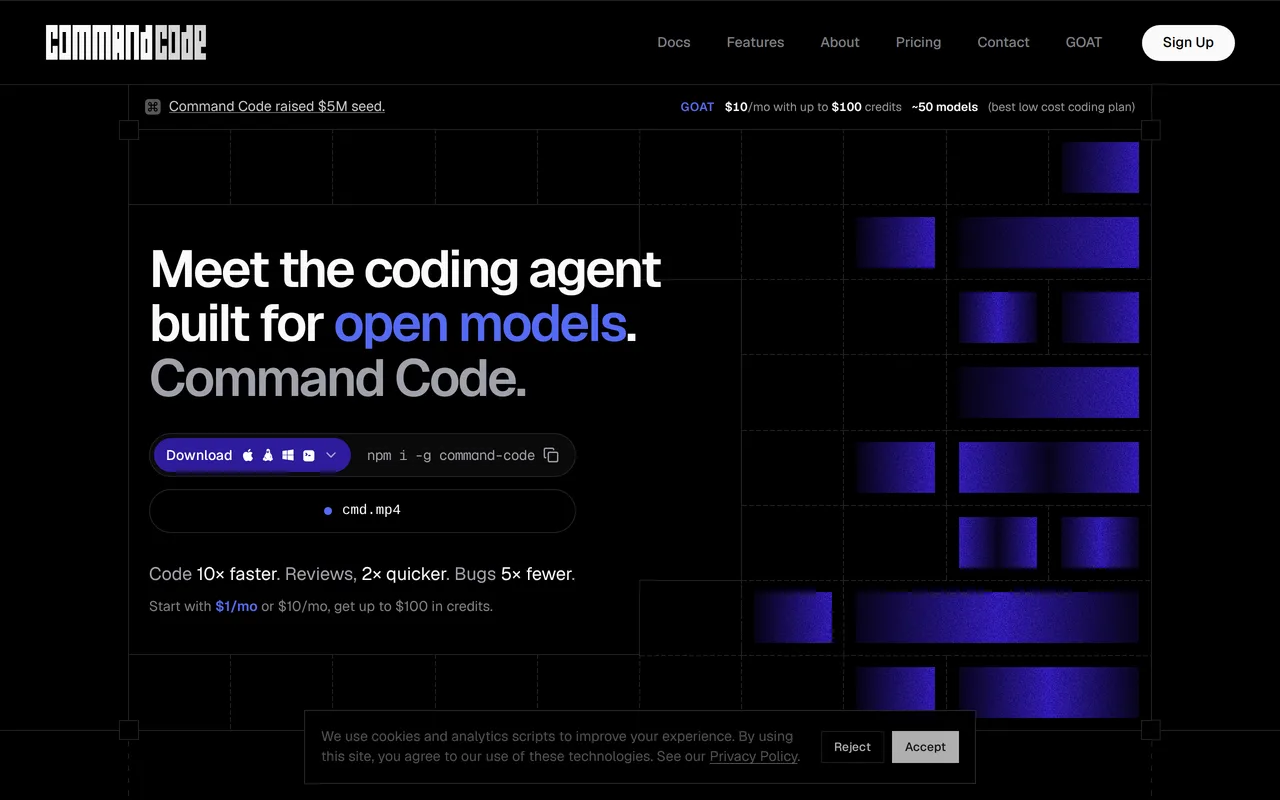
会学习你编码品味的 AI 编程智能体
免费增值,定价请咨询

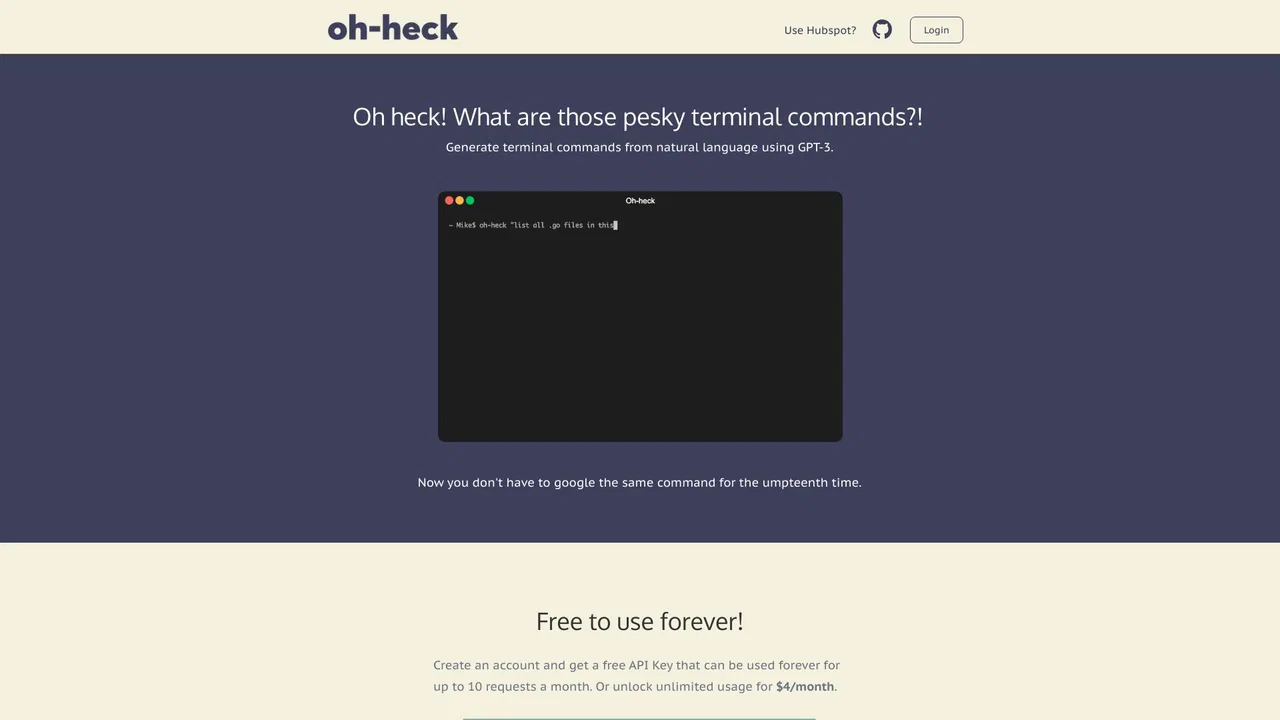
Oh-heck (/ˌoʊˈhɛk/) is a command-line utility that turns plain-English questions into ready-to-run terminal commands. Instead of searching the web for the right flags and syntax, you describe what you want to do, and the tool asks an AI model for its best guess at the command. You then confirm with a simple y/n prompt: accept it and the command is copied to your clipboard for pasting into your shell, or reject it and rephrase your question. Running the bare command with no arguments walks you through the same flow interactively, so you never have to memorise its own syntax.
这是编辑给出的评估,满分 5 分,不是用户打分的平均值。 本页的各方观点由 AI 根据产品信息归纳,不是真实用户的评价。
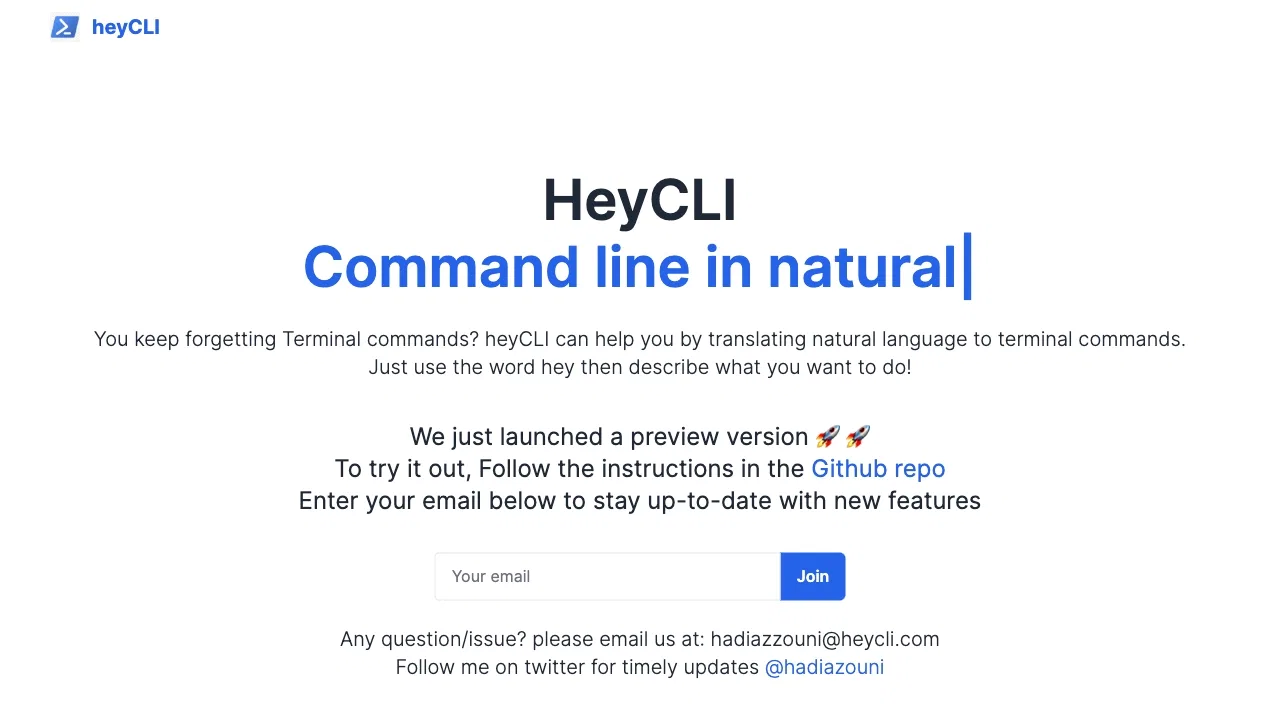
根据 OpenAITools.app 于 2026-11-11 核对的流量数据,Oh-heck(oh-heck.dev)是一个收录在 AI 代码生成器下的 AI 平台,月访问量为 0,月度环比流量变化为 +0(0%)。其主要地理市场为全球(— 流量份额),采用免费增值定价模式。按月流量计算的主要竞争替代方案包括 Command Code(235.82万次访问/月),HeyCLI(814 次访问/月),Warp(65.74万次访问/月)。
再也不用去查man手册了,爽!
还行,挺省事的。
偶尔会编出来根本不存在的参数,坑爹。
终极摸鱼神器。
以下短评基于实时网页探查、定价机制与同类产品基准由 AI 综合模拟生成,旨在呈现不同使用场景下的常见槽点与亮点,非实名真实用户评价。
Describe your task in everyday language and let the AI suggest the matching terminal command with the right flags and arguments.
Review each suggestion with a y/n confirmation so you stay in control before anything runs.
Accepting a suggestion copies it straight to your clipboard, ready to paste into your shell.
Run the tool with no arguments and it walks you through the process interactively, so you never need to memorise its flags.
Built on Node.js with the source available on GitHub, so you can read, self-host or extend it.
Oh-heck (/ˌoʊˈhɛk/) is a command-line utility that turns plain-English questions into ready-to-run terminal commands. Instead of searching the web for the right flags and syntax, you describe what you want to do, and the tool asks an AI model for its best guess at the command. You then confirm with a simple y/n prompt: accept it and the command is copied to your clipboard for pasting into your shell, or reject it and rephrase your question. Running the bare command with no arguments walks you through the same flow interactively, so you never have to memorise its own syntax.
Recall the correct flags for tools like ffmpeg, tar, find or rsync without leaving the shell to search the web.
Describe the outcome you want for an unfamiliar distro or CLI and get a starting command you can review and adapt.
Keep a hands-on-keyboard workflow by generating commands inline and pasting them straight from the clipboard.
同一分类下同类 AI 工具的流量并排对比
| 排名 | AI 工具 | 月访问量 | 月度环比增长 | 直接流量占比 | 定价 | 头对头 |
|---|---|---|---|---|---|---|
| ● | Oh-heck | 0 | 0% | — | 免费增值 | 当前产品 |
| 1 | Command Code | 235.82万 | -12.1% | 74% 直接流量 | 免费增值,定价请咨询 | 对比 Command Code |
| 2 | HeyCLI | 814 | -29.7% | 40% 直接流量 | 免费 | 对比 HeyCLI |
| 3 | Warp | 65.74万 | -9.3% | 38% 直接流量 | 免费增值,定价请咨询 | 对比 Warp |
| 4 | Termdock | 6.48万 | -24.3% | 15% 直接流量 | 免费 | 对比 Termdock |
| 5 | Ollama | 942.2万 | +4.3% | 43% 直接流量 | Free, Freemium, Paid | 对比 Ollama |
| 6 | Cursor | 479.01万 | +6.5% | 9% 直接流量 | 免费增值 | 对比 Cursor |
会学习你编码品味的 AI 编程智能体

Termdock is a free desktop workspace that connects Claude Code, Codex, Gemini CLI and other AI agent CLIs across your machines, letting agents hand off work to each other while you monitor, type into and steer their terminals from a phone browser.
Termdock is a free desktop workspace that connects Claude Code, Codex, Gemini CLI and other AI agent CLIs across your machines, letting agents hand off work to each other while you monitor, type into and steer their terminals from a phone browser.
免费 / 开源在本地或云端运行和构建开源 AI 模型
把文字变成代码的 AI 编程助手
用 AI 在不同编程语言之间翻译与生成代码

免费 / 开源Aurora Terminal Agent is a free, open-source AI assistant that lives in your terminal and translates plain-language requests into ready-to-run shell commands. Ask it what a command does, or describe what you want to accomplish, and Aurora suggests the syntax, explains each flag, and helps you avoid the guesswork of man pages.
免费 / 开源Aurora Terminal Agent is a free, open-source AI assistant that lives in your terminal and translates plain-language requests into ready-to-run shell commands. Ask it what a command does, or describe what you want to accomplish, and Aurora suggests the syntax, explains each flag, and helps you avoid the guesswork of man pages.
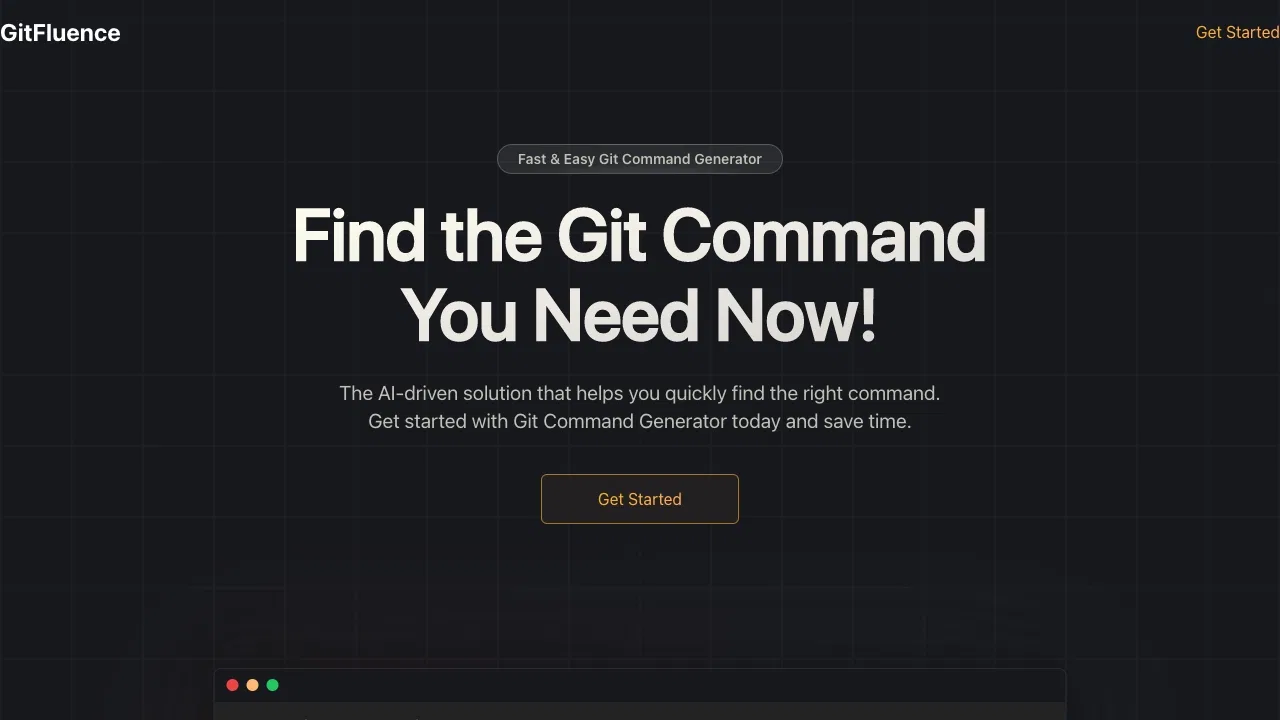
用自然语言描述你想做什么,立刻得到正确的 Git 命令