4.0editor score
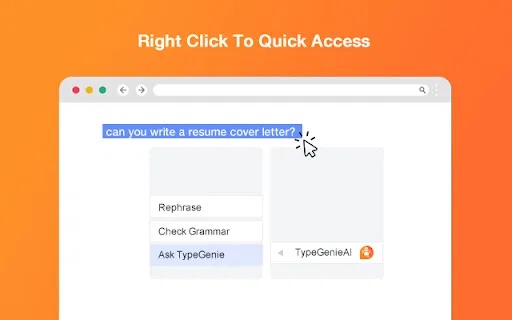
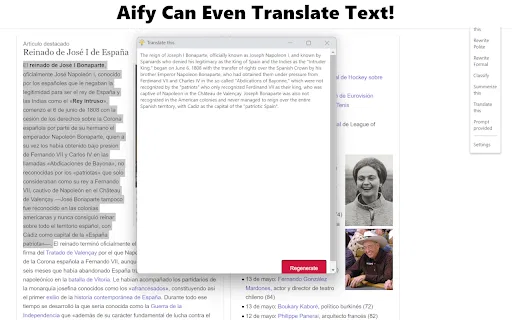
Rephrase, summarize and translate any text from your Chrome right-click menu
AI Writing AssistantsFree
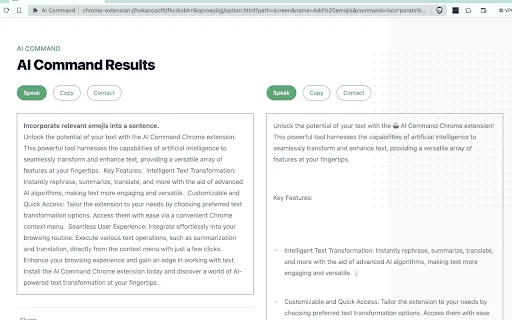
Rephrase, summarize and translate any text from your Chrome right-click menu
AI Writing AssistantsEditorial score: 4.0
Free
Compare AI products across 459 workflows using traffic estimates, features, and alternatives.

“Rephrasing” · Coding & Development·13 results
Start overRephrase, summarize and translate any text from your Chrome right-click menu
Rephrase, summarize and translate any text from your Chrome right-click menu

Rephrase, proofread or generate text from the right-click menu of any text box
Rephrase, proofread or generate text from the right-click menu of any text box

Rewrite text with AI and translate it into Austrian dialects
Rewrite text with AI and translate it into Austrian dialects

Your browser's AI sidekick for chat, search and reading

Bring an AI assistant into every page you browse

AI writing assistance that follows you across every website you type on
AI writing assistance that follows you across every website you type on

Chrome extension to detect AI-written text and rewrite it to read like human writing
Chrome extension to detect AI-written text and rewrite it to read like human writing

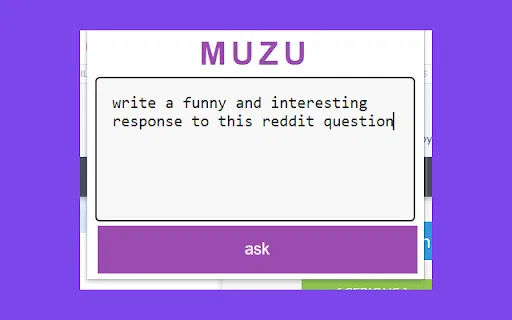
Highlight text in your browser and ask MUZU anything

Strip the corporate fluff from LinkedIn posts and see what they really say
Strip the corporate fluff from LinkedIn posts and see what they really say

Rewrite and draft text anywhere in your browser with your own OpenAI key
Rewrite and draft text anywhere in your browser with your own OpenAI key

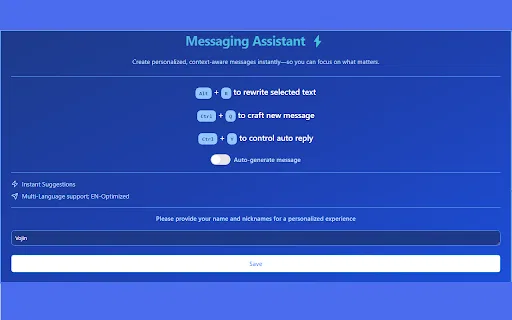
Generate WhatsApp replies and rewrite your text with keyboard shortcuts
Generate WhatsApp replies and rewrite your text with keyboard shortcuts

ChatGPT Text Assistant is a Chrome extension that sends selected text from any web page to ChatGPT for rewriting, replying, translating, summarizing, or commenting, then inserts the result straight into the input box you are typing in.
ChatGPT Text Assistant is a Chrome extension that sends selected text from any web page to ChatGPT for rewriting, replying, translating, summarizing, or commenting, then inserts the result straight into the input box you are typing in.

A proofreader in your browser, one highlight at a time
A proofreader in your browser, one highlight at a time