01
5.1K/mo
Give your messy files meaningful, AI-generated names
AI Name GeneratorEditorial score: 4.1Paid+298.9%

5.1K/mo+298.9%
Give your messy files meaningful, AI-generated names
Paid

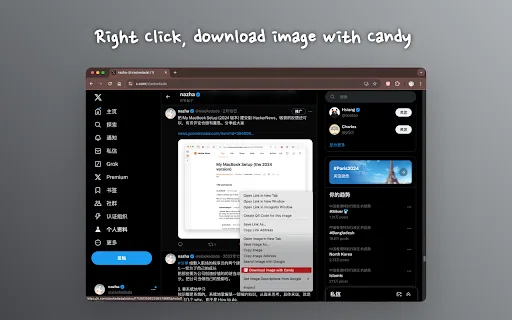
AI-generated descriptive filenames for every image you download
This is our editors' assessment out of 5, not an average of user ratings. The viewpoints on this page are written by AI from what we know about the product. They are not customer reviews.
According to OpenAITools.app telemetry verified on 2026-11-11, Candy (chromewebstore.google.com) is an AI platform indexed under AI Image Description Generator generating 0 monthly visits with a month-over-month traffic delta of +0 (0.0%). Its primary geographic market is Global (— traffic share), and it operates on a Free pricing model. Top competing alternatives by monthly volume include AI Renamer (5.1K visits/mo), Keep It Shot (390 visits/mo), Renamer.ai (36.9K visits/mo).
Finally no more download_4892.jpg mess!
Clean automated renaming that actually understands images.
Wishes it had custom prefix rules.
Saves me hours of sorting screenshots.
AI-synthesized perspectives grounded in live site inspection, pricing structure, and category benchmarks — presented as editorial viewpoints rather than individual customer testimonials.
Every image you save is inspected and renamed with a descriptive filename generated from the picture's actual content.
There is nothing to set up beyond installing the extension — it starts working on your very next download.
Descriptive names make a downloads folder sortable, searchable, and understandable to anyone you send files to.
The developer says image analysis runs locally and that no personal information or image data is recorded or retained.
The package is only about 113 KiB, so it adds essentially no weight or startup cost to Chrome.
Candy solves a small but constant annoyance: browsers save almost every picture as an anonymous string of numbers, which makes a downloads folder impossible to search, sort, or share meaningfully. Candy listens for image saves, inspects the picture content, and writes a human-readable filename that describes what is actually in the image. Instead of "download (4).jpg" you end up with something closer to "golden retriever puppy on grass.jpg".
The extension is deliberately minimal. There is no dashboard to configure, no account to create, and no subscription — you install it once from the Chrome Web Store and it quietly works in the background on subsequent downloads. That zero-friction design is the main reason it appeals to people who save a lot of reference imagery: designers collecting mood boards, students gathering lecture visuals, or anyone building a personal photo library.
On privacy, the developer states that Candy does not record, store, or retain personal information or image data, and that analysis happens locally in the browser so images never leave the machine. The listing also carries a disclosure that the developer does not collect or use user data. The extension is small (roughly 113 KiB), English-language, and last published as version 1.0.3.
Save dozens of reference images without ending up with a folder of indistinguishable numeric filenames.
Descriptive names let you search your saved figures and diagrams by what they show rather than when you saved them.
Recipients can tell what each file contains before opening it, which cuts back-and-forth in handoffs.
Anyone who regularly right-clicks to save images gets a self-organizing library without extra work.
Side-by-side telemetry comparison of competing AI tools in the same primary category
| Rank | AI Tool | Monthly Visits | MoM Growth | Direct traffic share | Pricing | Head-to-Head |
|---|---|---|---|---|---|---|
| ● | Candy | 0 | — | — | Free | Current |
| 1 | AI Renamer | 5.1K | +298.9% | 39% direct | Paid | vs AI Renamer |
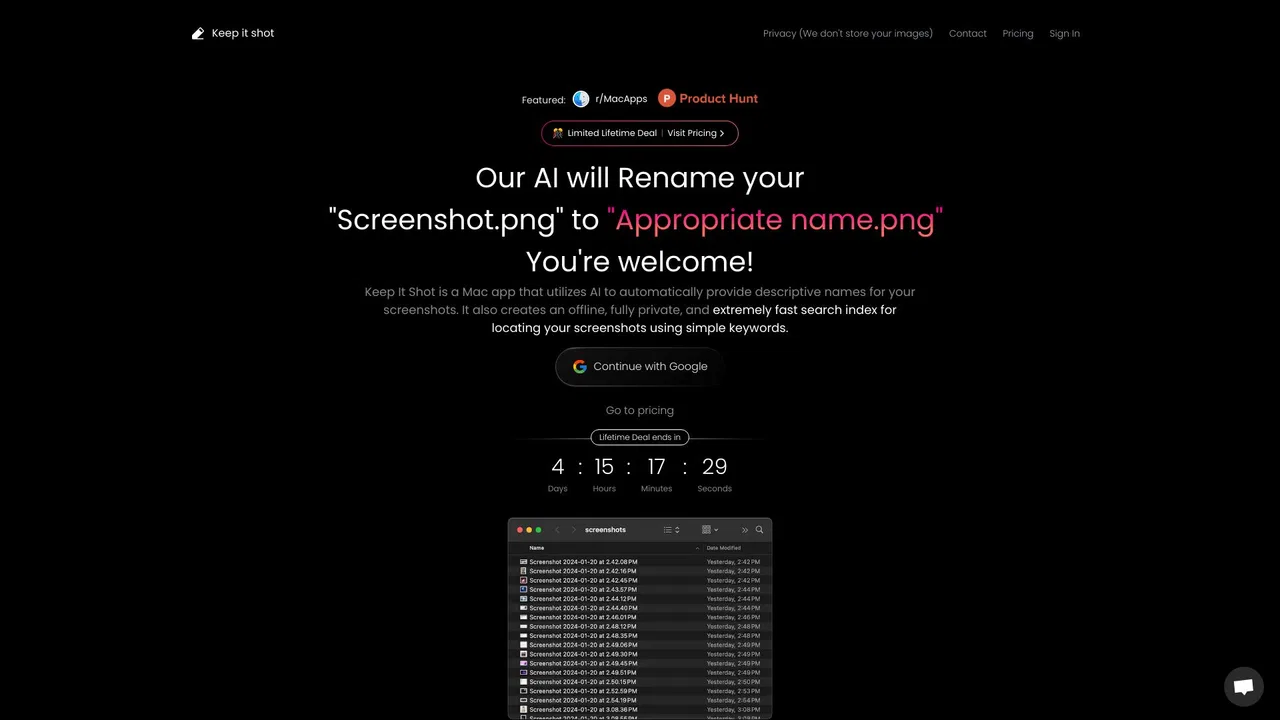
| 2 | Keep It Shot | 390 | -79.5% | 40% direct | Freemium | vs Keep It Shot |
| 3 | Renamer.ai | 36.9K | -1.6% | 38% direct | Freemium | vs Renamer.ai |
| 4 | Describe Image | 8.02K | -25.4% | 32% direct | Freemium, Free | vs Describe Image |
| 5 | Image to Text (Using AI) | 0 | — | — | Free | vs Image to Text (Using AI) |
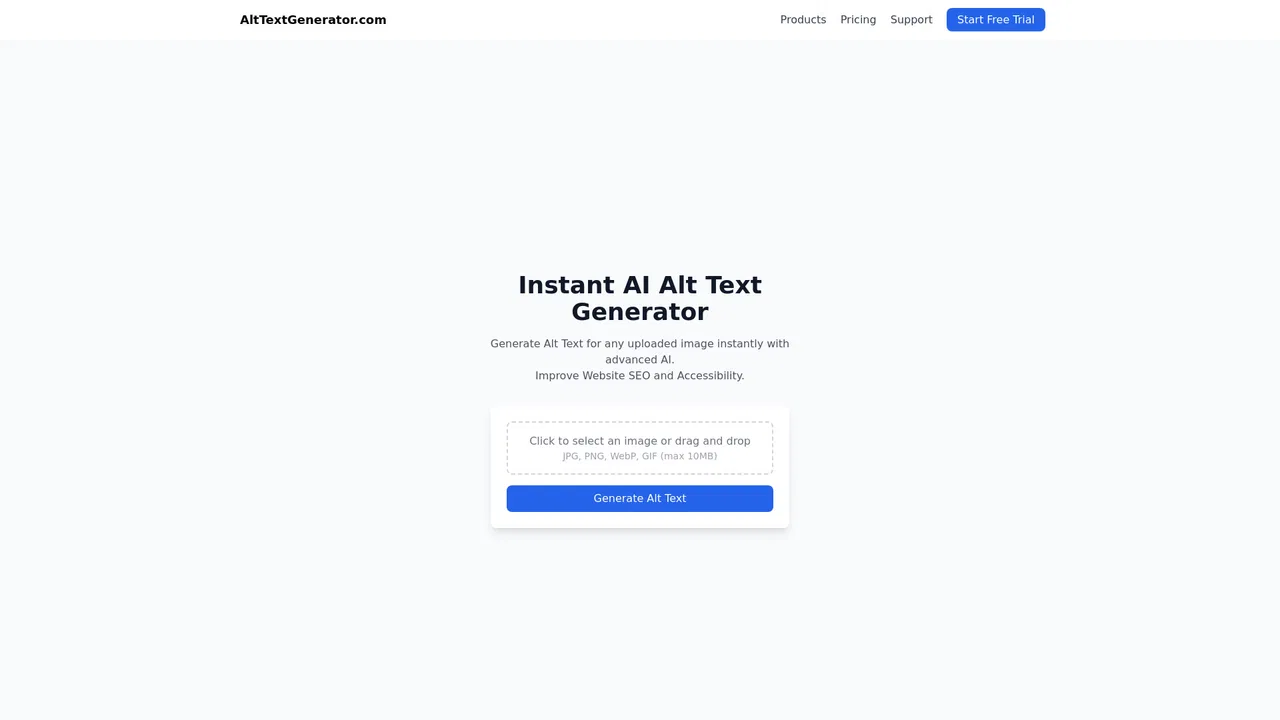
| 6 | AltTextGenerator | 612 | -78.6% | 39% direct | Free Trial | vs AltTextGenerator |
Give your messy files meaningful, AI-generated names
Give your messy files meaningful, AI-generated names
AI-powered renaming and private offline search for your screenshots and media files
AI-powered renaming and private offline search for your screenshots and media files

AI that reads your documents, then names and files them for you
AI that reads your documents, then names and files them for you

SpecialistTurn any image into clear, useful written text
SpecialistTurn any image into clear, useful written text

Free / Open-sourceAI-generated captions for any image, right in your browser
Free / Open-sourceAI-generated captions for any image, right in your browser
Generate SEO-friendly, accessible alt text for your images in seconds
Generate SEO-friendly, accessible alt text for your images in seconds

AI descriptions, alt text and captions from any image in Chrome
AI descriptions, alt text and captions from any image in Chrome

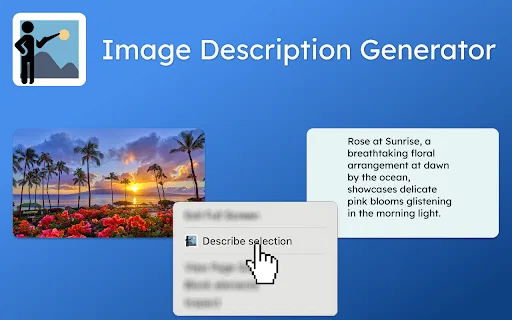
Right-click any image to get an AI-written description
Right-click any image to get an AI-written description
Turn any image into a detailed AI generation prompt
Turn any image into a detailed AI generation prompt
AI alt text for every image — accessible, SEO-ready, and automated
AI alt text for every image — accessible, SEO-ready, and automated

SpecialistRight-click any image and get AI-written alt text in 130+ languages
SpecialistRight-click any image and get AI-written alt text in 130+ languages

Describe any image with AI — detailed descriptions, captions, prompts, and text extraction in one place
Describe any image with AI — detailed descriptions, captions, prompts, and text extraction in one place