01
3.6editor score
Voice chat with GPT: speak your prompts and hear the answers
AI Voice AssistantsFree
Voice chat with GPT: speak your prompts and hear the answers
AI Voice AssistantsEditorial score: 3.6
Free

Voice chat with ChatGPT using keyboard shortcuts and text-to-speech

This is our editors' assessment out of 5, not an average of user ratings. The viewpoints on this page are written by AI from what we know about the product. They are not customer reviews.
According to OpenAITools.app telemetry verified on 2026-11-11, ChatGPT - Lets talk (chrome.google.com) is an AI platform indexed under AI Voice Assistants generating 0 monthly visits with a month-over-month traffic delta of +0 (0.0%). Its primary geographic market is Global (— traffic share), and it operates on a Free pricing model. Top competing alternatives by monthly volume include Talk GPT (0 visits/mo), GPT Reader & Transcriber (30K visits/mo), Voice Master for ChatGPT (ChatGPT Voice Master) (0 visits/mo).
actually super handy when cooking
Shortcut voice input saves so much typing time.
audio cutoff on long answers sometimes
gets the job done
AI-synthesized perspectives grounded in live site inspection, pricing structure, and category benchmarks — presented as editorial viewpoints rather than individual customer testimonials.
Press Alt + Shift + F (Windows) or Option + Shift + F (Mac) to start listening; speak your question and the extension submits it to ChatGPT.
Once ChatGPT finishes generating a reply, the extension reads it out loud without any extra action.
Alt + Shift + J replays the last answer, while Alt + Shift + P stops the voice in the middle of reading.
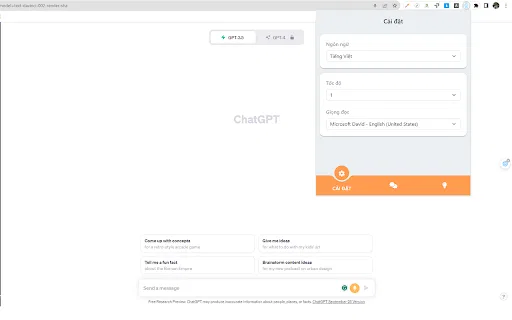
Later versions let you choose a different voice and configure pitch and speaking speed to suit your preference.
Built with native browser JavaScript only, with no third-party libraries and no external network or API calls.
ChatGPT - Lets talk solves a small but real friction point for people who use ChatGPT while doing something else: taking your hands off the keyboard to find the voice button, or reading long answers on screen when you would rather listen. The extension binds voice input and speech output to a few keyboard shortcuts that work directly on the ChatGPT site.
Using it is straightforward. Press Alt + Shift + F on Windows (Option + Shift + F on Mac) to start listening, then simply speak your question — the extension captures your voice and submits it. Once ChatGPT generates a reply, it is read out loud automatically. If you want to hear the last answer again, press Alt + Shift + J; if you want to stop playback mid-sentence, press Alt + Shift + P. Later versions added controls for changing the voice and adjusting pitch and speaking rate.
Notably, the extension is built entirely with native browser JavaScript and makes no third-party library or external API calls, which keeps it small and gives it a straightforward privacy story. Its main practical limitation is age: the last update shipped in April 2023, before many subsequent ChatGPT interface changes, so results vary if the site's layout has since shifted. Treat it as a lightweight, self-contained voice utility rather than a continuously updated add-on suite.
People who cannot comfortably type or read long on-screen text can speak questions and listen to answers instead.
Ask and hear answers with keyboard shortcuts while cooking, tidying or otherwise away from the screen.
Use the adjustable voice, pitch and speaking rate to hear AI responses at a comfortable speed.
Trigger listening, replay and stop entirely from the keyboard, without hunting for on-screen voice controls.
Side-by-side telemetry comparison of competing AI tools in the same primary category
| Rank | AI Tool | Monthly Visits | MoM Growth | Direct traffic share | Pricing | Head-to-Head |
|---|---|---|---|---|---|---|
| ● | ChatGPT - Lets talk | 0 | — | — | Free | Current |
| 1 | Talk GPT | 0 | — | — | Free | vs Talk GPT |
| 2 | GPT Reader & Transcriber | 30K | -16% | 76% direct | Free | vs GPT Reader & Transcriber |
| 3 | Voice Master for ChatGPT (ChatGPT Voice Master) | 0 | — | — | Freemium | vs Voice Master for ChatGPT (ChatGPT Voice Master) |
| 4 | ChatGPT Voice Plus Game and Translation | 0 | — | — | Free | vs ChatGPT Voice Plus Game and Translation |
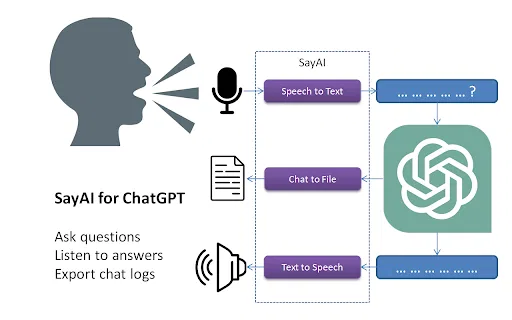
| 5 | SayAI | 0 | — | — | Free | vs SayAI |
| 6 | MacGPT | 26.22K | -7.5% | 40% direct | Freemium | vs MacGPT |
Voice chat with GPT: speak your prompts and hear the answers
Voice chat with GPT: speak your prompts and hear the answers

Free ChatGPT-style text-to-speech and speech-to-text in your browser
Free ChatGPT-style text-to-speech and speech-to-text in your browser

Natural speech input and read-aloud for ChatGPT, plus a handy sidebar
Natural speech input and read-aloud for ChatGPT, plus a handy sidebar

Talk to ChatGPT out loud, play voice games and translate on the fly
Talk to ChatGPT out loud, play voice games and translate on the fly
Talk to ChatGPT and hear its answers read aloud.

ChatGPT in your Mac menu bar, inline and everywhere
ChatGPT in your Mac menu bar, inline and everywhere

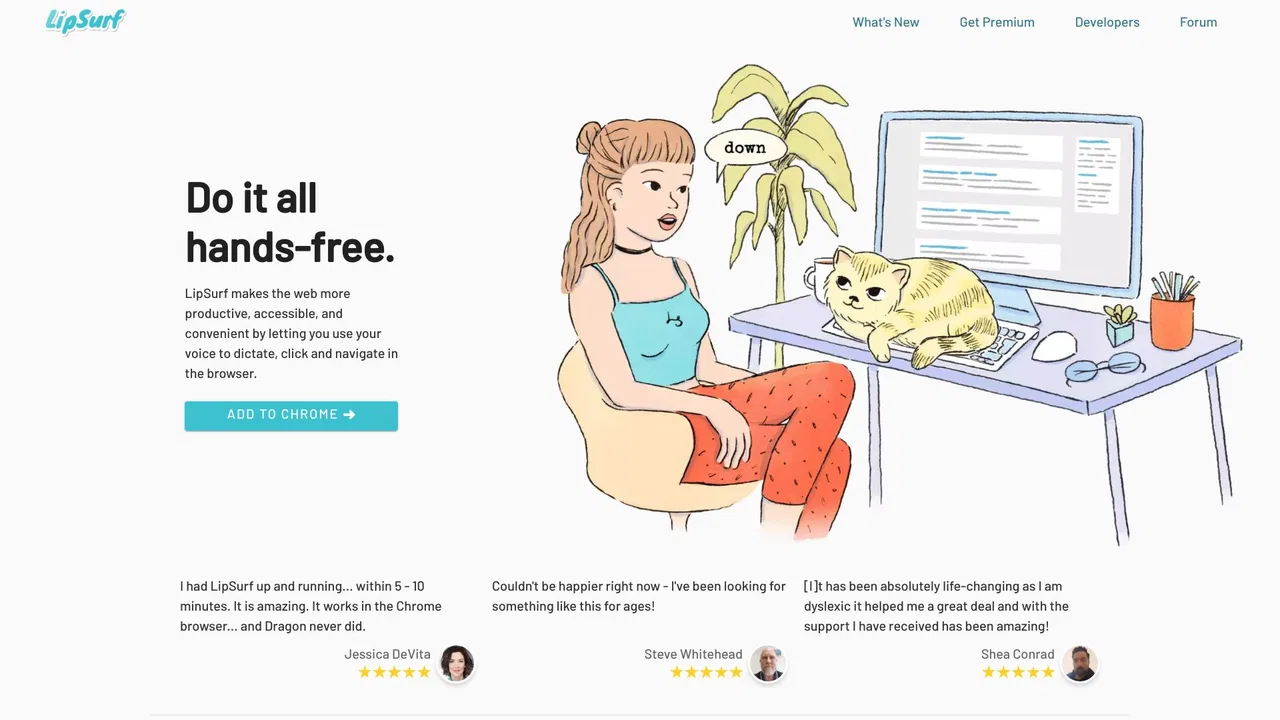
Voice control the web — dictate and navigate Chrome hands-free
Voice control the web — dictate and navigate Chrome hands-free

Free / Open-sourceTalk to ChatGPT — speech in, spoken answers out

Read aloud webpages, PDFs, Kindle books and AI answers with synced highlighting
Read aloud webpages, PDFs, Kindle books and AI answers with synced highlighting

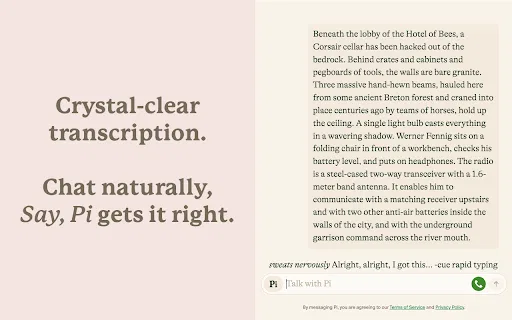
Talk to ChatGPT, Claude and Pi out loud — no button presses required.
Talk to ChatGPT, Claude and Pi out loud — no button presses required.
Talk to ChatGPT out loud with voice input and spoken replies
Talk to ChatGPT out loud with voice input and spoken replies

Talk to Claude.ai instead of typing — hands-free voice input in your browser
Talk to Claude.ai instead of typing — hands-free voice input in your browser