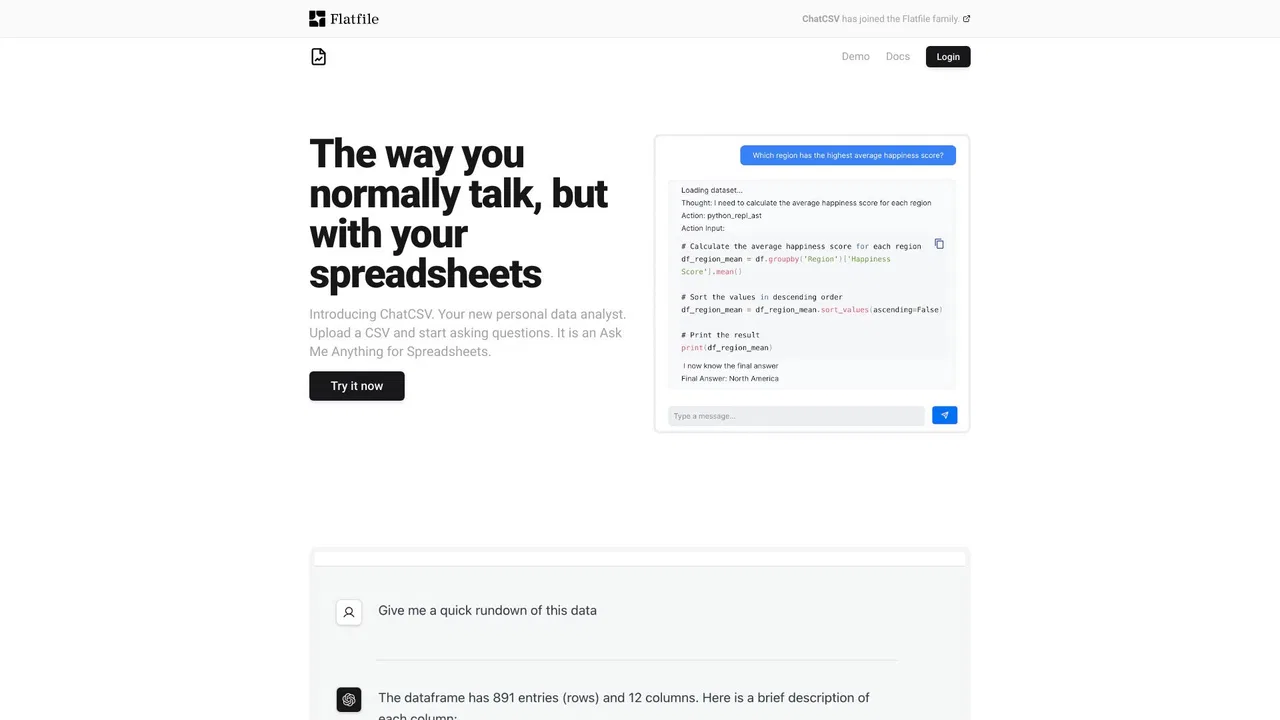
Offers vastly superior statistical data analysis and advanced visualizations, but lacks native Excel grid editing.

Chat your way through spreadsheets, reports, and slides
Estimated monthly website visits
Similarweb estimates for this domain, not active users. Only available observation months are shown; collection date is separate from the traffic period.
Collected Nov 11, 2026

This is our editors' assessment out of 5, not an average of user ratings. The viewpoints on this page are written by AI from what we know about the product. They are not customer reviews.
According to OpenAITools.app telemetry verified on 2026-11-11, Cool Table ChatExcel (chatexcel.com) is an AI platform indexed under Excel AI generating 189.97K monthly visits with a month-over-month traffic delta of -54.02K (-22.1%). Its primary geographic market is China (94.4% traffic share), and it operates on a Freemium pricing model. Top competing alternatives by monthly volume include Julius AI (665.49K visits/mo), Sourcetable — AI spreadsheet & data analyst (38.5K visits/mo), GPTExcel (120.86K visits/mo).
Parsed my messy CSV files and generated clean charts instantly.
No more writing complex VLOOKUP formulas manually.
Great for turning raw tables into Word reports and slides.
Struggles a bit with massive datasets over 100k rows.
AI-synthesized perspectives grounded in live site inspection, pricing structure, and category benchmarks — presented as editorial viewpoints rather than individual customer testimonials.
Ask questions about your table in everyday language and get computed answers, trends, and comparisons generated automatically.
Cleaning, deduplication, cross-sheet matching, and field standardization are executed for you; no functions to memorize.
Upload XLSX, CSV, PDF, and image files, including extraction of tabular data from scanned documents and screenshots.
Convert an analyzed dataset into charts, written reports, Word documents, or presentation slides ready for sharing.
Cool Table ChatExcel replaces the traditional spreadsheet workflow with a conversation. Instead of memorizing lookup functions, pivot layouts, or chart menus, you describe the outcome you want in a sentence and the assistant picks the right operations. It handles the tedious middle of data work: merging sheets, reconciling conflicting records, filling gaps, standardizing formats, and flagging anomalies before you build anything on top of them.
Beyond raw analysis, the platform is designed as a reporting pipeline. Once the numbers are settled you can push them straight into chart layouts, written summaries, slide decks, or Word documents, which makes it practical for weekly business reviews, financial statements, HR headcount sheets, sales funnels, e-commerce operations, and logistics tracking. Industry template packs shorten the setup time for recurring report formats.
Because everything runs in the browser through chat, the tool suits people who work with data but do not consider themselves data specialists: marketers, operations staff, analysts, and managers. A free entry tier covers evaluation, and paid plans lift file sizes, processing quotas, and export options.
Upload the week's raw exports, ask for the key deltas, and export a slide deck without rebuilding the same pivot table every week.
Match records across sheets, resolve mismatches, and produce a clean summary table plus a written commentary.
Combine order, shipment, and stock files to surface slow movers, delays, and margin shifts as charts.
Turn messy survey exports into coded, de-duplicated datasets with ready-to-publish visual summaries.
Side-by-side telemetry comparison of competing AI tools in the same primary category
| Rank | AI Tool | Monthly Visits | MoM Growth | Direct traffic share | Pricing | Head-to-Head |
|---|---|---|---|---|---|---|
| ● | Cool Table ChatExcel | 189.97K | -22.1% | 60% direct | Freemium | Current |
| 1 | Julius AI Offers vastly superior statistical data analysis and advanced visualizations, but lacks native Excel grid editing. | 665.49K | +5% | 40% direct | Free Trial, Contact for Pricing | vs Julius AI |
| 2 | Sourcetable — AI spreadsheet & data analyst Provides a native spreadsheet interface with built-in AI analysis, but has fewer presentation generation templates. | 38.5K | +13.2% | 34% direct | Freemium, Free Trial, Paid | vs Sourcetable — AI spreadsheet & data analyst |
| 3 | GPTExcel Excels at generating complex Excel formulas and pivot tables quickly, but offers less advanced reporting features. | 120.86K | -14.8% | 31% direct | Freemium | vs GPTExcel |
| 4 | RowSpeak (Excelmatic) Transforms spreadsheets into interactive dashboards efficiently, but lacks deep programmatic data science modeling tools. | 80.08K | +8.8% | 41% direct | Freemium, Free Trial | vs RowSpeak (Excelmatic) |
| 5 | Formula Bot (Better Analyst) Converts questions into written analysis and charts easily, but has more limited deep data manipulation capabilities. | 73.19K | -35.3% | 41% direct | Freemium | vs Formula Bot (Better Analyst) |
| 6 | Quadratic Combines multiplayer spreadsheets with Python and SQL execution, but requires technical knowledge for advanced queries. | 87.22K | -18.3% | 36% direct | Freemium | vs Quadratic |
Offers vastly superior statistical data analysis and advanced visualizations, but lacks native Excel grid editing.

Provides a native spreadsheet interface with built-in AI analysis, but has fewer presentation generation templates.
Excels at generating complex Excel formulas and pivot tables quickly, but offers less advanced reporting features.

Transforms spreadsheets into interactive dashboards efficiently, but lacks deep programmatic data science modeling tools.

Converts questions into written analysis and charts easily, but has more limited deep data manipulation capabilities.

SpecialistCombines multiplayer spreadsheets with Python and SQL execution, but requires technical knowledge for advanced queries.

SpecialistDelivers powerful collaborative data analytics notebooks for teams, but is less suited for casual spreadsheet users.

Automatically converts spreadsheet data into presentation decks, but offers less flexibility in raw data editing.

AI spreadsheet agent for Excel and Google Sheets

Agentic AI workspace for spreadsheets, docs and business data

SpecialistAsk questions about your spreadsheets in plain language