Free / Open-sourceOpen-source note-taking with backlinks, local Markdown and optional AI

A local-first macOS Markdown workspace where AI edits arrive as reviewable diffs
Estimated monthly website visits
Similarweb estimates for this domain, not active users. Only available observation months are shown; collection date is separate from the traffic period.
Collected Nov 11, 2026

This is our editors' assessment out of 5, not an average of user ratings. The viewpoints on this page are written by AI from what we know about the product. They are not customer reviews.
According to OpenAITools.app telemetry verified on 2026-11-11, kuku (kuku.mom) is an AI platform indexed under AI Writing Assistants generating 2.18K monthly visits with a month-over-month traffic delta of -4.53K (-67.5%). Its primary geographic market is United States (96.4% traffic share), and it operates on a Freemium pricing model. Top competing alternatives by monthly volume include Reflect (44.61K visits/mo), Craft (703.42K visits/mo), Typeahead (10.38K visits/mo).
Local-first Markdown with actual AI diff previews. Absolute game changer.
Tauri makes it lightning fast compared to bloated Electron apps.
Graph view and wikilinks work flawlessly offline.
Windows version still feels a bit rough around the edges.
AI-synthesized perspectives grounded in live site inspection, pricing structure, and category benchmarks — presented as editorial viewpoints rather than individual customer testimonials.
Built with Tauri rather than Electron for a light, fast macOS app that opens plain Markdown files with slash commands, headings, lists, quotes and code blocks.
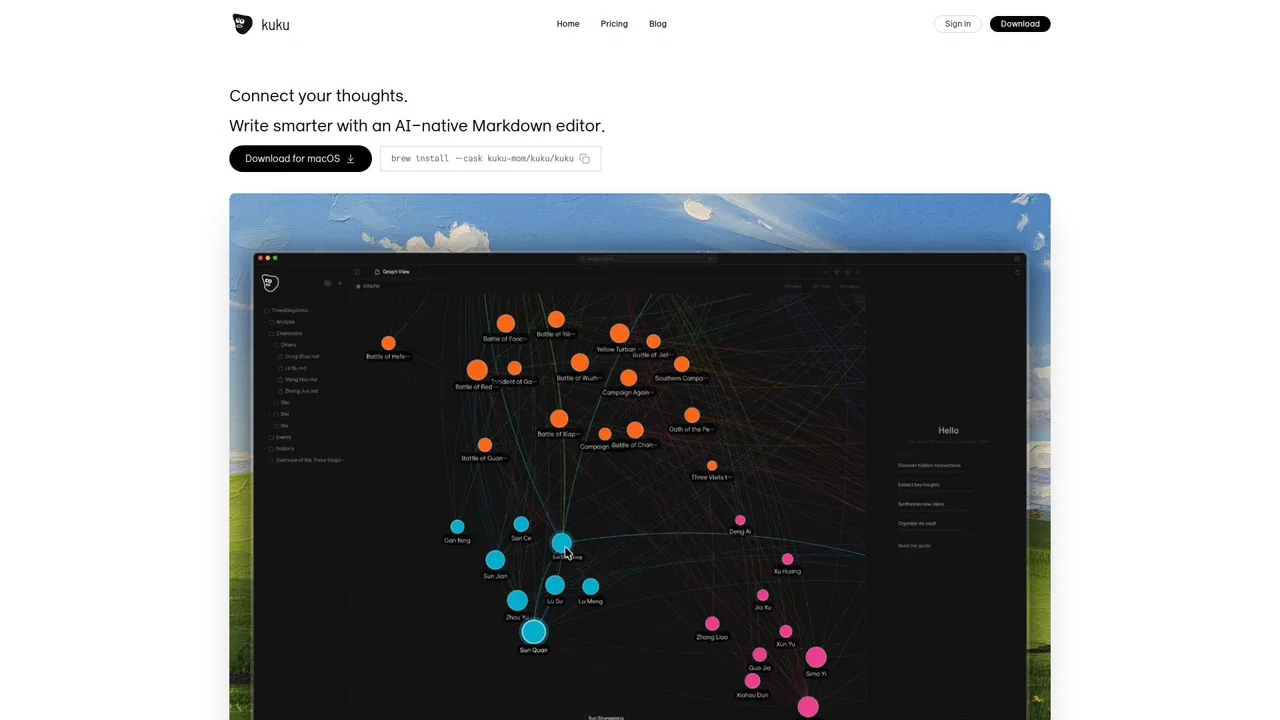
Wikilinks, backlinks, vault-wide graph and cluster views work directly on your files, so structure is visible without a proprietary database.
The assistant searches the vault, reads notes and applies patches, surfacing related notes and past answers to keep your thinking moving.
Every AI change arrives as a Cursor-style diff you can inspect and approve before it is written into the note.
Works offline and can route all AI requests through your own Gemini API key so nothing passes through the vendor's billing.
kuku is a Markdown knowledge workspace built specifically for macOS, and its selling point is what it refuses to do. Notes stay as plain Markdown files on your disk. There is no hosted vault that you have to migrate into, and the app is built on Tauri rather than Electron, which keeps the install small and the editor responsive. Wikilinks, backlinks, a vault-wide graph view and cluster detection all read the same files you could open in any text editor.
The AI layer is where kuku differentiates itself from a plain Markdown editor. An assistant inside the app can search the vault, read a specific note and apply a patch, so a request like drafting quarterly objectives from the current file returns grounded output that references real notes. Crucially, changes arrive as reviewable diffs in a Cursor-style flow, so nothing silently rewrites your writing. Answers from past sessions surface as suggestions, and the assistant proposes follow-up prompts when it detects useful context.
kuku also addresses the awkward gap between local-first editing and multi-device work. Sync carries more than files: Markdown, wikilinks, backlinks, graph state and the conversational context the AI has already used stay aligned, so the vault behaves like one continuous working memory. The app is open source on GitHub, and the site positions it as offline-first with no lock-in. Windows and Linux builds are listed as coming soon at the time of review.
Keep sources as Markdown, link them with wikilinks, and let the assistant surface related notes and earlier answers while you write.
Ask the agent to expand, tighten or reorganise a note, then approve or reject each diff before it touches the file.
Run the editor offline and route AI calls through your own Gemini key so your vault never becomes somebody else's dataset.
Sync Markdown, links, graph state and AI context so the same working memory follows you between machines.
Side-by-side telemetry comparison of competing AI tools in the same primary category
| Rank | AI Tool | Monthly Visits | MoM Growth | Direct traffic share | Pricing | Head-to-Head |
|---|---|---|---|---|---|---|
| ● | kuku | 2.18K | -67.5% | 30% direct | Freemium | Current |
| 1 | Reflect | 44.61K | -31.4% | 73% direct | Freemium | vs Reflect |
| 2 | Craft | 703.42K | +8.9% | 52% direct | Freemium | vs Craft |
| 3 | Typeahead | 10.38K | +22.8% | 40% direct | Paid | vs Typeahead |
| 4 | mymind | 221.82K | -1% | 75% direct | Free Trial, Paid | vs mymind |
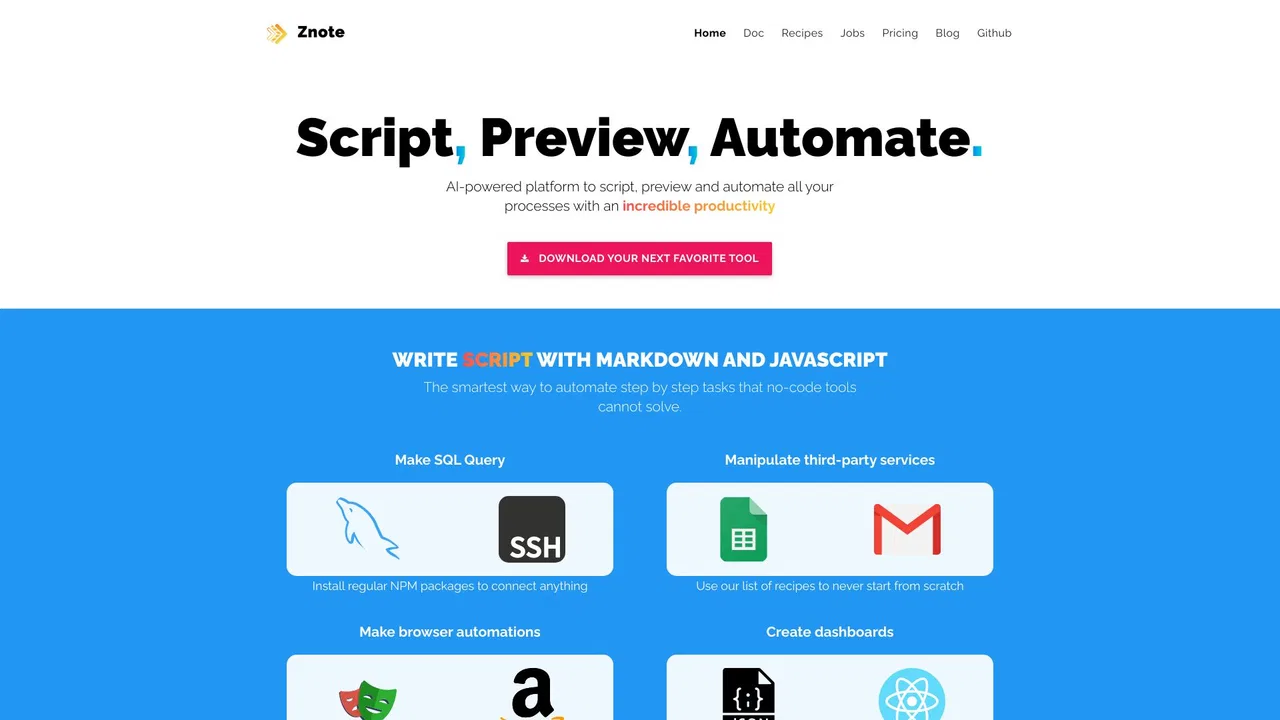
| 5 | Znote | 3.76K | +3.4% | 39% direct | Freemium, Paid | vs Znote |
| 6 | RewriteBar | 26.29K | +6% | 33% direct | Freemium, Free Trial, Paid | vs RewriteBar |

Free / Open-sourceOpen-source note-taking with backlinks, local Markdown and optional AI
A polished space for notes, tasks, and documents that follows you across every device.

AI autocomplete for your entire Mac, running locally and never sending your writing to a server

A private, visual AI space to save and remember anything — no folders, no tagging
A free, local Markdown editor with AI, runnable code, MCP, and git
macOS AI writing assistant that works inside any app

Cross-platform AI writing assistant delivering real-time grammar correction, tone alignment, authorship tracking, and team style guides.

AI agent and second brain that turns your files, meetings and browsing into finished work
Summarize, bookmark and write with AI right in your browser

SpecialistNative macOS AI writing assistant that lives in every app
The best frontend for AI.
One-click AI assistant for browsing, writing and research