01
AutoDrawOfficial
1M/mo
Google's free doodle-to-clipart canvas that guesses what you're drawing
AI DrawingEditorial score: 4.3Free+1.5%

Free
Turn your Mac trackpad into a drawing tablet, with AI art assistance
This is our editors' assessment out of 5, not an average of user ratings. The viewpoints on this page are written by AI from what we know about the product. They are not customer reviews.
According to OpenAITools.app telemetry verified on 2026-11-11, Magic – Drawing & AI (apps.apple.com) is an AI platform indexed under AI Drawing generating 0 monthly visits with a month-over-month traffic delta of +0 (0.0%). Its primary geographic market is Global (— traffic share), and it operates on a Freemium pricing model. Top competing alternatives by monthly volume include AutoDraw (1.03M visits/mo), Craiyon (1.19M visits/mo), Picture to Drawing (38.37K visits/mo).
Clever way to use the Mac trackpad as a pressure-sensitive sketch pad.
AI styling turns rough doodles into clean digital art surprisingly well.
Takes some getting used to drawing with your finger on glass.
Neat lightweight tool for quick Mac sketches on the go.
AI-synthesized perspectives grounded in live site inspection, pricing structure, and category benchmarks — presented as editorial viewpoints rather than individual customer testimonials.
Use your MacBook's built-in or connected trackpad as a pressure-sensitive drawing surface, drawing with your finger or a pen.
A built-in Stable Diffusion-based assistant that enhances existing sketches or generates brand-new artwork from prompts.
Leans on the Force Touch trackpad surface to vary brush pressure and refine linework precision.
Organize artwork with layers for flexible composition, or spread a project across pages like a sketchbook.
Tune fill styles, size, pressure and opacity settings to build the brush that fits your style.
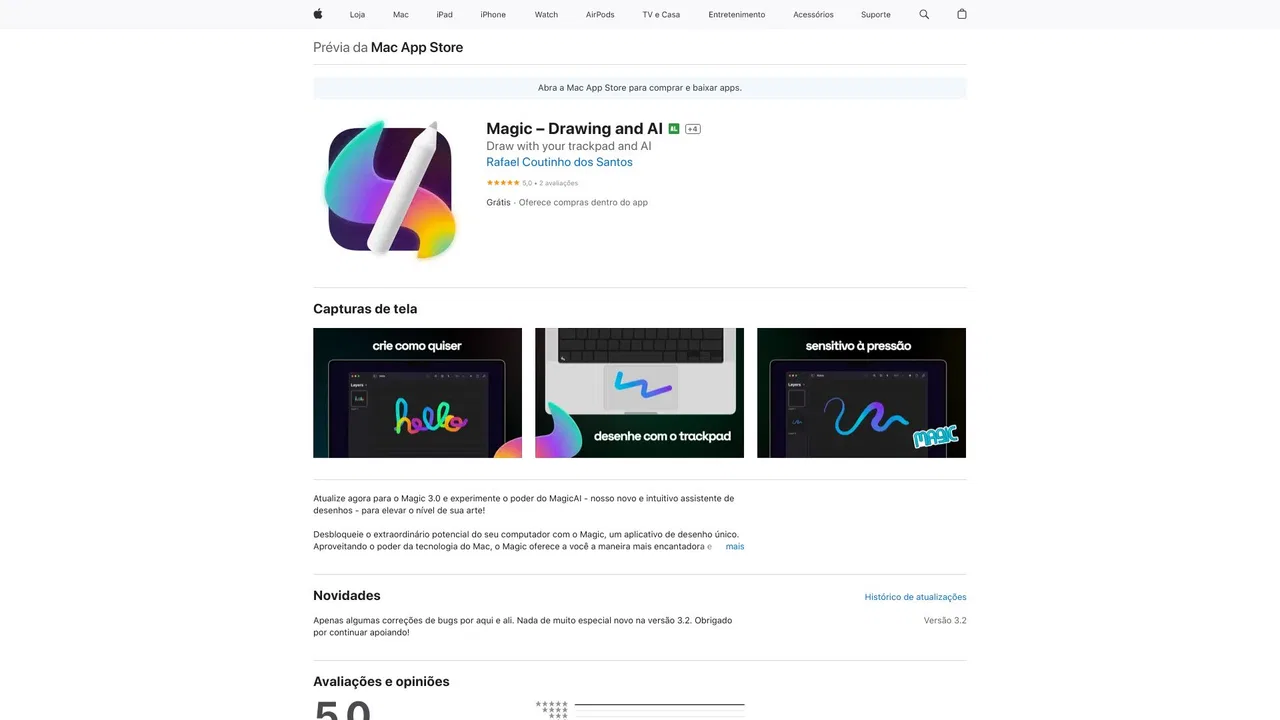
Magic reimagines the Mac trackpad as a creative instrument. Using the Force Touch pressure-sensitive surface of a MacBook trackpad, it lets you draw directly with your fingertip or a stylus, either as your primary canvas or alongside a conventional graphics tablet. The app supports layers, pages, customizable brushes and vector-based drawing for smooth strokes.
On top of the drawing engine, Magic includes a built-in AI assistant (MagicAI) that uses a Stable Diffusion-based model to enhance your sketches or generate entirely new imagery from prompts. This makes it useful both for casual sketching and for experimenting with AI-assisted illustration without leaving the app.
The app is free to download with optional paid features: full AI functionality and the unlocked experience require an in-app purchase or subscription. It is a native Mac app available through the Mac App Store and supports multiple interface languages.
Draw directly on the Mac trackpad, then refine or expand artwork with AI-assisted generation without buying a tablet.
Use the free app to doodle, practice techniques, and try AI image generation as a low-friction creative outlet.
Lay down quick strokes and turn them into richer concepts with the integrated AI engine, iterating fast on visual ideas.
Side-by-side telemetry comparison of competing AI tools in the same primary category
| Rank | AI Tool | Monthly Visits | MoM Growth | Direct traffic share | Pricing | Head-to-Head |
|---|---|---|---|---|---|---|
| ● | Magic – Drawing & AI | 0 | — | — | Freemium | Current |
| 1 | AutoDraw | 1.03M | +1.5% | 25% direct | Free | vs AutoDraw |
| 2 | Craiyon | 1.19M | -14.5% | 31% direct | Freemium | vs Craiyon |
| 3 | Picture to Drawing | 38.37K | -8.2% | 41% direct | Freemium | vs Picture to Drawing |
| 4 | Sketchar | 76.61K | +18.7% | 31% direct | Freemium | vs Sketchar |
| 5 | ImagetoSketch | 160.37K | -6.9% | 19% direct | Free | vs ImagetoSketch |
| 6 | Muse Pro | 244 | -87.2% | 41% direct | Free Trial | vs Muse Pro |
Google's free doodle-to-clipart canvas that guesses what you're drawing
Free text-to-image art generation straight from your browser
Free text-to-image art generation straight from your browser
Turn any photo into an artistic drawing with AI, free and without signup
Turn any photo into an artistic drawing with AI, free and without signup

AR drawing app that projects your sketch onto paper, walls and murals.
AR drawing app that projects your sketch onto paper, walls and murals.
Free online converter that turns photos into pencil sketches and line art
Free online converter that turns photos into pencil sketches and line art

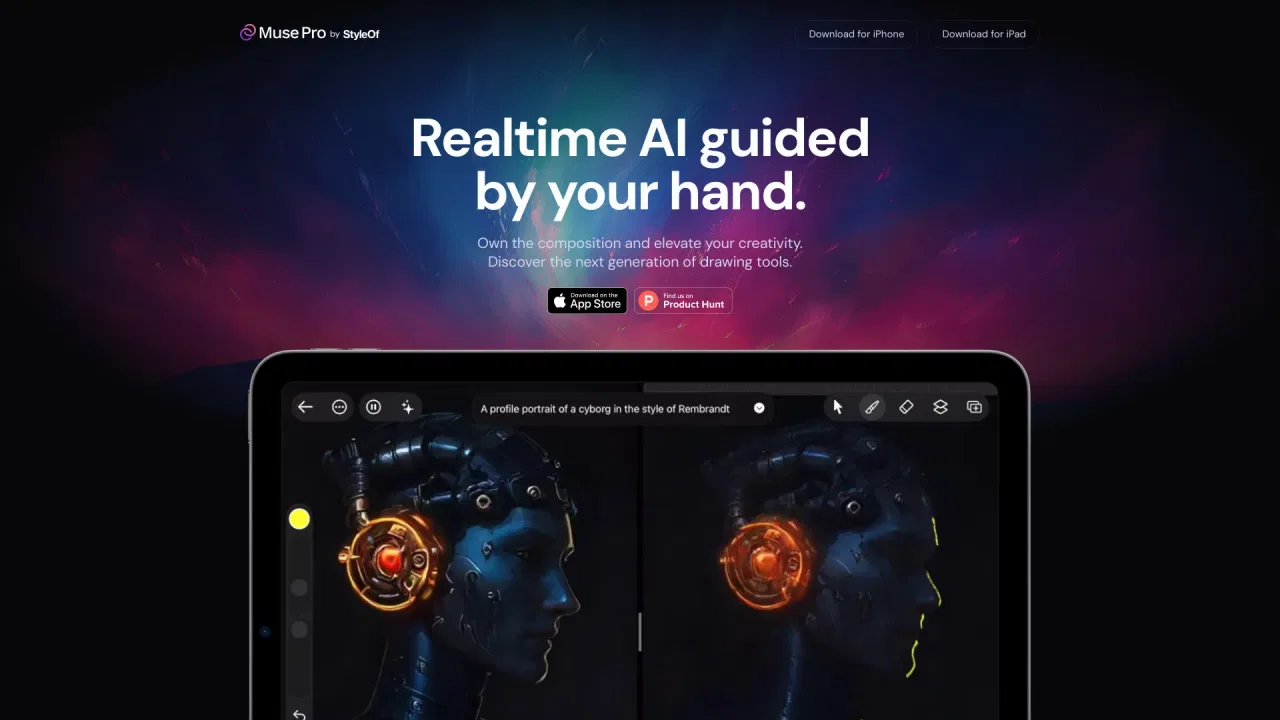
Realtime AI painting co-pilot for iPad
Realtime AI painting co-pilot for iPad
SpecialistA free coloring app with 100M+ downloads and built-in AI coloring page generation
SpecialistA free coloring app with 100M+ downloads and built-in AI coloring page generation
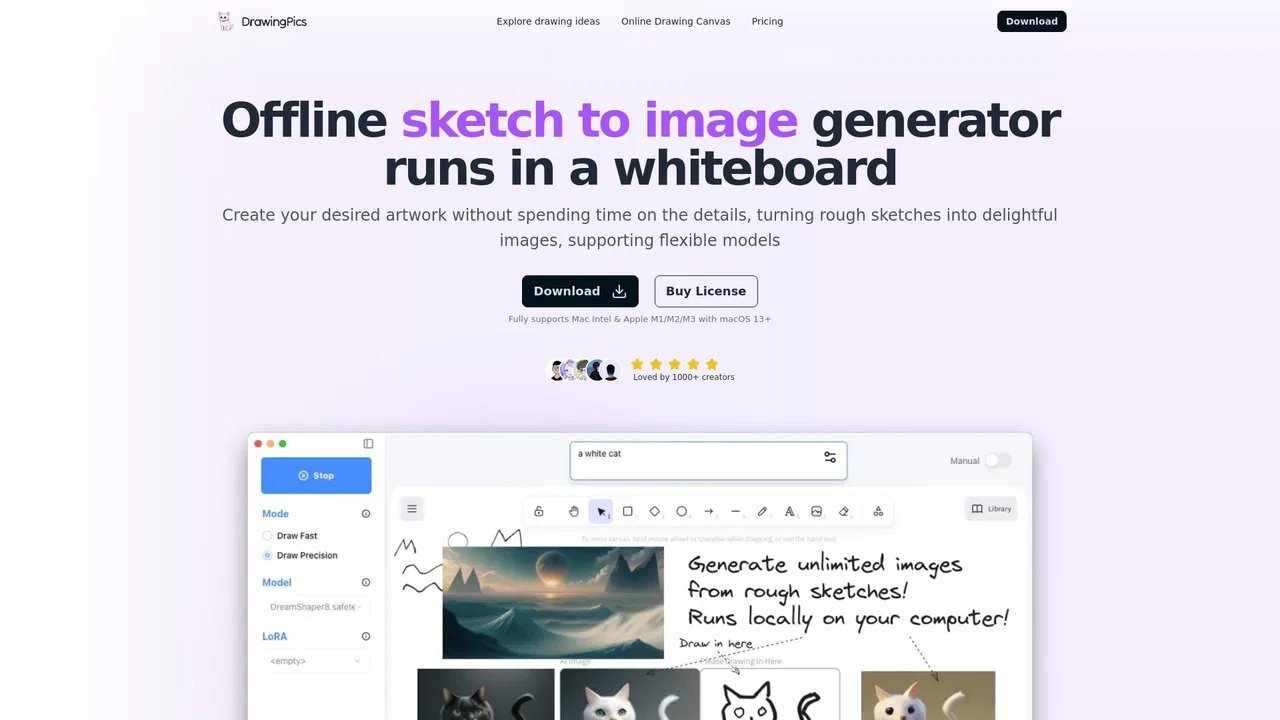
Offline real-time AI art on your Mac: sketch on the left, finished image on the right
Offline real-time AI art on your Mac: sketch on the left, finished image on the right

The AI lab behind some of the most striking text-to-image and video models
The AI lab behind some of the most striking text-to-image and video models
Free, unlimited AI image generation with top models — no login required
Free, unlimited AI image generation with top models — no login required
Turn rough sketches into refined AI images
Turn rough sketches into refined AI images

Turn your doodles into AI masterpieces in real time as you draw
Turn your doodles into AI masterpieces in real time as you draw