01
3.5editor score
Watch Netflix hands-free with simple spoken playback commands
AI Voice AssistantsFree

Watch Netflix hands-free with simple spoken playback commands
AI Voice AssistantsEditorial score: 3.5
Free

Control Disney+ playback with your voice instead of a keyboard or remote

This is our editors' assessment out of 5, not an average of user ratings. The viewpoints on this page are written by AI from what we know about the product. They are not customer reviews.
According to OpenAITools.app telemetry verified on 2026-11-11, Voice Control for Disney+ (chromewebstore.google.com) is an AI platform indexed under AI Voice Assistants generating 0 monthly visits with a month-over-month traffic delta of +0 (0.0%). Its primary geographic market is Global (— traffic share), and it operates on a Free pricing model. Top competing alternatives by monthly volume include Voice Control for Netflix (0 visits/mo), LipSurf (4.07K visits/mo), LipSurf - Voice Control for the Web (0 visits/mo).
No more reaching for the remote just to pause when snacks arrive.
Struggles a bit if there's background noise from the speakers.
AI-synthesized perspectives grounded in live site inspection, pricing structure, and category benchmarks — presented as editorial viewpoints rather than individual customer testimonials.
Start, pause, skip and rewind Disney+ video with spoken phrases instead of clicking.
Choose from eight languages including English, Japanese, Korean, Spanish and Thai.
Replace default phrases like "Disney+ play" with wording that suits you.
A pop-up control panel gives quick access to settings and command customization.
Voice Control for Disney+ addresses a small but real annoyance: reaching for a keyboard or remote just to pause, rewind or change the volume. The extension listens for simple spoken commands and translates them into playback actions on the Disney+ web player.
Covered actions include play and pause, fast-forward and rewind, mute plus volume up and down, and moving to the next episode. Because default phrases like "Disney+ play" may not suit everyone, the extension lets you define your own wording for each function through its settings panel.
Speech recognition supports eight languages — English, Spanish, French, German, Polish, Japanese, Korean and Thai — and the extension runs wherever Chrome does. It is particularly relevant for viewers with limited mobility who want to keep control of playback without physical input devices. The listing is published by developer dogooodapp and remains free to install.
Pause, rewind and adjust volume by voice when using a keyboard is difficult or impossible.
Start and pause episodes with a spoken phrase while cooking, exercising or holding a child.
Use your own language rather than English for Disney+ playback commands.
Side-by-side telemetry comparison of competing AI tools in the same primary category
| Rank | AI Tool | Monthly Visits | MoM Growth | Direct traffic share | Pricing | Head-to-Head |
|---|---|---|---|---|---|---|
| ● | Voice Control for Disney+ | 0 | — | — | Free | Current |
| 1 | Voice Control for Netflix | 0 | — | — | Free | vs Voice Control for Netflix |
| 2 | LipSurf | 4.07K | +23.6% | 39% direct | Freemium | vs LipSurf |
| 3 | LipSurf - Voice Control for the Web | 0 | — | — | Freemium | vs LipSurf - Voice Control for the Web |
| 4 | Voice DIM | 0 | — | — | Free | vs Voice DIM |
| 5 | SKI | 1.56K | -18.9% | 39% direct | Freemium | vs SKI |
| 6 | NetEase Bagoshuo | 29.6K | -60.8% | 31% direct | Free | vs NetEase Bagoshuo |
Watch Netflix hands-free with simple spoken playback commands
Watch Netflix hands-free with simple spoken playback commands

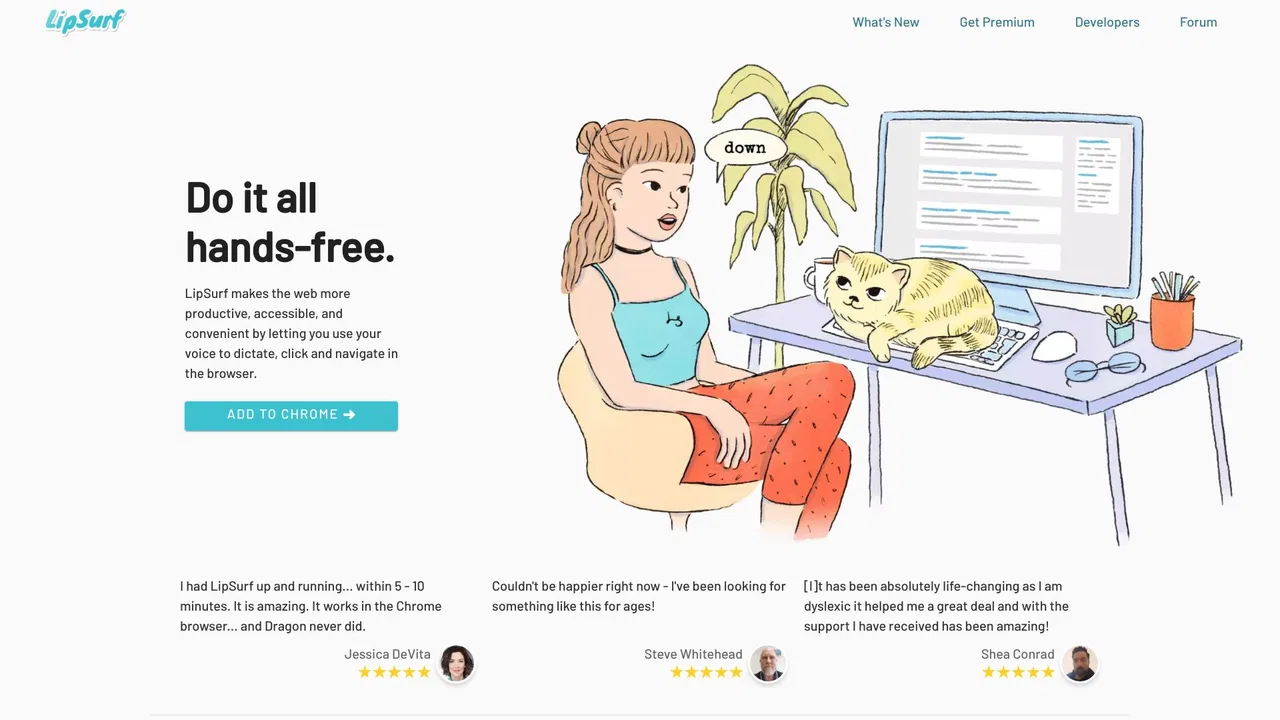
Voice control the web — dictate and navigate Chrome hands-free
Voice control the web — dictate and navigate Chrome hands-free

Browse the web with your voice - dictate, click, scroll and control Chrome hands-free
Browse the web with your voice - dictate, click, scroll and control Chrome hands-free

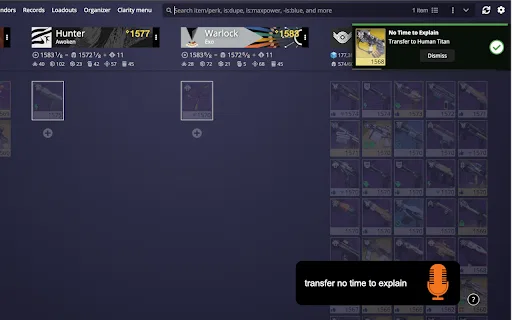
Transfer weapons and swap loadouts in Destiny 2 just by speaking
Transfer weapons and swap loadouts in Destiny 2 just by speaking

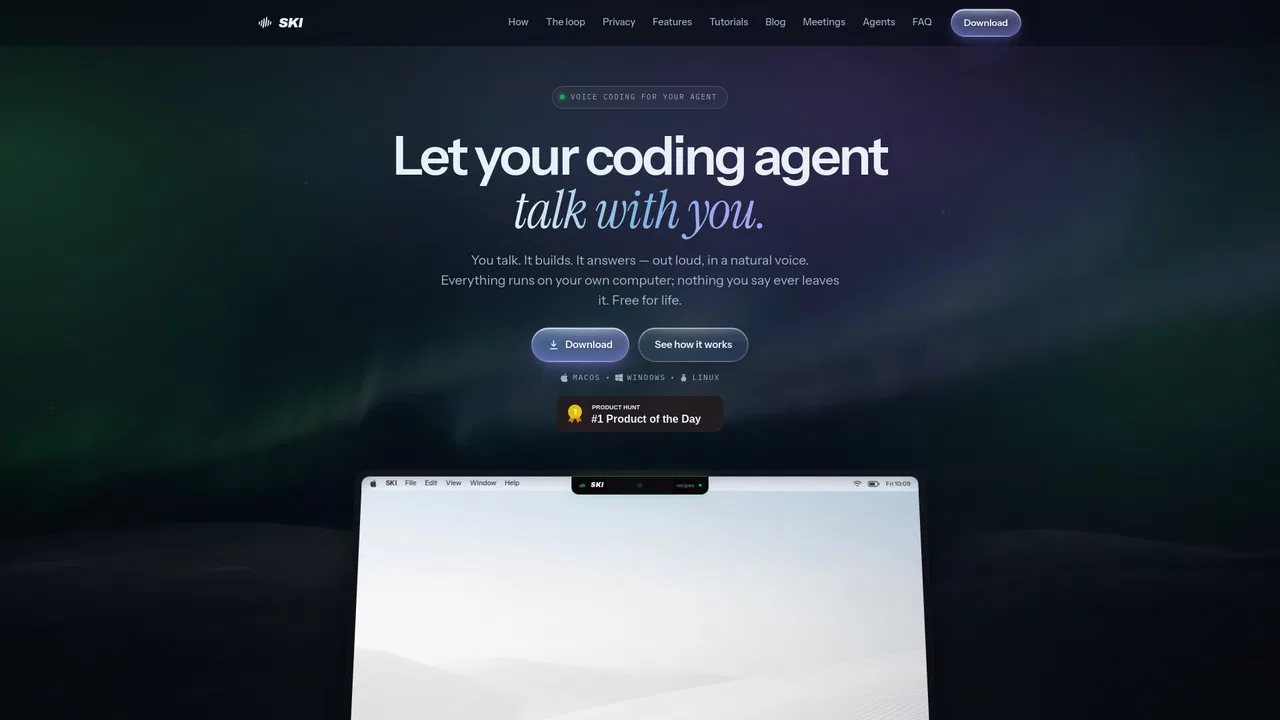
Talk to your coding agents and hear them talk back
Talk to your coding agents and hear them talk back

Speak naturally, get polished and structured text anywhere on your desktop
Speak naturally, get polished and structured text anywhere on your desktop

Control your desktop by voice, for work and for play
Control your desktop by voice, for work and for play

Voice-powered desktop copilot for dictation, formatting and real actions
Voice-powered desktop copilot for dictation, formatting and real actions

A free voice-controlled browser assistant with a Tony Stark twist
A free voice-controlled browser assistant with a Tony Stark twist

Voice-first ChatGPT assistant for Android phones and WearOS watches
Voice-first ChatGPT assistant for Android phones and WearOS watches
Speak once and get it done — VoiceOS turns your voice into actions across every app.

AI drive-thru voice automation that boosts productivity and revenue
AI drive-thru voice automation that boosts productivity and revenue