01
3.5editor score
Control Disney+ playback with your voice instead of a keyboard or remote
AI Voice AssistantsFree

Control Disney+ playback with your voice instead of a keyboard or remote
AI Voice AssistantsEditorial score: 3.5
Free

Watch Netflix hands-free with simple spoken playback commands

This is our editors' assessment out of 5, not an average of user ratings. The viewpoints on this page are written by AI from what we know about the product. They are not customer reviews.
According to OpenAITools.app telemetry verified on 2026-11-11, Voice Control for Netflix (chromewebstore.google.com) is an AI platform indexed under AI Voice Assistants generating 0 monthly visits with a month-over-month traffic delta of +0 (0.0%). Its primary geographic market is Global (— traffic share), and it operates on a Free pricing model. Top competing alternatives by monthly volume include Voice Control for Disney+ (0 visits/mo), LipSurf (4.07K visits/mo), LipSurf - Voice Control for the Web (0 visits/mo).
Absolute lifesaver when you're eating dinner and need to pause the show.
Voice trigger can be overly sensitive to movie dialogue.
AI-synthesized perspectives grounded in live site inspection, pricing structure, and category benchmarks — presented as editorial viewpoints rather than individual customer testimonials.
Operate Netflix playback with simple spoken phrases rather than clicking through the player.
Recognizes commands in eight languages, from English and French to Japanese, Korean and Thai.
Swap standard phrases like "Netflix play" for triggers of your own choosing.
A pop-up panel exposes settings and lets you tune recognition behavior.
Voice Control for Netflix is a lightweight Chrome extension that makes the Netflix web player respond to speech. Instead of searching for the remote or tabbing back to the player window, you say a phrase and the extension executes the matching playback action.
Supported commands cover the essentials of watching: play and pause, skip forward and skip backward, mute and volume up or down, and jumping to the next episode. Phrases are customizable, so you can replace defaults such as "Netflix play" with wording that matches how you naturally speak.
Speech recognition works in eight languages — English, Spanish, French, German, Polish, Japanese, Korean and Thai — which makes the extension practical in multilingual households. Because it is driven by voice rather than clicks or keys, it also serves viewers with limited mobility. The extension is distributed by developer dogooodapp and is free to install on any Chrome browser.
Control playback entirely by voice when using a mouse or keyboard is difficult.
Pause, skip and change volume with speech while multitasking at home.
Speak commands in your preferred language rather than English.
Side-by-side telemetry comparison of competing AI tools in the same primary category
| Rank | AI Tool | Monthly Visits | MoM Growth | Direct traffic share | Pricing | Head-to-Head |
|---|---|---|---|---|---|---|
| ● | Voice Control for Netflix | 0 | — | — | Free | Current |
| 1 | Voice Control for Disney+ | 0 | — | — | Free | vs Voice Control for Disney+ |
| 2 | LipSurf | 4.07K | +23.6% | 39% direct | Freemium | vs LipSurf |
| 3 | LipSurf - Voice Control for the Web | 0 | — | — | Freemium | vs LipSurf - Voice Control for the Web |
| 4 | Language Reactor | 1.88M | +0.6% | 77% direct | Freemium | vs Language Reactor |
| 5 | NetEase Bagoshuo | 29.6K | -60.8% | 31% direct | Free | vs NetEase Bagoshuo |
| 6 | Voice Control for ChatGPT (Voice Mode for AI Chatbots) | 0 | — | — | Free | vs Voice Control for ChatGPT (Voice Mode for AI Chatbots) |
Control Disney+ playback with your voice instead of a keyboard or remote
Control Disney+ playback with your voice instead of a keyboard or remote

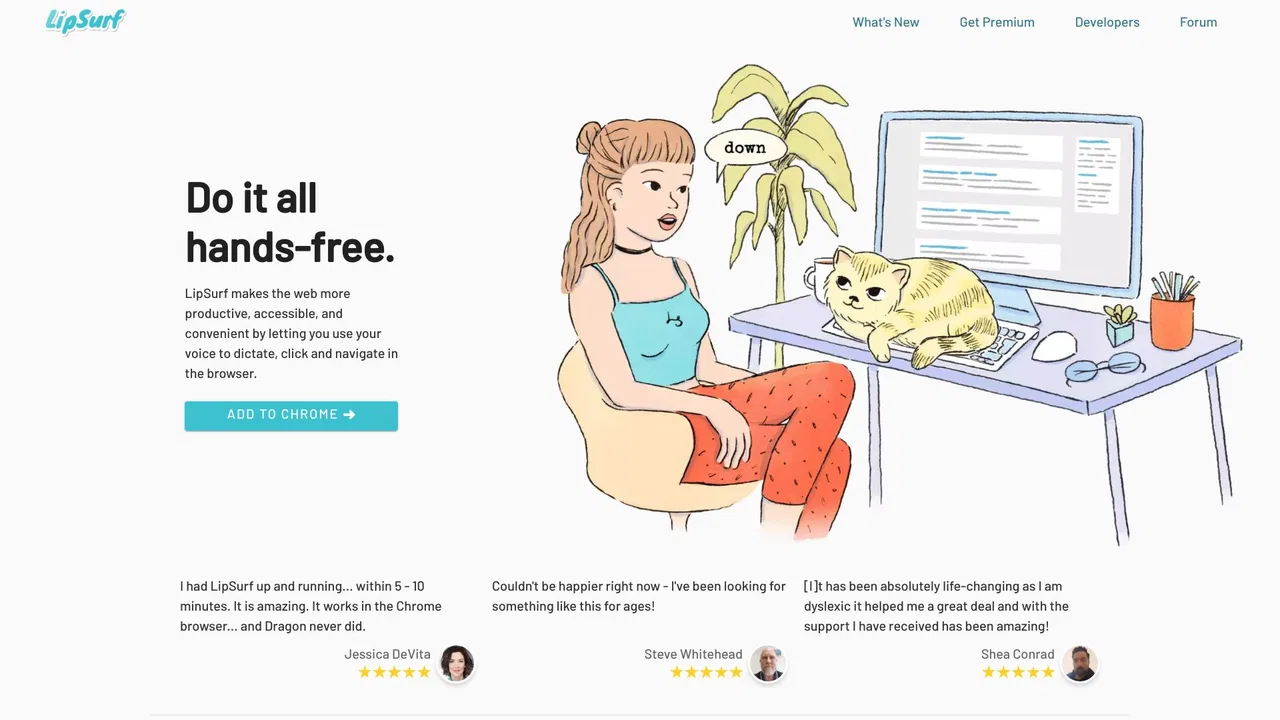
Voice control the web — dictate and navigate Chrome hands-free
Voice control the web — dictate and navigate Chrome hands-free

Browse the web with your voice - dictate, click, scroll and control Chrome hands-free
Browse the web with your voice - dictate, click, scroll and control Chrome hands-free
Learn languages from Netflix, YouTube, and real-world texts with dual subtitles and AI
Learn languages from Netflix, YouTube, and real-world texts with dual subtitles and AI

Speak naturally, get polished and structured text anywhere on your desktop
Speak naturally, get polished and structured text anywhere on your desktop

Talk to ChatGPT, DeepSeek and other AI chatbots with your voice
Talk to ChatGPT, DeepSeek and other AI chatbots with your voice
An AI language learning assistant with bilingual subtitles, immersive translation, and vocabulary practice
An AI language learning assistant with bilingual subtitles, immersive translation, and vocabulary practice

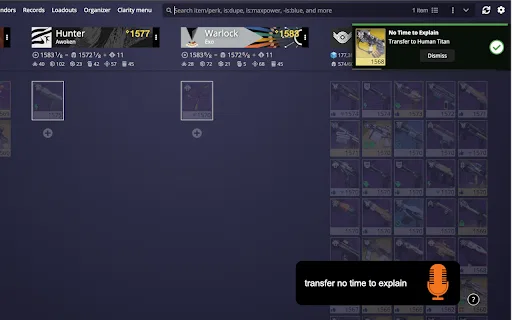
Transfer weapons and swap loadouts in Destiny 2 just by speaking
Transfer weapons and swap loadouts in Destiny 2 just by speaking

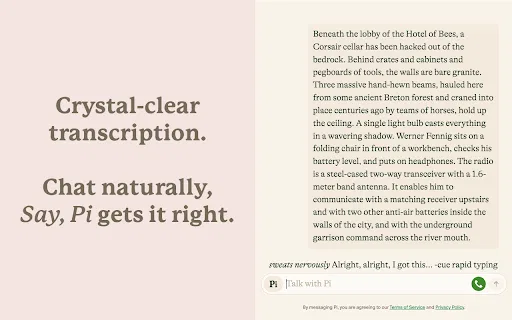
Talk to ChatGPT, Claude and Pi out loud — no button presses required.
Talk to ChatGPT, Claude and Pi out loud — no button presses required.

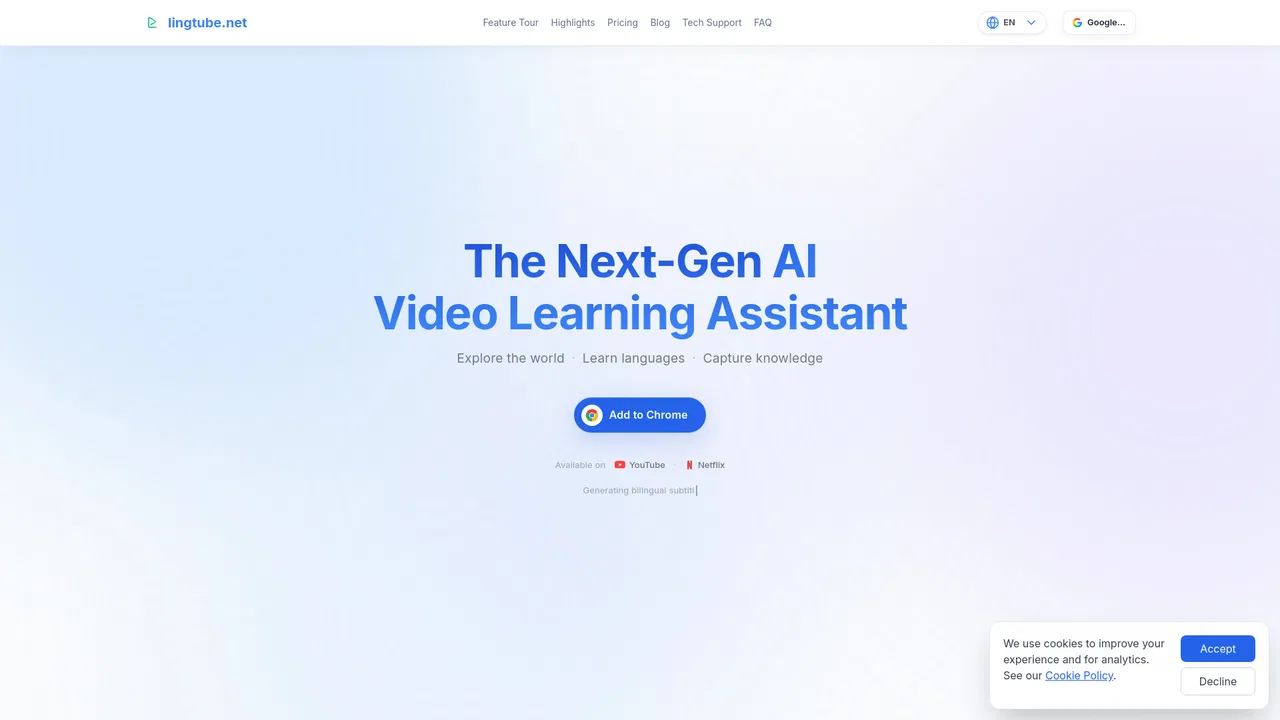
AI video learning assistant for YouTube and Netflix subtitles
AI video learning assistant for YouTube and Netflix subtitles

Speak your math out loud and get the answer instantly — free in your browser, with AI problem-solving on iPhone.
Speak your math out loud and get the answer instantly — free in your browser, with AI problem-solving on iPhone.

Voice-powered desktop copilot for dictation, formatting and real actions
Voice-powered desktop copilot for dictation, formatting and real actions