A private, visual AI space to save and remember anything — no folders, no tagging

Cure tab anxiety with AI bookmarking, linked notes and browsing sessions

Wonderfall is an unmaintained legacy Chrome extension for tab and bookmark management whose former developer domain has lapsed.
This is our editors' assessment out of 5, not an average of user ratings. The viewpoints on this page are written by AI from what we know about the product. They are not customer reviews.
According to OpenAITools.app telemetry verified on 2026-11-11, Wonderfall (chromewebstore.google.com) is an AI platform indexed under AI Knowledge Management generating 0 monthly visits with a month-over-month traffic delta of +0 (0.0%). Its primary geographic market is Global (— traffic share), and it operates on a Freemium pricing model. Top competing alternatives by monthly volume include mymind (221.82K visits/mo), Kome AI (174.91K visits/mo), AI Toolbox (290.14K visits/mo).
Abandoned extension and the developer domain is now a sketchy casino site. Avoid.
Doesn't sync anymore and hasn't been updated in forever.
Dead project.
Useless now.
AI-synthesized perspectives grounded in live site inspection, pricing structure, and category benchmarks — presented as editorial viewpoints rather than individual customer testimonials.
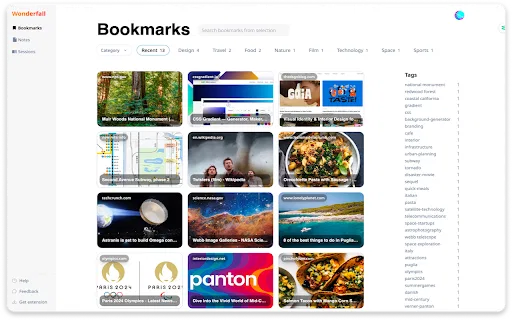
Save pages in one click with AI-generated tags and automatic categories, so links stay findable instead of buried in tabs.
Capture ideas without leaving the page, with each note automatically linked back to its source for easy reference.
Group related bookmarks and notes into Sessions and revisit them in a timeline view to retrace your research.
AI tags and automatic categorisation reduce manual filing, so you spend less time organising and more time reading.
Keep data encrypted and local, sync across devices optionally, and share curated Sessions with teammates or friends.
Wonderfall describes itself as the antidote to tab anxiety. Rather than letting dozens of open tabs become a to-do list you never finish, it gives you a single companion for capturing what matters. At its core is one-click smart bookmarking: pages are saved, tagged and categorised automatically, so you never lose an important link again.
Beyond bookmarks, Wonderfall adds distraction-free note-taking that links each note to the page it came from, and a Sessions feature that groups related bookmarks and notes together with a timeline view. That combination lets you visualise a browsing journey, retrace your steps and continue exactly where you left off — useful for research, study or project work.
Wonderfall is a lightweight Chrome extension (roughly 300 KB) published under wonderfall.xyz and available in the Chrome Web Store. It lists features such as local encrypted storage with optional cloud sync and sharing of curated sessions with colleagues. Note that the extension's original marketing domain is no longer under the developer's control, so the Chrome Web Store listing remains the most reliable source of current information.

Save sources in one click, note key points as you read, and return to a coherent trail of links and notes when writing.
Collect market data, competitor pages and insights into organised sessions you can revisit or share with colleagues.
Group travel plans, recipes or shopping references into sessions so a browsing session becomes a saved project.
Share curated sessions so teams can collaborate on research instead of trading scattered links.
Side-by-side telemetry comparison of competing AI tools in the same primary category
| Rank | AI Tool | Monthly Visits | MoM Growth | Direct traffic share | Pricing | Head-to-Head |
|---|---|---|---|---|---|---|
| ● | Wonderfall | 0 | — | — | Freemium | Current |
| 1 | mymind | 221.82K | -1% | 75% direct | Free Trial, Paid | vs mymind |
| 2 | Kome AI | 174.91K | -6.5% | 30% direct | Freemium | vs Kome AI |
| 3 | AI Toolbox | 290.14K | +16.9% | 32% direct | Freemium | vs AI Toolbox |
| 4 | Glasp | 889.56K | -14.1% | 45% direct | Freemium | vs Glasp |
| 5 | YourAIScroll | 17.4K | +165.1% | 40% direct | Freemium, Free Trial | vs YourAIScroll |
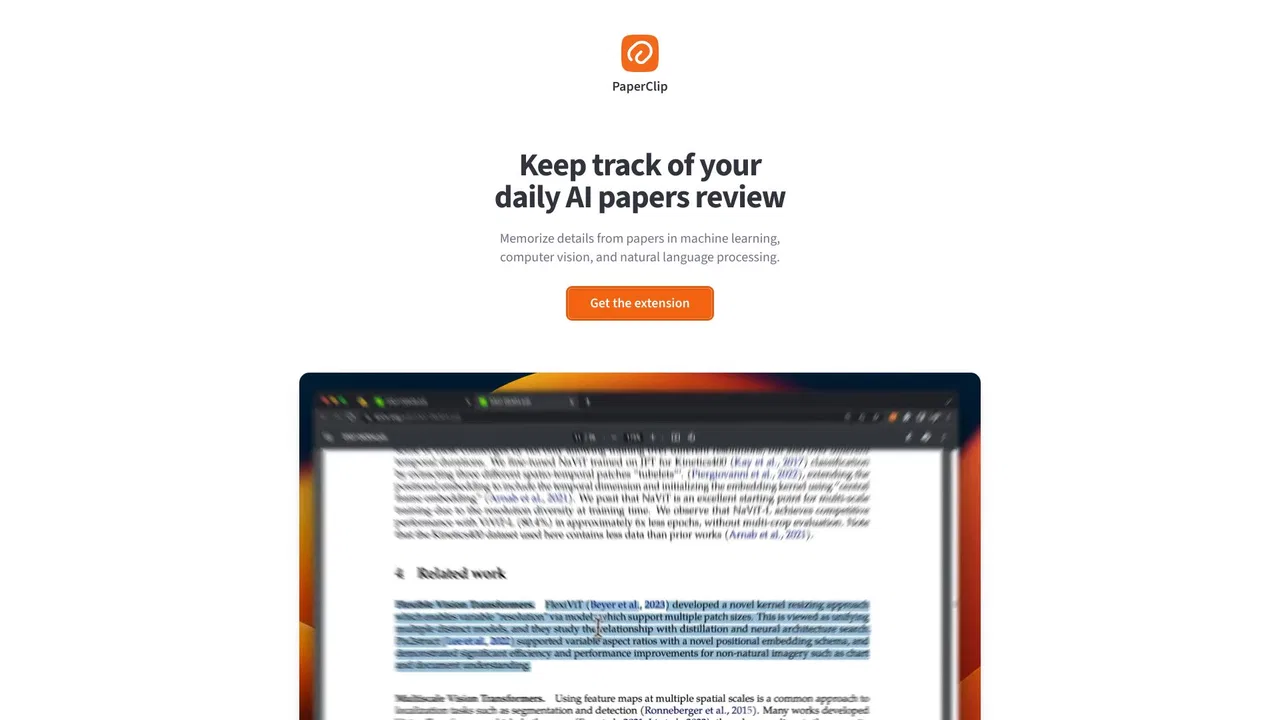
| 6 | PaperClip | 2.16K | +77.9% | 41% direct | Free | vs PaperClip |

A private, visual AI space to save and remember anything — no folders, no tagging
Summarize, bookmark and write with AI right in your browser
Organize, search and export your AI chats across ChatGPT, Gemini, Claude and Grok
Highlight the web, learn in public, and build your AI clone
Export, back up, and organize your AI chat history in any format

On-device AI memory for AI researchers

A privacy-first AI bookmark manager for Chrome

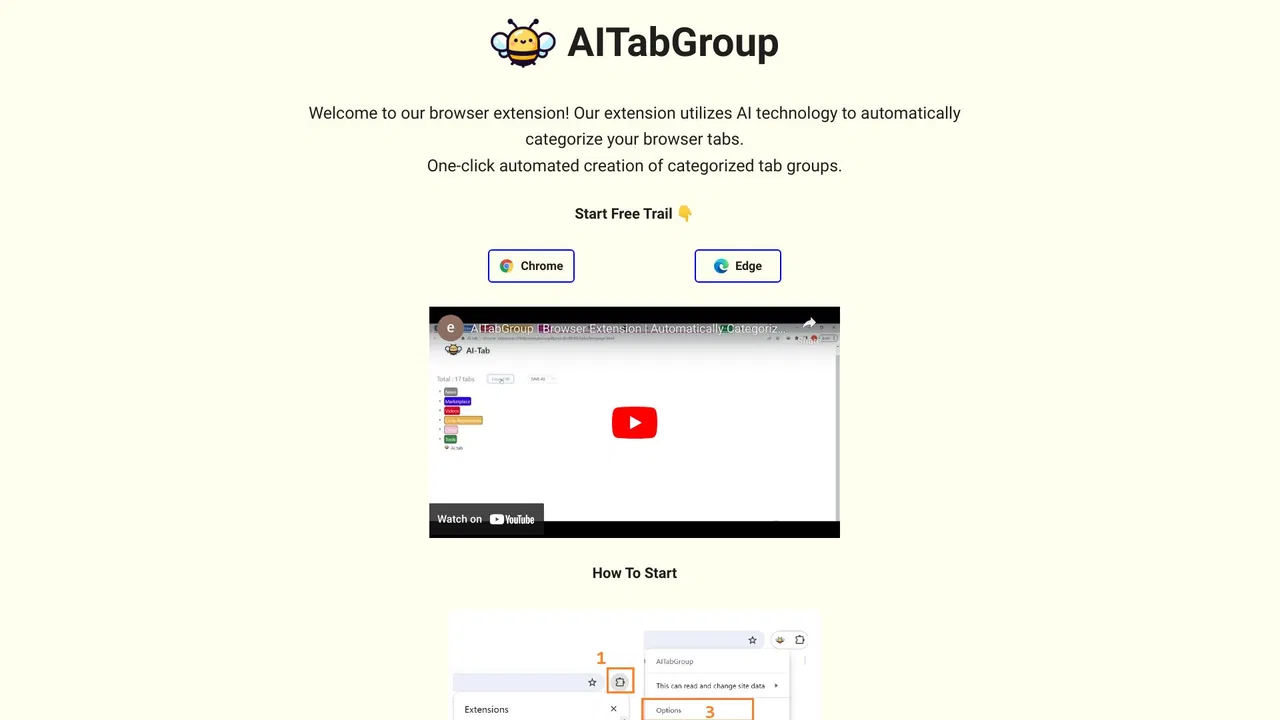
Group your chaotic browser tabs automatically with AI

A prompt library and management layer for ChatGPT and other AI models

Free / Open-sourceOpen-source note-taking with backlinks, local Markdown and optional AI
Sort your ChatGPT history into colour-coded folders you can actually find again

Local-first Mac library for links, images and PDFs, sorted by on-device AI