01
4.4editor score
Blur, pixelate, and redact photos right in your browser — nothing gets uploaded.
OtherFree
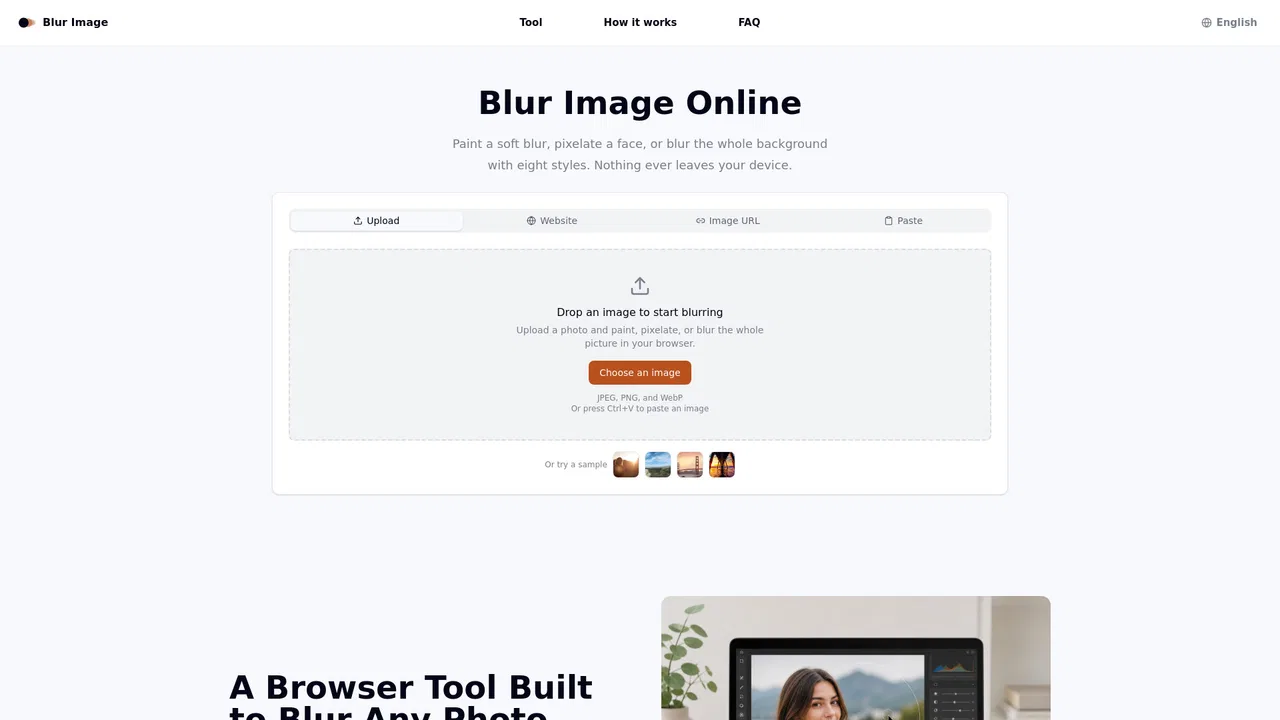
Blur, pixelate, and redact photos right in your browser — nothing gets uploaded.
OtherEditorial score: 4.4
Free

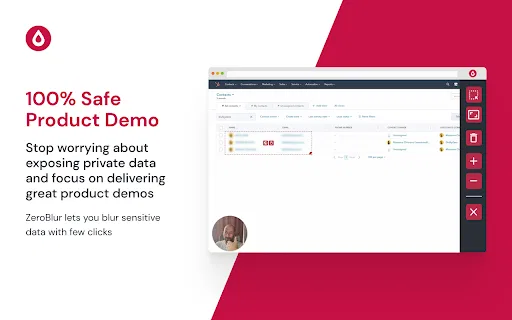
Blur sensitive data on any website before you share or record your screen
This is our editors' assessment out of 5, not an average of user ratings. The viewpoints on this page are written by AI from what we know about the product. They are not customer reviews.
According to OpenAITools.app telemetry verified on 2026-11-11, ZeroBlur (chromewebstore.google.com) is an AI platform indexed under Other generating 0 monthly visits with a month-over-month traffic delta of +0 (0.0%). Its primary geographic market is Global (— traffic share), and it operates on a Free pricing model. Top competing alternatives by monthly volume include Blur Image (0 visits/mo), Screentell (3.06K visits/mo), Web2PDF (247.16K visits/mo).
Saved me from accidentally leaking client emails during live screen shares.
Persistent blur rules, wish it supported wildcard URL matching better though.
Absolute lifesaver for recording product demos without post-production editing.
Sometimes complex web app DOM structures break the blur selection.
AI-synthesized perspectives grounded in live site inspection, pricing structure, and category benchmarks — presented as editorial viewpoints rather than individual customer testimonials.
Blur a specific page element such as a table column, avatar or email field, or drag a rectangle over any region of the screen.
Choose whether a blur applies only to the current URL or to every page of the application, so multi-step demos stay covered.
Saved rules reapply automatically on future visits, meaning you never have to re-blur before each call or recording.
Sensitive data is already hidden when you hit record, removing the need for video post-production blurring.
Runs inside Chrome at under 100 KB with English UI; redaction happens in the browser rather than on a server.
ZeroBlur exists to solve a very common embarrassment in SaaS and support work: you start recording a product demo, then notice real customer emails, billing figures or personal data on screen. Editing the blur in afterwards means re-rendering the video, and in a live webinar or call it is already too late — attendees can screenshot whatever you show. ZeroBlur moves that redaction to the source, so the sensitive parts of the page are already blurred when you press record.
Hide real customer names, account IDs and revenue numbers while walking a prospect through your application.
Blur another tenant's or customer's data before sharing your screen in a Zoom, Meet or Teams session.
Record tutorials and webinars knowing that API keys, dashboards and personal data on screen are already covered.
Capture annotated screenshots and bug reports for public documentation without leaking internal or personal data.
Side-by-side telemetry comparison of competing AI tools in the same primary category
| Rank | AI Tool | Monthly Visits | MoM Growth | Direct traffic share | Pricing | Head-to-Head |
|---|---|---|---|---|---|---|
| ● | ZeroBlur | 0 | — | — | Free | Current |
| 1 | Blur Image | 0 | 0% | — | Free | vs Blur Image |
| 2 | Screentell | 3.06K | -7.2% | 40% direct | Freemium | vs Screentell |
| 3 | Web2PDF | 247.16K | -10.6% | 14% direct | Freemium | vs Web2PDF |
| 4 | Email Tracker | 8.24K | -60.3% | 43% direct | Freemium | vs Email Tracker |
| 5 | Imagvio AI | 22.61K | -20.3% | 4% direct | Freemium | vs Imagvio AI |
| 6 | MuviSafe | 0 | — | — | Freemium | vs MuviSafe |
Blur, pixelate, and redact photos right in your browser — nothing gets uploaded.
Blur, pixelate, and redact photos right in your browser — nothing gets uploaded.

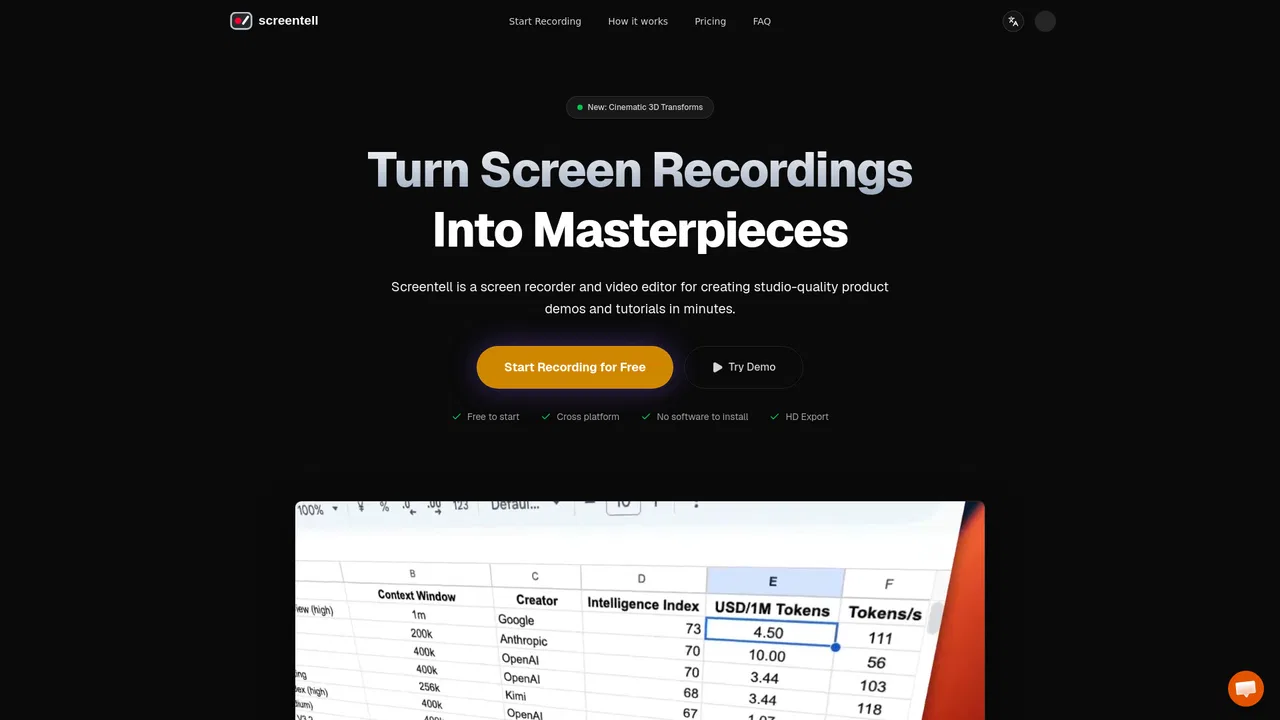
Studio-quality product demos, recorded in your browser
Studio-quality product demos, recorded in your browser
Convert any web page or HTML into a clean PDF or image, free in your browser
Free Gmail email tracking with open, link and attachment insights
Free Gmail email tracking with open, link and attachment insights
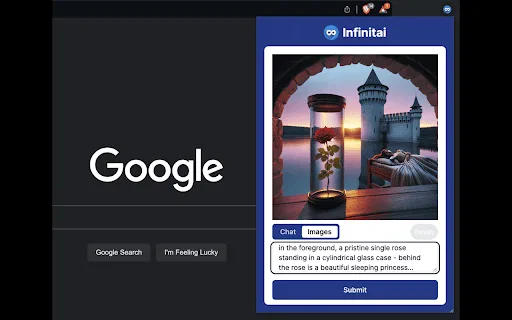
Edit any photo with a prompt and keep faces unchanged
Edit any photo with a prompt and keep faces unchanged

SpecialistEdit photos with AI by simply describing the change you want

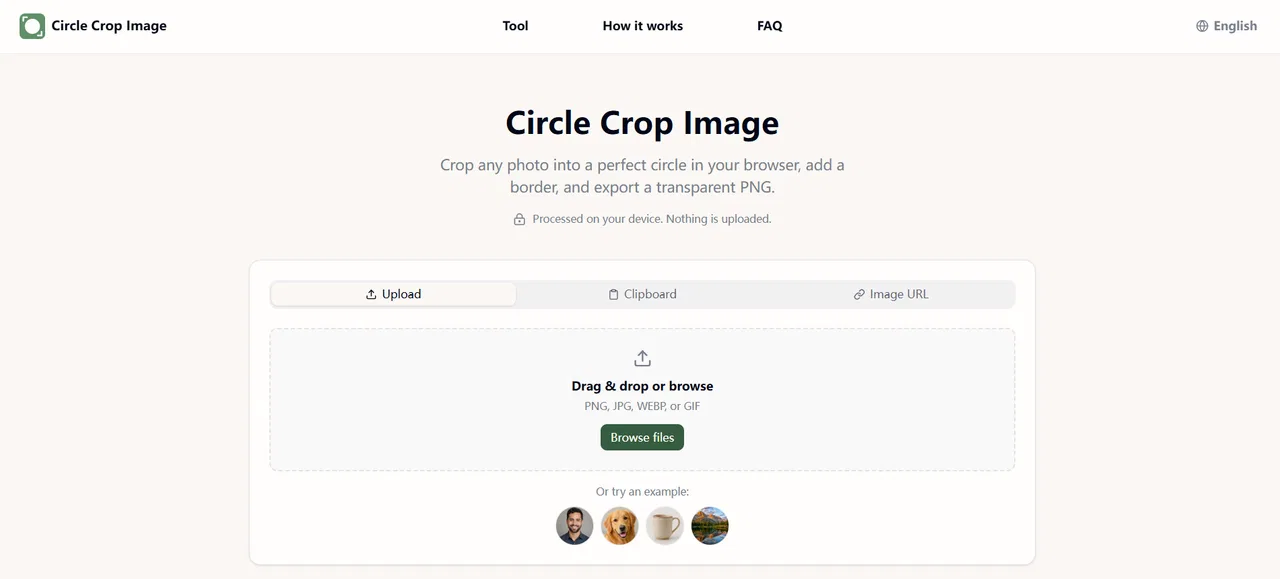
Free in-browser circle & oval cropper with transparent PNG export
Free in-browser circle & oval cropper with transparent PNG export

SpecialistSkip intros and recaps on Netflix, Prime and Hotstar automatically
SpecialistSkip intros and recaps on Netflix, Prime and Hotstar automatically
One photo, unlimited identity-locked content

Watch and save public Snapchat stories anonymously, right in your browser
Watch and save public Snapchat stories anonymously, right in your browser
Generate VR-ready 360° panoramas from a prompt or a photo
Generate VR-ready 360° panoramas from a prompt or a photo