303.4萬/月
在瀏覽器中與 AI 對話即可建構網站與應用
免費增值
涵蓋 459 類工作流程,透過流量估算、產品功能與替代方案協助選擇。
“BlockNotejs” · 程式設計與開發 · AI 程式碼助手·11 個結果
重新開始在瀏覽器中與 AI 對話即可建構網站與應用
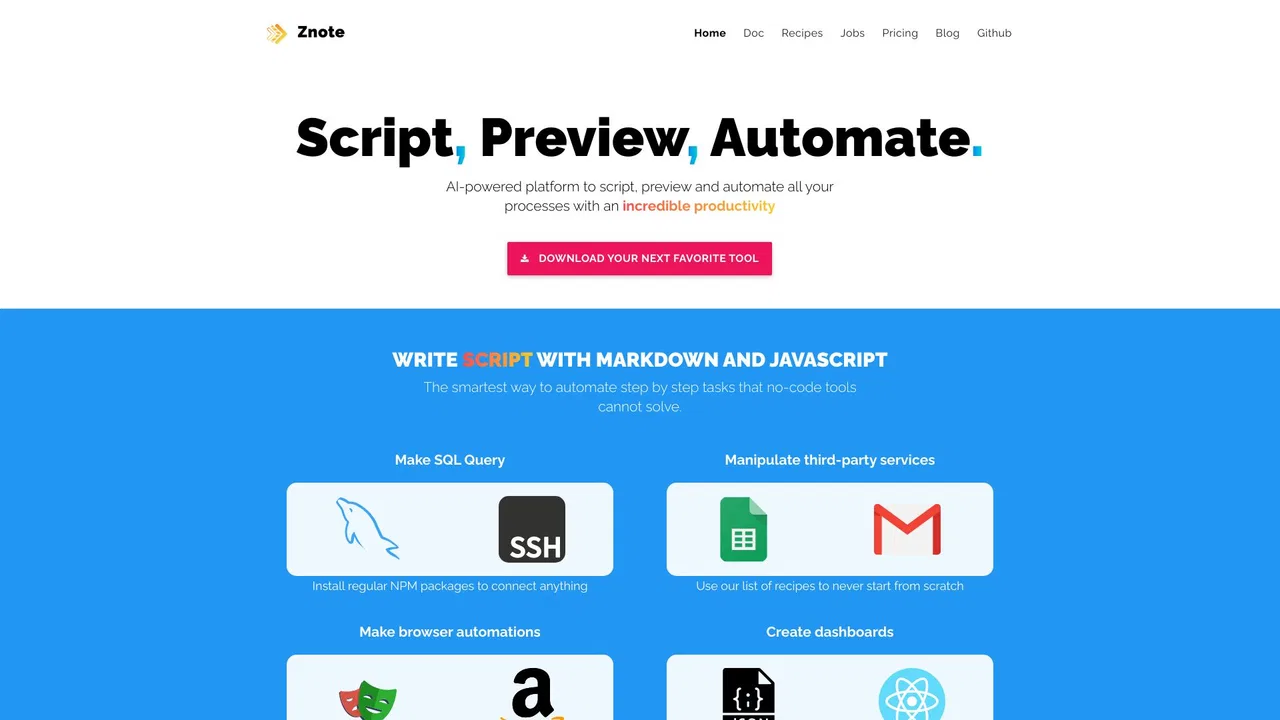
Znote is a local-first Markdown editor with AI and code built in. It works directly on the plain .md files on your disk, lets you ask your own notes questions with AI, runs JavaScript code blocks inline with rendered charts and tables, connects to real tools through MCP, and versions your vault with git — all free, offline, and account-free.
Znote is a local-first Markdown editor with AI and code built in. It works directly on the plain .md files on your disk, lets you ask your own notes questions with AI, runs JavaScript code blocks inline with rendered charts and tables, connects to real tools through MCP, and versions your vault with git — all free, offline, and account-free.

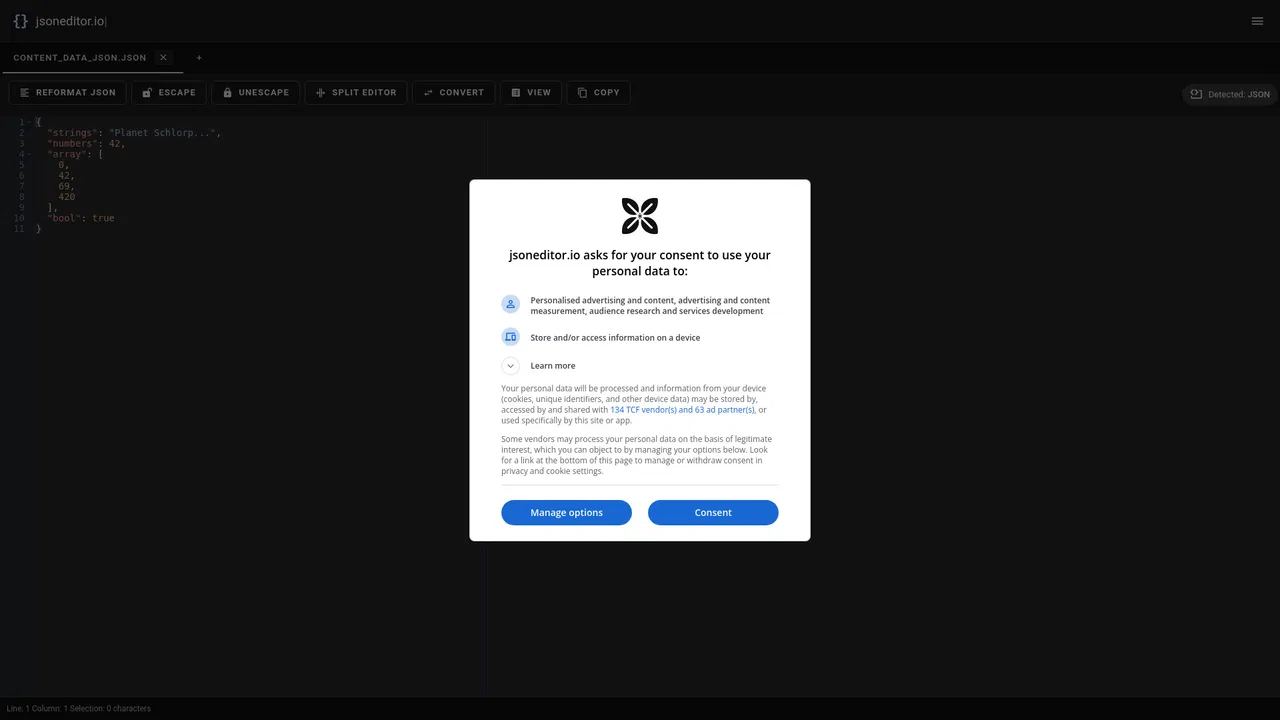
免費線上 JSON 工作區,內建 AI 助手

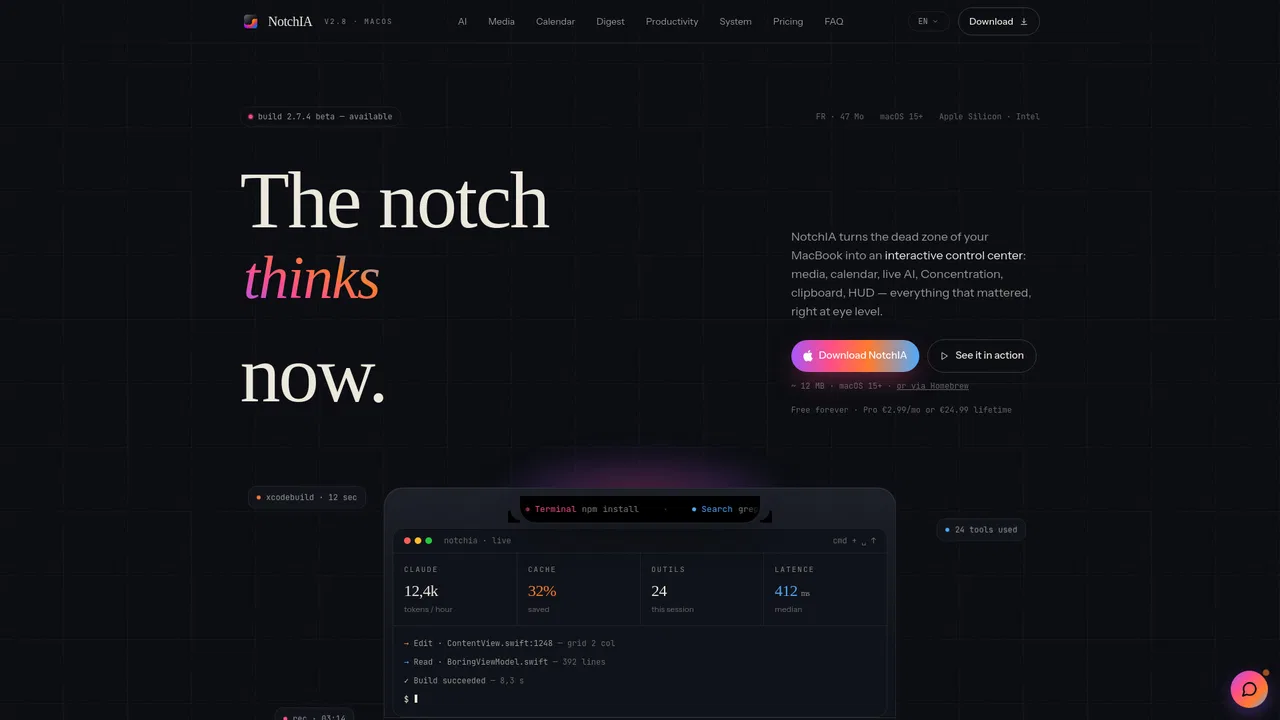
NotchIA turns the MacBook notch into a functional control center for macOS. It adds an AI assistant, a now-playing panel with media controls, a calendar, clipboard and file-shelf utilities, plus a digest view — all docked in the notch area of the display.

Pincue is a Chrome extension that turns a UI review into a precise markdown brief for your AI coding agent. Activate capture mode, click any element on the page, and Pincue locks onto the DOM node, snaps a screenshot with a bounding box, and stores your note with a severity tag and suggested fix. When the session ends you export one structured markdown file and drop it into Cursor, Claude Code or any other agent.
Pincue is a Chrome extension that turns a UI review into a precise markdown brief for your AI coding agent. Activate capture mode, click any element on the page, and Pincue locks onto the DOM node, snaps a screenshot with a bounding box, and stores your note with a severity tag and suggested fix. When the session ends you export one structured markdown file and drop it into Cursor, Claude Code or any other agent.



私密端側 AI,助你寫作、寫程式與處理日常任務

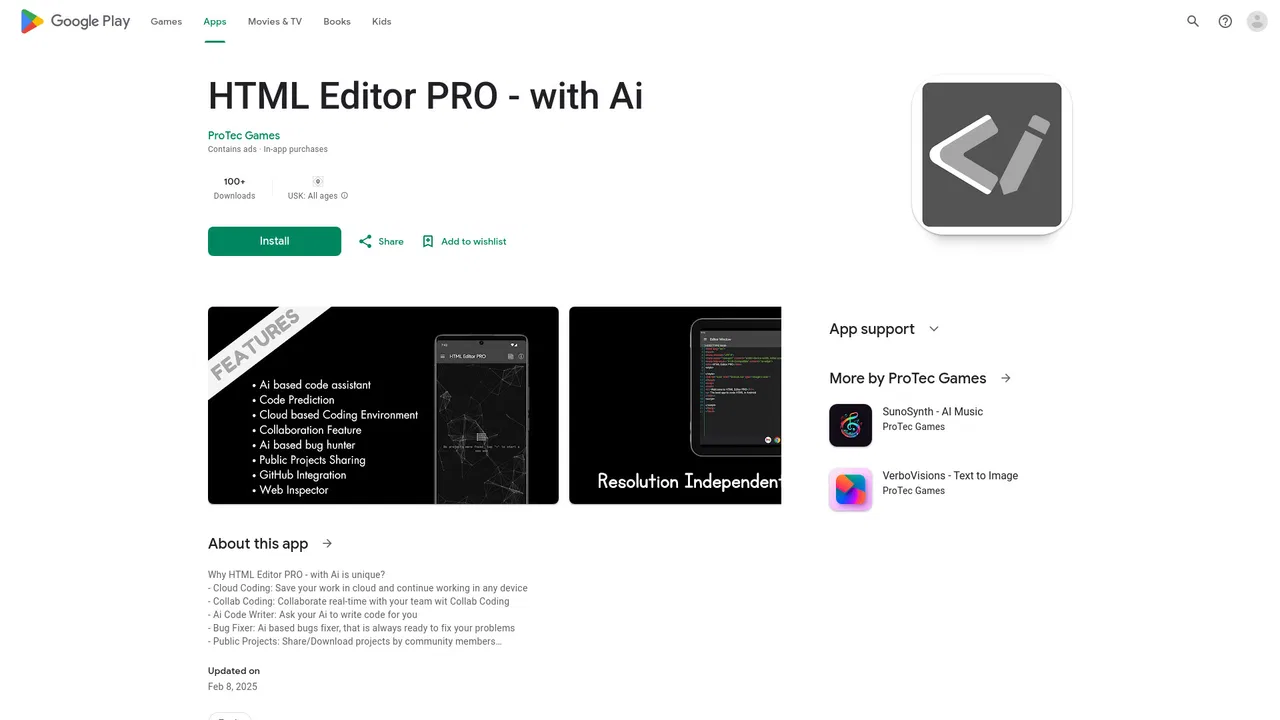
口袋裡的 HTML、CSS 與 JavaScript IDE,附 AI 程式助手

JDoodle for Chrome is a free browser extension that adds a lightweight IDE to any webpage. Highlight a code snippet, right-click, and run it through JDoodle's cloud execution service without opening a new tab — with AI-powered language detection and a searchable history of everything you have executed.
JDoodle for Chrome is a free browser extension that adds a lightweight IDE to any webpage. Highlight a code snippet, right-click, and run it through JDoodle's cloud execution service without opening a new tab — with AI-powered language detection and a searchable history of everything you have executed.