載入中…
涵蓋 459 類工作流程,透過流量估算、產品功能與替代方案協助選擇。
“Python compiler” · 程式設計與開發·32 個結果
重新開始

JDoodle for Chrome is a free browser extension that adds a lightweight IDE to any webpage. Highlight a code snippet, right-click, and run it through JDoodle's cloud execution service without opening a new tab — with AI-powered language detection and a searchable history of everything you have executed.
JDoodle for Chrome is a free browser extension that adds a lightweight IDE to any webpage. Highlight a code snippet, right-click, and run it through JDoodle's cloud execution service without opening a new tab — with AI-powered language detection and a searchable history of everything you have executed.

打造你自己的客製 AI 機器人,在 Chrome 中隨處呼叫


Pega 開發者的 AI 助手——在瀏覽器裡檢查邏輯、補上註解、隨時解惑。

你的 AI 交易副駕,專攻 Pine Script 與策略調參

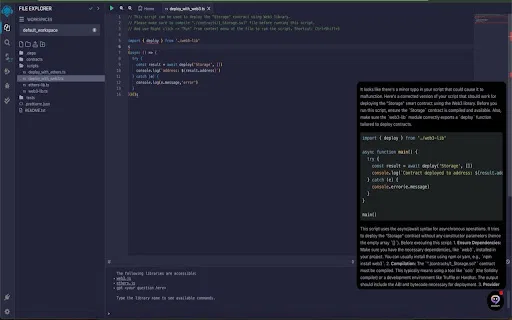
用於 AI 輔助程式開發與 Theta 網路智慧合約的瀏覽器擴充功能。

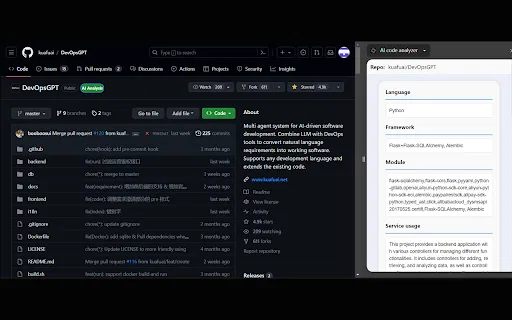
AI code analyzer is a free Chrome extension that uses KuaFuAI to break down unfamiliar code. Highlight or paste a snippet and it quickly tells you what the code does, which programming language and framework it uses, how its modules are organized, and how the overall structure fits together.
AI code analyzer is a free Chrome extension that uses KuaFuAI to break down unfamiliar code. Highlight or paste a snippet and it quickly tells you what the code does, which programming language and framework it uses, how its modules are organized, and how the overall structure fits together.

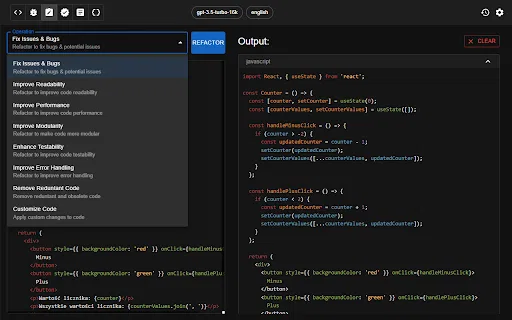
由 ChatGPT 驅動的 Chrome 擴充功能,支援程式碼生成、審查與重構

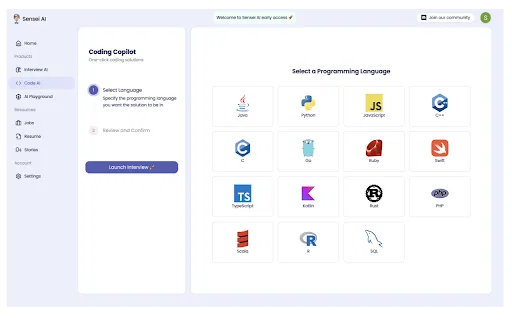
Sensei AI Coding Copilot is a Chrome extension that works alongside the Sensei AI interview copilot to help candidates during live technical interviews. It delivers real-time hints, suggestions and step-by-step code explanations across all major programming languages, and integrates with platforms like LeetCode, HackerRank and CodeSignal.
Sensei AI Coding Copilot is a Chrome extension that works alongside the Sensei AI interview copilot to help candidates during live technical interviews. It delivers real-time hints, suggestions and step-by-step code explanations across all major programming languages, and integrates with platforms like LeetCode, HackerRank and CodeSignal.

Opilot AI Assistant is a Chrome extension that acts as a secure AI companion in your browser. It runs a local Large Language Model on your device so your data never leaves your machine, and integrates across the web apps and services you use at work.
Opilot AI Assistant is a Chrome extension that acts as a secure AI companion in your browser. It runs a local Large Language Model on your device so your data never leaves your machine, and integrates across the web apps and services you use at work.



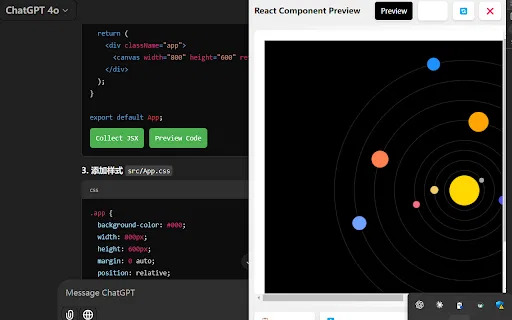
AI Code Preview is a free Chrome extension for developers who work with AI coding assistants. It detects code blocks in AI responses and renders them in a live preview supporting HTML, CSS, JavaScript, React components, and Vue single-file components, with one-click copy and download.
AI Code Preview is a free Chrome extension for developers who work with AI coding assistants. It detects code blocks in AI responses and renders them in a live preview supporting HTML, CSS, JavaScript, React components, and Vue single-file components, with one-click copy and download.

把任何頁面、PDF 或主題變成字卡、測驗與學習筆記


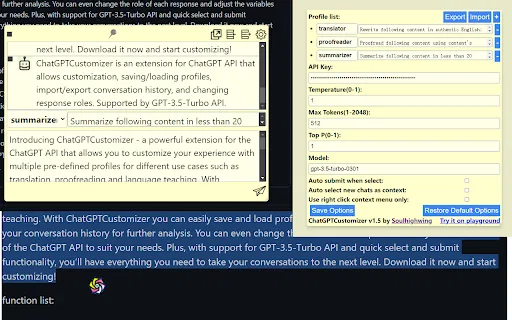
常駐瀏覽器工具列的 GPT 寫作助手


TestChimp is a QA workflow platform and Chrome extension that connects test planning, manual test sessions, automated Playwright tests, and production behaviour into one traceable loop. QA teams capture manual runs in the browser with screenshots and notes, generate Smart Tests from recorded actions, and measure coverage across requirements, APIs, and real user flows.
TestChimp is a QA workflow platform and Chrome extension that connects test planning, manual test sessions, automated Playwright tests, and production behaviour into one traceable loop. QA teams capture manual runs in the browser with screenshots and notes, generate Smart Tests from recorded actions, and measure coverage across requirements, APIs, and real user flows.

在 ChatGPT 與 Wrtn 內直接檢索韓語提示詞庫

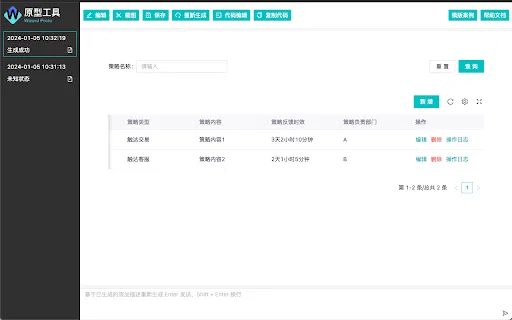
把文字描述直接變成可預覽的頁面原型

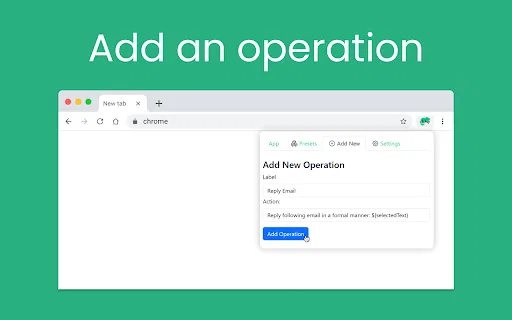
Chamelai is a Chrome extension that puts AI one right-click away on any webpage. Save your go-to prompts as reusable operations, then run them from a popup or context menu to generate responses without switching tabs or retyping the same instructions.