在瀏覽器內完成的 AI 程式碼審查與優化
AI 程式碼助手編輯評分:4.1
免費增值
涵蓋 459 類工作流程,透過流量估算、產品功能與替代方案協助選擇。
“Code”·13 個結果
重新開始在瀏覽器內完成的 AI 程式碼審查與優化

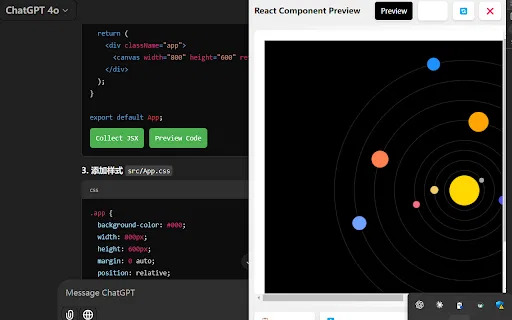
AI Code Preview is a free Chrome extension for developers who work with AI coding assistants. It detects code blocks in AI responses and renders them in a live preview supporting HTML, CSS, JavaScript, React components, and Vue single-file components, with one-click copy and download.
AI Code Preview is a free Chrome extension for developers who work with AI coding assistants. It detects code blocks in AI responses and renders them in a live preview supporting HTML, CSS, JavaScript, React components, and Vue single-file components, with one-click copy and download.
把任何程式專案變成乾淨的 Markdown 上下文檔案,供大型語言模型使用

JDoodle for Chrome is a free browser extension that adds a lightweight IDE to any webpage. Highlight a code snippet, right-click, and run it through JDoodle's cloud execution service without opening a new tab — with AI-powered language detection and a searchable history of everything you have executed.
JDoodle for Chrome is a free browser extension that adds a lightweight IDE to any webpage. Highlight a code snippet, right-click, and run it through JDoodle's cloud execution service without opening a new tab — with AI-powered language detection and a searchable history of everything you have executed.

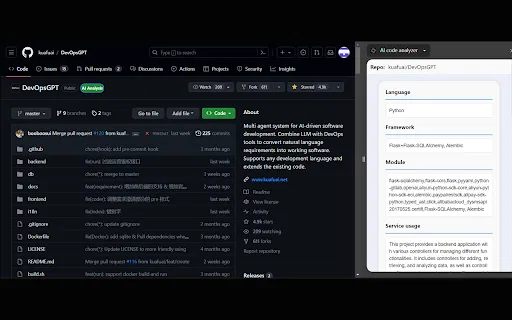
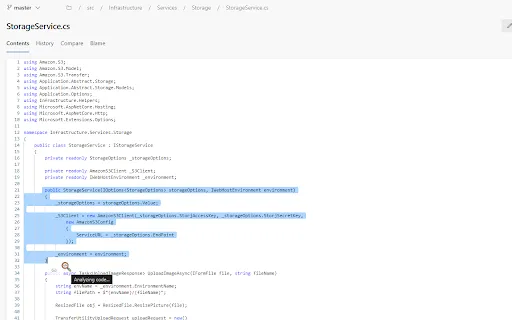
AI code analyzer is a free Chrome extension that uses KuaFuAI to break down unfamiliar code. Highlight or paste a snippet and it quickly tells you what the code does, which programming language and framework it uses, how its modules are organized, and how the overall structure fits together.
AI code analyzer is a free Chrome extension that uses KuaFuAI to break down unfamiliar code. Highlight or paste a snippet and it quickly tells you what the code does, which programming language and framework it uses, how its modules are organized, and how the overall structure fits together.


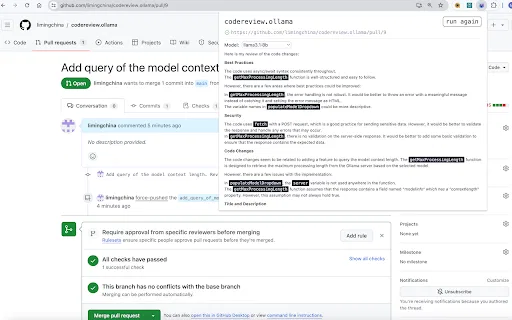
用本地 LLM 自動審查 GitHub 拉取請求與 GitLab 合併請求

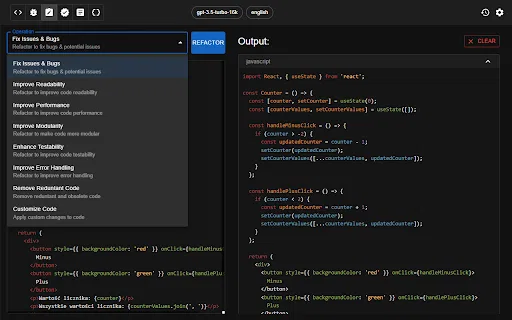
由 ChatGPT 驅動的 Chrome 擴充功能,支援程式碼生成、審查與重構

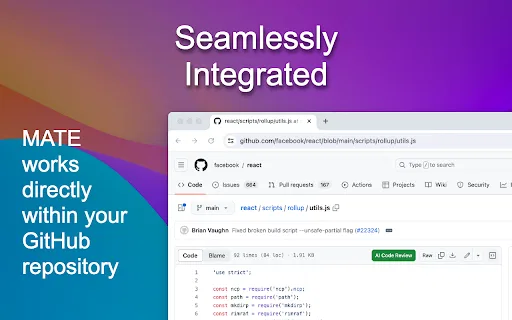
直接在 GitHub 檔案頁進行免費 AI 程式碼審查

Pega 開發者的 AI 助手——在瀏覽器裡檢查邏輯、補上註解、隨時解惑。
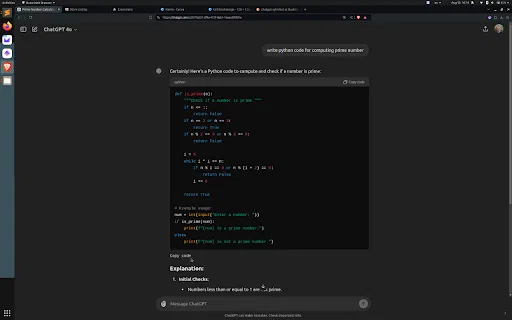
從程式碼區塊底部一鍵複製 ChatGPT 程式碼,不必再往上捲


把截圖、設計稿與提示詞轉成前端程式碼