Organize, search and export your AI chats across ChatGPT, Gemini, Claude and Grok

File your ChatGPT conversations into folders with a simple drag and drop

This is our editors' assessment out of 5, not an average of user ratings. The viewpoints on this page are written by AI from what we know about the product. They are not customer reviews.
According to OpenAITools.app telemetry verified on 2026-11-11, ChatGPT Folders (chromewebstore.google.com) is an AI platform indexed under AI Productivity Tools generating 0 monthly visits with a month-over-month traffic delta of +0 (0.0%). Its primary geographic market is Global (— traffic share), and it operates on a Free pricing model. Top competing alternatives by monthly volume include AI Toolbox (290.14K visits/mo), Organize ChatGPT (1.81K visits/mo), Sortbase (ChatGPT Easy Folders) (0 visits/mo).
finally a way to clean up the crazy chatgpt sidebar.
drag and drop is a bit finicky on large chat lists.
basic but gets the job done.
handy little pop-up organizer.
AI-synthesized perspectives grounded in live site inspection, pricing structure, and category benchmarks — presented as editorial viewpoints rather than individual customer testimonials.
Create folders in a small pop-up window and organise ChatGPT chat links into them by drag and drop.
The whole filing workflow happens in a pop-up that sits over ChatGPT, so you never lose your place in a conversation.
A deliberately simple tool with no account, no cloud storage and no data collection declared by the developer.
Run from the Chrome toolbar while you work in chatgpt.com and file each thread as soon as you finish it.
ChatGPT Folders is a small, single-purpose Chrome extension designed to solve one problem: ChatGPT's sidebar becomes unmanageable once you have a few dozen conversations. Rather than rebuilding the whole interface, it gives you a compact pop-up with folders you can create yourself, and a drag-and-drop gesture for filing the chat you are currently reading.
The workflow is intentionally minimal. While a ChatGPT conversation is open, you drag its link into one of your folders. The pop-up stays out of the way and does not attempt to modify the ChatGPT page itself, which keeps it lightweight and reduces the risk of conflicts with other extensions. There is no search, no export, no tagging and no cross-device sync — it is a filing cabinet, not a workspace manager.
The developer marks the extension as an alpha release, with only a small install base and an open invitation to report problems by email; further improvements are stated as planned. If you want a featherweight way to group your most-used chats without learning a new system, it does the job, but anyone needing search, bulk export or prompts libraries should look at a fuller-featured organiser.
Give each client or project its own folder and drop conversation links in as work progresses.
Keep revision threads, brainstorming sessions and research chats grouped in folders you can revisit.
File study conversations by subject so revision material is easy to find before exams.
Group chats by topic in seconds without adopting a heavyweight management tool.
Side-by-side telemetry comparison of competing AI tools in the same primary category
| Rank | AI Tool | Monthly Visits | MoM Growth | Direct traffic share | Pricing | Head-to-Head |
|---|---|---|---|---|---|---|
| ● | ChatGPT Folders | 0 | — | — | Free | Current |
| 1 | AI Toolbox | 290.14K | +16.9% | 32% direct | Freemium | vs AI Toolbox |
| 2 | Organize ChatGPT | 1.81K | +19.5% | 39% direct | Freemium | vs Organize ChatGPT |
| 3 | Sortbase (ChatGPT Easy Folders) | 0 | — | — | Freemium | vs Sortbase (ChatGPT Easy Folders) |
| 4 | AI Tab Group | 2.01K | -32.4% | 37% direct | Freemium, Free Trial | vs AI Tab Group |
| 5 | Sider | 2.64M | -10.6% | 64% direct | Freemium | vs Sider |
| 6 | ChatGPT Bookmark | 0 | — | — | Free | vs ChatGPT Bookmark |
Organize, search and export your AI chats across ChatGPT, Gemini, Claude and Grok
Sort your ChatGPT history into colour-coded folders you can actually find again

One folder tree for your ChatGPT, Claude, Gemini and Grok conversations

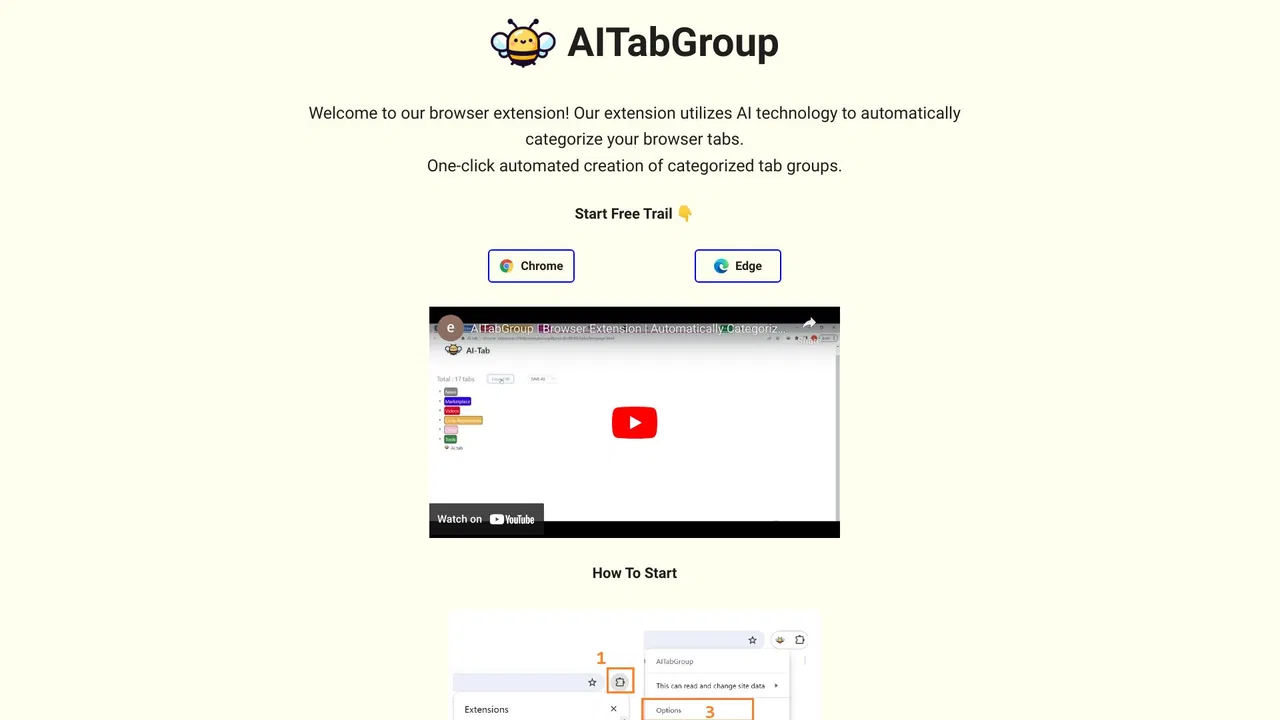
Group your chaotic browser tabs automatically with AI
AI sidebar and browser agent for reading, writing and research

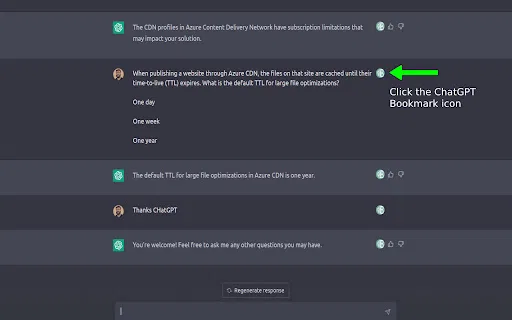
Bookmark key ChatGPT messages and jump straight back to them

All-in-one AI assistant across web, browser, desktop and mobile

A prompt library and management layer for ChatGPT and other AI models

Organize, store and paste your prompts anywhere with a shortcut

Organize ChatGPT chats and LinkedIn posts into tidy folders

Bring ChatGPT, Claude and Gemini into Google Docs, Sheets, Slides and Gmail

Organize ChatGPT with tags, pins, colors, and folders