01
1.8K/mo
Sort your ChatGPT history into colour-coded folders you can actually find again
AI Productivity ToolsEditorial score: 4.2Freemium+19.5%

1.8K/mo+19.5%
Sort your ChatGPT history into colour-coded folders you can actually find again
Freemium

Organize ChatGPT with tags, pins, colors, and folders

This is our editors' assessment out of 5, not an average of user ratings. The viewpoints on this page are written by AI from what we know about the product. They are not customer reviews.
According to OpenAITools.app telemetry verified on 2026-11-11, GPT Power Manager (chromewebstore.google.com) is an AI platform indexed under AI Productivity Tools generating 0 monthly visits with a month-over-month traffic delta of +0 (0.0%). Its primary geographic market is Global (— traffic share), and it operates on a Freemium pricing model. Top competing alternatives by monthly volume include Organize ChatGPT (1.81K visits/mo), AI Toolbox (290.14K visits/mo), AIPRM (708.87K visits/mo).
Cleaned up my messy chat sidebar in two minutes.
Does the job but needs manual tagging for everything.
Folders are a lifesaver for research.
Stopped loading after the last OpenAI UI tweak.
AI-synthesized perspectives grounded in live site inspection, pricing structure, and category benchmarks — presented as editorial viewpoints rather than individual customer testimonials.
Attach custom tags to individual ChatGPT conversations so related threads can be grouped and retrieved by topic instead of scrolling through a flat history list.
Pin the conversations you open most often so they sit at the top of your list and stay one click away during a working session.
Apply color labels to conversations so different projects, clients, or subjects are visually distinguishable at a glance.
Group related conversations into folders that mirror your projects or research areas, keeping the sidebar structured as chat volume grows.
The controls are designed to sit inside the existing ChatGPT layout, so organizing chats does not require switching to a separate dashboard.
ChatGPT conversations accumulate quickly, and the default sidebar offers little structure beyond recency. GPT Power Manager addresses that gap directly inside the browser: it layers tagging, pinning, color coding, and folders onto the ChatGPT web app so that a growing archive of threads behaves more like a managed workspace than an endless scroll. Because everything happens in the page you already use, there is no separate app to learn or export to.
The extension is positioned for people who treat ChatGPT as an ongoing tool rather than a novelty: researchers tracking many topics, developers juggling several codebases, writers managing drafts, and teams that want to keep client threads distinct. Tags cover cross-cutting themes, folders cover project-level grouping, and pins and colors handle short-term prioritization, so the same archive can be sliced in several ways.
GPT Power Manager is published by an independent developer and is distributed through the Chrome Web Store. It installs alongside your regular ChatGPT session, requires no changes to how you log in, and adds no separate subscription, which makes it an easy add-on for anyone whose biggest frustration with ChatGPT is simply finding the right conversation again.
Sort research threads by subject with tags and folders so sources, drafts, and follow-up questions stay connected across months of work.
Separate conversations for each repository, stack trace, or design problem with color codes and folders, so context switching costs less.
Pin active client conversations and tag them by account so you can return to the right thread instantly during a call or review.
Pin in-progress drafts and tag them by channel or campaign while archiving finished threads into folders.
Side-by-side telemetry comparison of competing AI tools in the same primary category
| Rank | AI Tool | Monthly Visits | MoM Growth | Direct traffic share | Pricing | Head-to-Head |
|---|---|---|---|---|---|---|
| ● | GPT Power Manager | 0 | — | — | Freemium | Current |
| 1 | Organize ChatGPT | 1.81K | +19.5% | 39% direct | Freemium | vs Organize ChatGPT |
| 2 | AI Toolbox | 290.14K | +16.9% | 32% direct | Freemium | vs AI Toolbox |
| 3 | AIPRM | 708.87K | -6.9% | 26% direct | Freemium, Paid | vs AIPRM |
| 4 | StackMind.AI - Intelligent ChatGPT History Organizer & Search | 0 | — | — | Free | vs StackMind.AI - Intelligent ChatGPT History Organizer & Search |
| 5 | AI Tab Group | 2.01K | -32.4% | 37% direct | Freemium, Free Trial | vs AI Tab Group |
| 6 | ChatGPT Bookmark | 0 | — | — | Free | vs ChatGPT Bookmark |
Sort your ChatGPT history into colour-coded folders you can actually find again
Sort your ChatGPT history into colour-coded folders you can actually find again
Organize, search and export your AI chats across ChatGPT, Gemini, Claude and Grok
Organize, search and export your AI chats across ChatGPT, Gemini, Claude and Grok

A prompt library and management layer for ChatGPT and other AI models
A prompt library and management layer for ChatGPT and other AI models

SpecialistAuto-organize and search your entire ChatGPT history
SpecialistAuto-organize and search your entire ChatGPT history

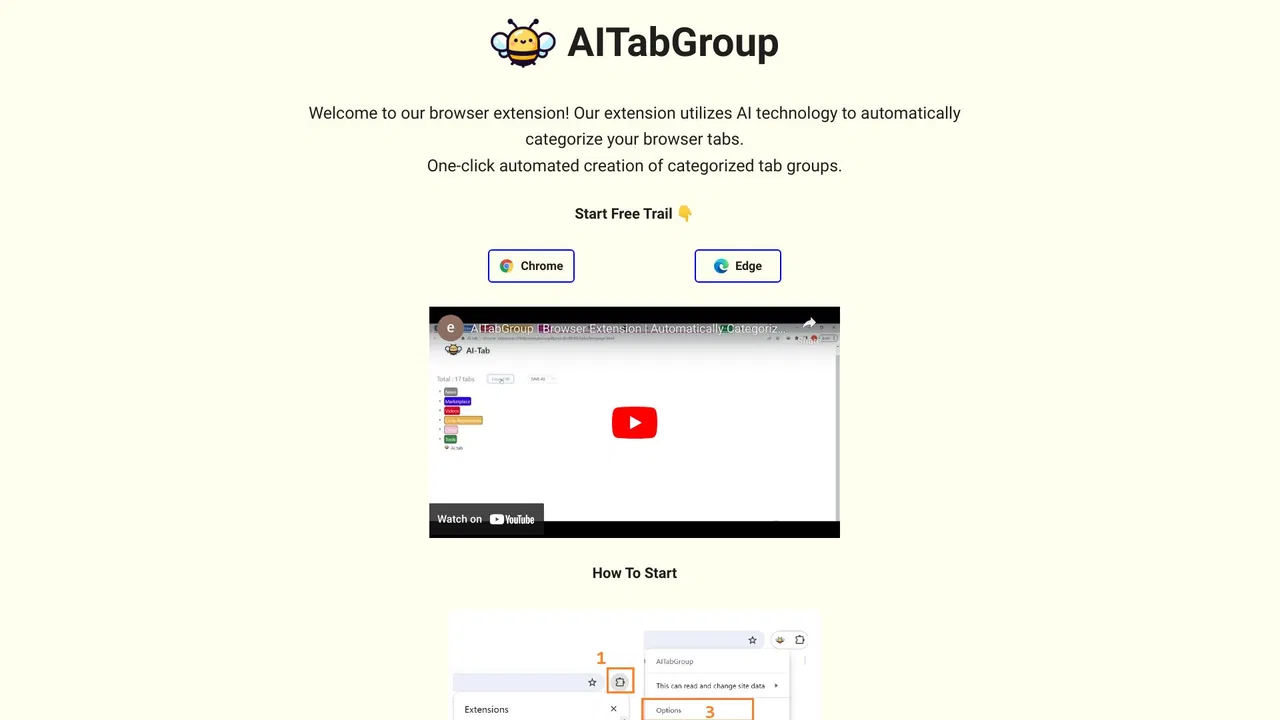
Group your chaotic browser tabs automatically with AI
Group your chaotic browser tabs automatically with AI

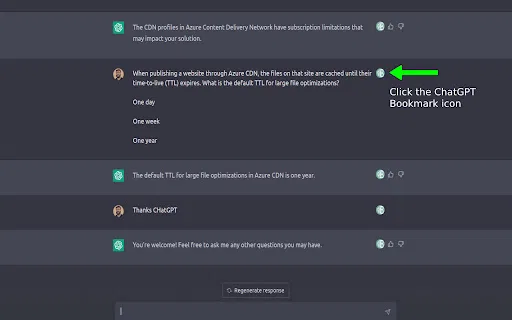
Bookmark key ChatGPT messages and jump straight back to them
Bookmark key ChatGPT messages and jump straight back to them
Export, back up, and organize your AI chat history in any format
Export, back up, and organize your AI chat history in any format

SpecialistSave, search and revisit your best ChatGPT conversations in one click
SpecialistSave, search and revisit your best ChatGPT conversations in one click

SpecialistFile your ChatGPT conversations into folders with a simple drag and drop
SpecialistFile your ChatGPT conversations into folders with a simple drag and drop

Organize, store and paste your prompts anywhere with a shortcut
Organize, store and paste your prompts anywhere with a shortcut

Organize ChatGPT chats and LinkedIn posts into tidy folders
Organize ChatGPT chats and LinkedIn posts into tidy folders

Save the best parts of ChatGPT conversations
Save the best parts of ChatGPT conversations